As exciting as the upcoming premiere of the iPhone 18 Pro and the foldable iPhone Ultra may sound, many more people will be able to enjoy iOS 27 when it officially launches in September. The software will be available on all Apple phones since the iPhone 11, and it appears it’ll resolve one of the most annoying issues with the Messages app.
Even Justin Bieber complained about one of the worst icons in iOS
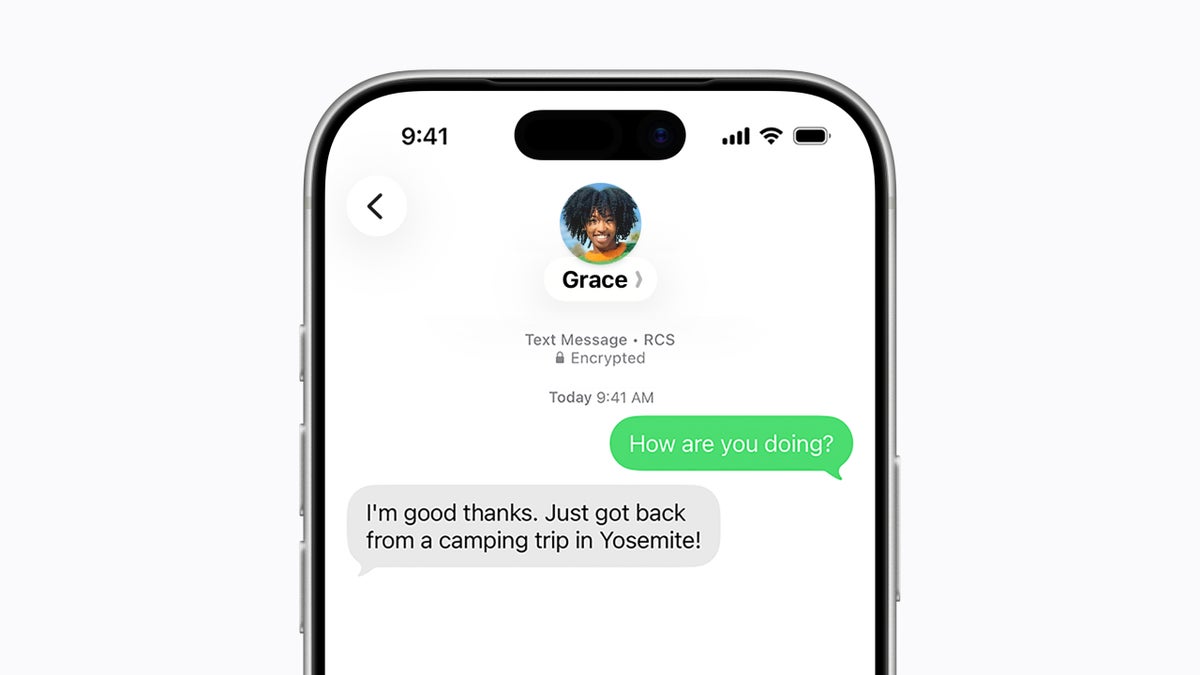
If you have ever used Messages on an iPhone for more than a minute, you’ve likely pressed the dictation or voice icon that appears after sending a text by mistake. This could’ve led to your music or podcast pausing as the phone starts listening.
The problem is so glaringly annoying that even Justin Bieber publicly condemned Apple for it. The pop star said late last year in an Instagram post that the send button shouldn’t have what’s practically a double function. As you can imagine, the post went viral, and even Mark Zuckerberg gave it a like.
What messaging app do you use the most?
73 Votes
Apple Messages
42.47%
WhatsApp
31.51%
Facebook Messenger
1.37%
Google Messages
13.7%
Something else
10.96%
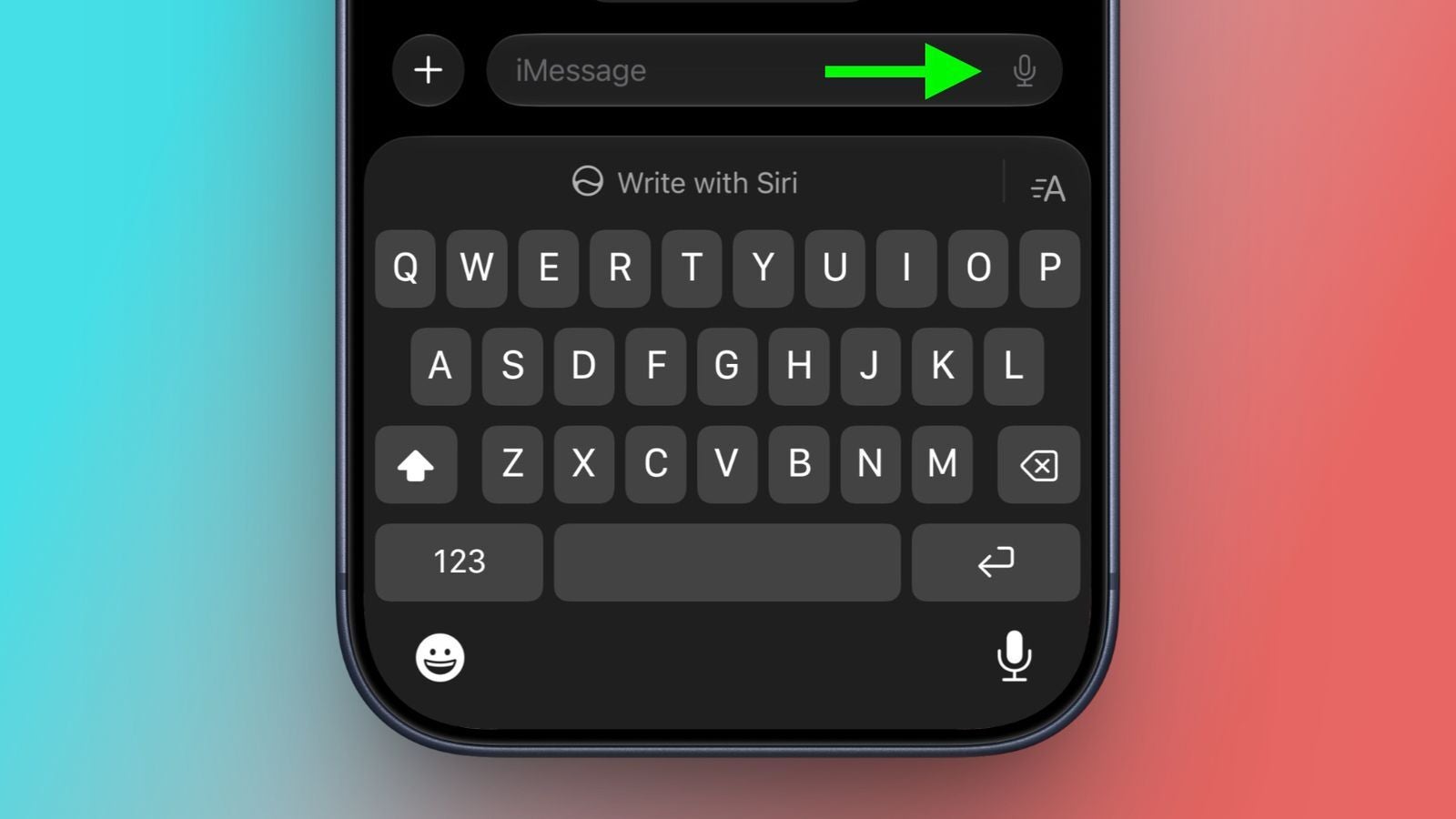
iOS 27 will let you get rid of the voice message button in Messages’ text field
You'll soon be able to remove this pesky icon. | Image by MacRumors
While it’s unclear if Justin Bieber’s post was seen by Apple or not, the company is going to resolve the problem in iOS 27. MacRumors has noticed a new Message setting, which allows you to disable the icon on both iOS 27 and iPadOS 27.
With it, you’ll be able to choose to get rid of the button or keep it for either voice messages or dictation. Here’s how it all works:
Recommended For You
Open the Settings app
Scroll down and tap the Apps menu
Tap on Messages
Tap on the Show in Text Field menu
Choose between Record Audio, Start Dictation, or None
You will still be able to send voice messages
Even if you select to show none of the icons, you won’t lose the voice message and dictation features. To send a voice message, you can tap the plus button on the left of the text field and tap Audio.
As for the dictation, you’ll need to enable it from the keyboard settings of your device. Once that’s done, you’ll see a microphone button at the bottom right of the iOS keyboard, which will allow you to use dictation. This button will appear across the operating system, not only in Messages.
The most annoying mistake
I’ll keep my opinion about Justin Bieber’s music to myself, but I couldn’t agree more with his criticism towards Apple. Even as someone who doesn’t use Messages all that much, this icon has irritated me for far too long, and I can’t wait for iOS 27 to finally fix it.
Read the latest Apple news:
Here's how to get a brand-new iPhone for $18/month: Apple Upgrade is officially here
iPhone Ultra could be only one of many brand-new Apple products this fall
Apple's new CEO spills the beans on what his company's priorities are
Free Galaxy A17 5G with Straight Talk
Get a free Galaxy A17 with Straight Talk. To claim this deal, you need to pair the phone with activation on a Silver Unlimited Plan or higher. This tier costs $45 per month. Offer valid through 01/10/27 while supplies last online.
Ilia, a tech journalist at PhoneArena, has been covering the mobile industry since 2011, with experience at outlets like Forbes Bulgaria. Passionate about smartphones, tablets, and consumer tech, he blends deep industry knowledge with a personal fascination that began with his first Nokia and Sony Ericsson devices. Originally from Bulgaria and now based in Lima, Peru, Ilia balances his tech obsessions with walking his dog, training at the gym, and slowly mastering Spanish.
A discussion is a place, where people can voice their opinion, no matter if it
is positive, neutral or negative. However, when posting, one must stay true to the topic, and not just share some
random thoughts, which are not directly related to the matter.
Things that are NOT allowed:
Off-topic talk - you must stick to the subject of discussion
Offensive, hate speech - if you want to say something, say it politely
Spam/Advertisements - these posts are deleted
Multiple accounts - one person can have only one account
Impersonations and offensive nicknames - these accounts get banned
To help keep our community safe and free from spam, we apply temporary limits to newly created accounts:
New accounts created within the last 24 hours may experience restrictions on how frequently they can
post or comment.
These limits are in place as a precaution and will automatically lift.
Moderation is done by humans. We try to be as objective as possible and moderate with zero bias. If you think a
post should be moderated - please, report it.
Have a question about the rules or why you have been moderated/limited/banned? Please,
contact us.





Things that are NOT allowed:
To help keep our community safe and free from spam, we apply temporary limits to newly created accounts: