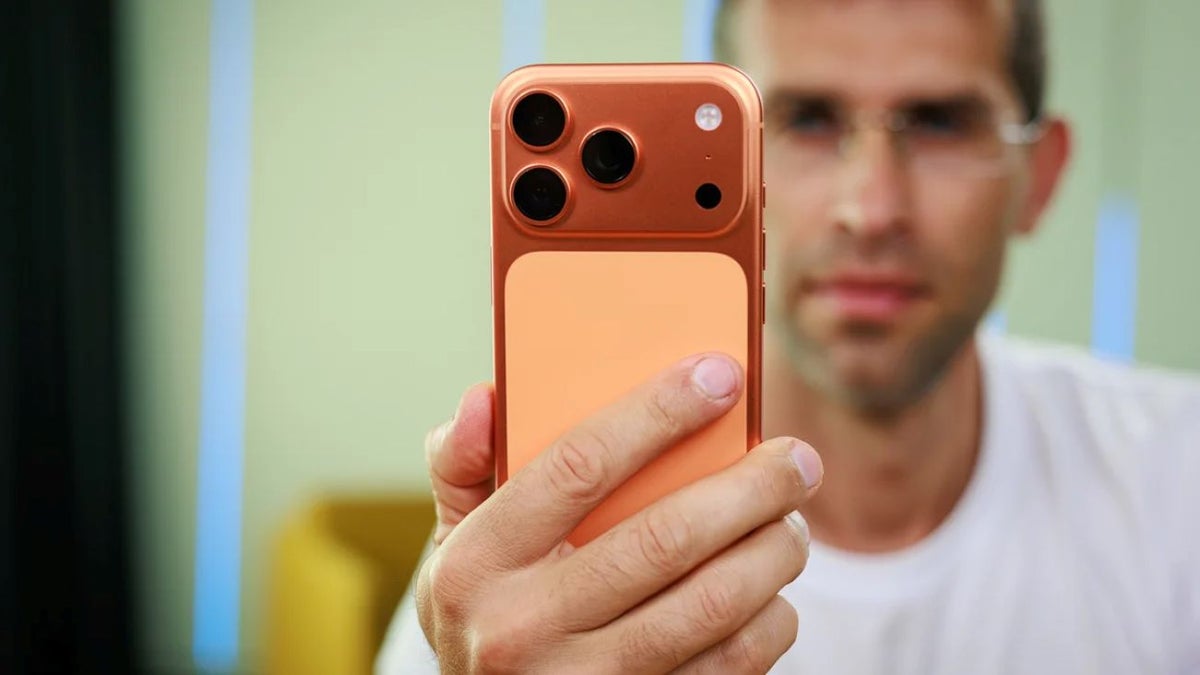
Apple's iOS 27 will reportedly land with a feature that's made to authenticate your iPhone photos.
You know, if someone says, "Hey, this photo is AI, you couldn't have possibly taken it with your iPhone!", you'll be able to prove they don't know what they're talking about.
Enough with the AI slop
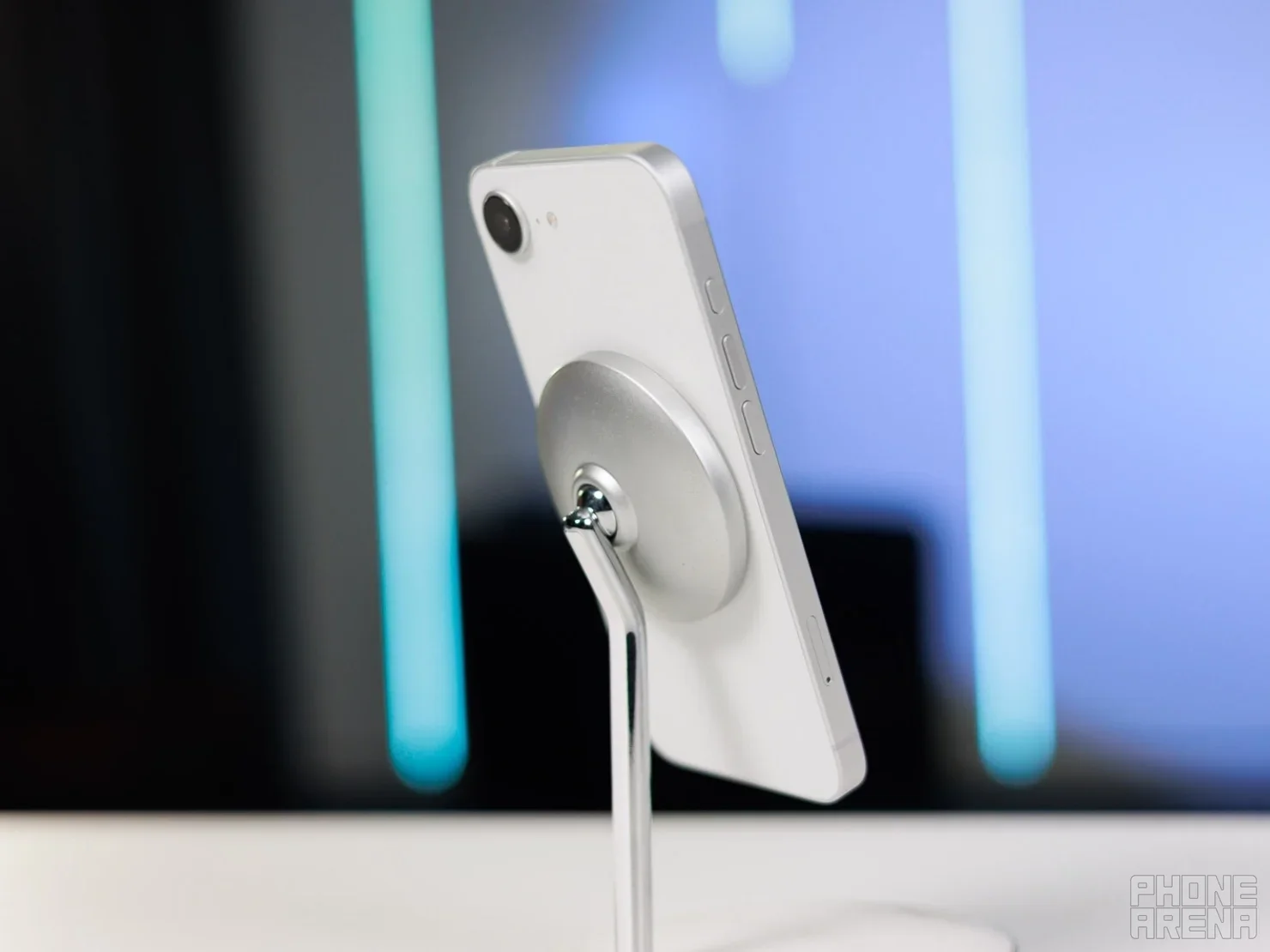
Cupertino's devices are getting smarter. | Image by PhoneArena
Per the freshest report, there are some hints that point towards something called Reference Image.
With the rise of AI-edited (or AI-generated) photos, it's important for OEMs to come up with ways to prove their devices are the real deal. Google has done this with their SynthID (a digital watermarking technology) for transparency. OpenAI does it, Meta does it and now Apple is joining the party, although with a twist.
Some code lines in iOS 27 beta 5 reveal that the Apple Reference Image feature would authenticate the source of photos by utilizing unique data tied to the iPhone camera hardware that captured them.
Do you think adding a watermark is a solution for AI-generated content?
133 Votes
Is it secure though?
Apple is famous for its privacy-first approach to its devices (whether you trust them or not is another issue) and here, the company takes a similar approach.
Allegedly, Apple won't be able to see the original photo itself. The image would be redirected to Private Cloud Compute for authentication and only certain sensor information and photo metadata would be sent back to Apple. The findings report has it that should Apple decide that a sensor is compromised, it may annul any prior authentications linked to that sensor.
Recommended For You
How to turn it on?
If this new feature makes it to the stable iOS 27 release (it would be astounding if Apple decides to ditch it at the last minute), users would initially have it turned off by default. To enable it, it would most likely be found in the Settings > Camera > Reference Image menu (tapping on "Reference Mode" would enable it).
You need to enable it before taking photos
The important catch is that Reference mode has to be enabled when the photo is taken. Regular iPhone photos won't automatically get the provenance information needed for later authentication.
The feature also doesn't appear to verify photos the moment you take them. Instead, you can choose to authenticate a photo later, sending the original image and its provenance data to Apple's Private Cloud Compute for verification. If the check passes, Apple gives the photo a unique ID.
Apple is also taking a privacy-friendly approach to sharing. Someone else with an Apple device can check locally whether an authenticated photo is still genuine, without Apple being told which image they're viewing.
Sebastian is one of PhoneArena’s senior opinionators. A veteran news writer with almost 20 years of experience in media and technology, he not only covers all the hot news about Galaxies and iPhones, but often provides hot takes on industry trends. He’s fascinated with camera-focused flagships from the likes of Oppo and Vivo, as well as foldable phones.
A discussion is a place, where people can voice their opinion, no matter if it
is positive, neutral or negative. However, when posting, one must stay true to the topic, and not just share some
random thoughts, which are not directly related to the matter.
Things that are NOT allowed:
Off-topic talk - you must stick to the subject of discussion
Offensive, hate speech - if you want to say something, say it politely
Spam/Advertisements - these posts are deleted
Multiple accounts - one person can have only one account
Impersonations and offensive nicknames - these accounts get banned
To help keep our community safe and free from spam, we apply temporary limits to newly created accounts:
New accounts created within the last 24 hours may experience restrictions on how frequently they can
post or comment.
These limits are in place as a precaution and will automatically lift.
Moderation is done by humans. We try to be as objective as possible and moderate with zero bias. If you think a
post should be moderated - please, report it.
Have a question about the rules or why you have been moderated/limited/banned? Please,
contact us.




Things that are NOT allowed:
To help keep our community safe and free from spam, we apply temporary limits to newly created accounts: