
Here's how you can file a claim and grab your share of the $68 million Google Assistant settlement
If you bought a Pixel between May 18, 2016, and March 19, 2026, or had Google Assistant record you, file a claim now.
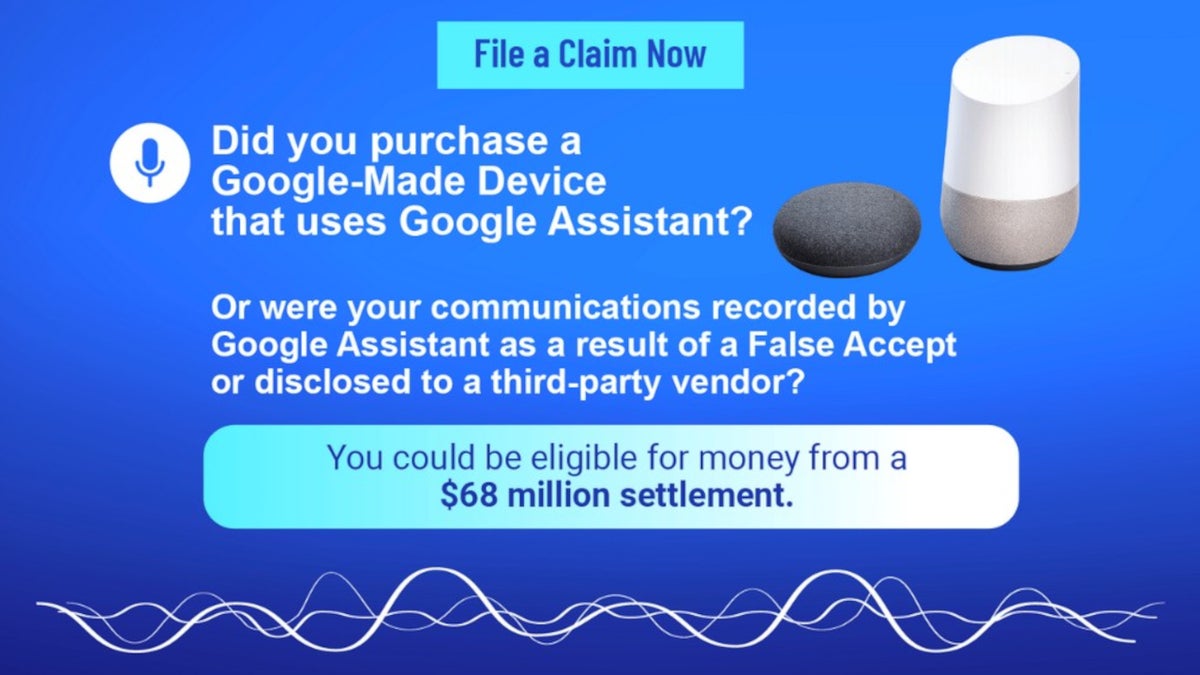
Time to file your claim and get your share of the Google Assstant $68 million settlement | Image by googleassistantprivacylitigation
Back in January, we told you that Google had settled a lawsuit over Google Assistant for the amount of $68 million. At the time, we told you that we would let you know when you could file a claim and that time is now. To be eligible to file a claim, you must have purchased a Google-made device in the United States or its territories between May 18, 2016, and March 19, 2026.
Those who were recorded after a false activation by Google Assistant can also make a claim
Also eligible to file a claim are those who used the Google Assistant and had their communications recorded or otherwise obtained by Google Assistant as a result of a false activation. This happens when the virtual assistant acts as though someone has said the wake word to activate it and starts recording private conversations. Also known as a "False Accept," the $68 million settlement also covers those who had conversations recorded in this manner.
Why do you deserve to file a claim for part of the $68 million?
91 Votes
I bought a Google device during the specified time range
79.12%
My voice was recorded by Google Assistant
17.58%
I'm a nice guy
3.3%
The plaintiffs accuse Google of collecting, using, and sharing these recordings. Google claims that it did this to improve its speech recognition technology. The plaintiffs have another way to describe what happened, calling it "a breach of users' privacy rights and Google's stated privacy policies."
How to file a claim
To file a claim, tap on this link and fill out the information requested in the Login box. You will need a Unique ID and a PIN that is included. If you don't have this information, you can request it by pressing the blue button at the bottom of the Login box.
The Unique ID and PIN number are sent to potential claimants via a settlement email. For Google-made devices, like Pixel handsets, documentation needed to satisfy the court could include an order confirmation email from the Google Store, Google account purchase history, credit card or bank statements, or retail receipts.
Those who bought a Google-made device between May 18, 2016, and March 19, 2026, can receive up to $56
At the time of the settlement, counsel for the class said that device purchasers could receive $18 to $56 for each device. Those who did not purchase a device but did have their conversation recorded could receive between $2 and $10. The ultimate payout also depends on the number of claimants who file with the court.
As usual, the lawyers make out the best. They can ask for as much as one-third of the settlement amount, which would amount to a $22.7 million legal fee. The deadline for submitting a claim is August 27, 2026.
The name of the case is: "In re Google Assistant Privacy Litigation, Case No. 4:19-cv-04286, in the United States District Court for the Northern District of California." The final hearing will take place on October 1, 2026.
Google settled to avoid the uncertainty of going to trial
Google denied committing any illegal activity but settled anyway, according to court papers, to eliminate the potential risk, cost, and uncertainty of a trial.
Google is phasing out Google Assistant and is replacing it with Gemini on Android phones. The transition was supposed to be completed by the end of last year, but Google extended it until later this year to guarantee a seamless rollout.
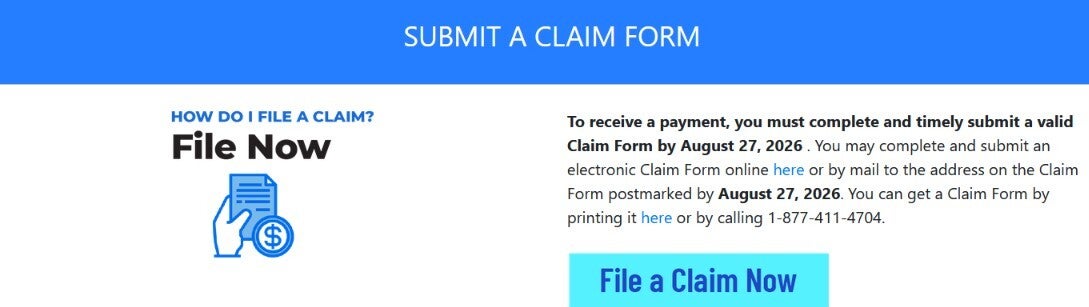
Official website explains how to file a claim and join the class. | Image by googleassistantprivacylitigation.com
Personally, I can tell you that using Gemini as an assistant is a huge improvement over Google Assistant. Almost every query is met with an in-depth response, and the breadth of knowledge is incredible. If you are using a Pixel model especially, selecting Gemini to be your assistant allows your phone to work with some system-level AI tools built into Tensor.
If you have a Pixel and want to switch to Gemini from Google Assistant, it doesn't take long to do. Go to Settings > Apps > Assistant > Digital Assistants from Google and tap on Gemini. Don't worry, Gemini can set timers and alarms, dictate and send texts, and make phone calls.
Even if you don't like AI, or have never used a chatbot, take my word for it. Replacing Google Assistant with Gemini on your Tensor-powered Pixel (Pixel 6 series and newer) is well worth doing.


Popular stories





Latest News






Things that are NOT allowed:
To help keep our community safe and free from spam, we apply temporary limits to newly created accounts: