
AT&T rolls out new update to Samsung Galaxy S8/S8+, see all the new changes

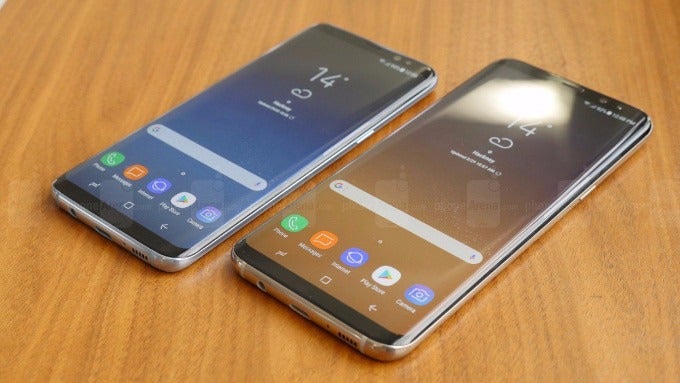
There are quite a few changes on board the latest update. The patch log mentions the introduction of an HDR API for DirecTV, a new Mobile Hotspot APN, improvements to network performance, and various enhancements and bug fixes. The Android Security patch for the month of November is also included.
Last but not least, the Bring Your Own Device (BYOD) experience is vastly improved. Galaxy S8/S8+ owners making the switch to AT&T won't be required to do a factory reset. Now, one will simply need to insert the SIM card and then restart the phone. The restart will also install all of AT&T's apps while disabling the preloaded services from the previous carrier. You can also expect a similar BYOD update to roll out for all carrier variants of the 2017 flagship duo.
The update is available OTA, but it might need some time to reach all compatible devices. You can check for it manually by going to Settings > About Device > Software Updates.
As always, make sure that your phone is sufficiently charged and connected to a Wi-Fi network before proceeding with a patch of this size.

Popular stories



Latest News






Things that are NOT allowed:
To help keep our community safe and free from spam, we apply temporary limits to newly created accounts: