Google is adding an interesting feature to Google Wallet, one that can make shopping a tad easier but also potentially less secure. The latest Google Play Services update allows Google Wallet to autofill the CVV or CVC security code of your card. This means you will be able to use your Pixel 11 or Galaxy S26 to make purchases without the annoyance of taking out your physical card and punching in the code manually.
Google adds CVC/CVV autofill feature to Wallet
The feature is listed in the latest Google Play Services update, version 26.46, from November 23, 2026. When shopping online or using an app, users have had to punch in their three- or four-digit security code manually before the transaction could go through.
Now, with the latest update, the CVC or CVV code will be filled in automatically on card verification screens, making digital shopping a tad easier.
Not everyone remembers their card security code, and taking out your card every time you need to buy something, even if it's a $1 sticker, a small gift for your girlfriend, or a $3.99 game for your kid, can be annoying. However, this new feature comes with a caveat.
Is auto-filling your card security code a good idea?
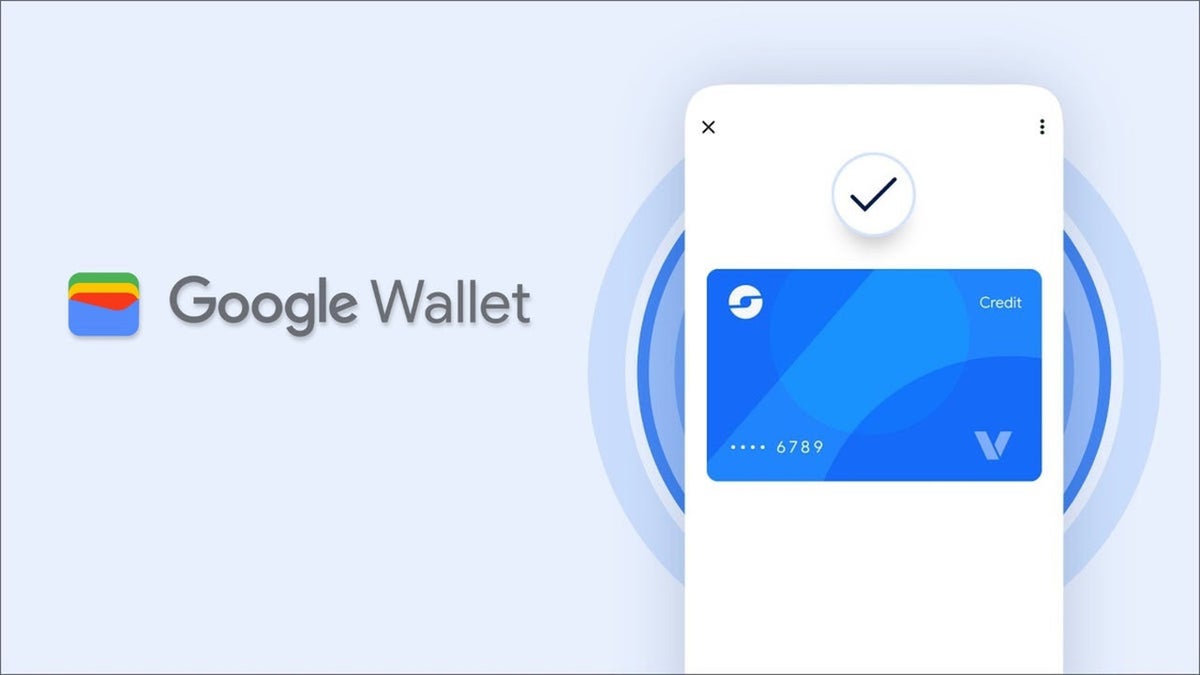
Google states that this autofill option will only work after you've verified your identity with your device's screen lock. | Image by Google
That was the first thought that came to mind when I saw the news. On one hand, Google states that this autofill option will only work after you've verified your identity with your device's screen lock.
Recommended For You
On the other hand, though — your screen lock could be a simple pattern that your family already knows, and in the best-case scenario, your kids could go on a shopping spree with your phone.
Having to physically check the code on your card is a nice security feature, a variation of the two-factor authentication system, where the second factor is your physical card. Skipping this small at first glance security feature could result in financial losses.
Google's update notes don't clarify whether this new feature will work across all apps, websites, or digital payment services in general. It's also not clear whether this new feature is tied to certain phone models, security features (such as a fingerprint scanner or facial recognition), or a specific Google Wallet version.
Poll
3 Votes
Would you use the new CVV/CVC autofill feature in Google Wallet?
Other new features in the November update
A couple of interesting changes are coming with version 54.2 of the Google Play Store. | Image by Google
Meanwhile, there are a couple of interesting changes coming with version 54.2 of the Google Play Store, according to the latest Google System Services update.
First off, Google is giving users more control over how they share their age information with apps. You can now manage your age-range sharing preferences straight from the Play Store settings, and there's even an option to do this on an individual app level.
Android Auto is getting some love as well, with simplified Play Store navigation and redesigned homepages for apps and games. There's something for mobile gamers, too. A new feature called Play Achievements will keep track of your gaming milestones and skills across Google Play.
Bear in mind that just because these features are listed in Google's release notes doesn't mean you'll get them right away. As is often the case with Google, the rollout might take some time, and availability could vary depending on your device and region.
But back to the card security code autofill feature — I'm interested in how many of you would actually use this new feature. I would rather use my card and fill in the code manually, just in case. But maybe, if your phone uses an ultrasonic fingerprint scanner you already use for payment authentication, this won't be such a big deal after all. Share your thoughts in the comment section below.
Mariyan, a tech enthusiast with a background in Nuclear Physics and Journalism, brings a unique perspective to PhoneArena. His childhood curiosity for gadgets evolved into a professional passion for technology, leading him to the role of Editor-in-Chief at PCWorld Bulgaria before joining PhoneArena. Mariyan's interests range from mainstream Android and iPhone debates to fringe technologies like graphene batteries and nanotechnology. Off-duty, he enjoys playing his electric guitar, practicing Japanese, and revisiting his love for video games and Haruki Murakami's works.
A discussion is a place, where people can voice their opinion, no matter if it
is positive, neutral or negative. However, when posting, one must stay true to the topic, and not just share some
random thoughts, which are not directly related to the matter.
Things that are NOT allowed:
Off-topic talk - you must stick to the subject of discussion
Offensive, hate speech - if you want to say something, say it politely
Spam/Advertisements - these posts are deleted
Multiple accounts - one person can have only one account
Impersonations and offensive nicknames - these accounts get banned
To help keep our community safe and free from spam, we apply temporary limits to newly created accounts:
New accounts created within the last 24 hours may experience restrictions on how frequently they can
post or comment.
These limits are in place as a precaution and will automatically lift.
Moderation is done by humans. We try to be as objective as possible and moderate with zero bias. If you think a
post should be moderated - please, report it.
Have a question about the rules or why you have been moderated/limited/banned? Please,
contact us.








Things that are NOT allowed:
To help keep our community safe and free from spam, we apply temporary limits to newly created accounts: