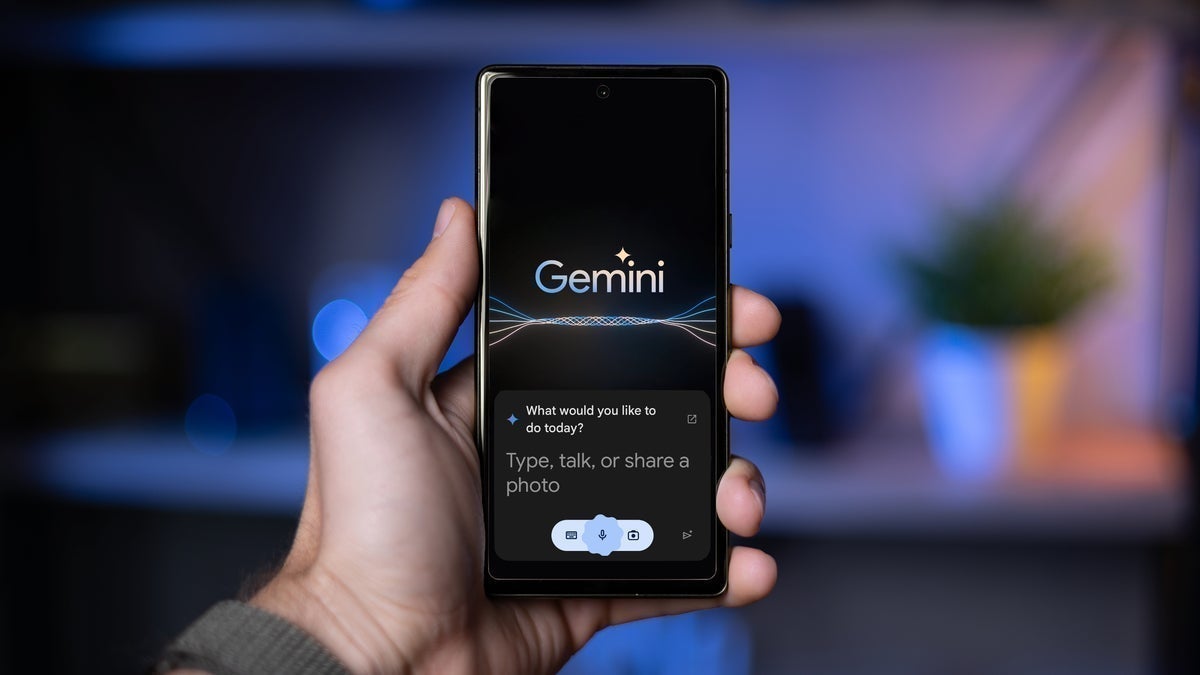
Gmail for mobile is about to get a new layer of Generative AI for your inbox. Google is now beginning to roll out automatic AI-generated summaries for emails. This move is the latest sign that Google is shifting Gemini from being just an option to becoming the default assistant for anyone with a Google account.
Until this change, you could also get a quick overview of a lengthy email thread. However, you had to tap on the "Summarize this email" button to prompt Gemini to summarize it. Now, you won't need this step to get the summary.
The Gmail app for both Android and iPhone will automatically display a summary card at the top of certain emails. The key here is that Gemini would decide when this might be helpful, and it should typically do it for longer conversations or threads that contain more than one response.
The summary will be shown as concise bullet points. Of course, those will update dynamically when new replies are added to the conversation. The aim here is to keep you informed without you having to scroll through the entire conversation.
For now, the change is rolling out to Google Workspace users, Gemini Education add-on users, and Google One AI Premium subscribers. It’s currently limited to emails written in English – and only on mobile.
Recommended For You
According to Google, the rollout should take around two weeks. It's still not clear when (or if) the feature will be made available to regular Gmail accounts or users on desktops. However, it's highly likely that the feature will roll out to those users eventually.
Image Credit - Google
Luckily for those of you who'd like no assistance from artificial intelligence in your Gmail, there's an option to opt out. Unfortunately, it comes with some trade-offs. Like, for example, to disable automatic summaries, you'd have to disable the entire "smart features" suite in Gmail.
The smart features include tools like high-priority notifications, package tracking, Smart Compose, and Smart Reply. The good thing is that even if you disable smart features, you can still manually request Gemini to summarize an email when you need it.
These summaries are powered again by the standard AI tech – Large Language Models or LLMs which power other generative AI chatbots and assistants. It seems that Google may be feeding your email text into their LLMs for further training.
We can clearly see the direction Google is taking with AI. The push to make AI summaries a core part of Gmail reflects the broader trend across its products that we saw during Google's I/O conference.
Meanwhile, summarization is indeed a practical application of generative AI, especially if you tend to have to deal with long or complex email threads often. Having the AI summarize your long emails will help save time and energy.
Of course, some people may find the automatic summaries invasive or unnecessary, especially if those appear for shorter messages. Others will appreciate the time it saves. For now, it seems the Mountain View tech giant believes the majority of people will like and welcome this change, and it continues to introduce AI into more and more Google products.
Meanwhile, during Google I/O, Google introduced a wide variety of use cases for Gemini, including AI mode for search. With this mode, generative AI should help you with finding what you're searching for faster: including clothes and even seeing how those will look on you without even trying them.
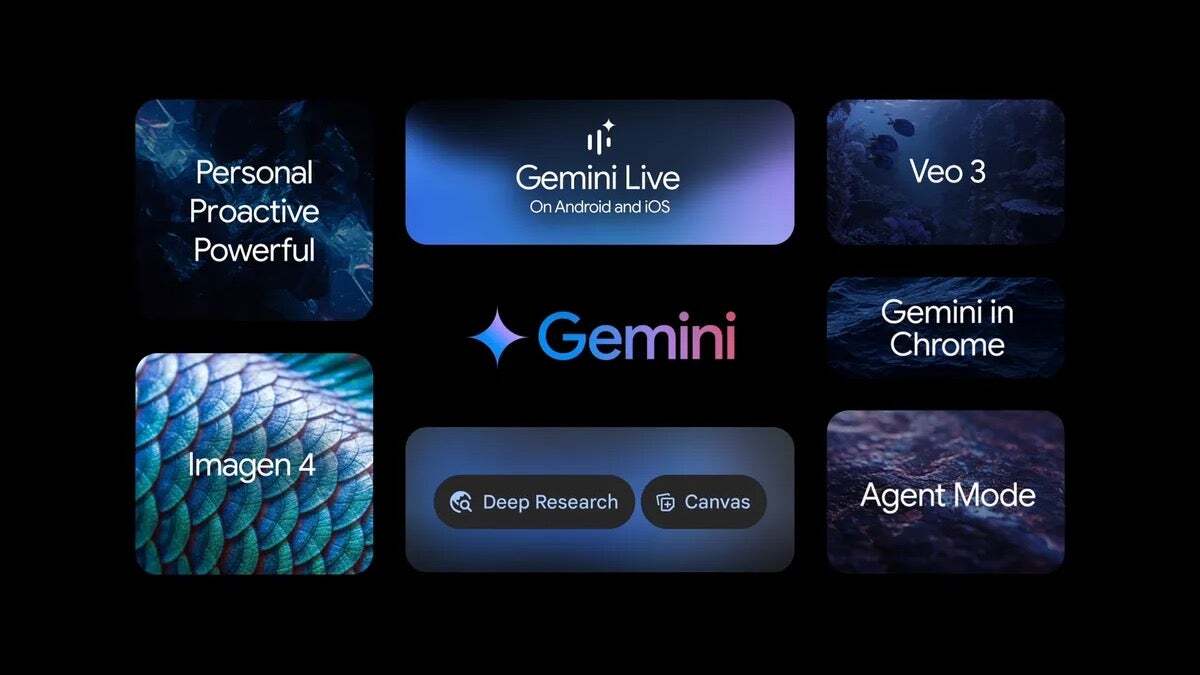
Also, the company announced changes coming to Gemini, including Gemini in Chrome, Deep Research, and Canvas upgrades, and even an Ultra plan for its generative AI subscription which costs $249 per month. And it's not only Google that's focusing on AI – the entire tech world is (whether some like it or not). Only Apple is a bit late to the party (well, it partially arrived).
Six-month unlimited plan is now 57% off
$90
$210
$120 off (57%)
Mint Mobile is now allowing you to get whichever plan you like for either three, six, or 12 months for just $15/mo. If you go for the six-month unlimited service, for instance, you'll now have to pay just $90 upfront instead of $210.
Iskra Petrova is a news writer at PhoneArena, where she covers mobile tech news and maintains the site’s device hubs with the latest leaked specs, rumors, and official details for upcoming phones. She joined PhoneArena in 2020 after three years in technical support for Microsoft Exchange, giving her practical experience with software infrastructure and troubleshooting. Iskra holds a Master’s Degree in Literature, which helps her translate complex tech details into clear, reader-friendly coverage. She is a daily Apple ecosystem user, while also closely following Sony Xperia’s camera-focused phones and Samsung’s Galaxy Z Flip series.
A discussion is a place, where people can voice their opinion, no matter if it
is positive, neutral or negative. However, when posting, one must stay true to the topic, and not just share some
random thoughts, which are not directly related to the matter.
Things that are NOT allowed:
Off-topic talk - you must stick to the subject of discussion
Offensive, hate speech - if you want to say something, say it politely
Spam/Advertisements - these posts are deleted
Multiple accounts - one person can have only one account
Impersonations and offensive nicknames - these accounts get banned
To help keep our community safe and free from spam, we apply temporary limits to newly created accounts:
New accounts created within the last 24 hours may experience restrictions on how frequently they can
post or comment.
These limits are in place as a precaution and will automatically lift.
Moderation is done by humans. We try to be as objective as possible and moderate with zero bias. If you think a
post should be moderated - please, report it.
Have a question about the rules or why you have been moderated/limited/banned? Please,
contact us.














Things that are NOT allowed:
To help keep our community safe and free from spam, we apply temporary limits to newly created accounts: