How to manage the built-in app optimization feature in Samsung's TouchWiz
We simply love the slew of improvements and under-the-hood optimizations that Samsung has thrown into the latest version of its TouchWiz. Found on the Sammy's 2015 crop of high-end devices (the Galaxy Note 5, S6 edge+, S6 edge, and the Galaxy S6 flagship), the new rendition of the giant's in-house firmware is slimmed-down and faster than ever, but one of our favorite features of it usually keeps a low profile.
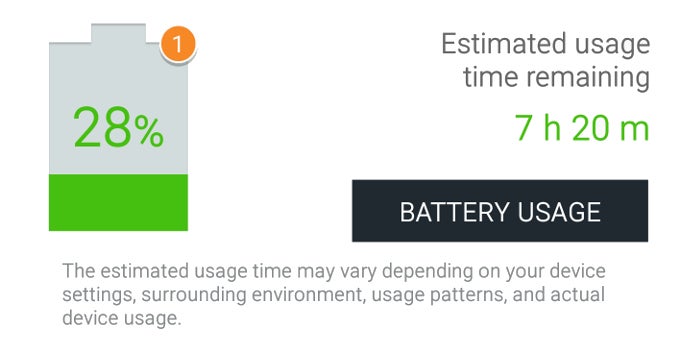
Well, you won't keep you in the loop anymore - we are talking about the baked-in app optimization functionality, which acts as a watch dog and optimizes the power usage of most of the apps you have installed on your handset. It does this automatically - after a certain app has not been used for 3, 5, or 7 days, TouchWiz optimizes it and does not allow it to run in the background.
Some of the more tech-savvy users will notice some resemblances between Samsung's solution and Greenify, one of the popular 3rd-party app-optimizing apps, mainly in the overall functionality. Both put the kibosh on battery hoggers and aim to improve your battery life, which is great!
Okay, so how does one manage the app optimization feature on your Samsung device. Check out right below.
How to manage the Galaxy Note 5's built-in optimization feature


Popular stories






Latest News





Things that are NOT allowed:
To help keep our community safe and free from spam, we apply temporary limits to newly created accounts: