Oops! You had in the back of your head all day Tuesday to download Adobe Flash Player from the Google Play Store before it would be removed on Wednesday. But you had last Sunday's Breaking Bad on DVR and you just had to watch it before your buddies would start talking about the episode. The time got away from you and before you knew it, Wednesday was here. Now that you can no longer use the Google Play Store to add the app to your device, are you permanently stuck without Flash? The answer is no. There is a way to manually add Flash Player to your Android device.
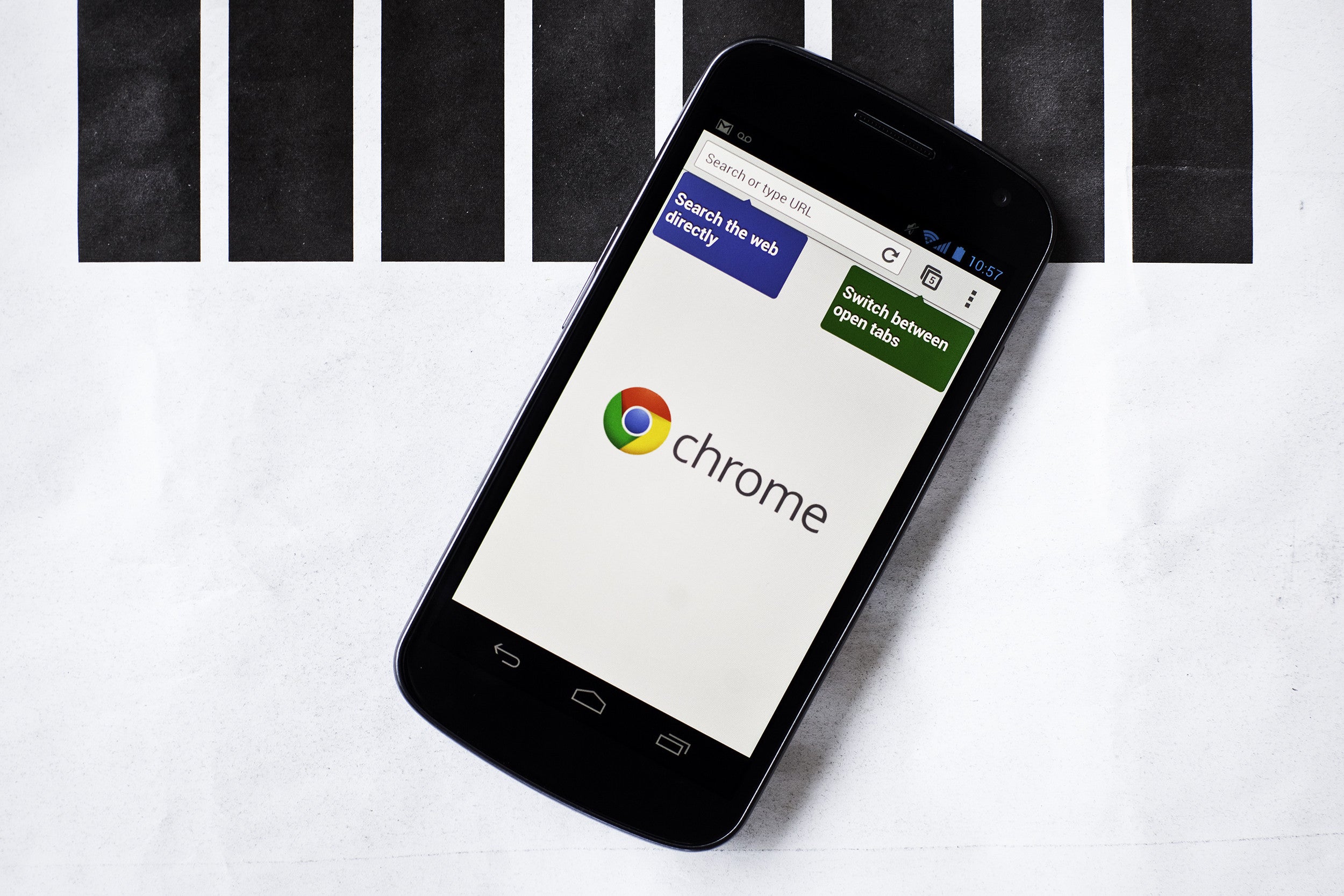
Before we begin, just some things you need to consider. Since Adobe is no longer supporting the software, it could prove to be a bit unstable on Android 4.1. Also, because the Chrome for Android doesn't support Flash, those rocking Android 4.1 need to have a stock browser installed. Additionally, without support from Adobe, installing Flash could lead to security issues. Finally, make sure that your device is set to allow third party software to be downloaded on your device. For those Android devices running 2.2, 2.3 or 3.x, go to Settings > Applications. On Android 4.x, you will need to go to Settings > Security.
Chrome for Android does not support Flash
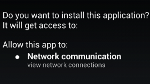
Once that is done, go to http://goo.gl/CA1WU and download the Flash for Android application file (apk). After that, pull down the notification page and tap on the file to install. On the page, ta on install to confirm your selection. When Flash is installed, head to your stock browser. For those running Android 3.0 or later go to Menu>Settings>Advanced>Enable Plug-ins. For constant Flash usage, click on "Always on" or if you want to decide when to run the software, click on "On demand".
Recommended For You
Those with Android 2.2 or Android 2.3 should head to Menu > Settings (or Menu > More > Settings), which is where the "Enable Plug-ins" option can be found.
And that is all there is to it! You should uncheck the "Unknown Sources" third party software box for security reasons. Let us know if you were able to manually install Flash Player for your Android device using these directions by dropping a comment in the box below.
Screenshots for the manual Flash Player installation
Six-month unlimited plan is now 57% off
$90
$210
$120 off (57%)
Mint Mobile is now allowing you to get whichever plan you like for either three, six, or 12 months for just $15/mo. If you go for the six-month unlimited service, for instance, you'll now have to pay just $90 upfront instead of $210.
Alan, an ardent smartphone enthusiast and a veteran writer at PhoneArena since 2009, has witnessed and chronicled the transformative years of mobile technology. Owning iconic phones from the original iPhone to the iPhone 15 Pro Max, he has seen smartphones evolve into a global phenomenon. Beyond smartphones, Alan has covered the emergence of tablets, smartwatches, and smart speakers.
A discussion is a place, where people can voice their opinion, no matter if it
is positive, neutral or negative. However, when posting, one must stay true to the topic, and not just share some
random thoughts, which are not directly related to the matter.
Things that are NOT allowed:
Off-topic talk - you must stick to the subject of discussion
Offensive, hate speech - if you want to say something, say it politely
Spam/Advertisements - these posts are deleted
Multiple accounts - one person can have only one account
Impersonations and offensive nicknames - these accounts get banned
To help keep our community safe and free from spam, we apply temporary limits to newly created accounts:
New accounts created within the last 24 hours may experience restrictions on how frequently they can
post or comment.
These limits are in place as a precaution and will automatically lift.
Moderation is done by humans. We try to be as objective as possible and moderate with zero bias. If you think a
post should be moderated - please, report it.
Have a question about the rules or why you have been moderated/limited/banned? Please,
contact us.










Things that are NOT allowed:
To help keep our community safe and free from spam, we apply temporary limits to newly created accounts: