Google is busy setting the stage for the Pixel 11 rollout next month, but that doesn't mean their Android project is getting neglected.
In fact, one could argue that the upcoming Pixel 11 models won't be getting that much new hardware (sadly, price hikes are expected), but Google's apps keep getting better and better.
We recently told you how both Google Messages and Google Calendar got enhanced and now, it's Google Contacts' turn to brag.
A new section
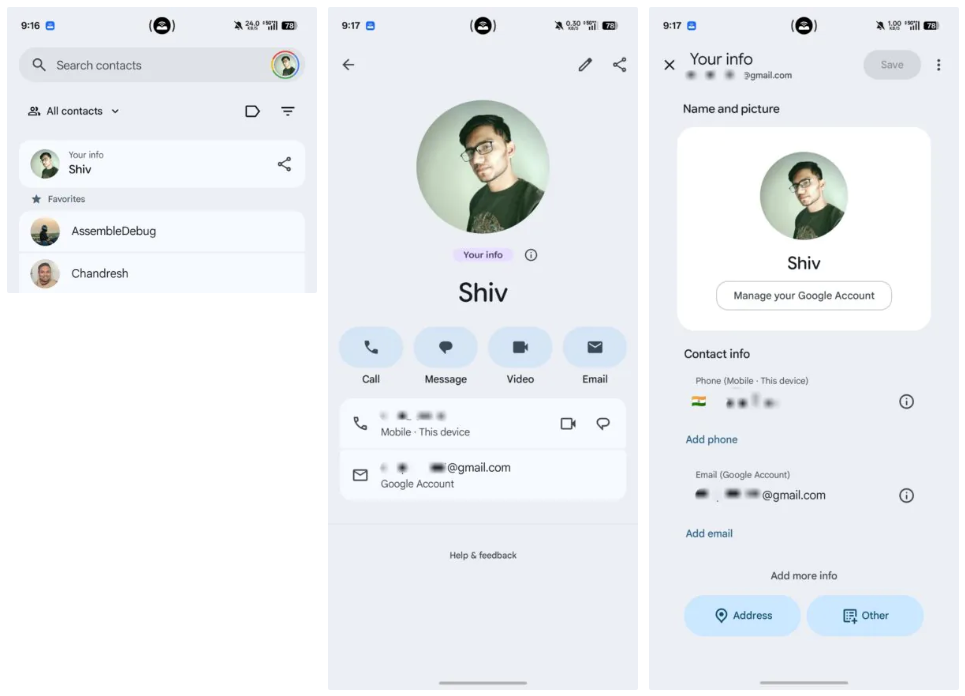
This is what it looks like. | Image by Android Authority
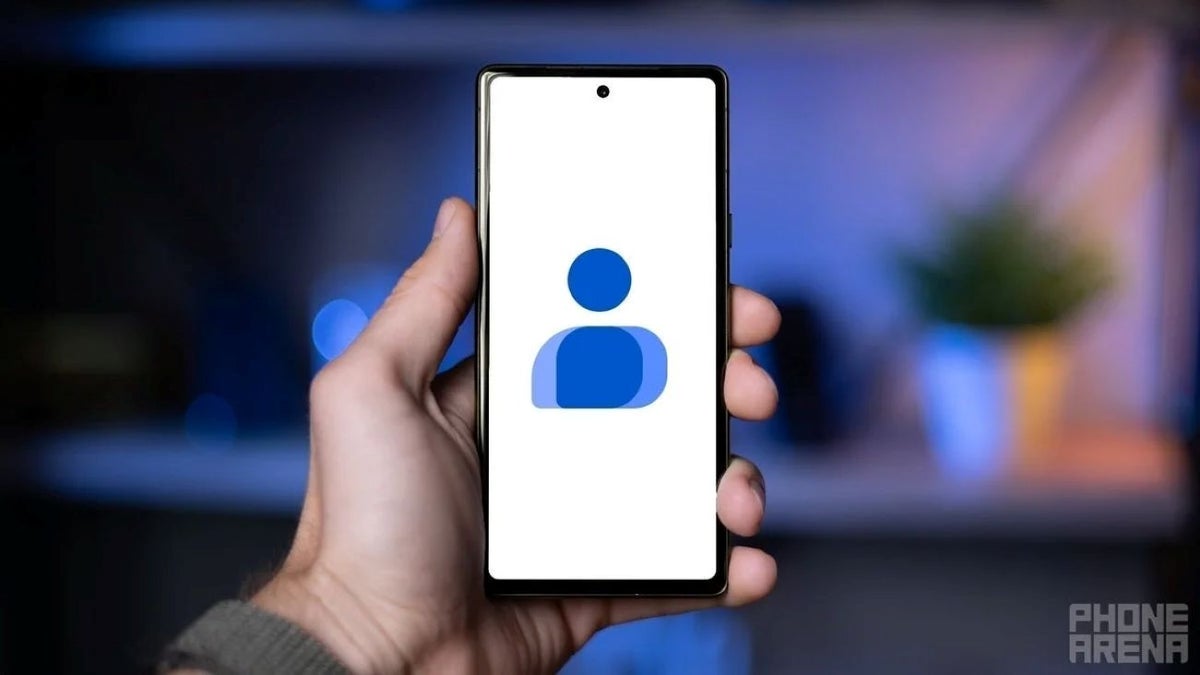
Google is rolling out a new "Your info" section in the Google Contacts app. Instead of hiding your own contact card deep inside the settings menu, the feature places it right at the top of your contacts list, making it much easier to access.
This clever hub lets you store your personal details, including your name, phone number, email address and profile photo. Google is also tightening the integration with your Google account, automatically filling in some of that information.
However, if you wish to alter things, you're free to do so: the new "Your info" hub allows you to edit your entries if you prefer using different contact details.
How often do you share your info with other people?
28 Votes
Almost daily, this enhancement is really useful.
7.14%
Maybe three-four times per year.
17.86%
Since 2020, almost never.
75%
It's about Tap to Share
On its own, moving your contact card to the top of the app may not sound like a major change. However, it's laying the groundwork for a feature Google has been developing for months: Tap to Share.
Recommended For You
The upcoming tool is Android's answer to Apple's AirDrop for sharing contact information. Instead of opening a messaging app, creating a QR code or typing out your phone number (so 2025!), you'll simply hold two compatible Android phones close together and tap to exchange contact details, like making a contactless payment.
Getting things done quickly
So, imagine meeting someone at a conference. You need to exchange numbers between business meetings – quickly sharing your details with a new customer is essential. Rather than spelling out an email address or waiting for someone to type your number correctly, the exchange should take just a second.
Of course, sharing contact information on Android has never been difficult. Users could already send a contact card through Google Contacts, Messages, Bluetooth, Nearby Share or even by showing a QR code.
But the difference here is convenience rather than capability. Those methods usually require opening menus, selecting a contact and choosing a sharing option. Tap to Share aims to remove most of those steps, making the process feel almost effortless.
So, be on the lookout for the Tap to Share feature, as its arrival on "Your info" appears to be getting closer. Now the only thing that remains to be done is to find someone to share your information with.
Mint Mobile's 6-month plans now cost $10/mo
$10
/mo
$35
$25 off (71%)
Mint Mobile is celebrating its 10-year anniversary with a special offer on its six-month subscription plans. For a limited time, you can get your preferred tier (6GB, 17GB, 23GB or unlimited) for just $10/mo. That saves you between 50% and 71% on the carrier's mobile plans, making it way easier to recommend.
Sebastian is one of PhoneArena’s senior opinionators. A veteran news writer with almost 20 years of experience in media and technology, he not only covers all the hot news about Galaxies and iPhones, but often provides hot takes on industry trends. He’s fascinated with camera-focused flagships from the likes of Oppo and Vivo, as well as foldable phones.
A discussion is a place, where people can voice their opinion, no matter if it
is positive, neutral or negative. However, when posting, one must stay true to the topic, and not just share some
random thoughts, which are not directly related to the matter.
Things that are NOT allowed:
Off-topic talk - you must stick to the subject of discussion
Offensive, hate speech - if you want to say something, say it politely
Spam/Advertisements - these posts are deleted
Multiple accounts - one person can have only one account
Impersonations and offensive nicknames - these accounts get banned
To help keep our community safe and free from spam, we apply temporary limits to newly created accounts:
New accounts created within the last 24 hours may experience restrictions on how frequently they can
post or comment.
These limits are in place as a precaution and will automatically lift.
Moderation is done by humans. We try to be as objective as possible and moderate with zero bias. If you think a
post should be moderated - please, report it.
Have a question about the rules or why you have been moderated/limited/banned? Please,
contact us.






Things that are NOT allowed:
To help keep our community safe and free from spam, we apply temporary limits to newly created accounts: