Google is making its Gemini Spark feature, recently renamed to Tasks, free for millions of users. The company announced the change on its official blog, along with support for the new Gemini 4 Hydrogen model.
What is Gemini Tasks?
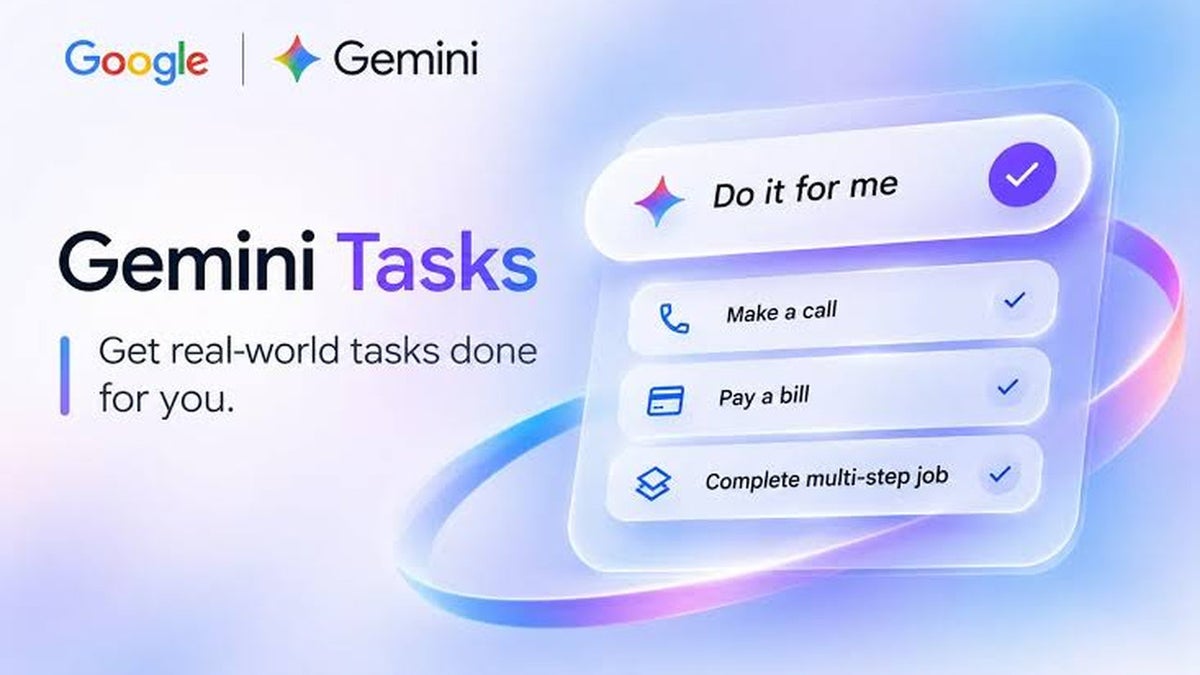
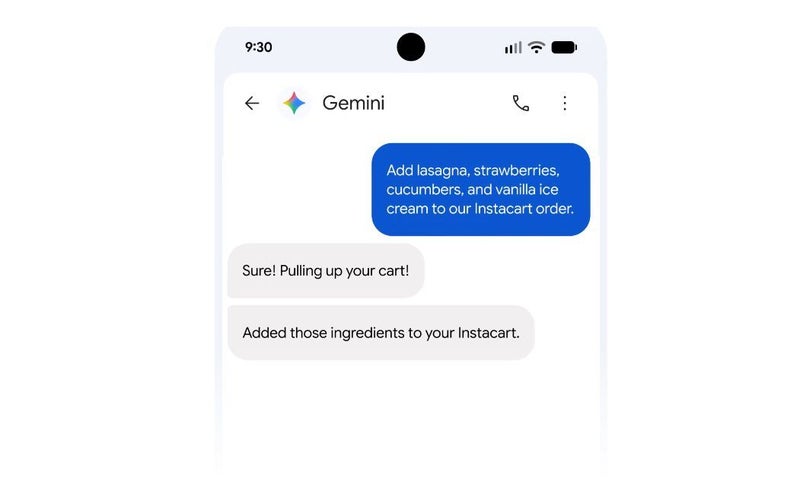
Google renamed Spark to Tasks and today the company is making the feature free for millions of users in six countries. | Image by Google
Gemini Tasks is Google's personal AI agent that can do much more than just answer your questions. This feature turns Gemini from a chatbot into a personal digital butler that can do multi-step tasks for you.
The feature was previously only available to paid Pro and Ultra subscribers, but now Google is giving free access to the AI agent to users in six countries: the US, Japan, Korea, Canada, Australia, and India.
Poll
0 Votes
Would you let Gemini Tasks handle calls for you, write mails, or shop online?
What can Gemini Tasks actually do?
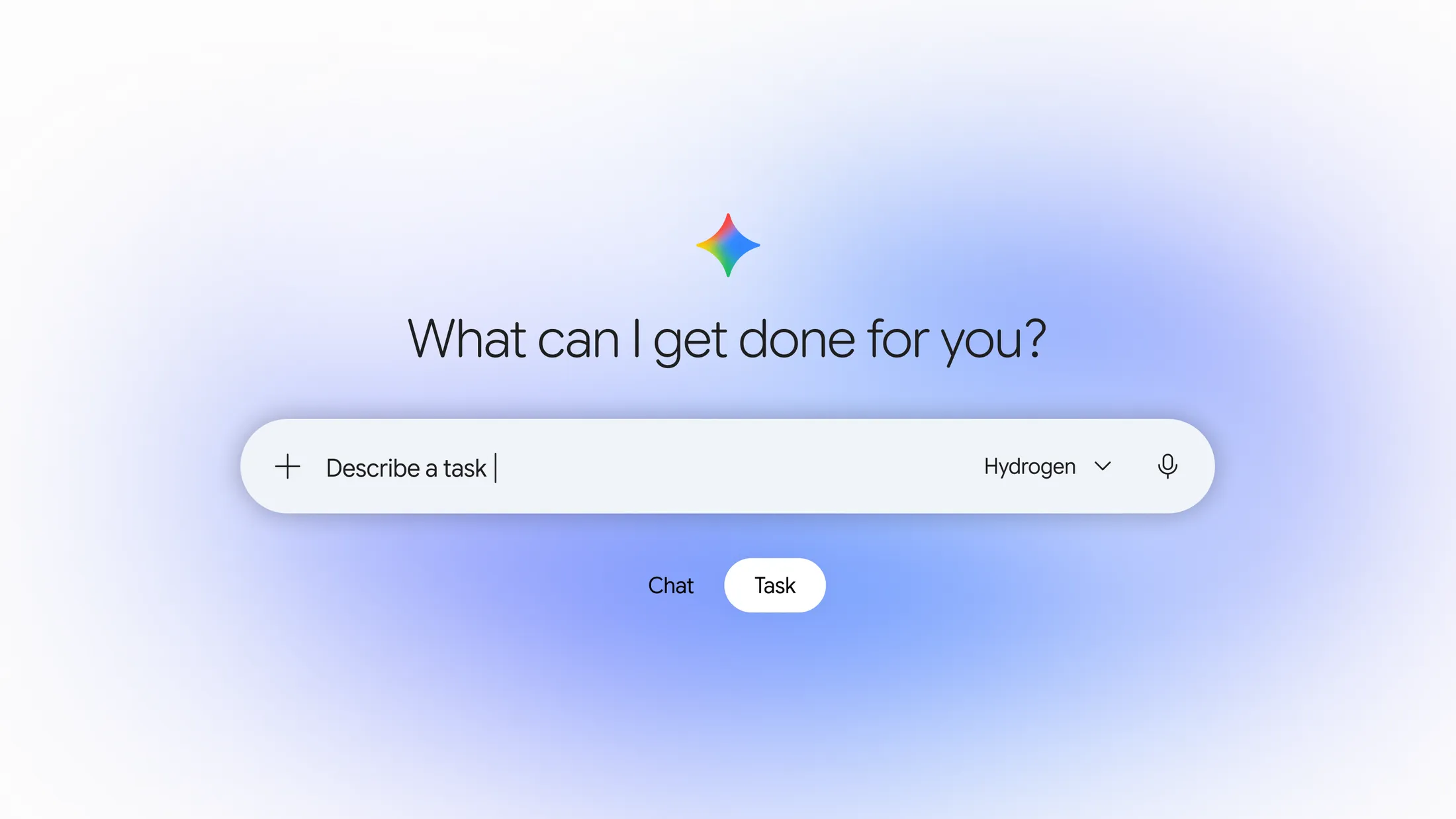
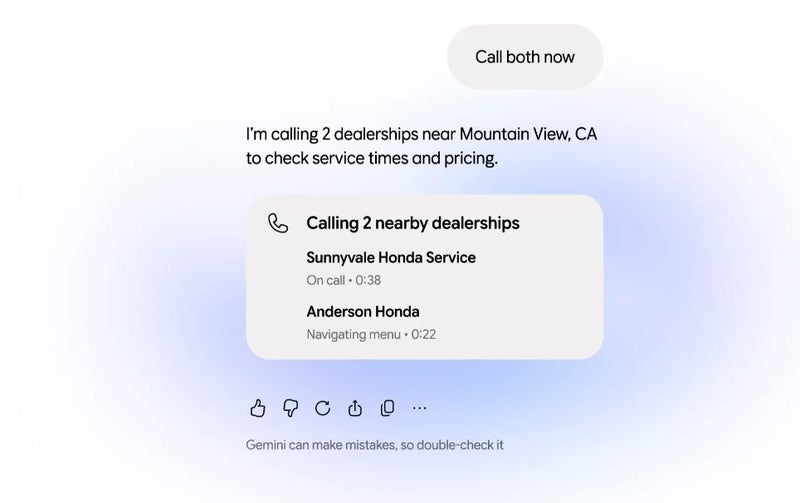
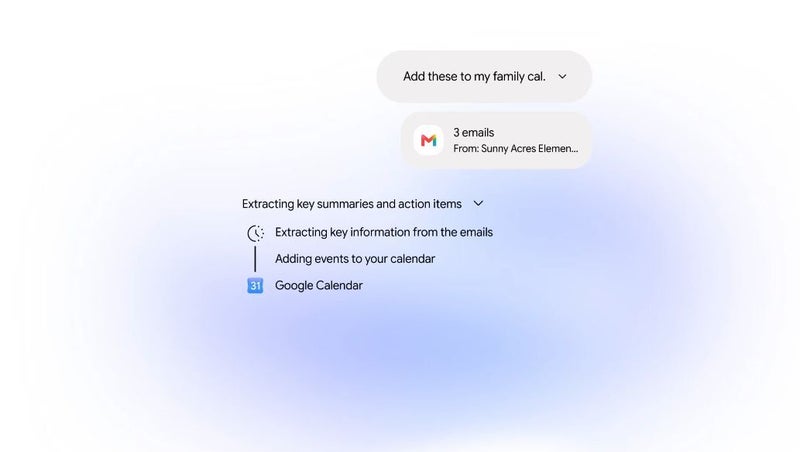
These new Gemini Tasks features are now free for millions of people. | Images by Google
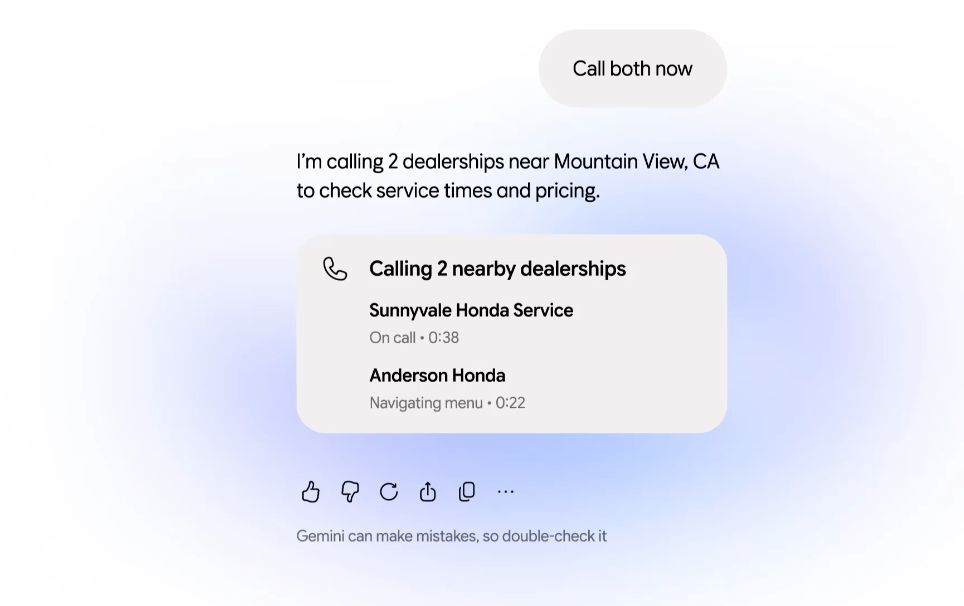
Gemini Tasks can contact businesses, make phone calls, and book appointments. Josh Woodward, Vice President, Labs, Gemini app, and AI Studio, gives an interesting example of him booking an appointment with a dealership for a service on his Honda Odyssey minivan (iconic vehicle, by the way).
Here’s how I’m using it. Recently, our minivan’s check-engine light came on. Ugh. I pulled out Gemini and told it, "Our minivan is overdue for a service appointment. Please call the two nearest dealerships and figure out how to get an appointment early Friday morning over the next month or so." Because Gemini already knows we drive a 2019 Honda Odyssey and where we live through Personal Intelligence, it found the nearest shops on Google Maps and called both at once
- Josh Woodward, Vice President, Labs, Gemini app, and AI Studio
Recommended For You
The AI agent can also shop online for you, research products, find the best prices and discounts, and even complete purchases via Google Pay. You can, of course, set spending caps to keep Gemini Tasks from going on a shopping spree.
You can also connect the feature to other Google apps such as Gmail, Drive, Calendar, and Maps, as well as many third-party services.
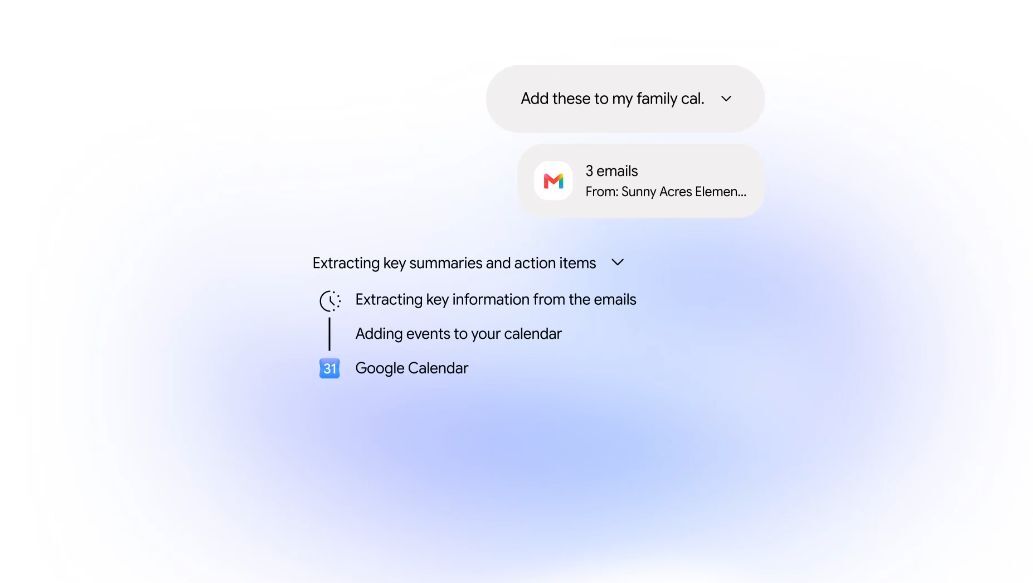
For example, Gemini Tasks can read your emails, identify upcoming events, and add them to Google Calendar. You can also tell the AI agent to log in to websites via Google Password Manager, analyze documents, and forward emails directly to Gemini with relevant instructions.
Some advanced capabilities, including business calling and payment integrations, are initially limited to the US.
The biggest update yet for Gemini x Google Workspace
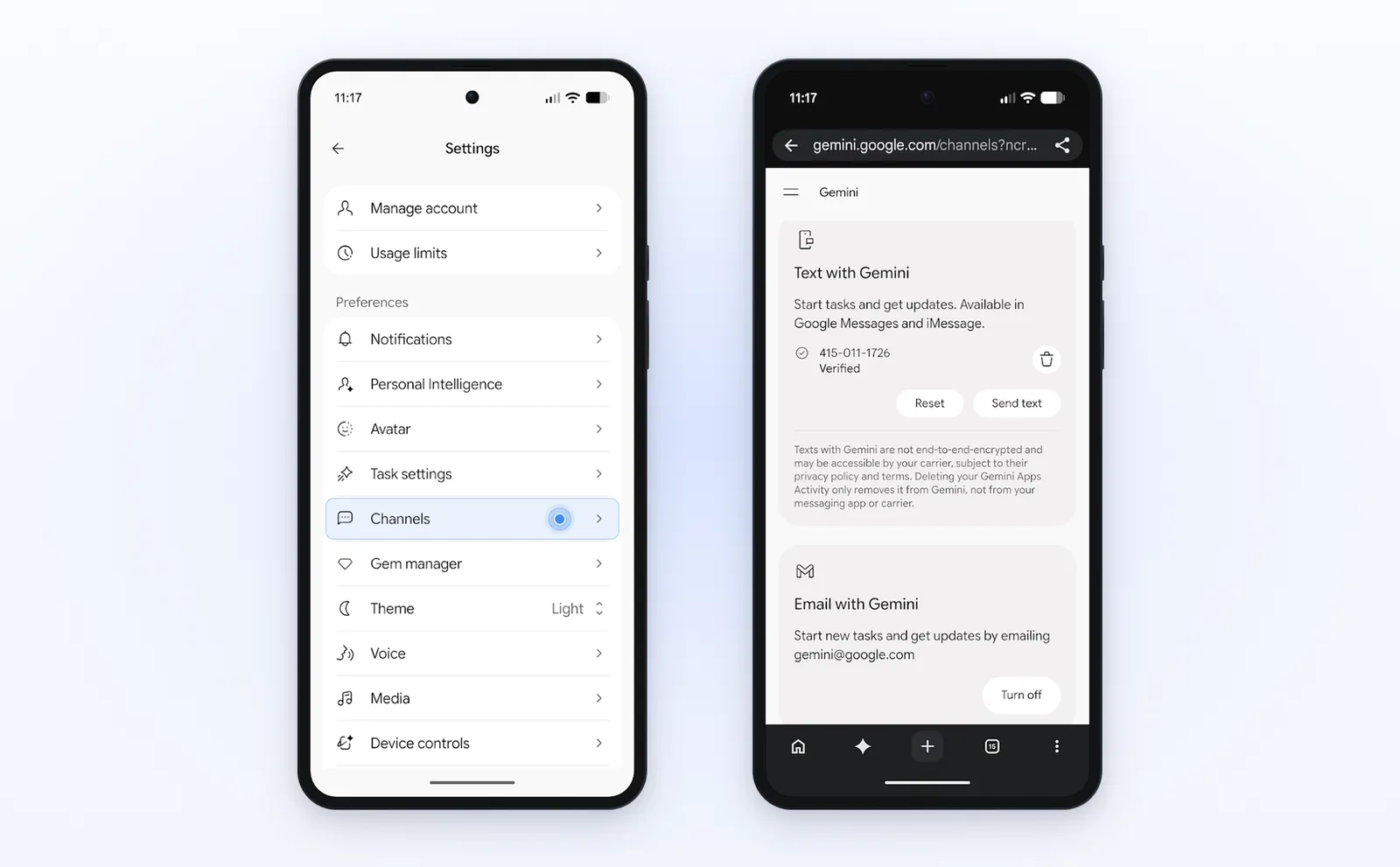
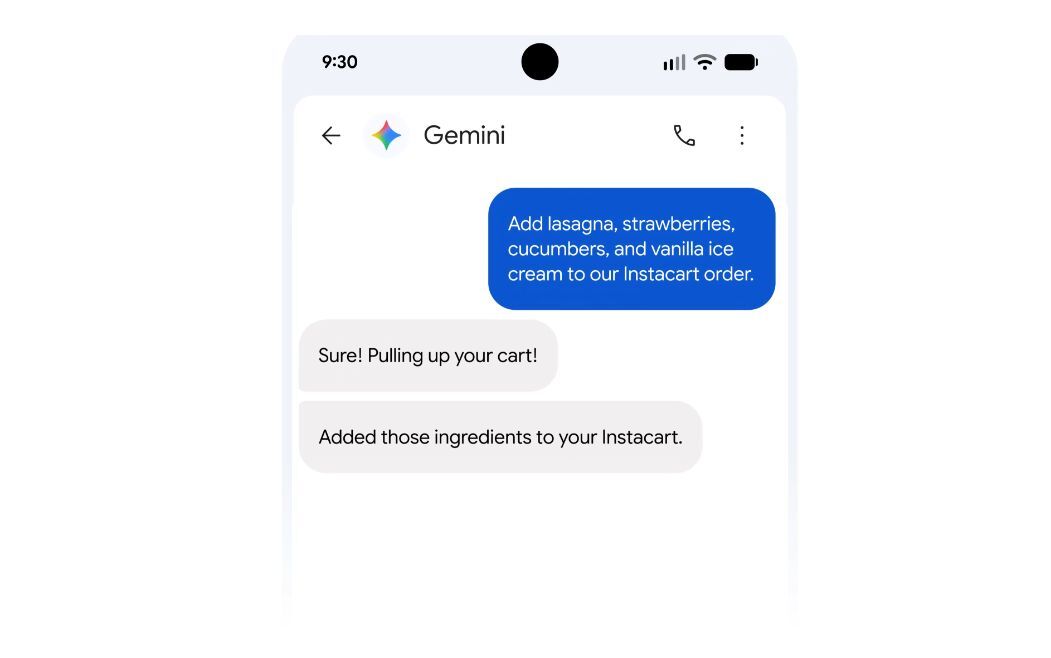
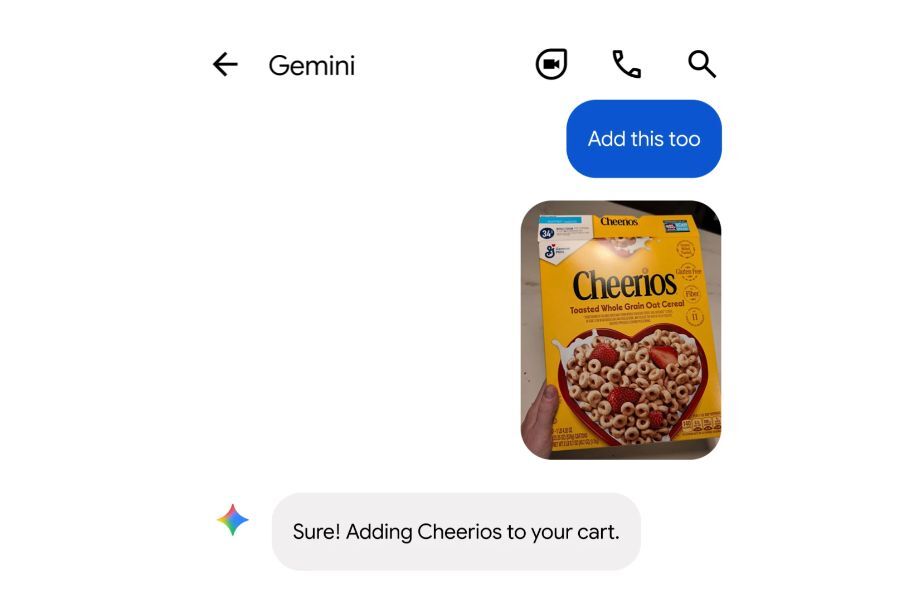
You can text and also email Gemini. | Image by Google
Woodward shared the news on his official X account, adding a third important point. According to the post, Google has also landed its biggest Gemini x Google Workspace integration update to date.
This should make the workflow smoother, with triggers and queries between different tools and services working more reliably.
How to try Gemini Tasks
Gemini Tasks is available both on the web and mobile. Here's what you need to do to get this new AI agent working for you:
Open Gemini on Android or iOS and tap Settings
Tap Channels
Tap Set up under Text with Gemini
Verify your phone number
Is this a game changer for AI?
It could be. Bear in mind that these features were already available to paid users. The act of opening Gemini Tasks to the masses (albeit in only six countries) is strange to me.
On one hand, Google is investing billions in data center infrastructure, plus the company lost $500 billion in ad search revenue due to people using its own AI mode.
I really expected more and more features to be locked behind a paid subscription, not the other way around.
Google is pushing hard on its AI strategy, but it could backfire in a big way. In terms of this new update and the free Gemini Tasks features, I think it's great. AI has been all hype in the past couple of years, but not many AI agents can actually do real stuff for you, besides being smart in a chat window.
What do you think about this new update? Would you use Gemini Tasks to handle calls for you, write mails, or shop online?
Mariyan, a tech enthusiast with a background in Nuclear Physics and Journalism, brings a unique perspective to PhoneArena. His childhood curiosity for gadgets evolved into a professional passion for technology, leading him to the role of Editor-in-Chief at PCWorld Bulgaria before joining PhoneArena. Mariyan's interests range from mainstream Android and iPhone debates to fringe technologies like graphene batteries and nanotechnology. Off-duty, he enjoys playing his electric guitar, practicing Japanese, and revisiting his love for video games and Haruki Murakami's works.
A discussion is a place, where people can voice their opinion, no matter if it
is positive, neutral or negative. However, when posting, one must stay true to the topic, and not just share some
random thoughts, which are not directly related to the matter.
Things that are NOT allowed:
Off-topic talk - you must stick to the subject of discussion
Offensive, hate speech - if you want to say something, say it politely
Spam/Advertisements - these posts are deleted
Multiple accounts - one person can have only one account
Impersonations and offensive nicknames - these accounts get banned
To help keep our community safe and free from spam, we apply temporary limits to newly created accounts:
New accounts created within the last 24 hours may experience restrictions on how frequently they can
post or comment.
These limits are in place as a precaution and will automatically lift.
Moderation is done by humans. We try to be as objective as possible and moderate with zero bias. If you think a
post should be moderated - please, report it.
Have a question about the rules or why you have been moderated/limited/banned? Please,
contact us.














Things that are NOT allowed:
To help keep our community safe and free from spam, we apply temporary limits to newly created accounts: