Apple just made iPhones and iPads much safer for kids
New video showcases child safety features in iOS 27, iPadOS 27, and MacOS 27.

Apple focuses on child safety in iOS 27. | Image by PixaBay
Apple posted a new video showing the latest safety features on iPhone, iPad, and Mac devices. The features are focused on child safety and allow parents to decide which types of games and apps their children use.
The company posted the video, showcasing all the new safety features on its official YouTube channel. The video also guides parents through the process and the new features added to iOS 27, iPadOS 27, and MacOS 27.
The video starts by showing parents how to set up a Child Account and choose the different safeguard options based on their child's age.
The new feature in this package is called "Ask to Browse." As the name suggests, parents will be able to approve or deny access to specific websites in Safari.
This feature joins the "Ask to Buy" option, where parents have to approve downloads and app purchases.
With these two safeguards in place, parents have complete control over the content their children are exposed to, from apps and games to internet websites.
Parents can also approve or deny new contacts through the expanded Communication Safety feature. New Time Allowances and Schedules tools are also shown in the video, rounding up the complete package.
These new child safety features can be easily tuned according to the children's age, as well. The new features are active on devices running iOS 27, iPadOS 27, and macOS 27.
Meanwhile, it seems that governments around the world are actively trying to get kids and teenagers off social media. In Texas, you have to be 18 to create an App Store account, and in the UK, Prime Minister Keir Starmer announced that he plans to "set a new normal for future generations" by blocking the access to social media for all users under 16 years of age.
Read more about child safety and new social media restriction for kids here:
iPhones, iPads, and Macs are much safer for kids now
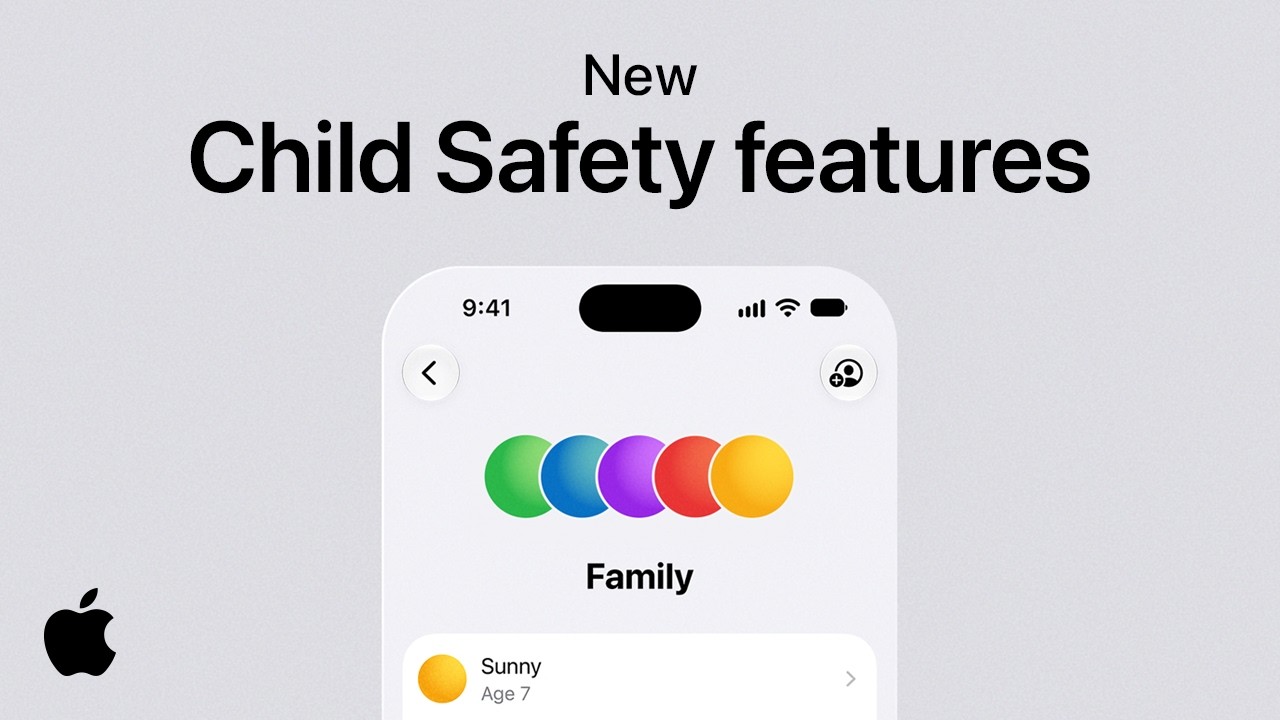

The company posted the video, showcasing all the new safety features on its official YouTube channel. The video also guides parents through the process and the new features added to iOS 27, iPadOS 27, and MacOS 27.
The video starts by showing parents how to set up a Child Account and choose the different safeguard options based on their child's age.
New Ask to Browse feature
The new feature in this package is called "Ask to Browse." As the name suggests, parents will be able to approve or deny access to specific websites in Safari.
This feature joins the "Ask to Buy" option, where parents have to approve downloads and app purchases.
What should be the legal age for using social media?
2 Votes
Expanded Communication Safety feature
Parents can also approve or deny new contacts through the expanded Communication Safety feature. New Time Allowances and Schedules tools are also shown in the video, rounding up the complete package.
These new child safety features can be easily tuned according to the children's age, as well. The new features are active on devices running iOS 27, iPadOS 27, and macOS 27.
Governments are trying to get kids off social media
Meanwhile, it seems that governments around the world are actively trying to get kids and teenagers off social media. In Texas, you have to be 18 to create an App Store account, and in the UK, Prime Minister Keir Starmer announced that he plans to "set a new normal for future generations" by blocking the access to social media for all users under 16 years of age.


Popular stories






Latest News






Things that are NOT allowed:
To help keep our community safe and free from spam, we apply temporary limits to newly created accounts: