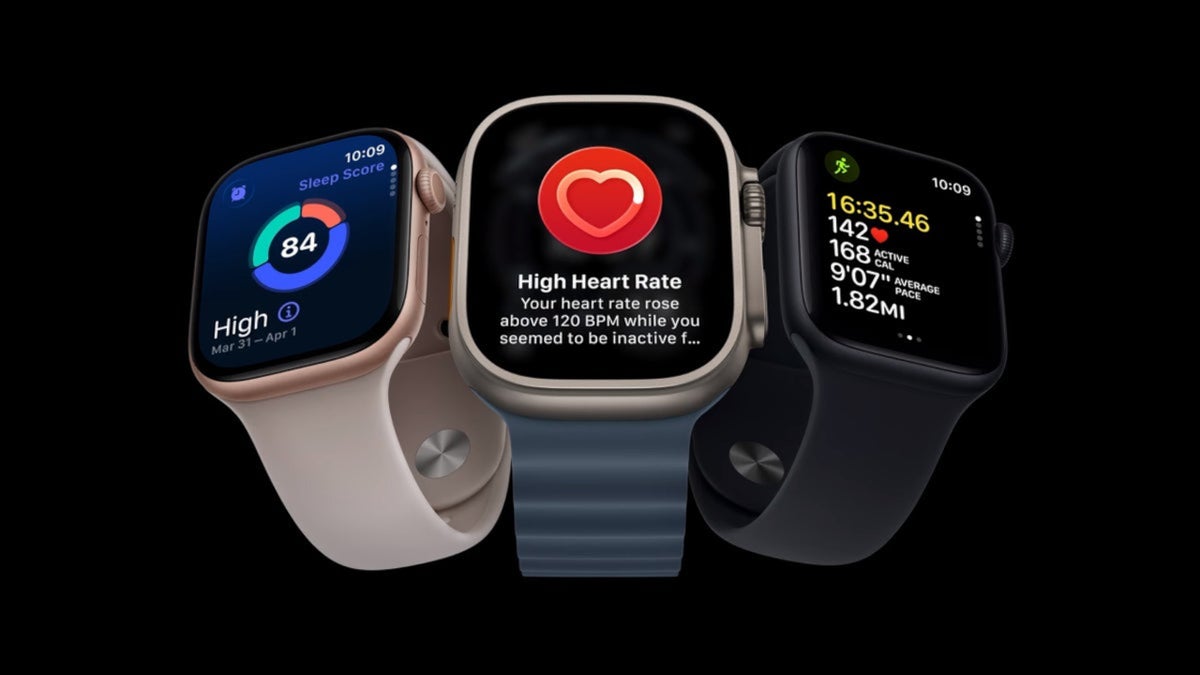
Those who bought the recently released Apple Watch Series 12 and Apple Watch Ultra 4received an emergency update yesterday. Apple rushed out watchOS 27.0.1 to exterminate a nasty bug that was causing the two timepieces to restart repeatedly and without warning. The update was released exclusively for the two Apple Watch models.
Apple Watch Series 12 and Apple Watch Ultra 4 users should install watchOS 27.1 ASAP
Apple is telling Apple Watch Series 12 and Apple Watch Ultra 4 users to install the update immediately. No sooner had Apple started to ship the new timepieces than multiple reports appeared on social media from device owners complaining that their new wearables were suddenly restarting.
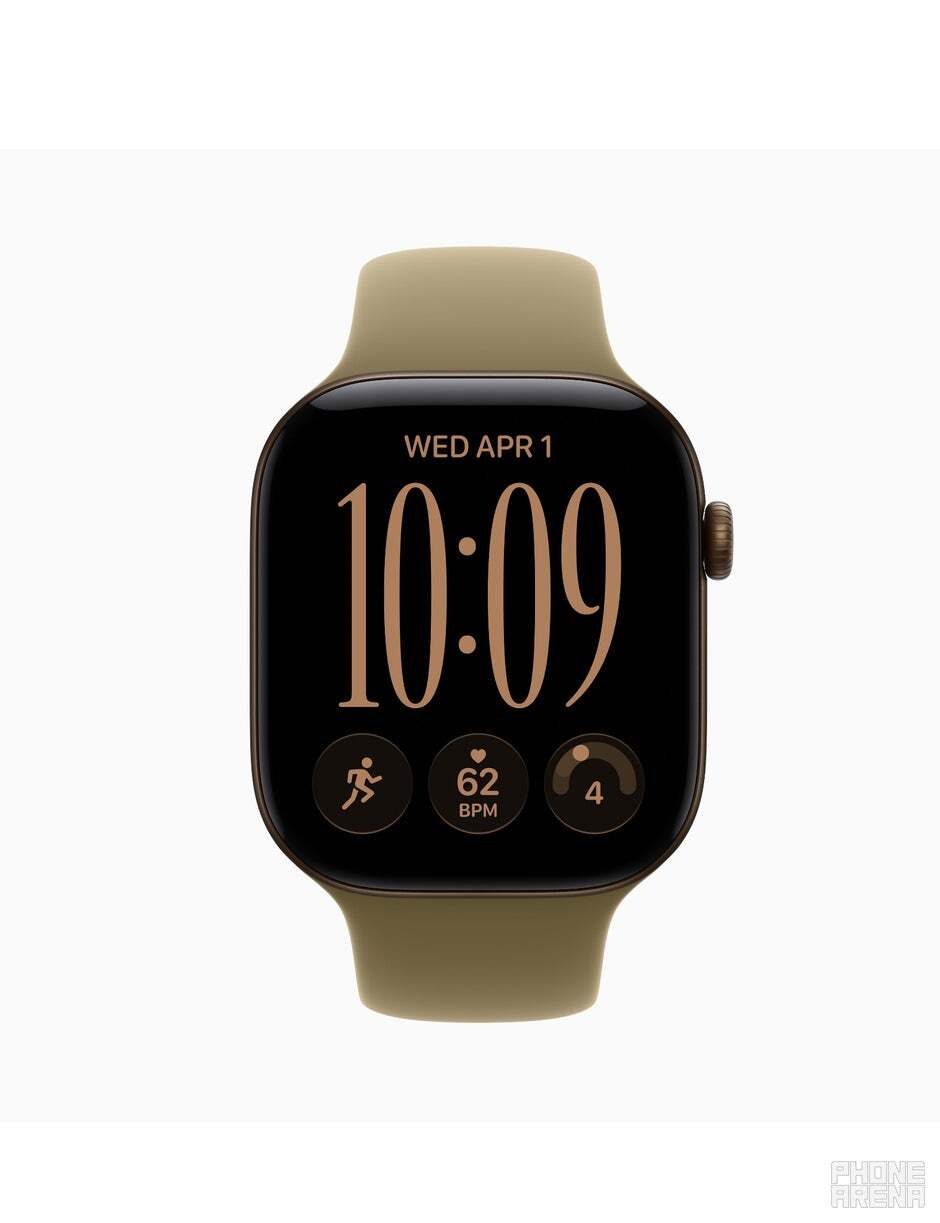
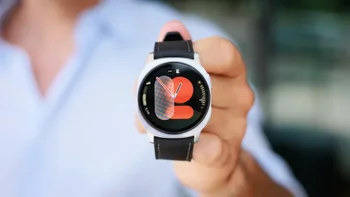
Some Apple Watch Series 12 units are repeatedly restarting. | Image by PhoneArena
Apple admitted that the issue was real by including it in the release notes for the update. And don’t for one second go around and think that this is not a serious problem, especially for a device like an Apple Watch.
This might be a more serious issue than you might believe
Users set alarms and timers so as not to miss important appointments or accidentally fail to take a dose of their medication. People really rely on their Apple Watch to manage their workouts, monitor their heart rate, and blood oxygen readings. There is also the fall detection sensor, and other health-related features.
Recommended For You
If your Apple Watch Series 12 or Watch Ultra 4 seems ok, what will you do?
0 Votes
With the bug, users said that their timepiece would suddenly reboot while they were doing things like making calls, using Siri, customizing watch faces, or recording workouts. A post on an Apple forum suggests that a Neural Engine timeout is responsible for the repeated restarting.
A timeout that took 20 milliseconds longer than it should was the cause of the restarts
A command related to a Neural Engine timeout took 20 milliseconds longer than its 2,000-millisecond limit, which forced the watch to reboot. This bug was exterminated with the watchOS 27.01 update.
How to install iOS 27.01 on your Apple Watch
To install the update, first make sure that your Apple Watch is connected to a Wi-Fi signal and has at least 50% battery life remaining. From your iPhone, open the Watch app and tap the My Watch tab. Then click on General > Software Update.
If you prefer, you can install the update directly on your Apple Watch by opening the Settings app and then go to General > Software Update. Tap Install or Download and Install. From that point, leave your Apple Watch on the charger until it restarts on its own.
Not every Apple Watch Series 12 and Apple Watch Ultra 4 unit was affected by the bug. But no matter whether your timepiece has been restarting or not, it probably is a good idea to install the update anyway.
The Galaxy Watch Ultra 2 is a premium wearable with a rugged yet lightweight design and all sorts of high-end features. It's also equipped with an 800mAh battery, offering plenty of battery life on a single charge. Right now, you can get it with a $250 discount, but an eligible device trade-in is required.
Alan, an ardent smartphone enthusiast and a veteran writer at PhoneArena since 2009, has witnessed and chronicled the transformative years of mobile technology. Owning iconic phones from the original iPhone to the iPhone 15 Pro Max, he has seen smartphones evolve into a global phenomenon. Beyond smartphones, Alan has covered the emergence of tablets, smartwatches, and smart speakers.
A discussion is a place, where people can voice their opinion, no matter if it
is positive, neutral or negative. However, when posting, one must stay true to the topic, and not just share some
random thoughts, which are not directly related to the matter.
Things that are NOT allowed:
Off-topic talk - you must stick to the subject of discussion
Offensive, hate speech - if you want to say something, say it politely
Spam/Advertisements - these posts are deleted
Multiple accounts - one person can have only one account
Impersonations and offensive nicknames - these accounts get banned
To help keep our community safe and free from spam, we apply temporary limits to newly created accounts:
New accounts created within the last 24 hours may experience restrictions on how frequently they can
post or comment.
These limits are in place as a precaution and will automatically lift.
Moderation is done by humans. We try to be as objective as possible and moderate with zero bias. If you think a
post should be moderated - please, report it.
Have a question about the rules or why you have been moderated/limited/banned? Please,
contact us.










Things that are NOT allowed:
To help keep our community safe and free from spam, we apply temporary limits to newly created accounts: