
Google tests new share sheet for Chrome with screenshot editor and QR code generator
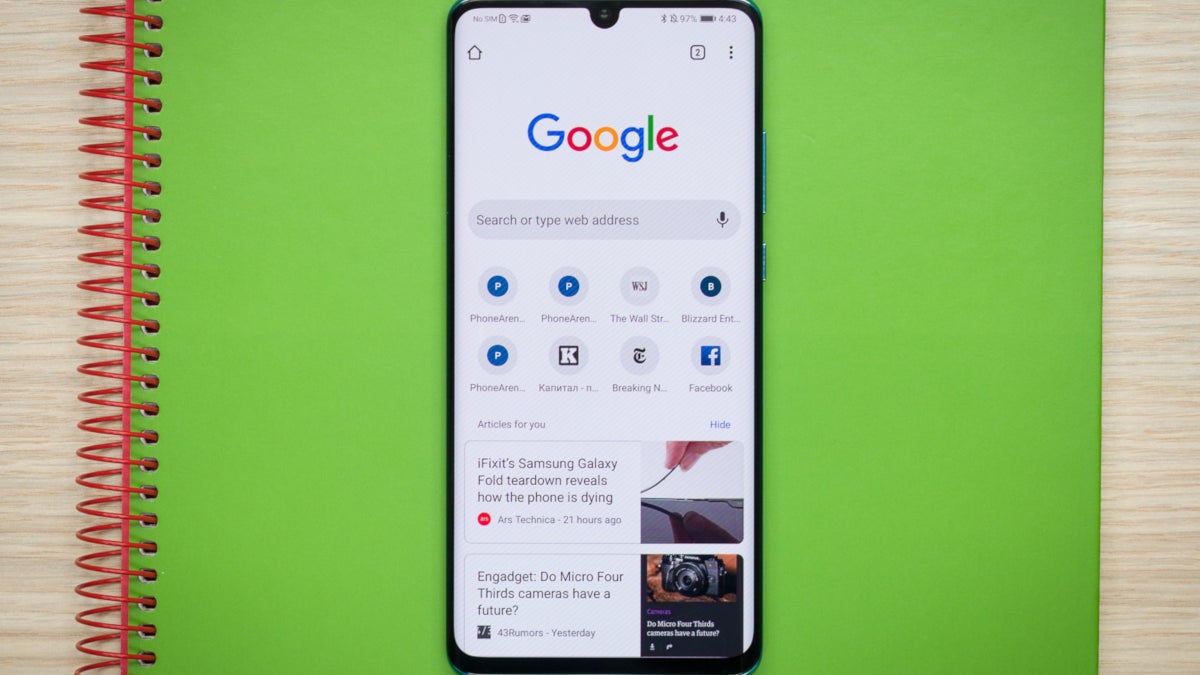
Some app developers have developed an alternative non-native share sheet for their Android apps. Google has been doing this with some of its own apps like YouTube, Maps, News, and Photos. And now it appears that Chrome will be joining this group. Similar to the share sheets used on Maps, Photos, and News, the Chrome share sheet being developed has two rows. The top one has actions related to Chrome such as a copy link, a screenshot editor and a QR code generator. The bottom row lists other apps to share a website to. The rows scroll from left to right and vice versa.
The only way to see this share sheet right now is if you are sharing from the unstable Chrome Canary app; the latter will show experimental features being tested for Chrome by Google. To generate this share sheet you first need to install the Chrome Canary app. Then go to Chrome://flags. From the search box go to #chrome-sharing-hub and enable it. Then go to #chrome-share-screenshot and enable that one too. Reboot the browser and you're ready to test it out. Share a website and you'll see the share sheet being tested for Chrome.
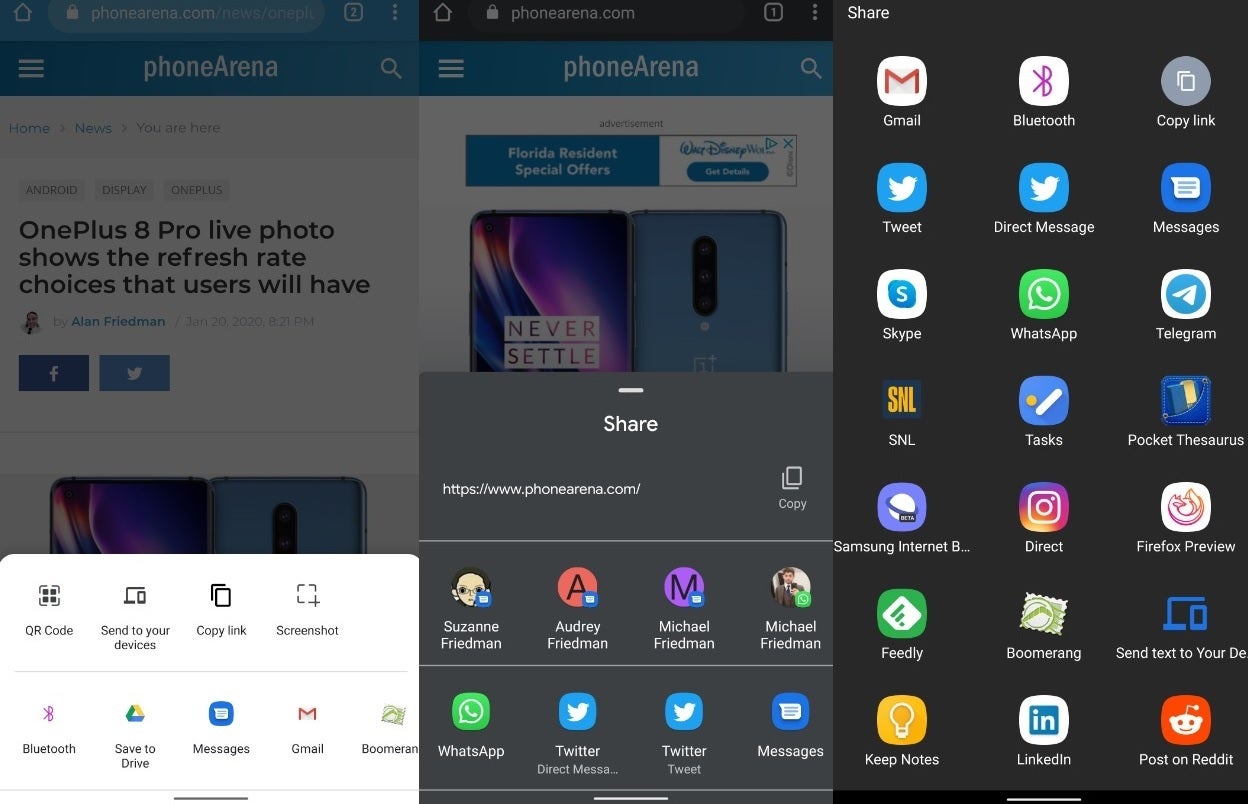
The new Chrome share sheet being tested, the current Chrome share sheet and the YouTube share sheet
Many of the features on the top row are not yet functional. We'd love to see what the screenshot editor will be able to do, but that will have to wait until Google has finished developing Chrome's new share sheet.


Popular stories



Latest News


Things that are NOT allowed:
To help keep our community safe and free from spam, we apply temporary limits to newly created accounts: