Google just added a massive Maps feature to Gemini — with one big catch
Google has added Maps integration in Gemini. But only on mobile.
Google is putting a lot of effort into Gemini. | Image by Google
Google has just added Maps integration to Gemini with a dedicated Map tool. But there's a catch: the tool is only available on mobile.
The company has been upping its Gemini game lately, and the latest update brings new bells and whistles to the AI agent. After Google rolled out Guided Vision for Gemini Live to help blind and low-vision users and added Wallet support, it's now time for another update.
The latest change brings Maps integration directly into Gemini. Our colleagues at Android Authority spotted the change in a beta release back in February, and now it seems the stable version is rolling out for both Android and iOS devices.
The new tool appears at the end of the carousel, alongside Photos, Camera, Avatar, Files, Drive, and Notebooks.
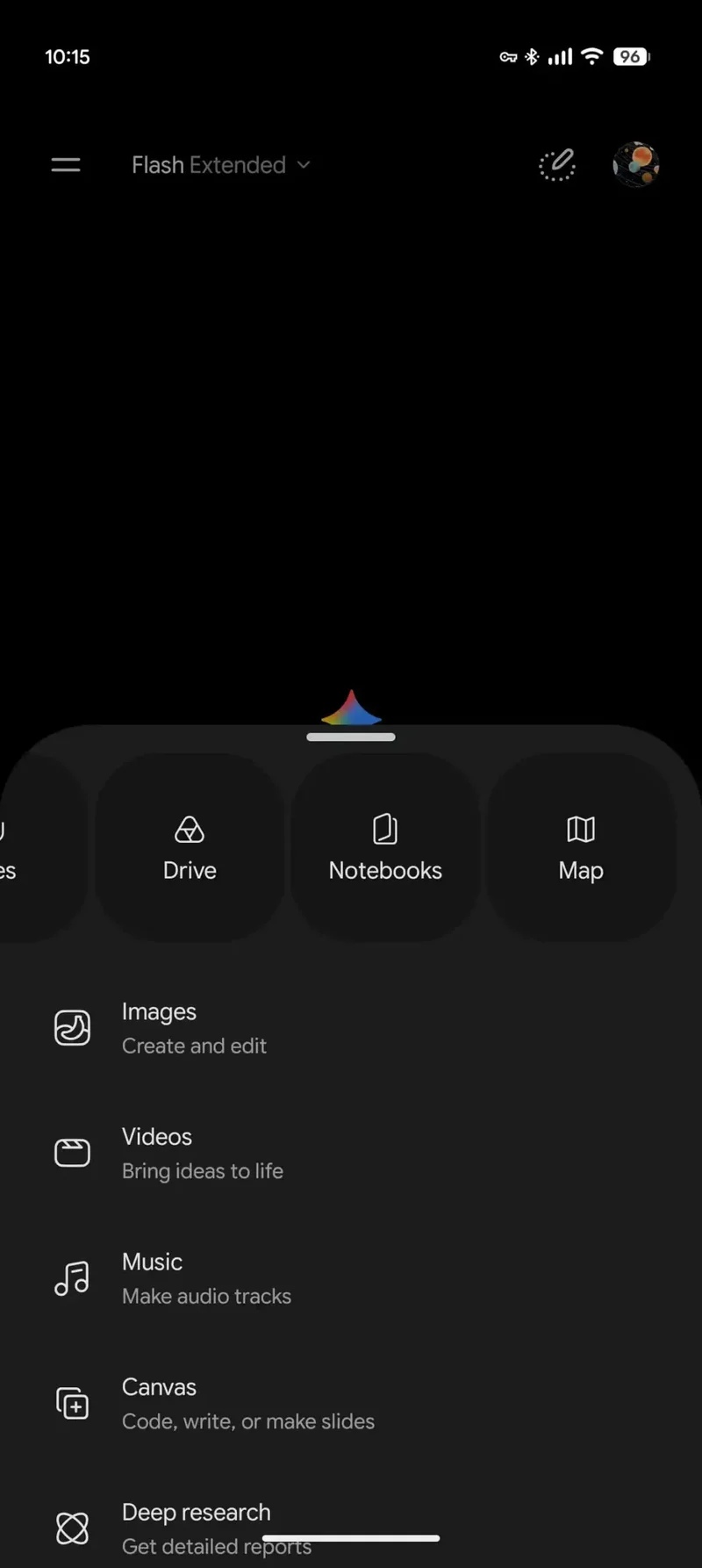
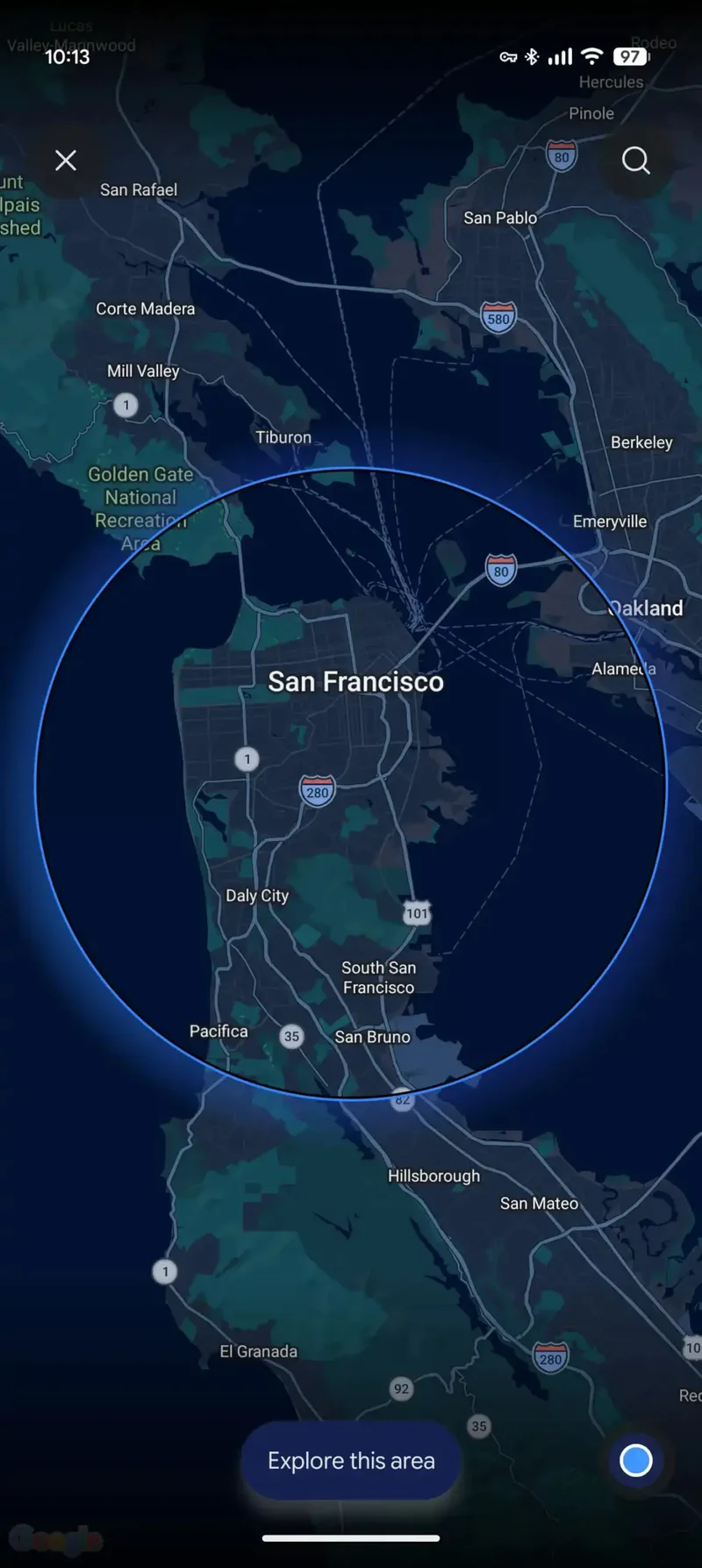
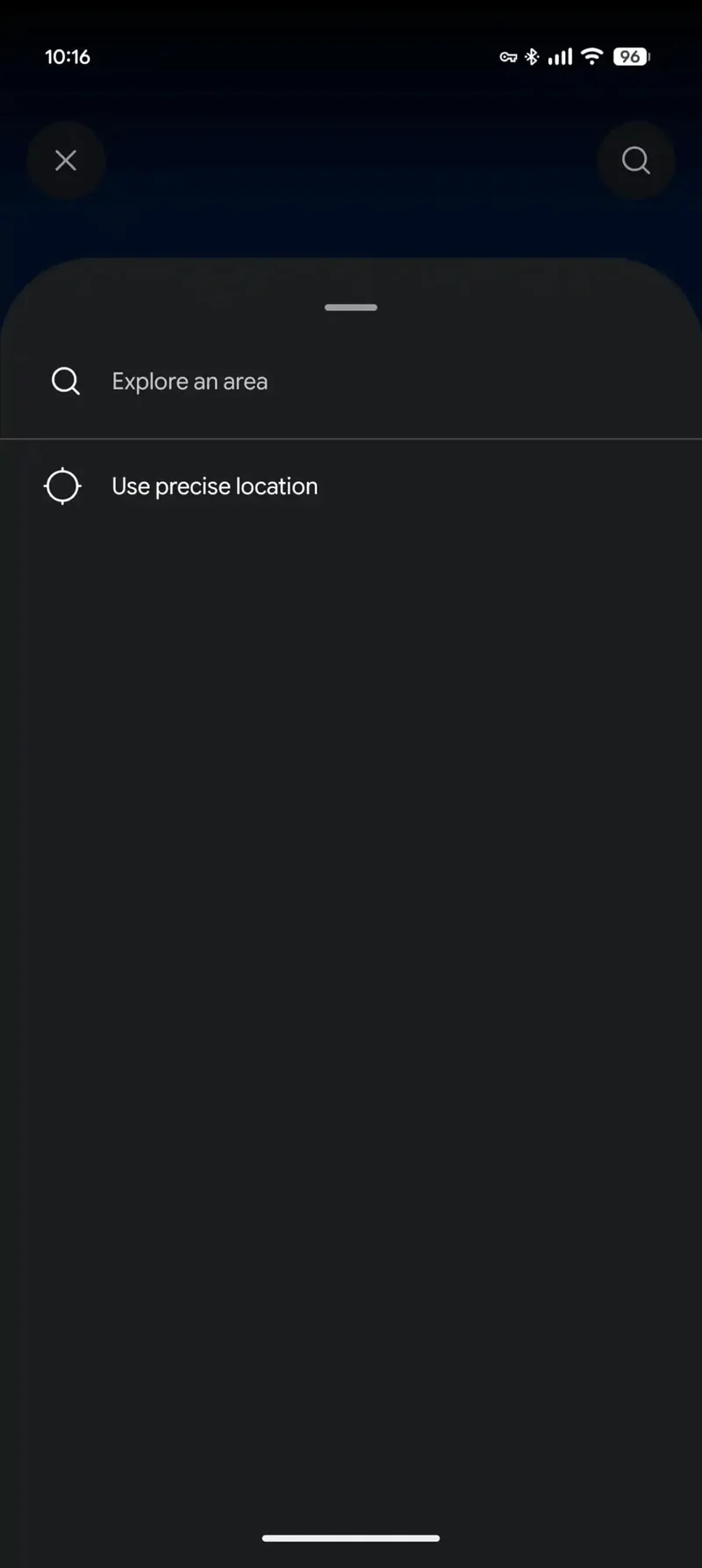
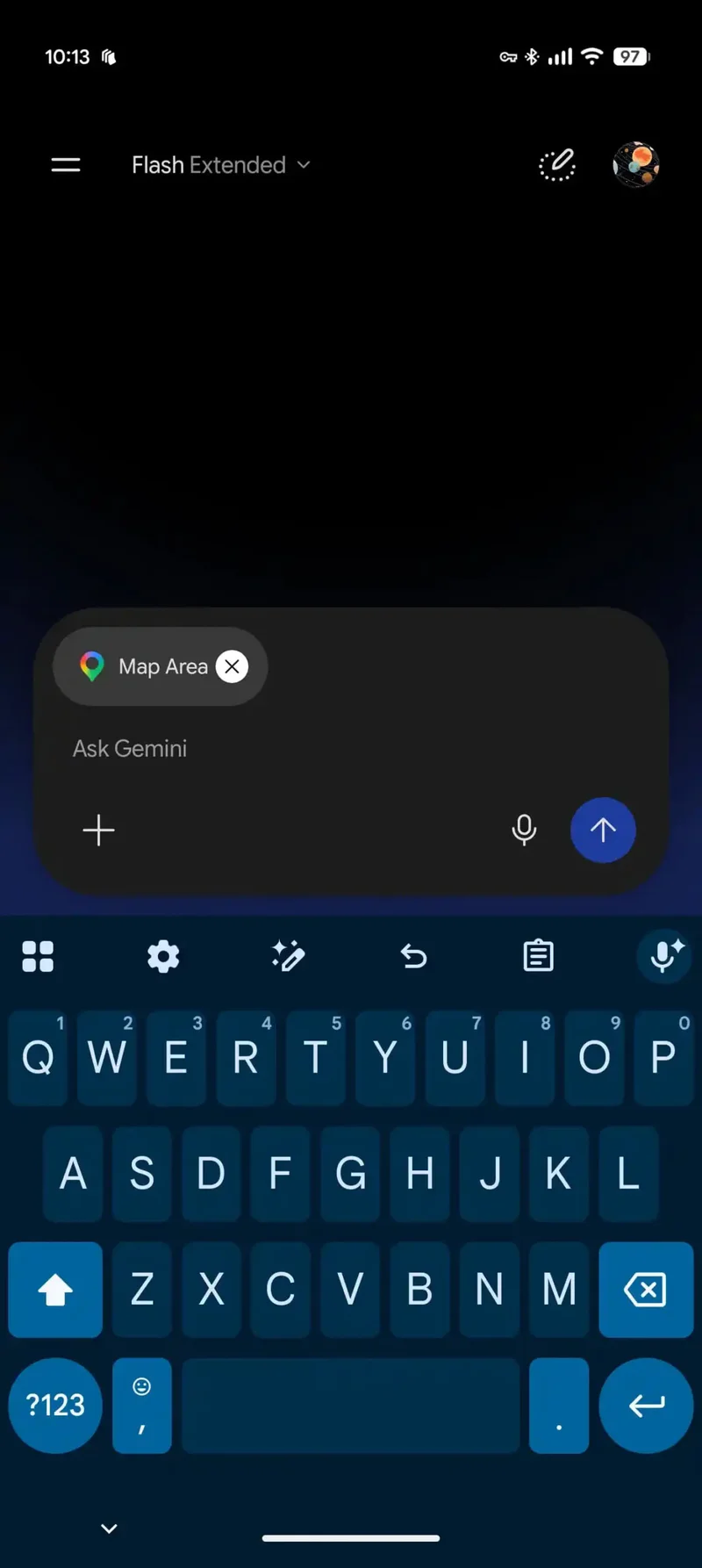
This Maps integration should make it much easier to get contextual location-based information from Gemini. When you select the new tool, your location is shown on a map with a circle indicating the area around you.
You can zoom in and out to search for a specific place or location, and you can also "explore the area" via a button at the bottom. Choosing this option and tapping the button will automatically add a location label — "Map Area" — to your prompt, allowing you to ask Gemini to guide you to the nearest pizza place or find a car dealership if you fancy buying that Miata you've been dreaming of lately.
This new Map tool in Gemini is available on mobile only, which actually makes sense. Most of the time, using a laptop or desktop computer means you're pretty much set in one place and not moving around too much.
Having the Map tool in Gemini on mobile, on the other hand, is great and meant to be used on the go. However, this doesn't mean Google won't roll out the update to desktop in the future.
There's another small update found in the latest beta version of the Google app. Google has changed the forward slash to @. There's a note saying, “/ is now @. Access your skills, connectors, and more from a single place.”
Typing @ now pulls up a box where you can see all your skills, plus an option to create new ones. This change is still in beta and hasn't rolled out broadly yet.
Read more about Gemini updates here:
Google is putting a lot of effort into Gemini
The company has been upping its Gemini game lately, and the latest update brings new bells and whistles to the AI agent. After Google rolled out Guided Vision for Gemini Live to help blind and low-vision users and added Wallet support, it's now time for another update.
The latest change brings Maps integration directly into Gemini. Our colleagues at Android Authority spotted the change in a beta release back in February, and now it seems the stable version is rolling out for both Android and iOS devices.
Google Map tool for Gemini
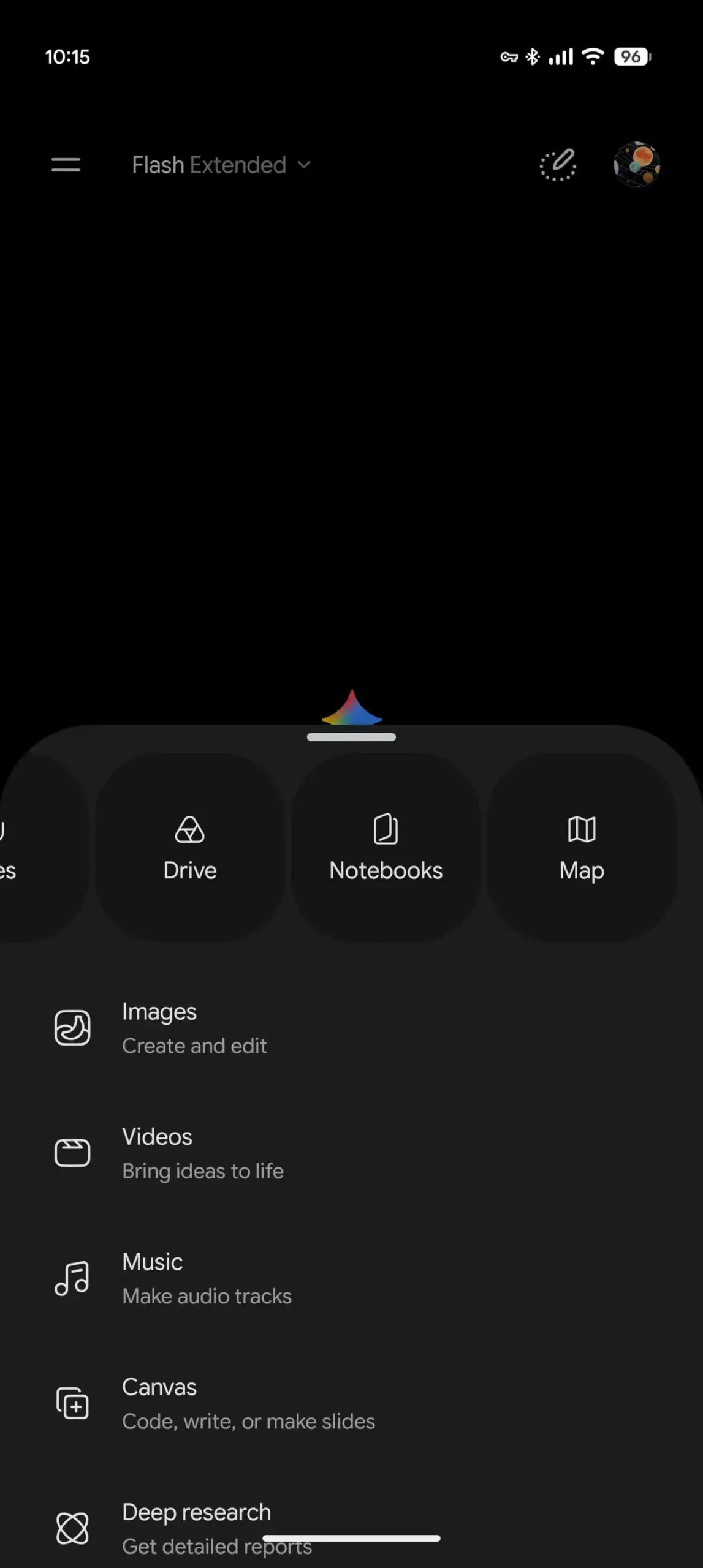
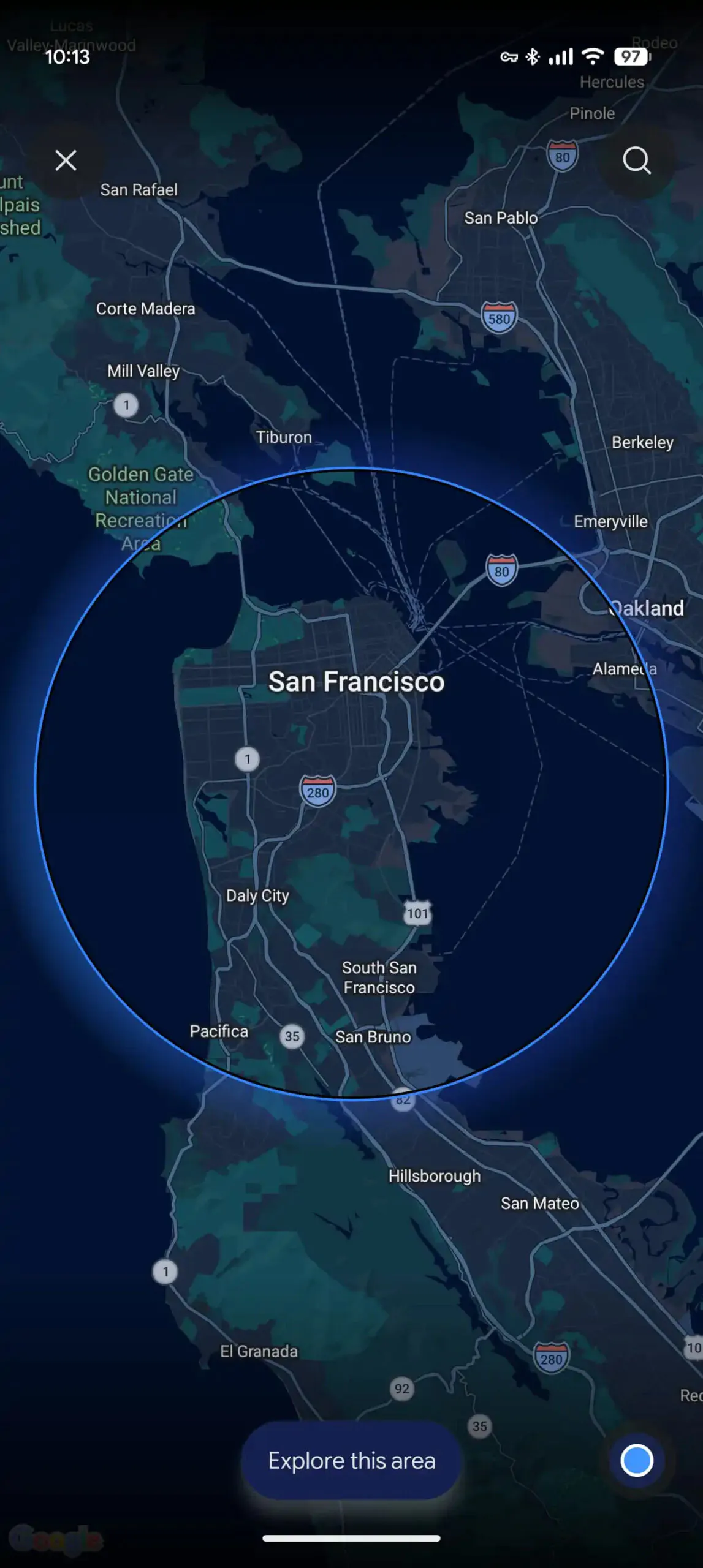
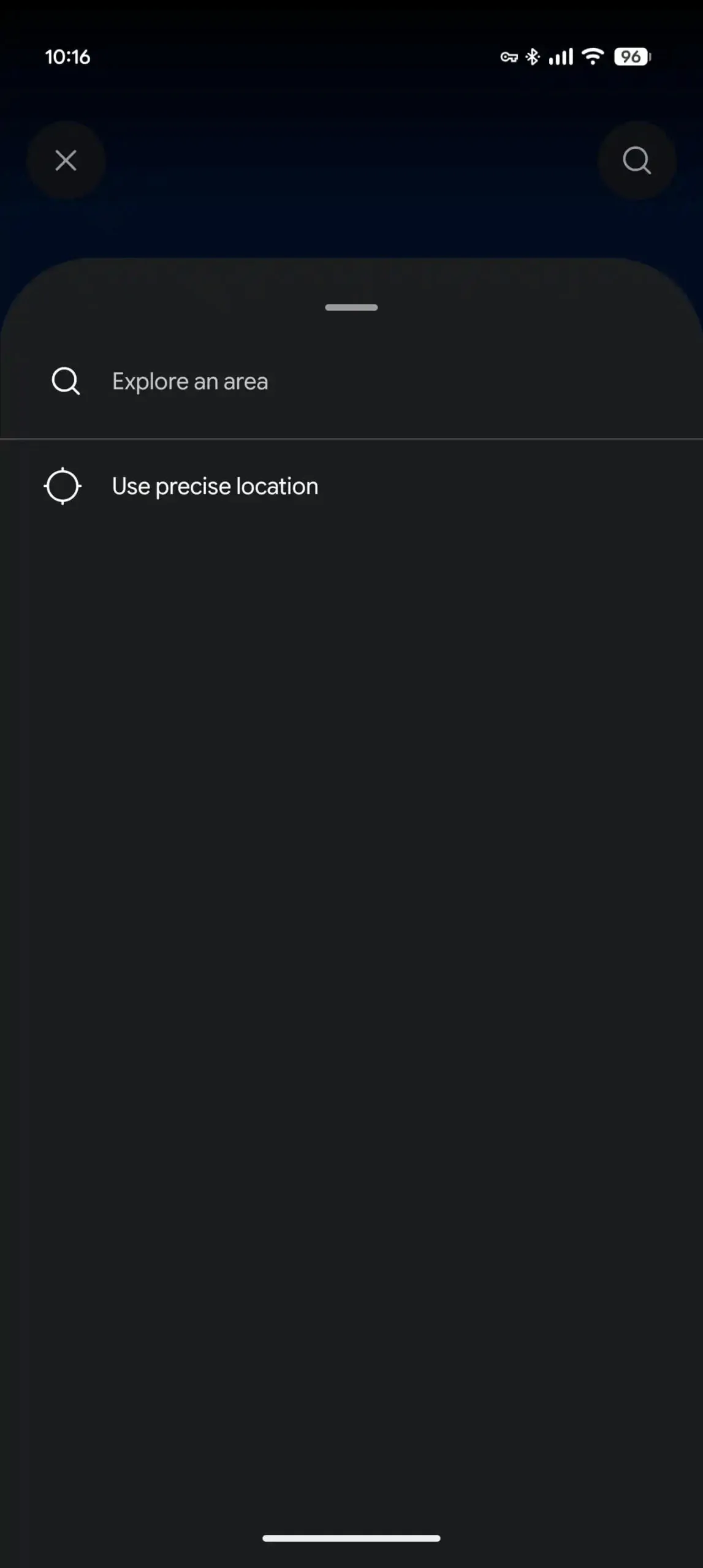
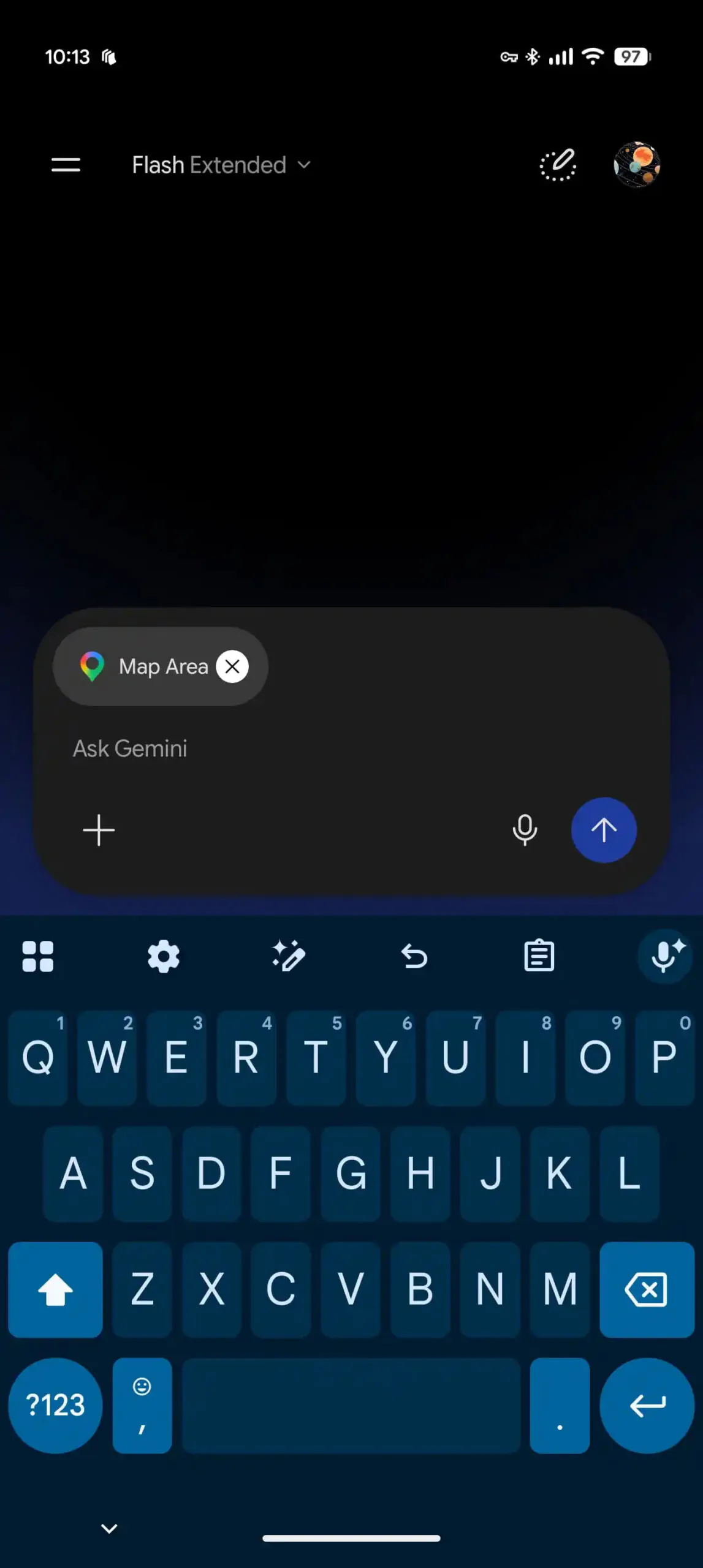
The new Maps tool inside Gemini. | Images by Android Authority
This Maps integration should make it much easier to get contextual location-based information from Gemini. When you select the new tool, your location is shown on a map with a circle indicating the area around you.
You can zoom in and out to search for a specific place or location, and you can also "explore the area" via a button at the bottom. Choosing this option and tapping the button will automatically add a location label — "Map Area" — to your prompt, allowing you to ask Gemini to guide you to the nearest pizza place or find a car dealership if you fancy buying that Miata you've been dreaming of lately.
What do you think about the latest Map tool in Gemini?
2 Votes
This feature only works on mobile (for now)
This new Map tool in Gemini is available on mobile only, which actually makes sense. Most of the time, using a laptop or desktop computer means you're pretty much set in one place and not moving around too much.
Having the Map tool in Gemini on mobile, on the other hand, is great and meant to be used on the go. However, this doesn't mean Google won't roll out the update to desktop in the future.
One more thing
There's another small update found in the latest beta version of the Google app. Google has changed the forward slash to @. There's a note saying, “/ is now @. Access your skills, connectors, and more from a single place.”
Typing @ now pulls up a box where you can see all your skills, plus an option to create new ones. This change is still in beta and hasn't rolled out broadly yet.


Popular stories




Latest News


Things that are NOT allowed:
To help keep our community safe and free from spam, we apply temporary limits to newly created accounts: