How to enable sRGB display color mode on the OnePlus 3
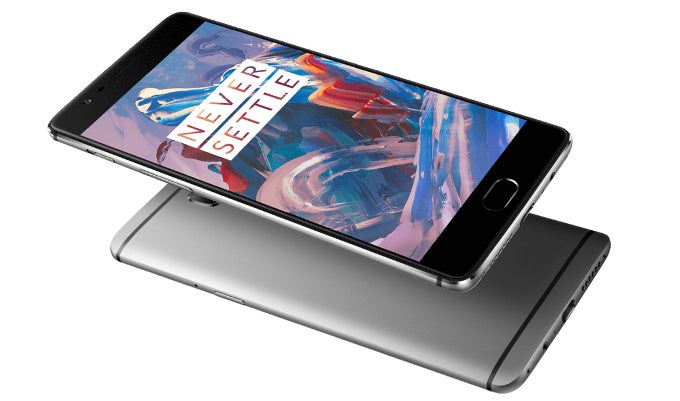
However, we were not perfectly content with its display: the 5.5-inch AMOLED screen used on the OnePlus 3 features vivid colors with bluish whites, and it lacks a settings that would dial down the colors to the worldwide-accepted sRGB color standard.
Luckily, OnePlus listened and with the latest big update (that has finally started arriving, after been put on hold for a while), it makes it possible to switch between the default, oversaturated colors and more properly balanced colors that adhere to the sRGB color standard.
If your OnePlus 3 has received the update, you should be able to follow the simple instructions right below to enable sRGB color mode and see the difference for yourself.
*Keep in mind that you'd need to first enable Developer Options by going into Settings > About > Then tap on "Build number" seven times.
How to enable sRGB color mode on the OnePlus 3


Popular stories





Latest News


Things that are NOT allowed:
To help keep our community safe and free from spam, we apply temporary limits to newly created accounts: