Some Samsung smartphones aren’t receiving Google Play system updates (UPDATED)
UPDATE:
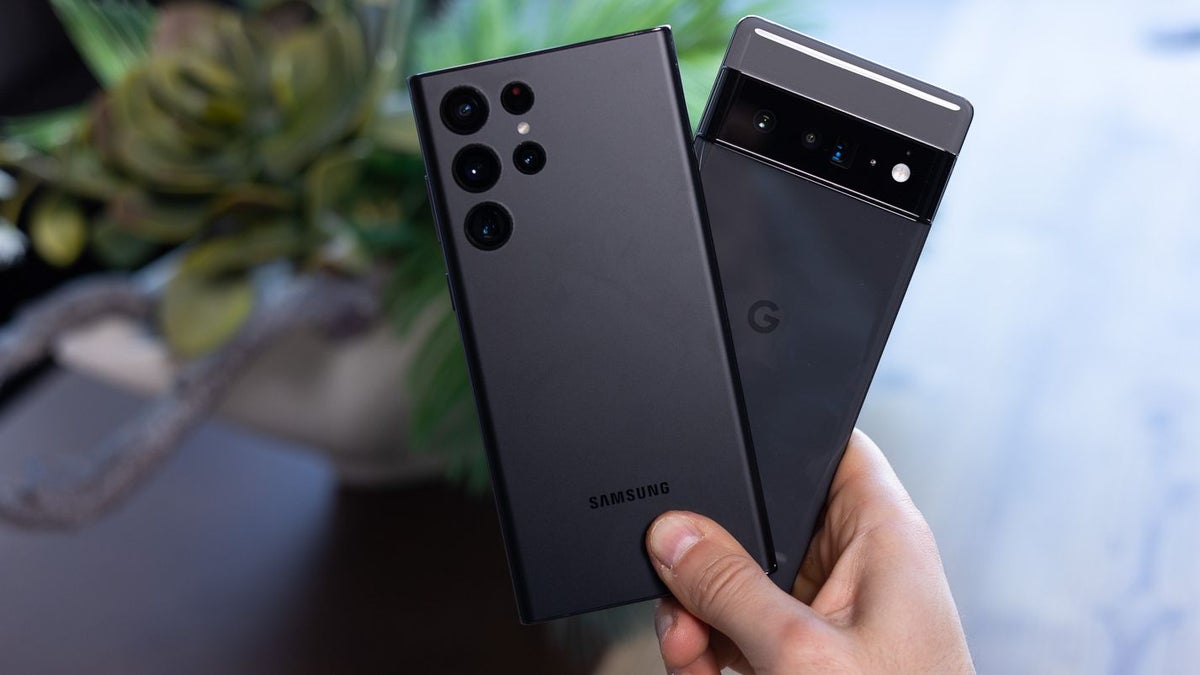
An update from GalaxyClub (translated source) reports that users have finally started receiving the latest versions of Google Play System and Security updates (from November 1 and December 5 2022, respectively).
Some users report that they’ve installed the update, but the version remained the same. That, however, seems to be a rarity, and if the case with your Galaxy smartphone is the same, make sure to give restarting it a shot.
Once again, we’ve got no official comment from either Google or Samsung on why this has happened, as it is indeed an odd one. Considering that Google is rolling out these to all applicable Android phones, it is strange that Samsung phones in particular had the issue. That being said, the important thing is that things are finally being set straight.
Original story follows below:
This has to do with a major revamp that came with Android 10, which basically turned Google Play into more than just your local app market. It offers protection from malicious intent, especially such coming from any suspicious apps that might’ve found their way into Google Play’s catalog, and through it — onto your device.
How to check your Google Play security update version?
In some cases, users have gotten prompts to restart and apply the latest update, and as such, we advise you to do the same. Not sure where to look? No worries, we’ve got your back with a set of steps:
Currently, both versions of these updates are as such:
However, there are also reports that even this doesn’t fix the issue, as even after the reboot, the versions remain the same. As such, make sure to check again after your phone restarts. But what should you do if nothing has changed?
Well, as of now, we haven’t gotten a definitive solution from either Google or Samsung. Considering that this issue is impacting its most prominent flagships and some of their budget devices, such as the Galaxy A52, we can expect some sort of fix soon, possibly with the January firmware update, which has started rolling out earlier this month with the Note 10.
- Open Settings
- Navigate to the Security & Privacy section
- Expand the Updates section
- Compare both Google Play update versions to the latest ones
Currently, both versions of these updates are as such:
- Google Play System update version — latest from November 1, 2022
- Google Play Security update version — latest from December 5, 2022
However, there are also reports that even this doesn’t fix the issue, as even after the reboot, the versions remain the same. As such, make sure to check again after your phone restarts. But what should you do if nothing has changed?


Popular stories





Latest News






Things that are NOT allowed:
To help keep our community safe and free from spam, we apply temporary limits to newly created accounts: