
Google changes the function of the microphone icon on Pixel Launcher's search bar
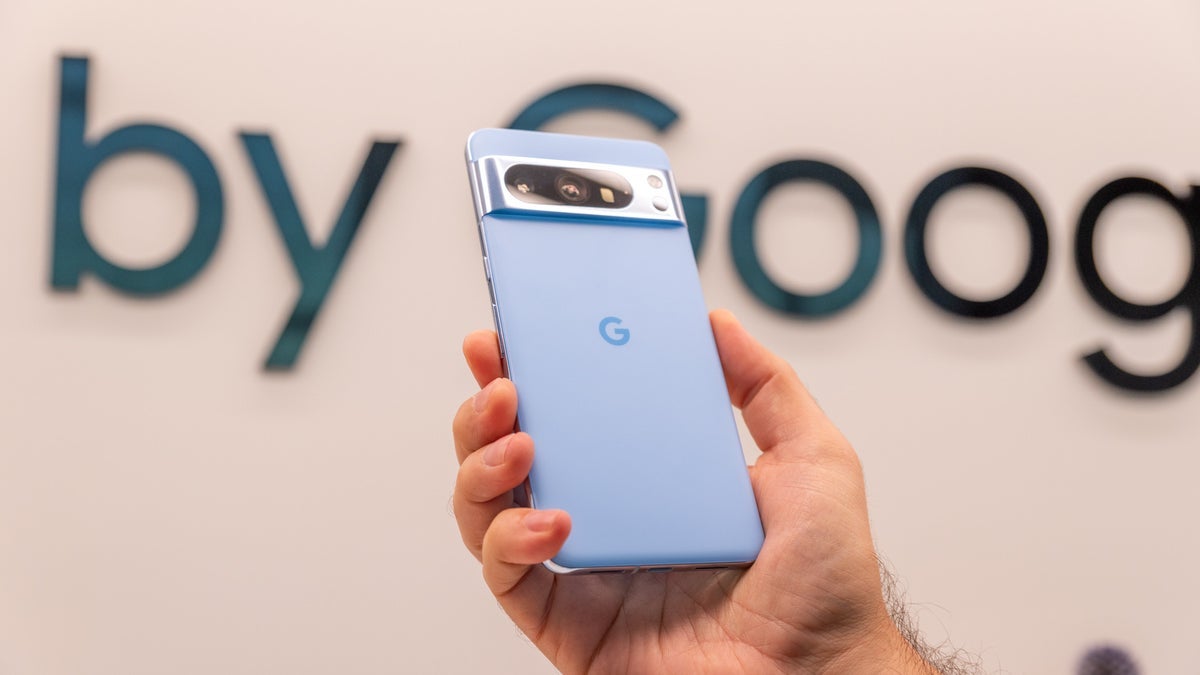
The Pixel 2 XL is fondly remembered as being one of the best Pixel models ever. One way to summon Google Assistant on the phone was to squeeze the sides of the phone's bottom half, a feature called Active Edge. Removing that feature really wasn't a hardship for most Pixel users since they could press on the microphone icon found in the search bar at the bottom of the Pixel Launcher. But that access to Google Assistant is being removed by Google.
According to 9to5Google, now when you tap on the microphone icon in the Pixel Launcher's search bar, you will see search results based on your queries. Search results are designed to answer your questions quickly, with links to websites included. Google Assistant uses conversations instead of links to websites in order to get your queries answered and tasks completed. Google originally made this change to the microphone icon on the Pixel Launcher's search bar earlier this year but switched back as though it never happened until now.
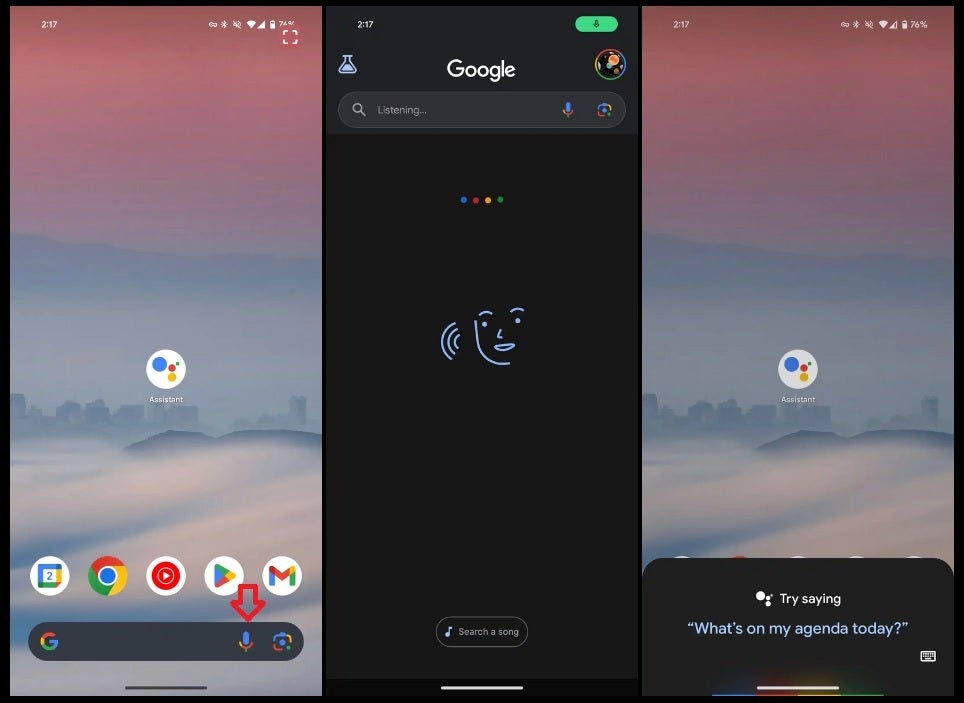
Tapping the microphone icon on the Pixel Launcher now brings up Google Search, not Google Assistant
There are other ways to open Google Assistant on your Pixel such as tapping the Assistant icon on the home screen. If you don't have the Google Assistant app pre-installed on your Pixel or Android phone, you can install it from the Play Store by tapping on this link and following the directions. You can also open Google Assistant by saying "Hey Google" which can be set up on your Pixel by going to Settings > Apps > Assistant > Hey Google & Voice Match. Make sure that Hey Google & Voice Match is toggled on.
On your Pixel, you can also activate Google Assistant by long-pressing on the power button found on the upper right side of the phone. And if you want to use Google Search on a Pixel, you can now tap the microphone icon on the search bar, or open the Google app and use the microphone on the app's search bar).
Even iOS users can choose between Google Search and Google Assistant. The Google Assistant app can be installed on iOS via this App Store listing. The Google app can be installed from the App Store by tapping on this link. Google Assistant is superior to Siri when it comes to answering questions and as a result, when I do get a new iPhone, one of the first things I do is install the Google Assistant app on the phone.


Popular stories




Latest News

Things that are NOT allowed:
To help keep our community safe and free from spam, we apply temporary limits to newly created accounts: