iOS 9 comes with a feature (Wi-Fi Assist) that might be eating your cellular data, here's how to disable it
iOS 9, being an evolutionary step in Apple's mobile OS, comes with a wealth of features that greatly expand the feature mix of Apple's operating system. Low Power mode, Siri's gained proactive powers, and the numerous performance improvements are just some of the more important iOS 9 highlights, but there are many others that hardly received any attention.
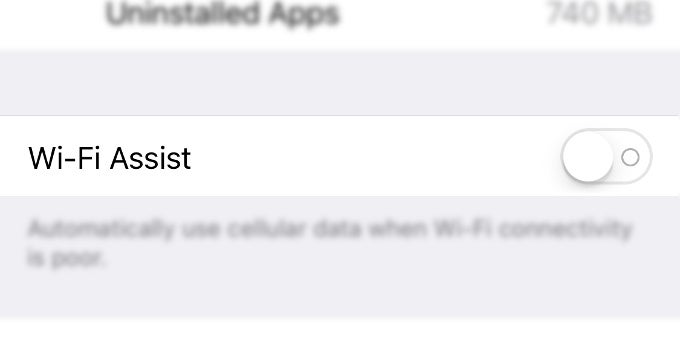
One of these is Wi-Fi Assist, a new iOS 9 feature that sounds pretty handy on paper, but might be secretly stabbing a large portion of users in the back. What this feature does is basically switch to cellular data in case the Wi-Fi network you're connected to is poor or experiencing some issues at the moment. So far, so good, but that feature comes enabled by default.
This might, without a doubt, be a pretty serious problem for all those iPhone or iPad users that have a fixed monthly allowance for cellular data. Admit it, how often do you check the connection indicator in the status bar of your iPhone when you're, say, at home and usually rely on your Wi-Fi network? Casually watching YouTube videos or nonchalantly browsing heavy websites might easily eat your data allowance for the month.
Here's how to disable Wi-Fi Assist and make sure that your iPhone won't switch back to cellular data if the Wi-Fi network has poor connectivity.
iOS 9 comes with a feature (Wi-Fi Assist) that might be eating your data, here's how to disable it


Popular stories






Latest News






Things that are NOT allowed:
To help keep our community safe and free from spam, we apply temporary limits to newly created accounts: