iPad Pro M5 (2025) release date, price and features
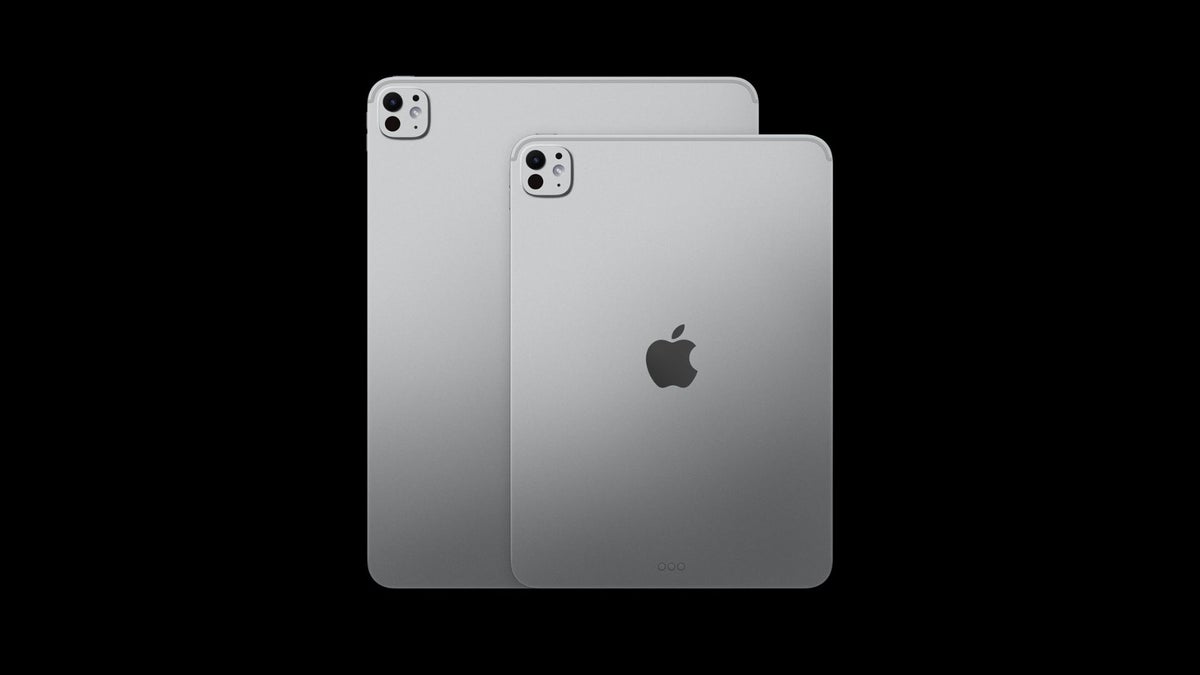
iPad Pro with M5 is official!
Apple rolled out its latest iPad Pro on October 15, 2025, this time powered by the new M5 chipset. It's the eighth generation of the Pro series, and while the outside stays familiar, the inside takes a pretty big leap forward thanks to that chip upgrade.
The M5 is the star of the show. Apple built it with a next-gen GPU and added a Neural Accelerator to every core, which means the tablet gets a serious boost in anything tied to AI performance and heavy productivity tasks. Apple even claims the M5-powered iPad Pro can hit up to 3.5x faster AI speeds compared to last year's M4 model.
On the design side, Apple kept things exactly the same – no surprise there. After the major overhaul in 2024, the company decided to ride with the same sleek look for another year. So, you are still getting the thin, premium frame, the OLED panels in two sizes, the 120Hz refresh rate, and brightness that tops out at 1000 nits.
iPad Pro M5 release date
The iPad Pro M5 launched on October 15, 2025.
Without hosting an event or making a big splash, Apple quietly unveiled the new iPad Pro alongside the latest MacBook Pro powered by the M5 chip and an upgraded Vision Pro headset.
The new iPad Pro is already up for pre-order and is set to officially hit store shelves on October 22.
Want to see how past releases stack up? Check out the full timeline in the table below.
Without hosting an event or making a big splash, Apple quietly unveiled the new iPad Pro alongside the latest MacBook Pro powered by the M5 chip and an upgraded Vision Pro headset.
The new iPad Pro is already up for pre-order and is set to officially hit store shelves on October 22.
Want to see how past releases stack up? Check out the full timeline in the table below.
| Device family | Announcement | Market release |
|---|---|---|
| Apple iPad Pro (5th generation) | April 20, 2021 | May 21, 2021 |
| Apple iPad Pro 2022 (6th generation) | October 18, 2022 | October 26, 2022 |
| Apple iPad Pro M4 (2024) | May 7, 2024 | May 15, 2024 |
| Apple iPad Pro M5 (2025) | October 15, 2025 | October 22, 2025 |
iPad Pro M5 price
Apple kept the same pricing for the new iPad Pro with the M5 chip. The 11-inch version starts at $999, while the larger 13-inch model begins at $1,299. As always, buyers can choose between Wi-Fi only and Wi-Fi + Cellular versions – with the Cellular models coming in at higher price.
If you are going for the Wi-Fi + Cellular version, expect to tack on around $200 more to the prices mentioned below.
| iPad model | 128GB of storage | 256GB of storage | 512GB of storage | 1TB of storage | 2TB of storage |
|---|---|---|---|---|---|
| 11-inch iPad Pro 2022 (6th generation) | $799 | $899 | $1099 | $1499 | $1899 |
| 12.9-inch iPad Pro 2022 (6th generation) | $1099 | $1199 | $1399 | $1799 | $2199 |
| 11-inch iPad Pro M4 (2024) | - | $1000 | $1200 | $1600 | $2000 |
| 13-inch iPad Pro M4 (2024) | - | $1300 | $1500 | $1900 | $2300 |
| 11-inch iPad Pro M5 (2025) | - | $1000 | $1200 | $1600 | $2000 |
| 13-inch iPad Pro M5 (2025) | - | $1300 | $1500 | $1900 | $2300 |
iPad Pro M5 camera
The iPad Pro M5 keeps the same camera setup as the previous model. Apple shifted the front camera to the center with the iPad Pro M4 (2024), and that placement remains unchanged this year.
This new version comes with a single 12 MP main camera on the back and the same front-facing 12 MP camera as before.
Still, thanks to the new chip, you can record 4K video at 24, 25, 30, or 60 frames per second, along with ProRes video at 4K 30 FPS – if you actually plan on doing all that with a 12MP tablet camera, that is.
iPad Pro M5 camera setup:
- 12 MP main camera
- 12 MP selfie camera
iPad Pro M5 storage
Just like with most other features, Apple didn't make any changes to storage options either – you still get the same four configurations as last year.
11-inch iPad Pro M5 storage capacity:
- 256 GB
- 512 GB
- 1 TB
- 2 TB
13-inch iPad Pro M5 expected storage capacity:
- 256 GB
- 512 GB
- 1 TB
- 2 TB
iPad Pro M5 design
Last year was a big one for the iPad Pro – it got its first-ever OLED display, a thinner and lighter body, the M4 chip, and support for the new Apple Pencil Pro, among other upgrades. This time around, though, the refresh is much smaller, with the M5 chip being the main (and only major) change.
Design-wise, the iPad Pro looks pretty much the same as before, sticking to its slim and lightweight build that is easy to carry around. It comes in two colors – Space Black and Silver – and two sizes: 11 inches and 13 inches.
The new iPad Pro with M5 looks the same as the previous generation. | Image credit – Apple
iPad Pro M5 display

The iPad Pro M5 has the same stunning display as before. | Image credit – Apple
Up front, the iPad Pro features an Ultra Retina XDR display with tandem OLED technology, which boosts both brightness and contrast. As expected, it also supports ProMotion for smooth refresh rates and True Tone for more natural color balance.
The display can reach up to 1,600 nits of peak brightness when viewing HDR content, making it ideal for high-contrast visuals. There’s also an optional nano-texture glass variant designed to cut down on glare – perfect for those who work with color-accurate projects in tricky lighting environments.
The display can reach up to 1,600 nits of peak brightness when viewing HDR content, making it ideal for high-contrast visuals. There’s also an optional nano-texture glass variant designed to cut down on glare – perfect for those who work with color-accurate projects in tricky lighting environments.
Plus, the new iPad Pro can now power external displays at up to 120Hz, which is great news for creative pros working on video editing, as well as for gamers who want smoother visuals.
For those using a 120Hz external monitor, Apple has also added support for Adaptive Sync. This feature automatically adjusts the refresh rate to deliver the lowest possible latency and smoother motion, minimizing visual glitches – a big win for gaming and other low-latency tasks.
For those using a 120Hz external monitor, Apple has also added support for Adaptive Sync. This feature automatically adjusts the refresh rate to deliver the lowest possible latency and smoother motion, minimizing visual glitches – a big win for gaming and other low-latency tasks.
iPad Pro M5 battery
The new iPad Pro with the M5 chip comes with different battery capacities depending on the size. The 11-inch model has a built-in 31.29-watt-hour rechargeable lithium-polymer battery, while the 13-inch version packs a 38.99-watt-hour rechargeable lithium-polymer battery.
Apple says both models can last up to 10 hours for web browsing over Wi-Fi or watching videos.
Charging is done either through a power adapter or via USB-C to a computer. With a 40W Dynamic Power Adapter (or any USB-C adapter that can provide 60W or more), the iPad Pro can reach up to 50% battery in roughly 30 minutes.
Apple says both models can last up to 10 hours for web browsing over Wi-Fi or watching videos.
Charging is done either through a power adapter or via USB-C to a computer. With a 40W Dynamic Power Adapter (or any USB-C adapter that can provide 60W or more), the iPad Pro can reach up to 50% battery in roughly 30 minutes.
iPad Pro M5 features and software
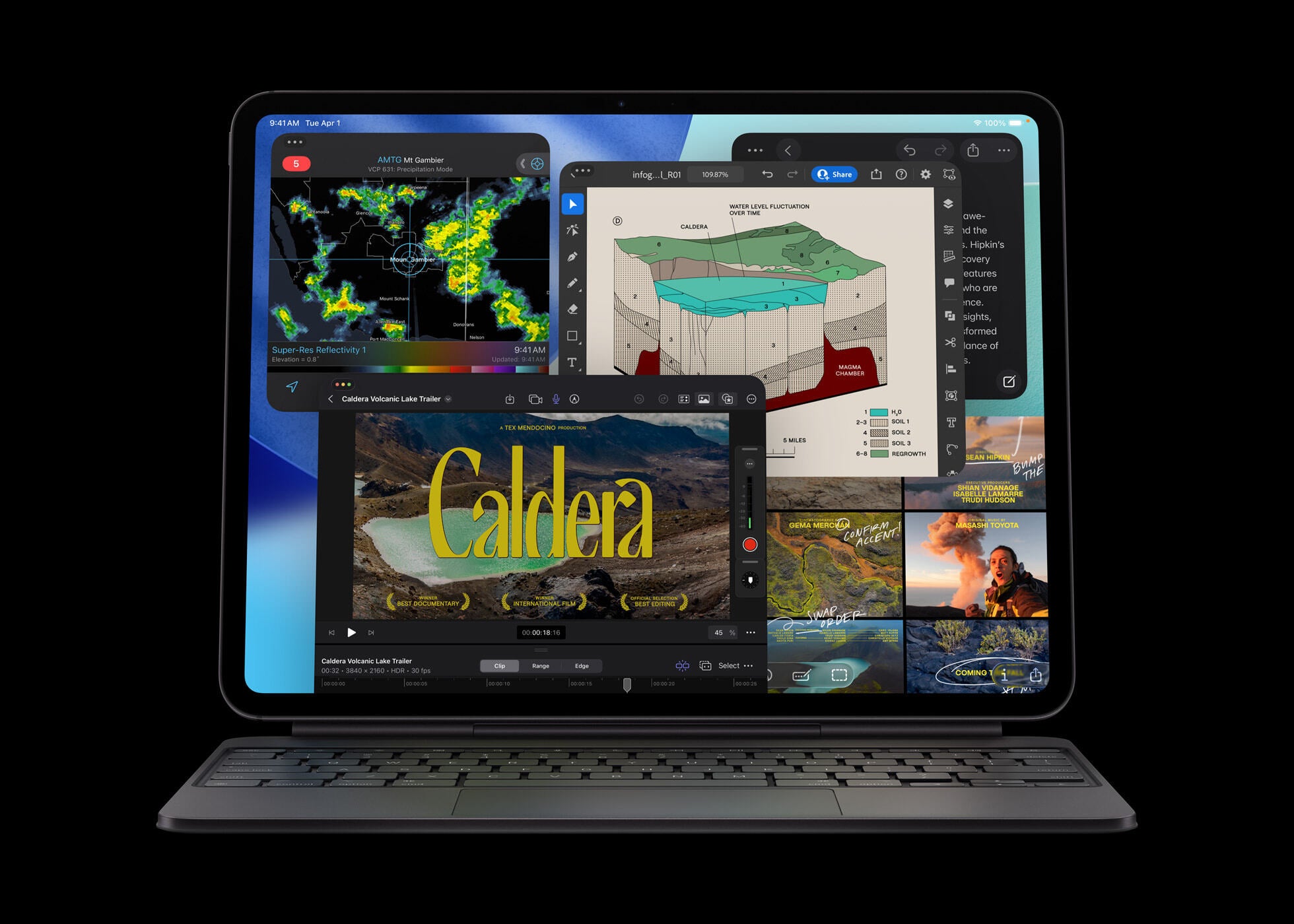
With the new chip and new OS, the iPad Pro delivers a huge boost in performance. | Image by Image credit – Apple
The new iPad Pro models come with iPadOS 26 on board, which brings a fresh design. The redesign uses Liquid Glass, a translucent material that reflects and refracts its surroundings, giving the interface a modern, premium look.
iPadOS 26 also introduces a completely new and intuitive windowing system, letting users organize, switch between, and control apps without losing the simplicity that makes the iPad easy to use. A new menu bar lets users access app commands with a simple swipe down from the top or by hovering their cursor at the top of the screen.
File management gets a major upgrade too. The Files app now offers a revamped List view, new folder customization options, and the ability to place folders directly in the Dock, making downloads, documents, and other files accessible from anywhere. Users can even set default apps for opening specific files or file types.
Preview arrives on iPad for the first time, giving users a dedicated app to view and edit PDFs, complete with Apple Pencil Markup and AutoFill support.
iPadOS 26 also takes full advantage of Apple silicon, unlocking new capabilities for creative pros. Background Tasks, finer control over audio input, and high-quality local capture for recordings are all supported, enhancing productivity and creative workflows.
Apple Intelligence is deeply integrated across the OS while keeping privacy at the forefront. New features include Live Translation in Phone, FaceTime, and Messages, smarter actions in Shortcuts, automatic identification and categorization of relevant actions in Reminders, and more:
File management gets a major upgrade too. The Files app now offers a revamped List view, new folder customization options, and the ability to place folders directly in the Dock, making downloads, documents, and other files accessible from anywhere. Users can even set default apps for opening specific files or file types.
Preview arrives on iPad for the first time, giving users a dedicated app to view and edit PDFs, complete with Apple Pencil Markup and AutoFill support.
Apple Intelligence is deeply integrated across the OS while keeping privacy at the forefront. New features include Live Translation in Phone, FaceTime, and Messages, smarter actions in Shortcuts, automatic identification and categorization of relevant actions in Reminders, and more:
- AI-assisted writing and drawing with the Apple Pencil
- Image Playground to generate images directly in apps
- Generative photo editing (like Magic Eraser)
- Image and emoji creation (Genmoji)
- Audio recording transcription
- A revamped iPad Calculator that integrates with Notes, turning numbers and formulas into dynamic, editable graphics in real-time
- The ability to compose and modify the tone of emails or messages
- Auto-generated replies to messages
- AI-powered summarized notifications
- Smarter Siri, capable of grasping deeper context and providing more complex answers and solutions (if Apple even rolls out Siri before the new models' debut)
- ChatGPT integration, in case Siri falls short of answering your questions
iPad Pro M5 hardware and specs
The M5 chip is the standout upgrade in the new iPad Pro. It features a next-generation GPU with a Neural Accelerator in every core, boosting performance for AI tasks and productivity. Apple claims the M5 iPad Pro delivers up to 3.5× faster AI performance compared to the M4-powered model.
The 10-core GPU has a redesigned architecture, letting the iPad Pro handle demanding AI workloads and other intensive tasks with ease, including image generation. A faster 16-core Neural Engine also improves energy efficiency for on-device AI operations.
The M5 includes a third-generation ray-tracing engine, enabling more realistic lighting, reflections, and shadows – a big plus for visually heavy apps and gaming. Meanwhile, the upgraded CPU helps with complex vector graphics in apps like Adobe Illustrator, while business users can expect faster app launches and quicker access to large files across multiple applications.
The M5 includes a third-generation ray-tracing engine, enabling more realistic lighting, reflections, and shadows – a big plus for visually heavy apps and gaming. Meanwhile, the upgraded CPU helps with complex vector graphics in apps like Adobe Illustrator, while business users can expect faster app launches and quicker access to large files across multiple applications.
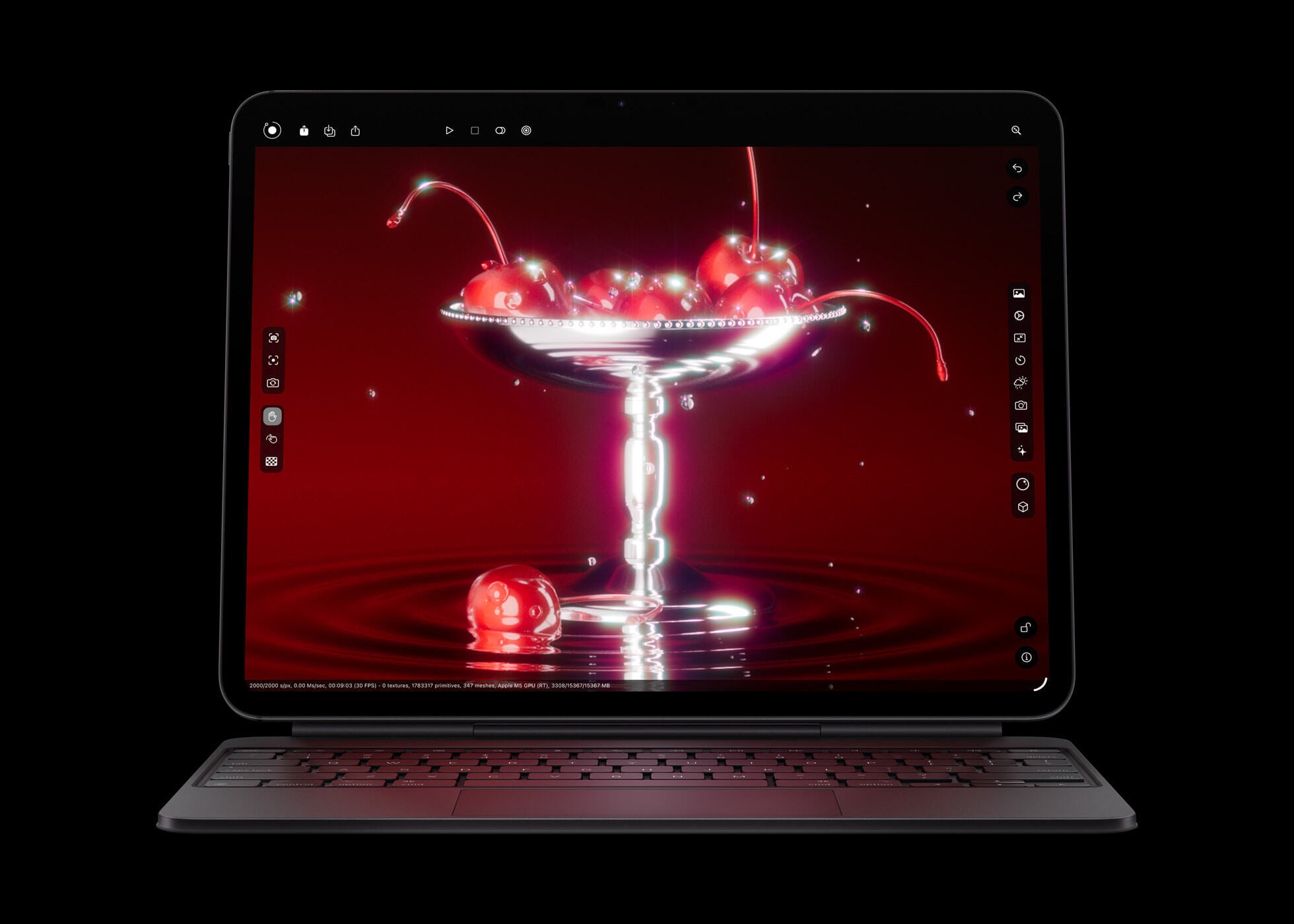
The new iPad Pro incorporates a third-generation ray-tracing engine for superfast 3D rendering. | Image by Image credit – Apple
Performance comparisons with the M4 iPad Pro show notable gains:
- Up to 1.5× faster 3D rendering in Octane X
- Up to 1.2× faster video transcoding in Final Cut Pro
- Up to 2× faster AI image generation in Draw Things for iPad
- Up to 2.3× faster AI video upscaling in DaVinci Resolve
The M5 also brings higher unified memory bandwidth and faster storage read/write speeds. The iPad Pro now offers over 150GB/s of unified memory bandwidth, nearly 30% more than the previous generation, improving multitasking, AI processing, and gaming.
Apple is also introducing the C1X cellular model in the iPad Pro, a chip designed in-house by the company. It delivers up to 50% faster cellular data speeds while using less power than the M4 iPad Pro.
On the wireless side, the iPad Pro includes Apple’s N1 networking chip and supports Wi-Fi 7, Bluetooth 6, and Thread. This setup helps improve overall performance and reliability for features like Personal Hotspot and AirDrop.
Review
We've already spent plenty of time testing the new iPad Pro (M5) 2025, and our full review is live if you want a deeper dive to figure out whether this is the tablet that fits your needs.
In short, the iPad Pro (M5) is an impressive machine. The performance is wild, the battery holds up great, the display looks fantastic, and iPadOS 25 finally makes the iPad lineup feel refreshed again. Still, for most people, it's more than they realistically need.
The M5 chip delivers serious power, but a lot of that muscle ends up sitting unused because the software still has its limits. You'd get plenty of speed from something cheaper like the iPad Air. Same story with the Tandem OLED panel – it is stunning, no doubt, but the Air's screen is perfectly fine for the average user. And yes, the internal upgrades are nice to have, but ask yourself how often you will take advantage of everything the Pro can actually do.
Of course, if you’re a pro user who’s been hanging onto an older M1 iPad Pro and you’ve finally outgrown it, then the M5 version is the one you should move to.


Popular stories






Latest News





![Another batch of Galaxy S26 series users in the US are getting a nice surprise today [UPDATED]](https://m-cdn.phonearena.com/images/article/183643-wide-two_350/Another-batch-of-Galaxy-S26-series-users-in-the-US-are-getting-a-nice-surprise-today-UPDATED.webp)