Huawei MatePad Air 2026 Review: A super-likable lightweight tablet

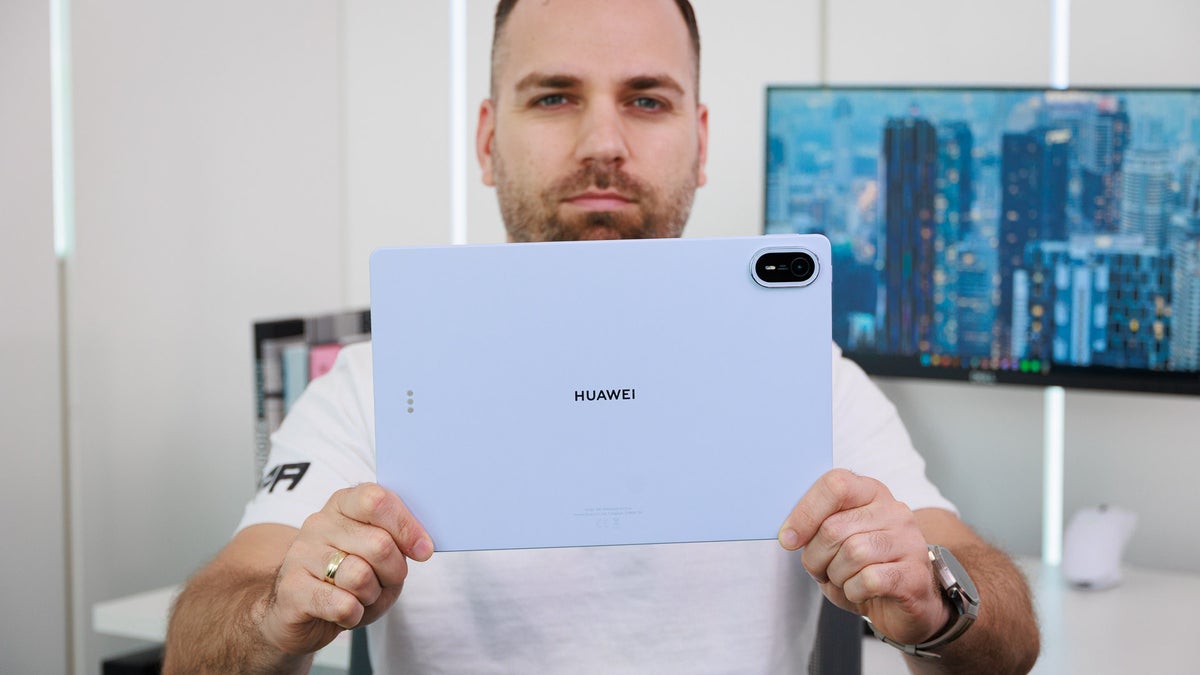
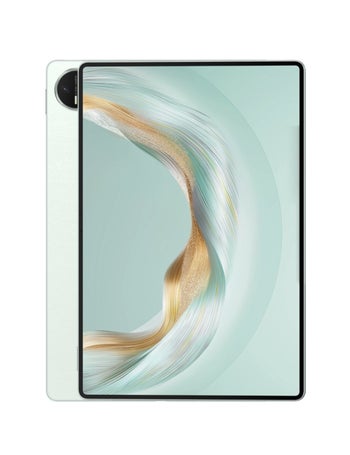
The MatePad Air 2026 comes with a wonderful finish that is very touch-friendly. | Image by PhoneArena
Summary and Verdict
Huawei’s tablets aren’t as widely available as its wearables, but that doesn’t mean they aren’t good. Quite the contrary: I’ve had the chance to use a number of Huawei MatePads over the last couple of years, and most of them left me with very positive impressions.
The latest entry into Huawei’s tablet line-up is the new MatePad Air 2026 – a significant step up from the MatePad Air 2025. Being even more in-sync with its nature, the MatePad Air 2026 has become even thinner and lighter than before.
I’ve spent the better part of two weeks using the MatePad Air 2026, and once again, I’m pleasantly surprised by how effortless it is to hold and use this Huawei tablet. We have performed our usual suite of display, performance, and battery tests and measurements, and you can find all the results below.
In Europe, you can get the new MatePad either with a standard, glossy glass, which will cost you €849, or with a PaperMatte glass and in a bundle with either the keyboard or the M-Pencil stylus accessories for €899.
The Huawei MatePad Air 2026 is a great value for consumers looking for an easygoing, friendly and cool tablet. It offers superb convenience, top-notch writing and drawing experiences, and a whole lot more.
Table of Contents:
Huawei MatePad Air 2026 Design and Display
Thin and light – an easy to hold 12" tablet
The new MatePad Air 2026 has a 12” display, but it only weighs 509 grams, and is 5.3mm thin. This is thinner than an iPad Air M4, and ever so slightly thicker than an iPad Pro M5 with an OLED screen.
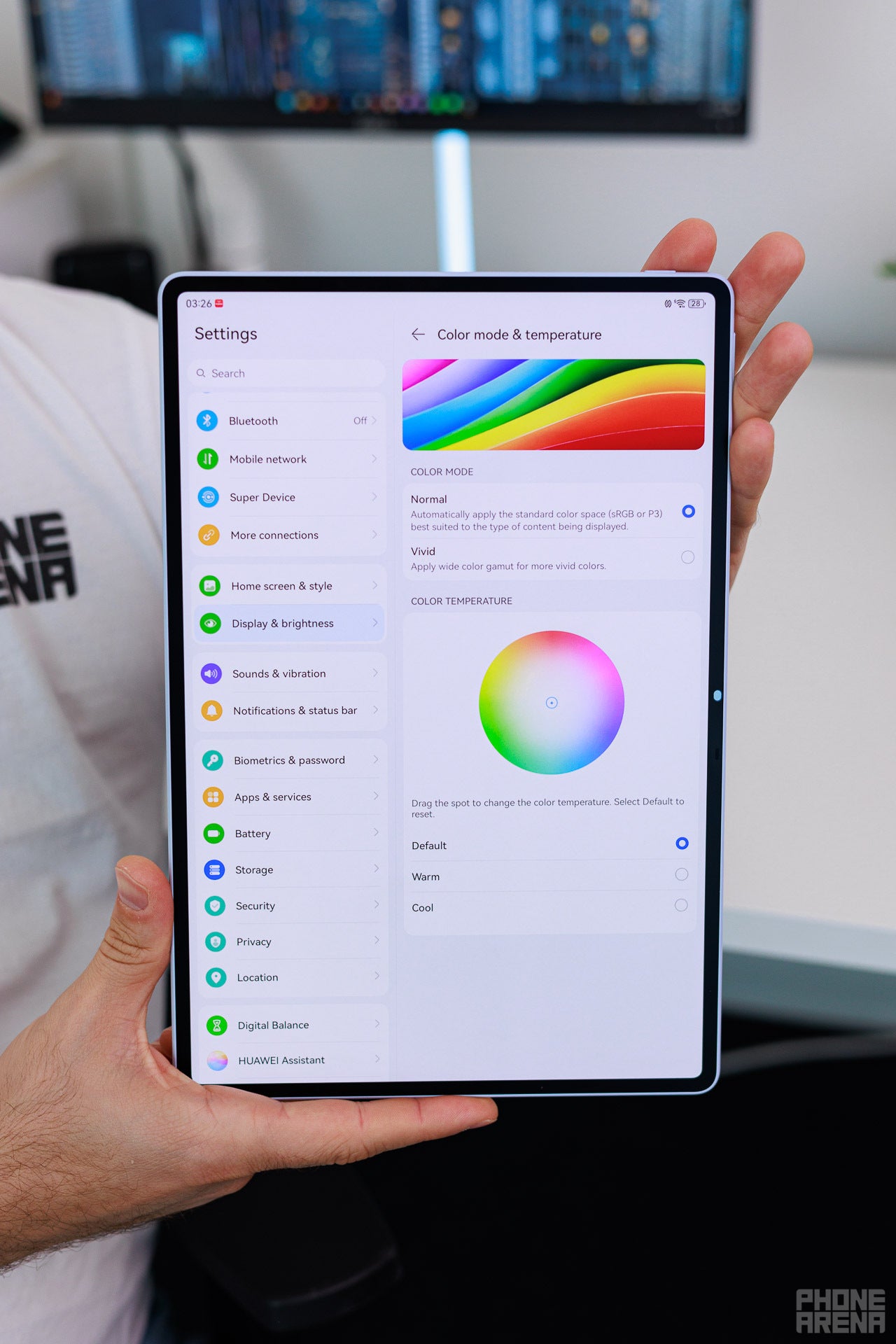
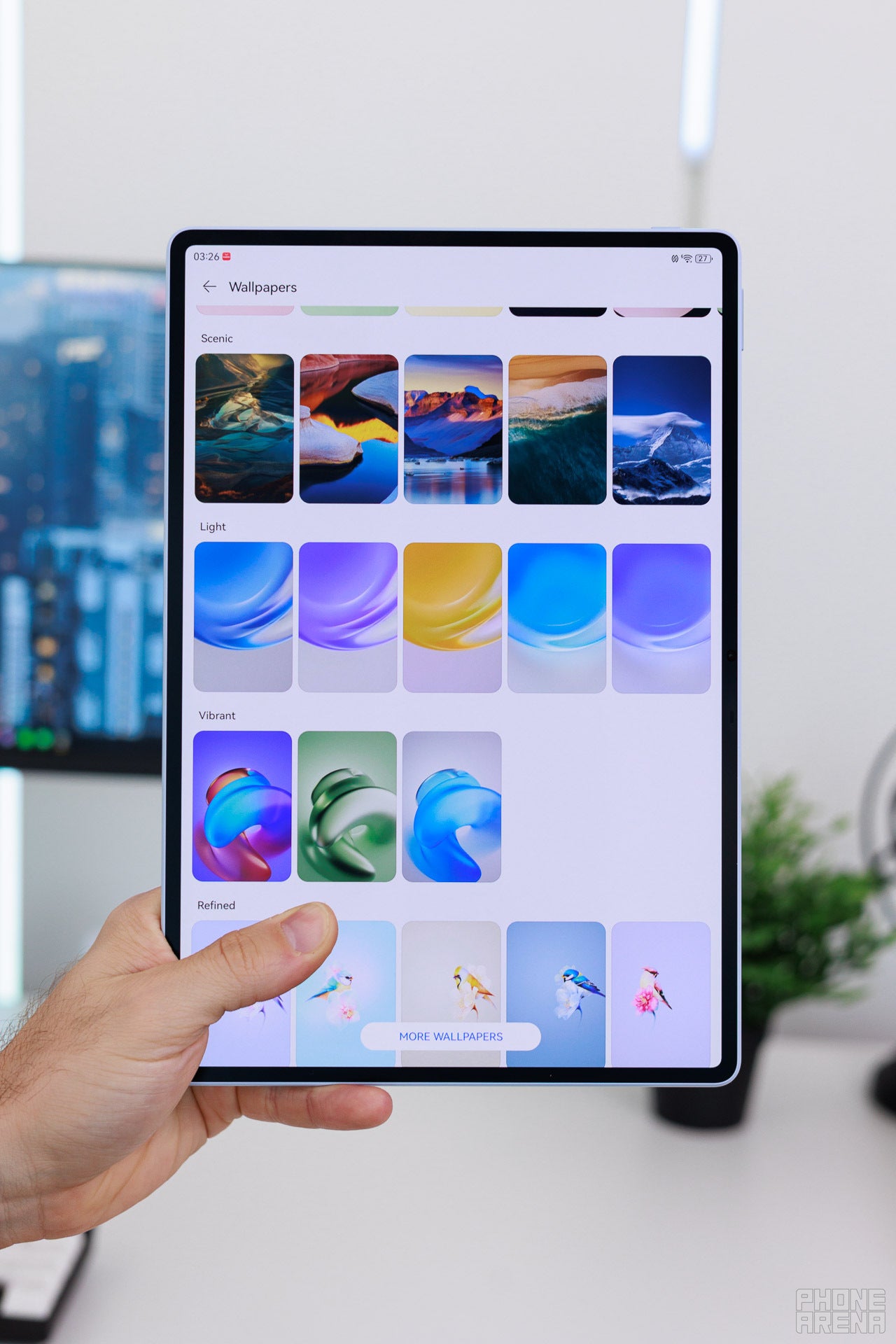
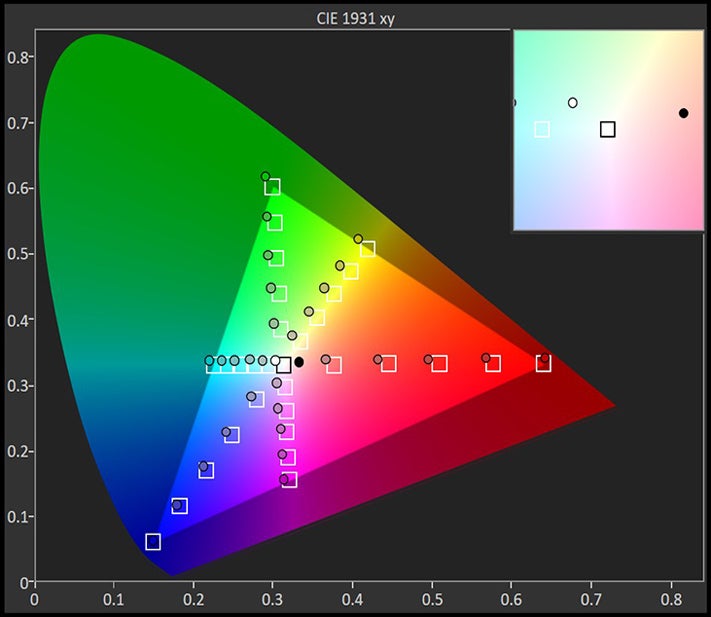
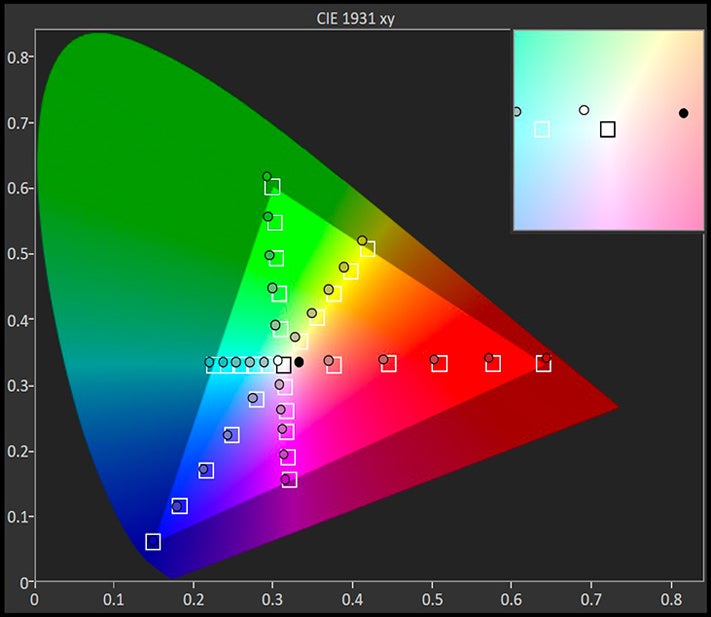
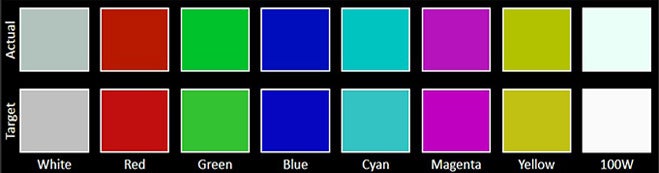
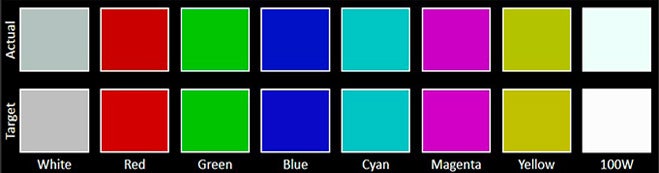


Speaking of screens, the new OLED panel in the MatePad Air 2026 may not be the most cutting-edge one out there, but it’s still a great OLED panel.
The key feature in this model is Huawei’s PaperMatte display coating, which has been tweaked to further reduce highlights and sparkle. I’m not the biggest matte display fan, but this coating absolutely makes it great for writing and drawing. The feel is much closer to writing on real paper, compared to using a normal, glossy display.
These PaperMatte displays also tend to be easier on the eyes, due to their slightly more subdued vibrancy, so reading is also a good use case.
The key feature in this model is Huawei’s PaperMatte display coating, which has been tweaked to further reduce highlights and sparkle. I’m not the biggest matte display fan, but this coating absolutely makes it great for writing and drawing. The feel is much closer to writing on real paper, compared to using a normal, glossy display.
Huawei MatePad Air 2026 Keyboard and Stylus
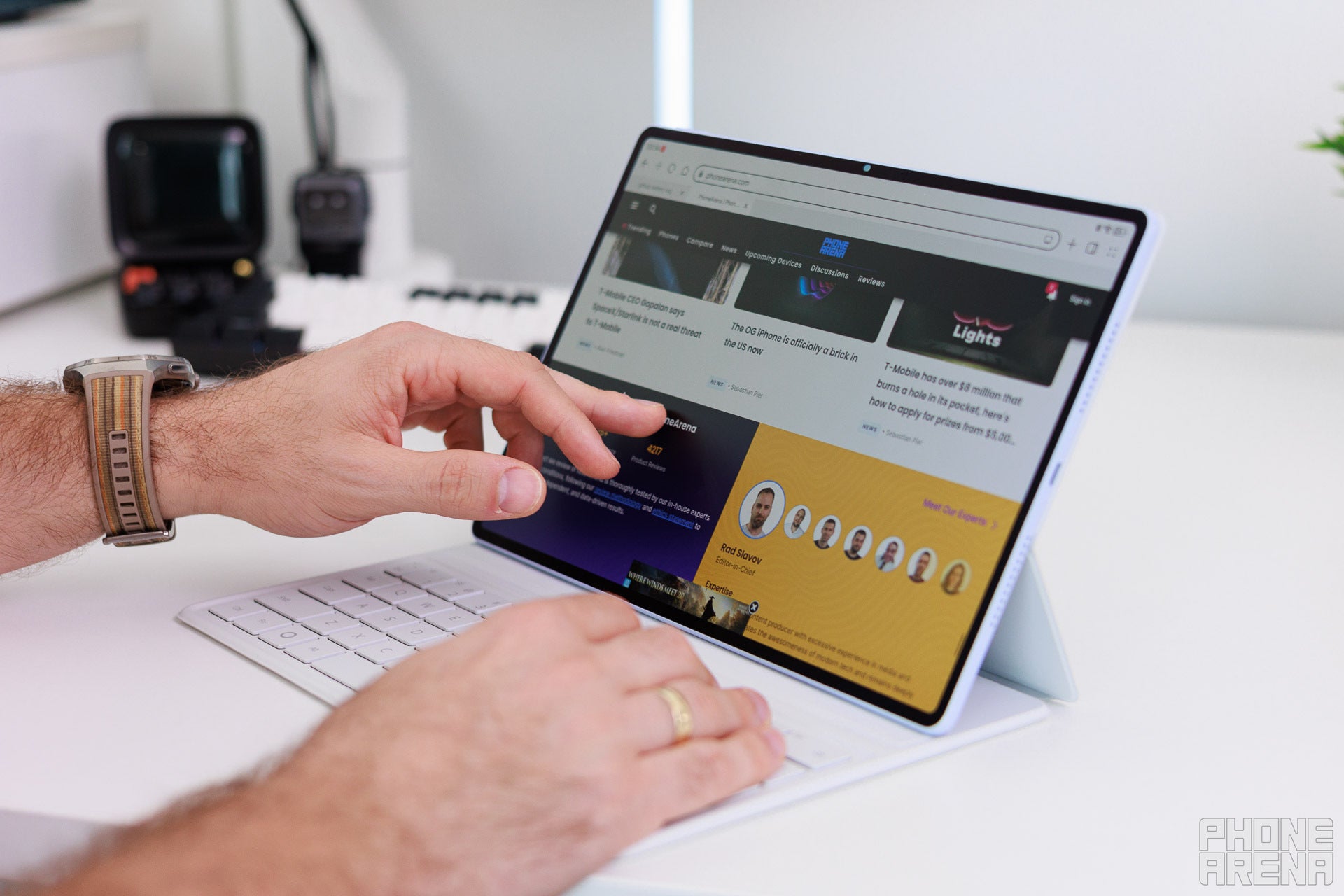
Image by PhoneArena
Keyboard quality
There’s a magnetic keyboard you can get with the MatePad Air 2026. It’s just a keyboard folio, it doesn’t have a trackpad, but that’s not necessarily a bad thing, because it keeps its overall weight lower.
This way, the full tablet-plus-keyboard package doesn’t weigh that much, especially compared to many other alternatives out there. Simplicity is the name of the game with the MatePad Air.
The keyboard accessory has strong magnets, which help position the tablet correctly, as well as keep it steady in either of the two possible angle positions. It’s also easy to lower the tablet to studio mode (laying flat on top of the keyboard), which makes it convenient for writing and drawing.
The keyboard itself is convenient to type on. It’s spacious enough, and it’s relatively quiet.
This way, the full tablet-plus-keyboard package doesn’t weigh that much, especially compared to many other alternatives out there. Simplicity is the name of the game with the MatePad Air.
The keyboard accessory has strong magnets, which help position the tablet correctly, as well as keep it steady in either of the two possible angle positions. It’s also easy to lower the tablet to studio mode (laying flat on top of the keyboard), which makes it convenient for writing and drawing.
The keyboard itself is convenient to type on. It’s spacious enough, and it’s relatively quiet.
Stylus quality
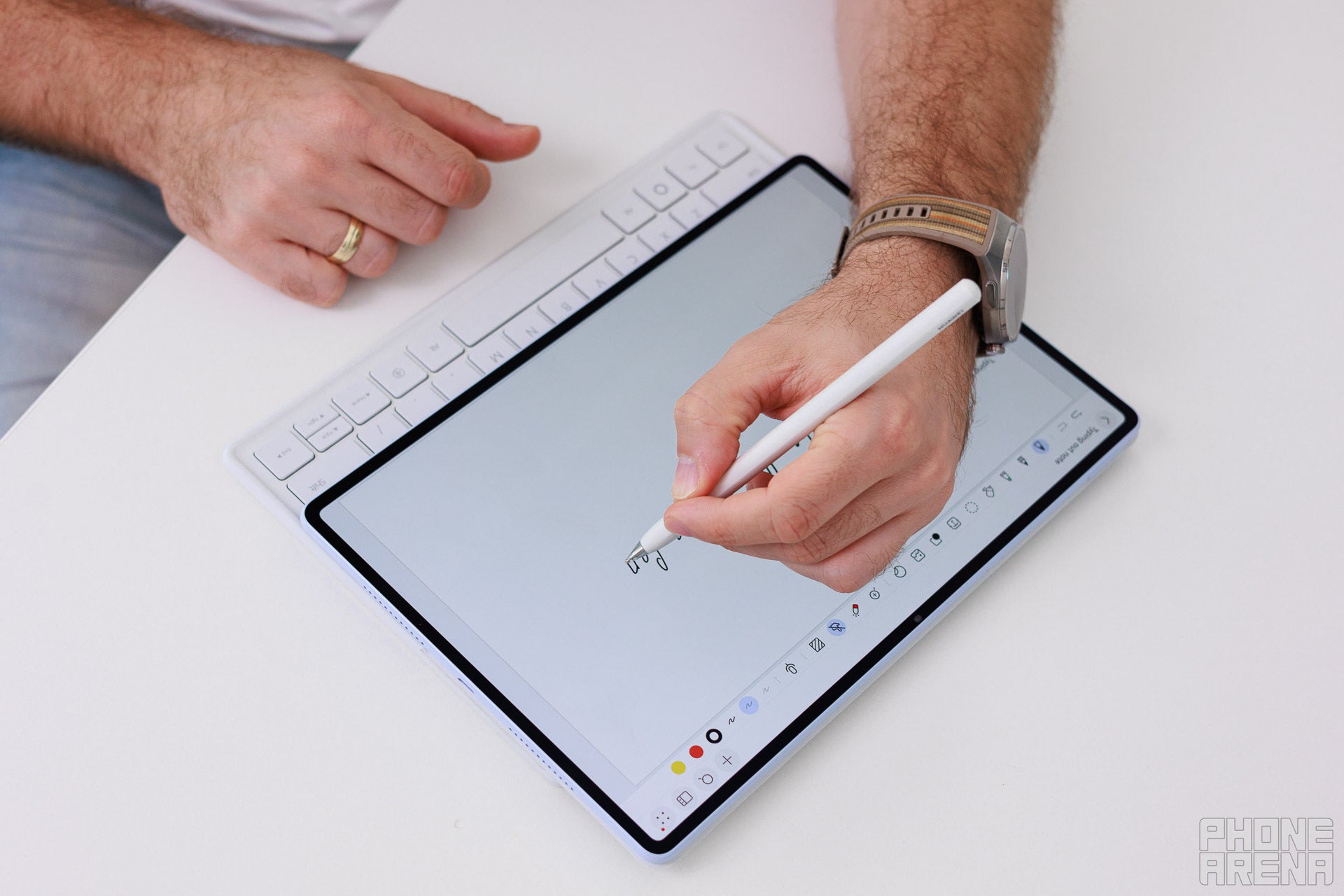
Image by PhoneArena
Huawei MatePad Air 2026 Performance & Benchmarks
The Kirin T93C is a meaningful step up from previous Kirin chips.
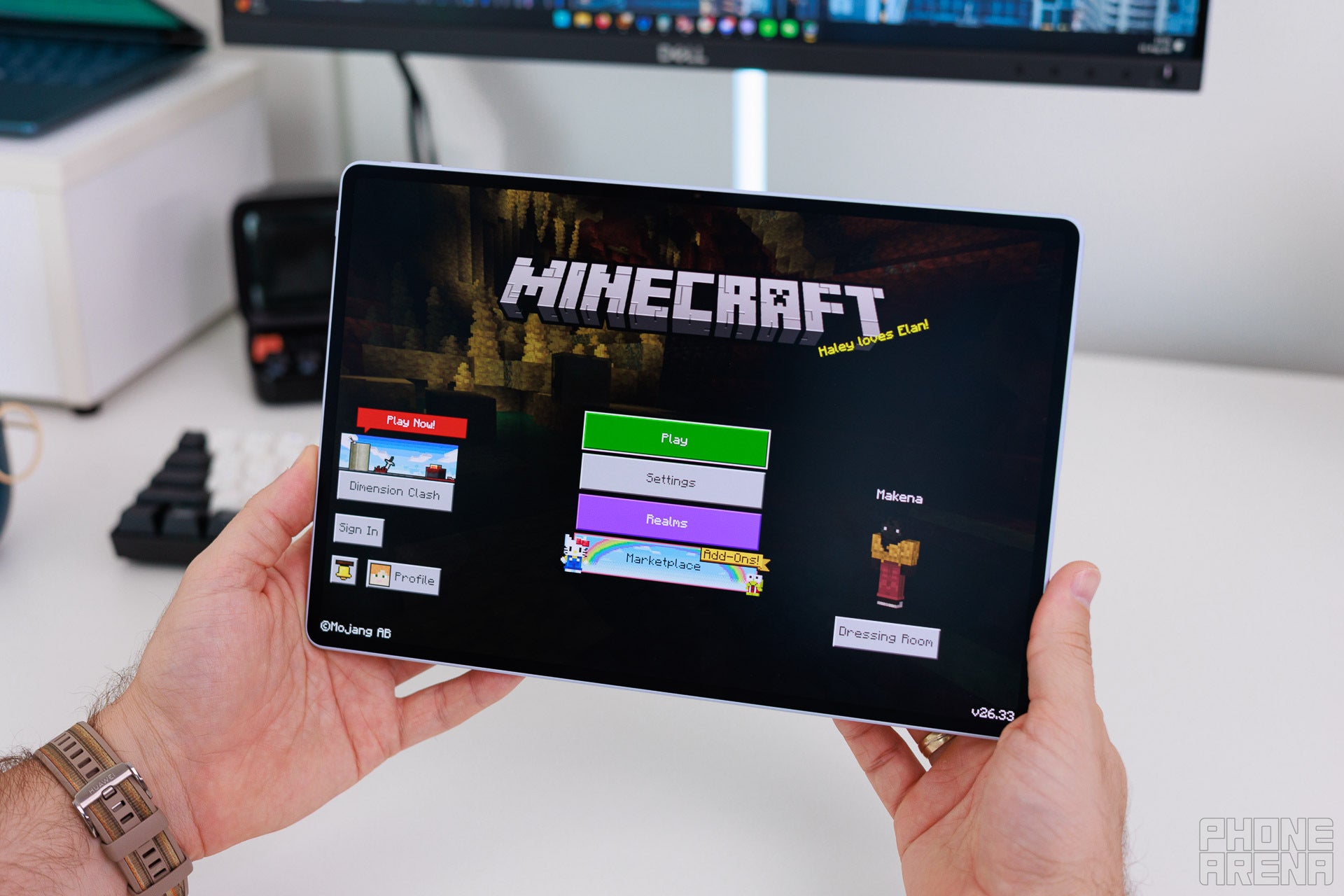
Image by PhoneArena
CPU Performance Benchmarks:
GPU Performance
The most noticeable improvement can be seen in the performance benchmarks above – both peak and sustained performance is better on the MatePad Air 2026.
Huawei specifically points out they’ve worked on improving the tablet’s passive cooling to allow for better sustained performance, and I think it shows. Of course, this 7nm chipset cannot compete against top-tier Apple M or Qualcomm Snapdragon processors, but it’s more than good enough for flawless daily operation.
The tablet moves quickly and instantaneously, so I think it’ll be a very rare occasion where you’d be left wishing for more performance.
Huawei MatePad Air 2026 Software
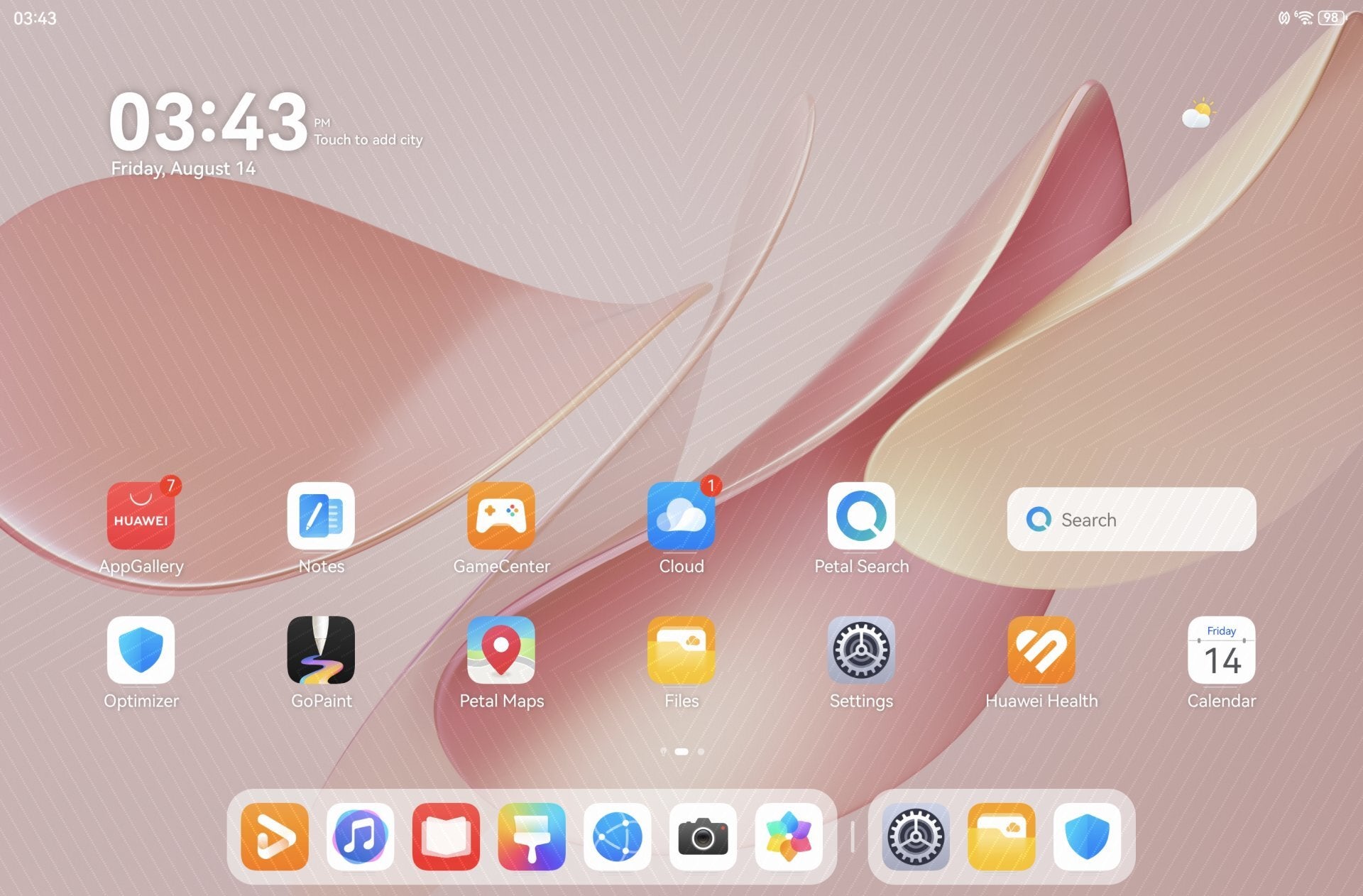

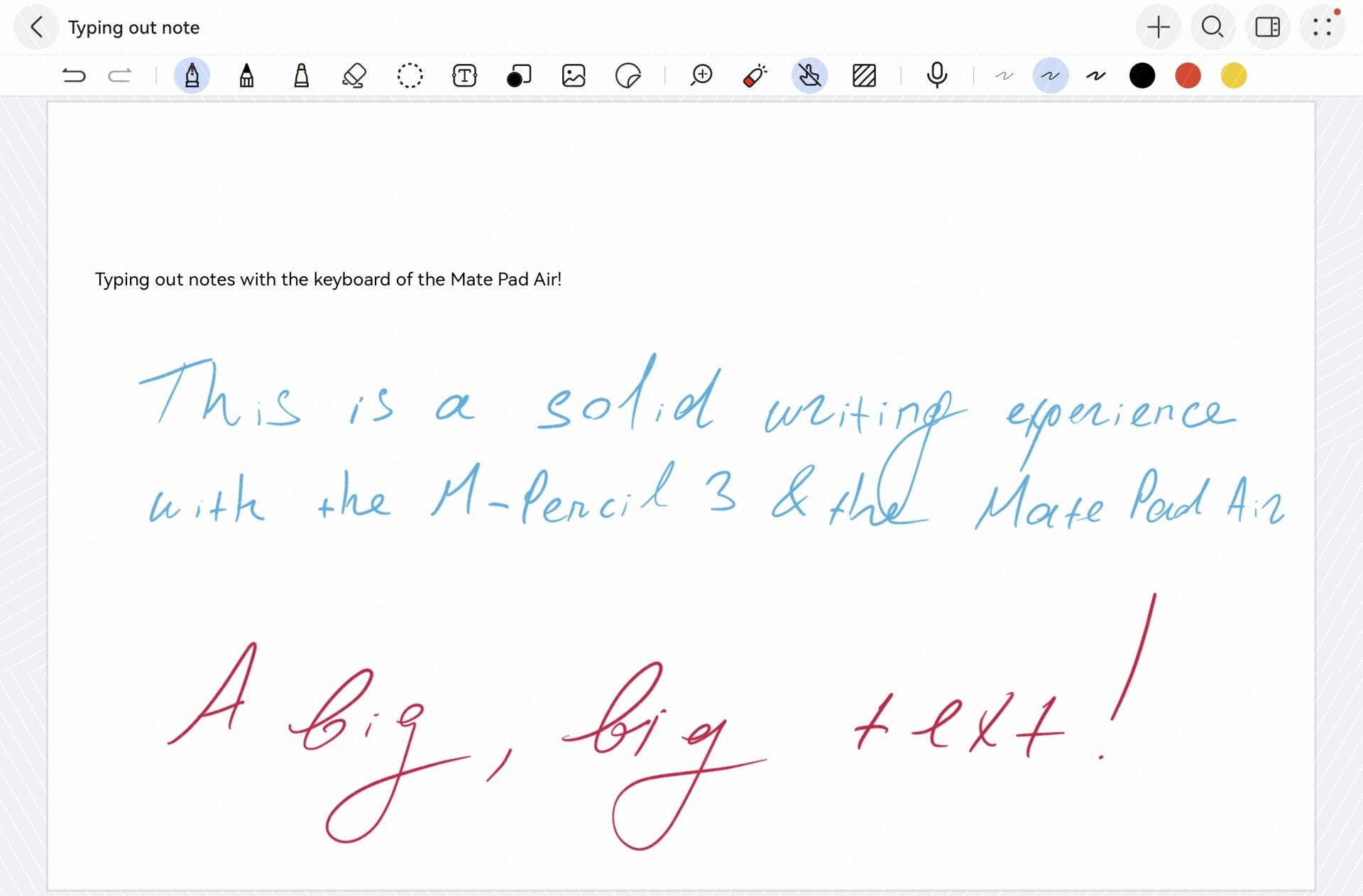
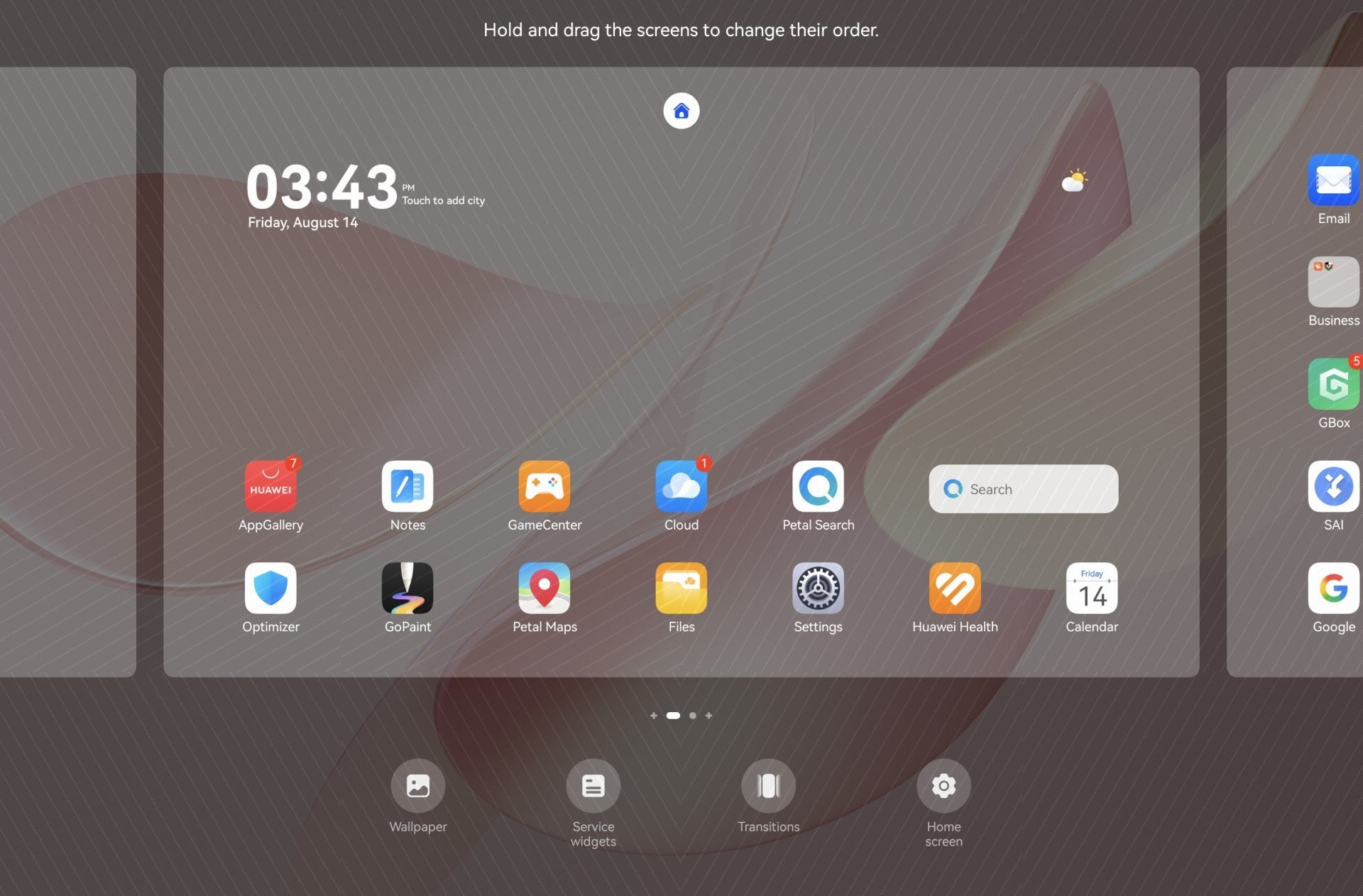
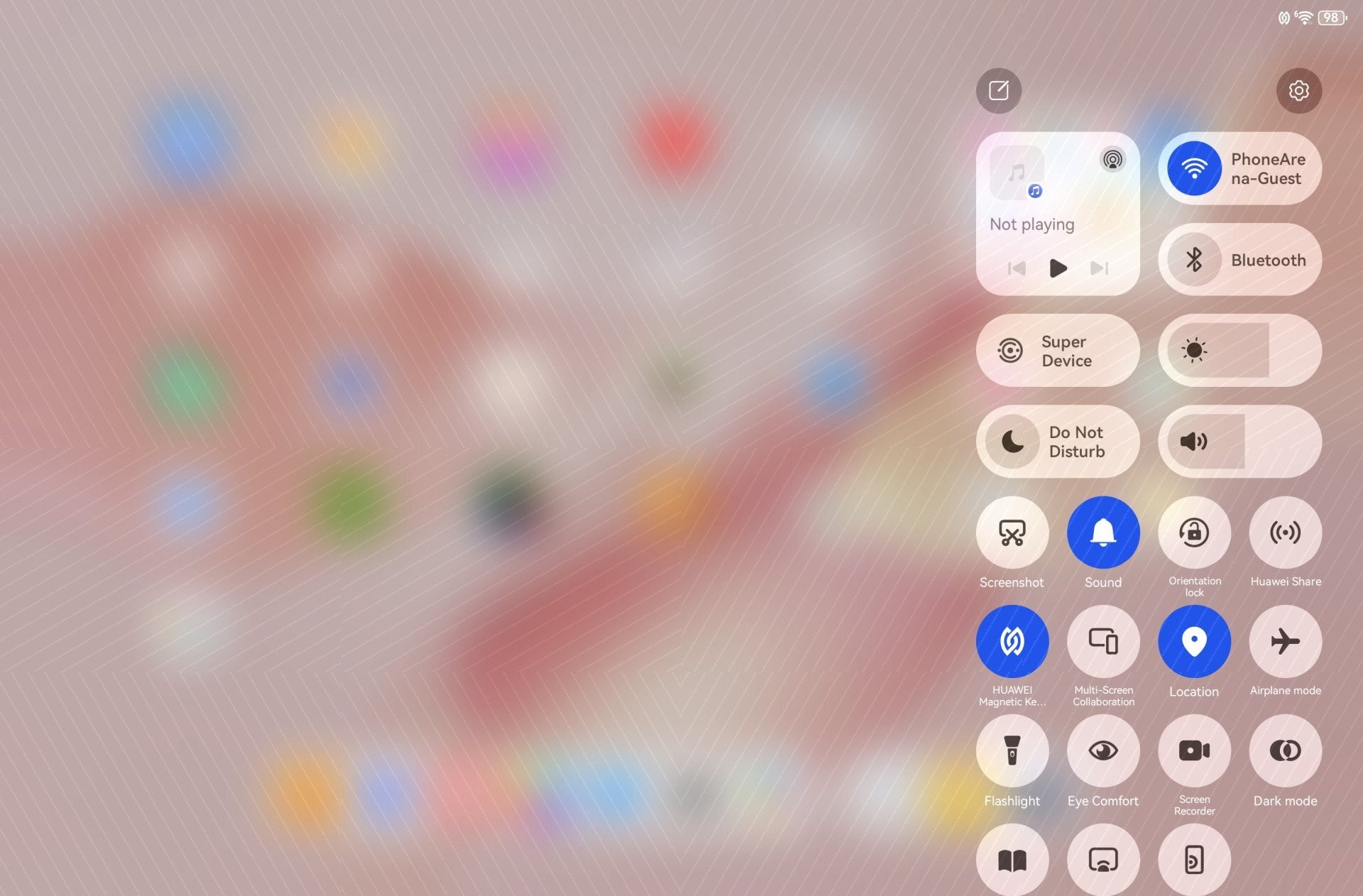
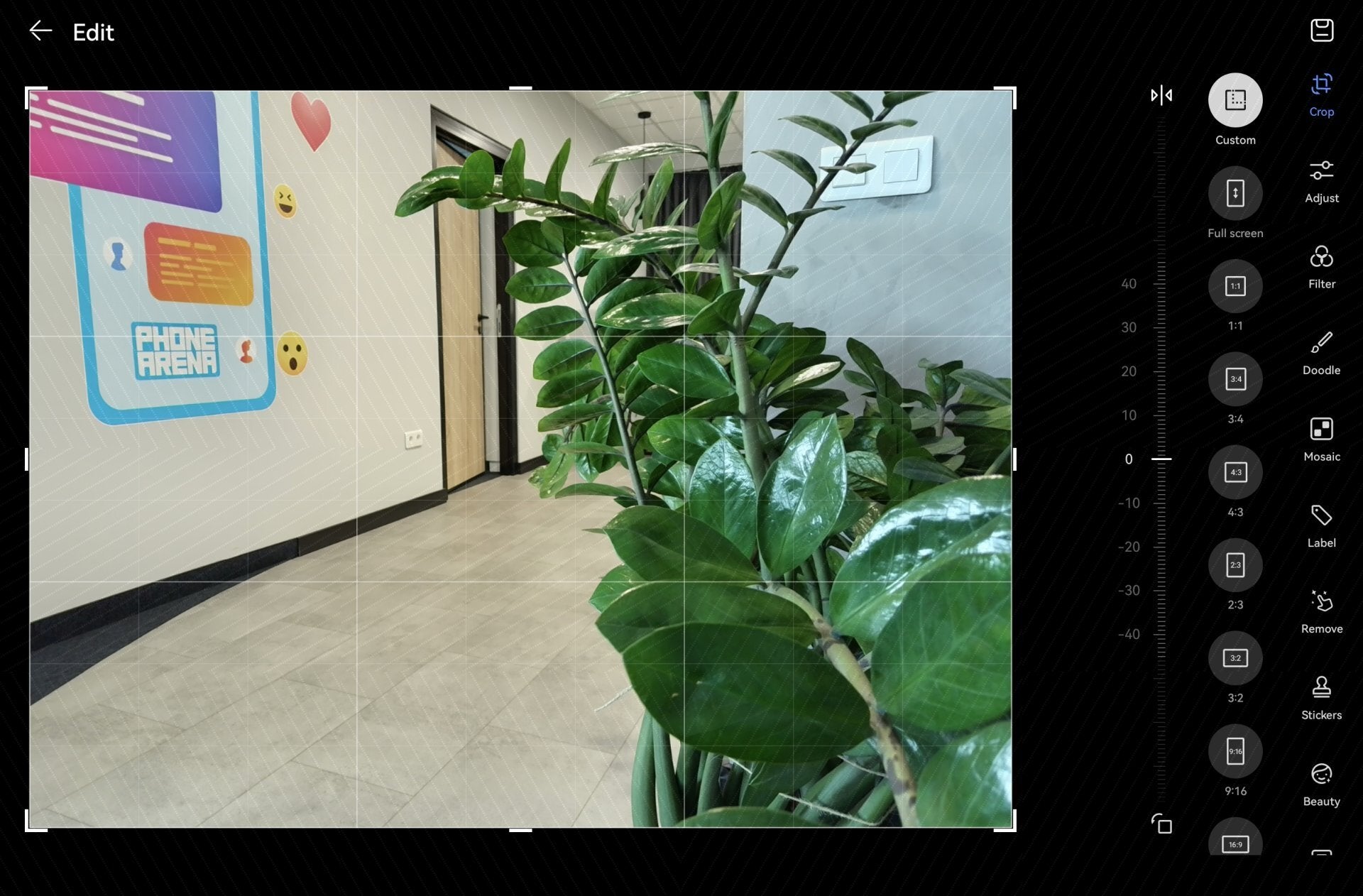
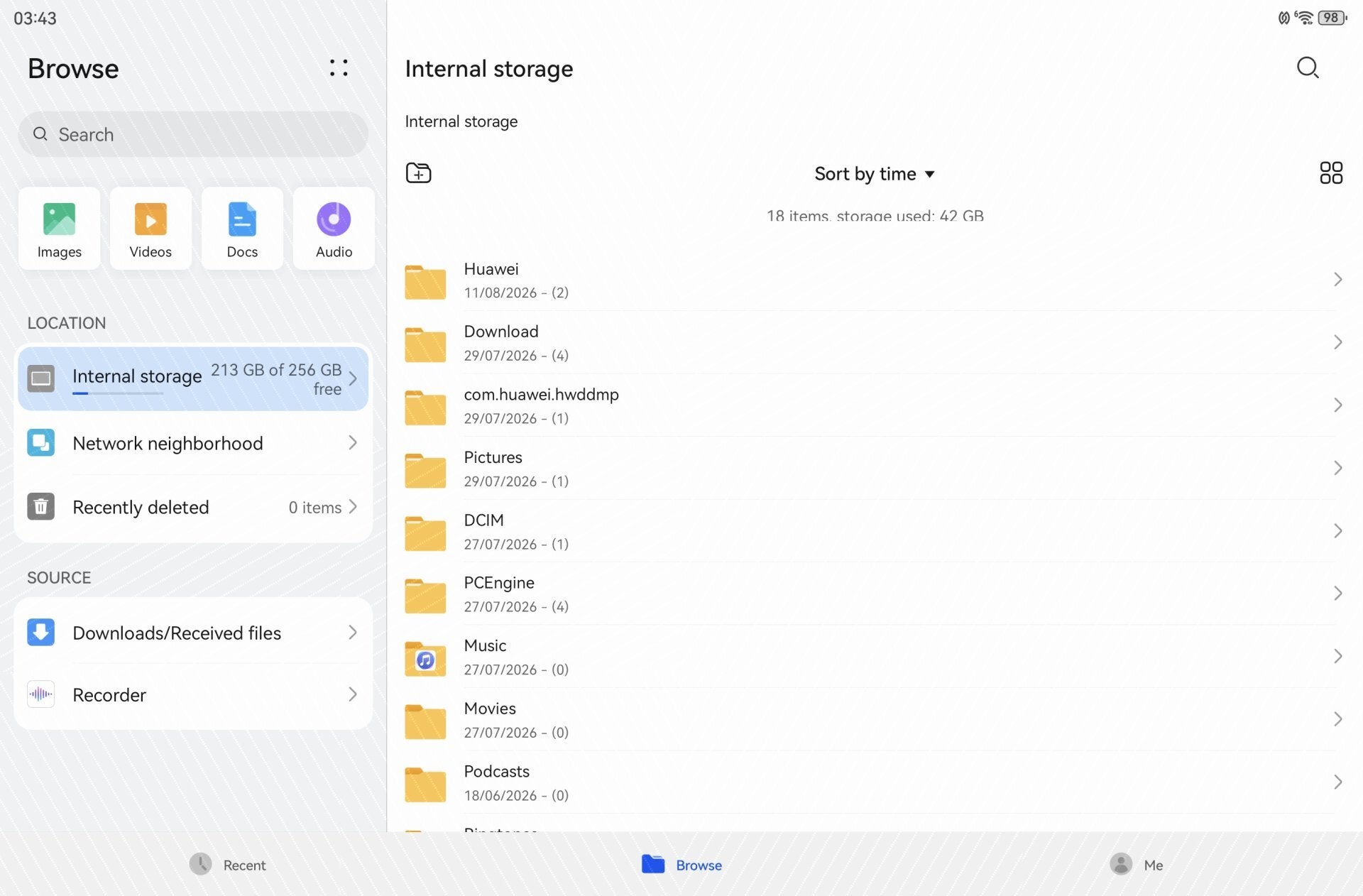
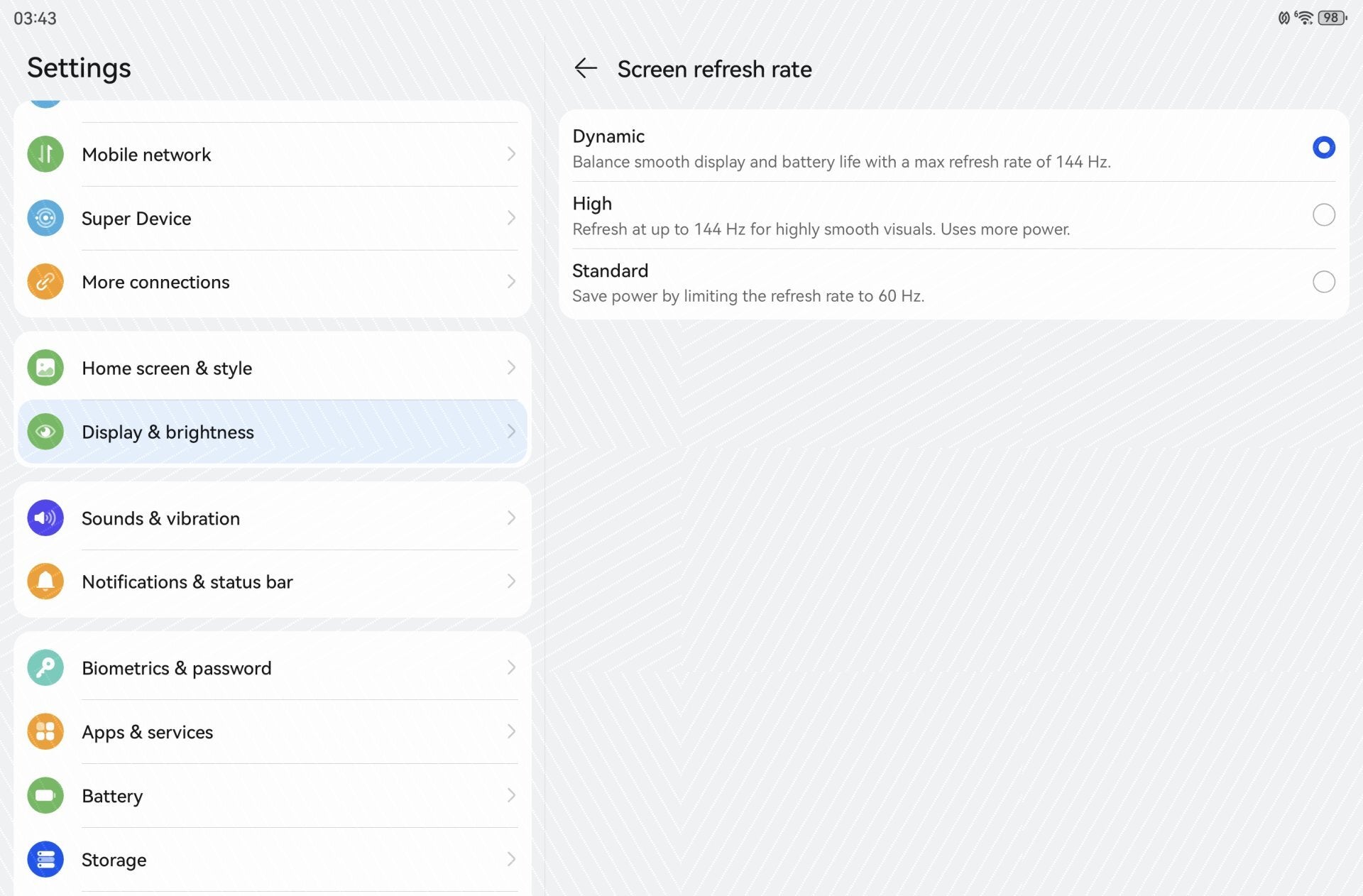
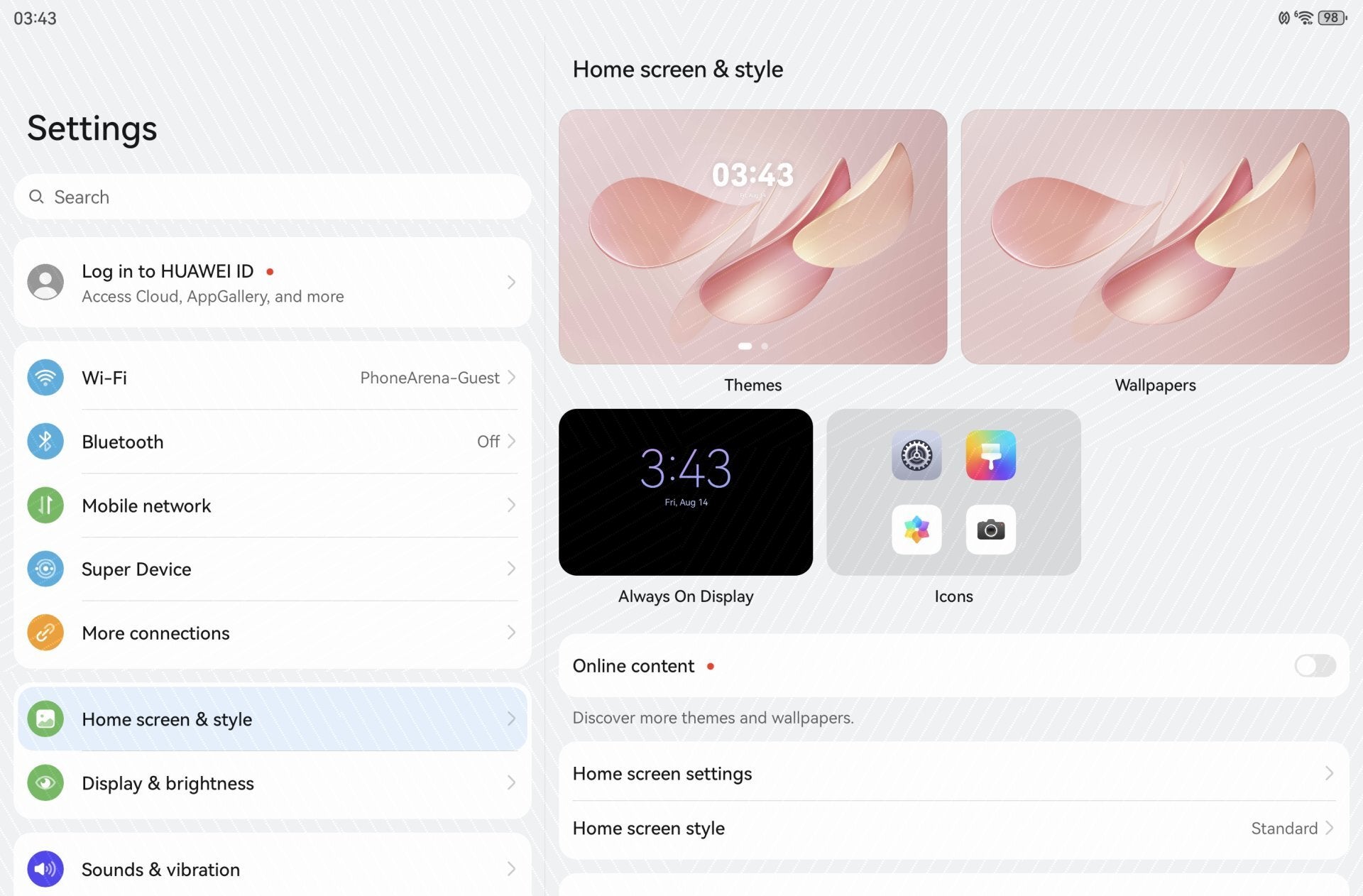
HarmonyOS on the MatePad Air 2026 | Images by PhoneArena
The Huawei MatePad Air 2026 comes with the latest version of HarmonyOS. If you’ve used a previous HarmonyOS or even an EMUI product from Huawei, you pretty much know what to expect.
There are no unnecessary bells and whistles, so fans of cleaner software experiences will like what they see here.
I think HarmonyOS is a fine piece of software, but it’s important to remember there are no built-in Google services here. Getting your Google account set up isn’t rocket science, thanks to solutions like Gbox and microG, but still – keep in mind there will be a bit of initial configuration before you can start using the MatePad Air like a normal Android tablet.
An area of improvement for Huawei here would be to step up their software update efforts. These MatePad tablets typically don’t get many updates over their lifespans. Sometimes, this is OK, as the software is typically very well optimized and free of issues; but other times, there may be a bug or two that may remain there forever, which is not ideal.
I think HarmonyOS is a fine piece of software, but it’s important to remember there are no built-in Google services here. Getting your Google account set up isn’t rocket science, thanks to solutions like Gbox and microG, but still – keep in mind there will be a bit of initial configuration before you can start using the MatePad Air like a normal Android tablet.
An area of improvement for Huawei here would be to step up their software update efforts. These MatePad tablets typically don’t get many updates over their lifespans. Sometimes, this is OK, as the software is typically very well optimized and free of issues; but other times, there may be a bug or two that may remain there forever, which is not ideal.
Huawei MatePad Air 2026 Audio Quality
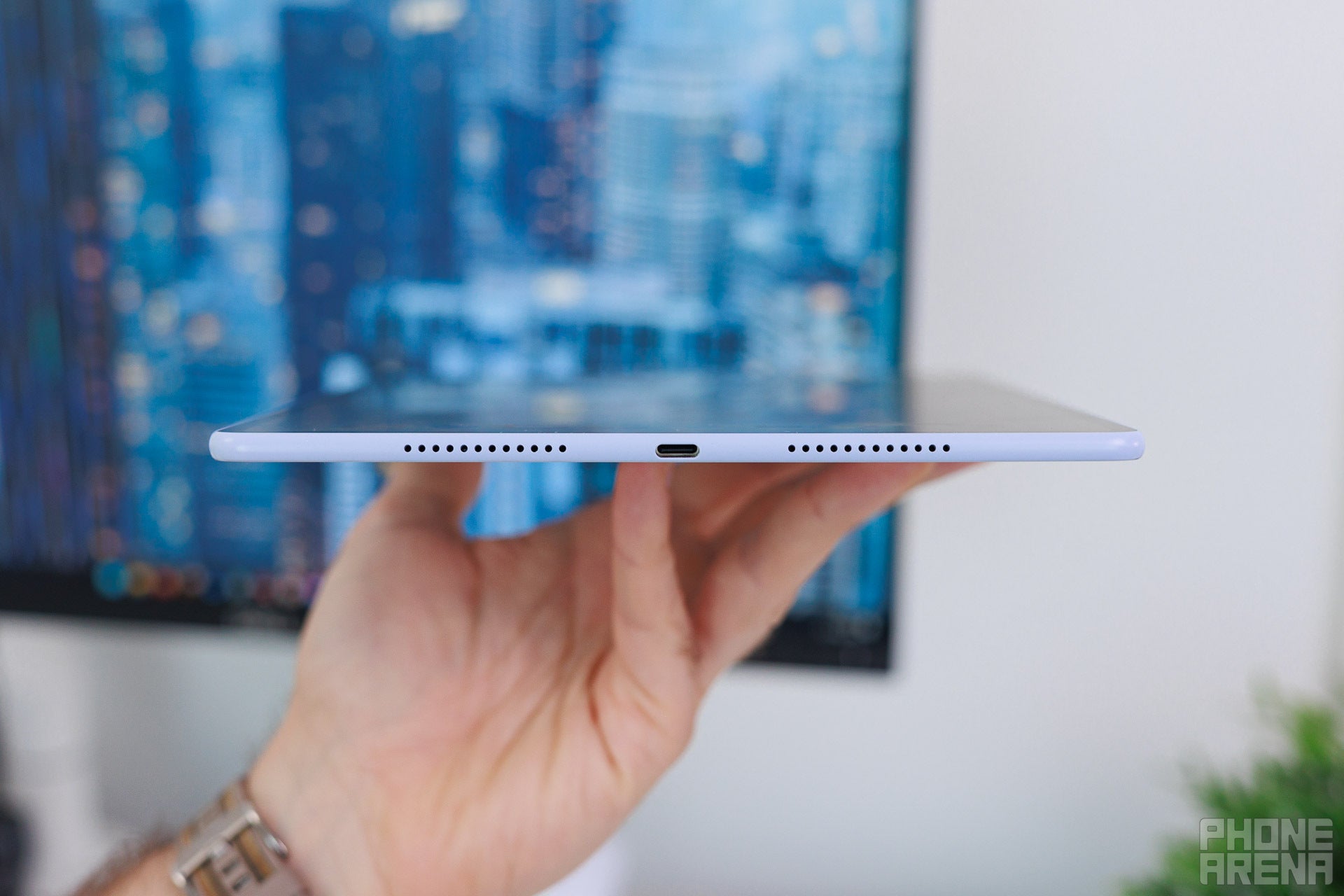
The audio is thick and loud – just how we want it! | Image by PhoneArena
It’s pretty much on par with other top-tier tablets out there, which is quite the achievement for such a lightweight-class tablet.
Huawei MatePad Air 2026 Battery and Charging

PhoneArena Battery Test Results:
All the components we test, like browsing, video playback, and gaming, seem to be handled competently, without any big swings in performance.
The tablet also has fast, 66W charging, which takes the battery from 0% to aroun 40% in 30 minutes. Based on our measurements, a full charge takes roughly 1h 30min.
Huawei MatePad Air 2026 Camera
It's a camera on a tablet.
Images by PhoneArena
There is not much to say about the rear camera. It looks good, it doesn’t cause too much of a wobble when you lay the tablet on a table and try to write on it. You can’t expect too much from it – it’s fine for a tablet camera.
And here’s the type of video quality you can expect from the front-facing camera.


Huawei MatePad Air 2026 Specs
Let's take a look at the Huawei MatePad Air 2026 specs:
|
|
| Huawei MatePad Air (2026) | Huawei MatePad Pro 12.2 (2025) |
| Dimensions | |
|---|---|
| 270 x 183 x 5.3 | 271.3 x 182.5 x 5.5 mm |
| Weight | |
| 509.0 g | 508.0 g |
| Size | |
|---|---|
| 12.0-inch | 12.2-inch |
| Type | |
| OLED, 144Hz | OLED, 144Hz |
| System chip | |
|---|---|
| HiSilicon Kirin T93C (7 nm) | Kirin T92A (7 nm) |
| Memory | |
| 8GB/256GB 12GB/256GB |
12GB/256GB |
| OS | |
| HarmonyOS | HarmonyOS |
| Type | |
|---|---|
| 10100 mAh | 10100 mAh |
| Charge speed | |
| Wired: 66.0W | Wired: 100.0W |
| Main camera | |
|---|---|
| 50 MP (PDAF) Aperture size: F1.8 | 50 MP (PDAF) Aperture size: F1.8 |
| Second camera | |
| 8 MP (Ultra-wide) Aperture size: F2.2 |
|
| Front | |
| 12 MP | 8 MP |
| Bluetooth | |
|---|---|
| 5.2 | 5.2 |
| WLAN | |
| Yes 802.11 a, b, g, n, ac | Yes Wi-Fi Direct 802.11 a, b, g, n, ac |
| USB | |
| Type-C, USB 3.1 | Type-C, USB 3.1 |
| Sensors | |
| Accelerometer, Gyroscope, Proximity sensor | Accelerometer, Gyroscope, Compass, Ambient light sensor |
| Location | |
| GPS, A-GPS, Glonass, Galileo, BeiDou, QZSS | |
| Other | |
| Tethering, Computer sync, OTA sync | |
See the full
Huawei MatePad Air (2026) vs Huawei MatePad Pro 12.2 (2025) specs comparison
or compare them to other phones using our
Phone Comparison tool


Popular stories



Latest News


Things that are NOT allowed:
To help keep our community safe and free from spam, we apply temporary limits to newly created accounts: