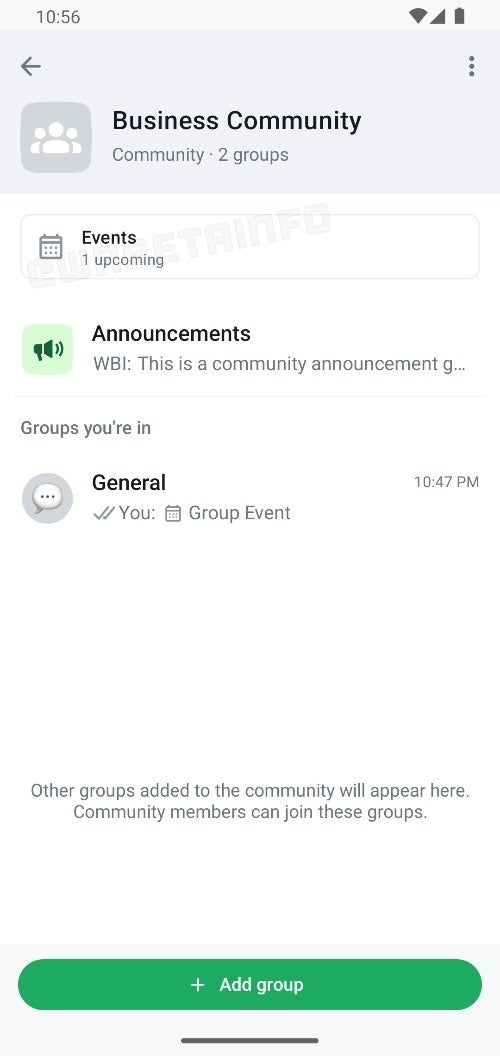
A new feature is currently being tested by WhatsApp in its Community group chats that has the potential to simplify event planning. This feature automatically prioritizes upcoming community events by displaying them prominently on the community info screen.
Currently, individuals or group administrators have to manually pin important messages, like details about upcoming events. However, in the latest beta version of the WhatsApp Android app (v2.24.3.20). this manual step might not be necessary at all anymore.
This was effectively spotted by the site WABetaInfo, spotting that now whenever a community member organizes an event, it is conveniently displayed at the top of the community info page. This feature serves as a helpful reminder and central hub for information for all those involved in said community.
Image Source: WABetaInfo
This new functionality builds upon a previously discovered feature that allows users to schedule events within group chats by tapping the attachment icon. Combining these features creates a streamlined process for organizing and staying informed about community happenings.
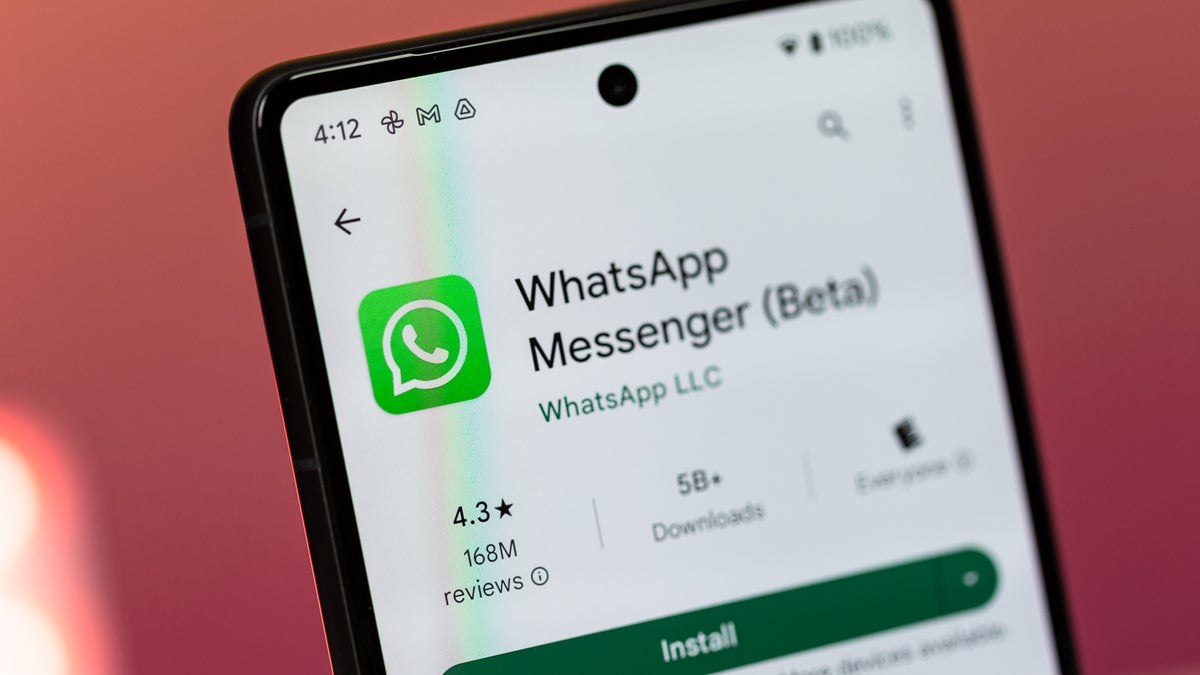
Since it is only available in Beta for now, only a select group of users are currently testing this feature. However, based on WABetaInfo's reporting, it seems that the feature is very close to being released to the public. It is worth noting that the WhatsApp Beta is available via the Google Play Store, but requires signing up for the beta program, which has for the past few years proven to be very difficult as it is always full to capacity.
Recommended For You
This automated pinning feature can be a great asset for busy WhatsApp Communities that usually have several events going on. Removing the human element of having to manually pin the event every time, can be a reprieve for admins, since they will no longer have to worry about events being buried in the calendar or getting overlooked.
Get iPhone 18 Pro with Visible, get $480 off!
$719
/mo
$1199
$480 off (40%)
On the Visible+ Pro plan, you get access to 5G Ultra Wideband data on Verizon's fastest network. Along with unlimited roaming across Mexico and Canada, 2 days of Global Pass per month, 3x hotspot speeds, 4K streaming, and Smartwatch service.
Johanna Romero is a Senior News Writer at PhoneArena, covering mobile technology news across Android, iOS, wearables, and the Google ecosystem she knows best. Drawing on 15 years in IT and tech support from 2007 to 2022, she brings a user-friendly eye for the practical features and lesser-known tricks readers care about. Google named her an official #TeamPixel member in 2022, and she also reviews the latest devices on her YouTube channel, JoJo the Techie.
A discussion is a place, where people can voice their opinion, no matter if it
is positive, neutral or negative. However, when posting, one must stay true to the topic, and not just share some
random thoughts, which are not directly related to the matter.
Things that are NOT allowed:
Off-topic talk - you must stick to the subject of discussion
Offensive, hate speech - if you want to say something, say it politely
Spam/Advertisements - these posts are deleted
Multiple accounts - one person can have only one account
Impersonations and offensive nicknames - these accounts get banned
To help keep our community safe and free from spam, we apply temporary limits to newly created accounts:
New accounts created within the last 24 hours may experience restrictions on how frequently they can
post or comment.
These limits are in place as a precaution and will automatically lift.
Moderation is done by humans. We try to be as objective as possible and moderate with zero bias. If you think a
post should be moderated - please, report it.
Have a question about the rules or why you have been moderated/limited/banned? Please,
contact us.















Things that are NOT allowed:
To help keep our community safe and free from spam, we apply temporary limits to newly created accounts: