
Android 16 allows Pixel users to unlock their phones even if they can't find the fingerprint sensor
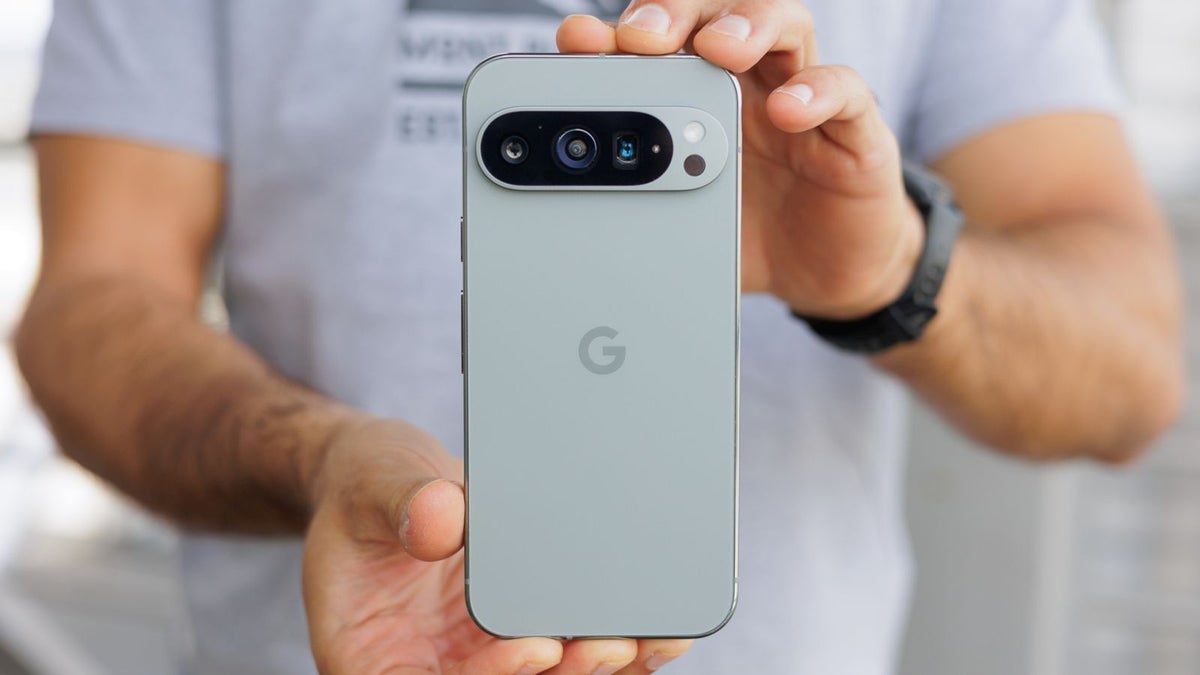
Starting with the Pixel 6 series which was released in 2021, all Pixel models feature an under-display fingerprint sensor. For the biometric reader to be working on these Pixel devices, the screen must be on. Most smartphones don't have this restriction and Google is looking to remove it from the under-display fingerprint scanners used on the Pixel 6, Pixel 6 Pro, Pixel 6a, Pixel 7, Pixel 7 Pro, Pixel 7a, Pixel 8, Pixel 8 Pro, Pixel 8a, Pixel 9, Pixel 9 Pro, Pixel 9 Pro XL, and Pixel 9a models.
With Android 16 Developer Preview 2, Google added the Screen-off Fingerprint Unlock feature only to the Pixel 9 line. But with the latest Android 16 Beta 3 release, the feature is available to all Pixel models with the under-display fingerprint scanner running the latest Android 16 Beta. Unless Google were to remove the feature before the launch of the stable Android 16 update due out next quarter, those of you afraid to touch Beta software will get the Screen-off Fingerprint Unlock feature with the stable version of Android 16.
What this feature does is allow you to use your fingerprint to unlock your Pixel even if the screen is off. If you don't want to wait for this feature to arrive with the stable Android 16 release and downloading Beta software on your phone makes you too nervous, you can make sure that your display is never completely dark. This can be done by enabling the always-on display on your Pixel by going to Settings > Display & touch > Lock screen and toggle on "Always show time and info."
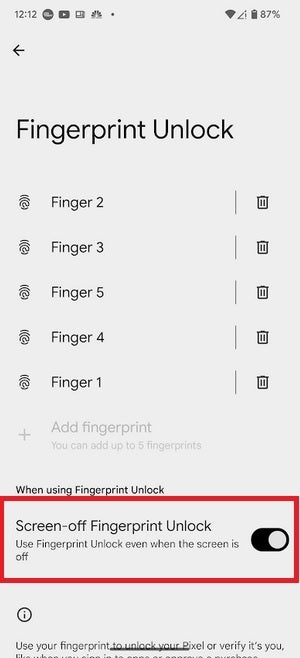
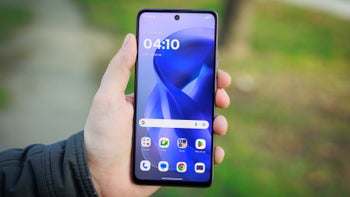
With Android 16 Beta 3, Pixel users can enable the Screen-off Fingerprint Unlock feature. | Image credit-PhoneArena
Whether you just installed Android 16 Beta 3 or you are waiting for the stable Android 16 release, the Screen-off Fingerprint Unlock feature will be disabled by default. If you want to turn it on once you've installed the Android 16 in either beta or stable form, go to Settings > Security & privacy > Device unlock > Fingerprint Unlock, enter your PIN > Fingerprint Unlock and toggle on Screen-off Fingerprint Unlock. With the feature on, even if the screen is off, putting your finger on the area of the display where the fingerprint scanner can be found will unlock the phone.
If you do have the always-on screen disabled to improve the battery life on your Pixel, you might want to have the Screen-off Fingerprint Unlock feature toggled on. This way you'll be able to unlock your device even when the display is off.


Popular stories




Latest News




Things that are NOT allowed:
To help keep our community safe and free from spam, we apply temporary limits to newly created accounts: