Samsung Galaxy Tab S4 Review

Review index
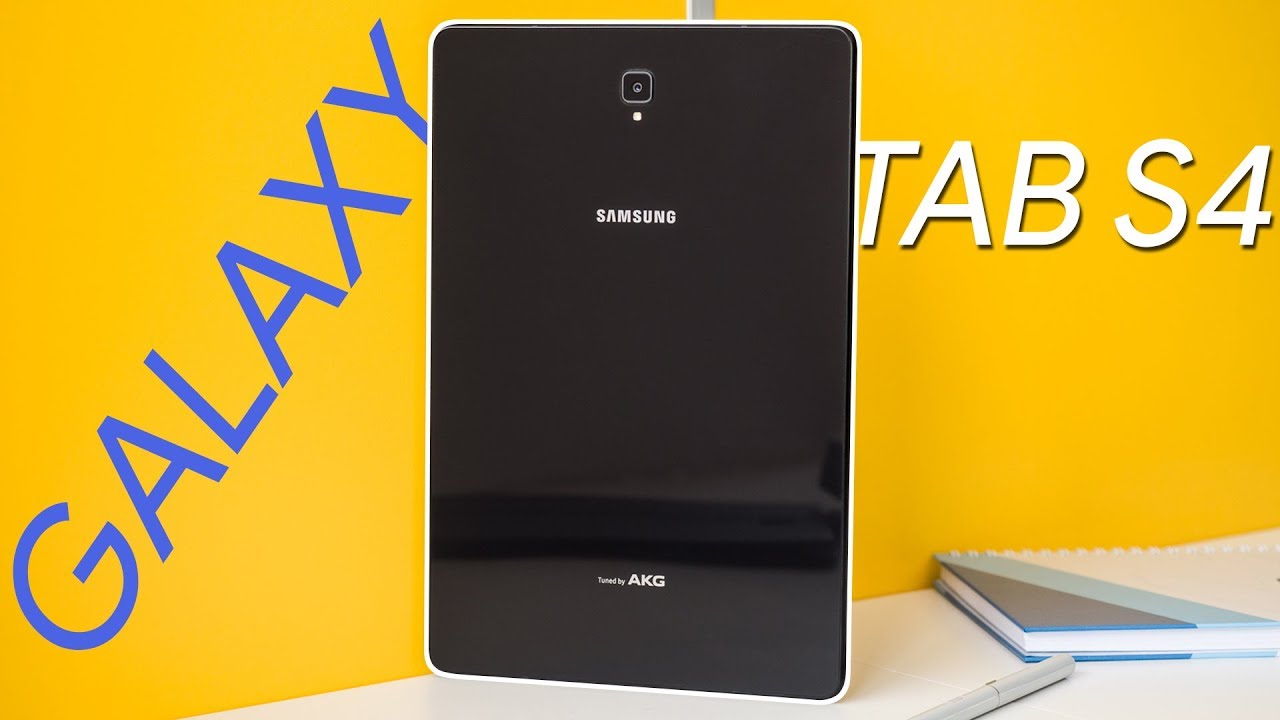
Design | Display | Processor | Interface | S Pen | Samsung DeX | Accessories | Camera | Multimedia | Battery life | ConclusionAs we are getting ready for the Galaxy Note 9 announcement, Samsung is gearing up to release the Galaxy Tab S4 on the 10th of August — its S Pen-equipped, flagship tablet of 2018. It's the successor to the Galaxy Tab S3, but instead of having the more orthodox 4:3 display ratio, it went the extra-wide route with a 16:10 screen. With a slim bezel, lack of a home button, four speakers tuned by AKG, and last year's hardware on board, is the Galaxy Tab S4 worth its entry price of $650? Well, let's check it out!
In the box:
- Samsung Galaxy Tab S4
- S Pen
- Fast charger
- USB Type C cable
- Booklets
Design
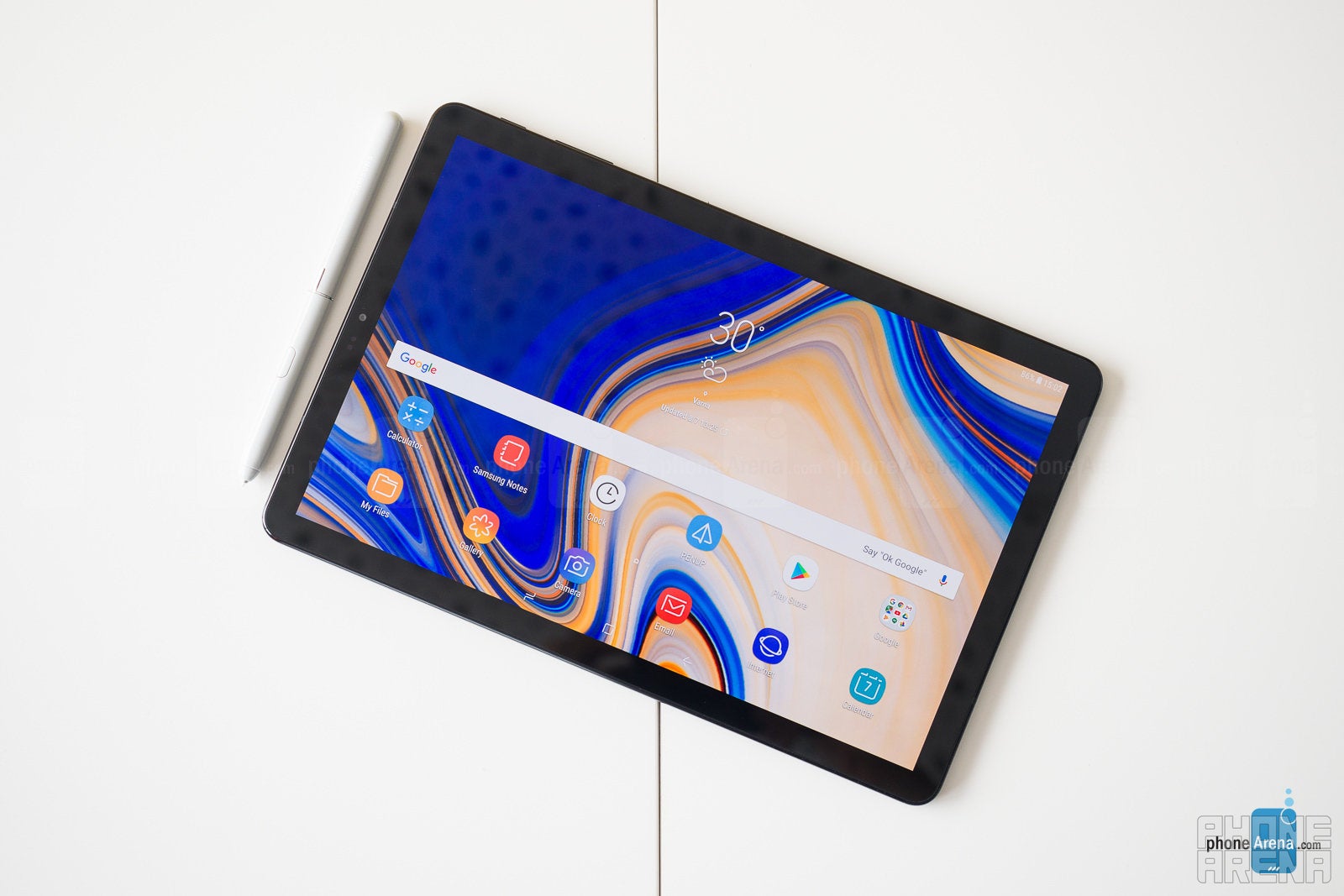
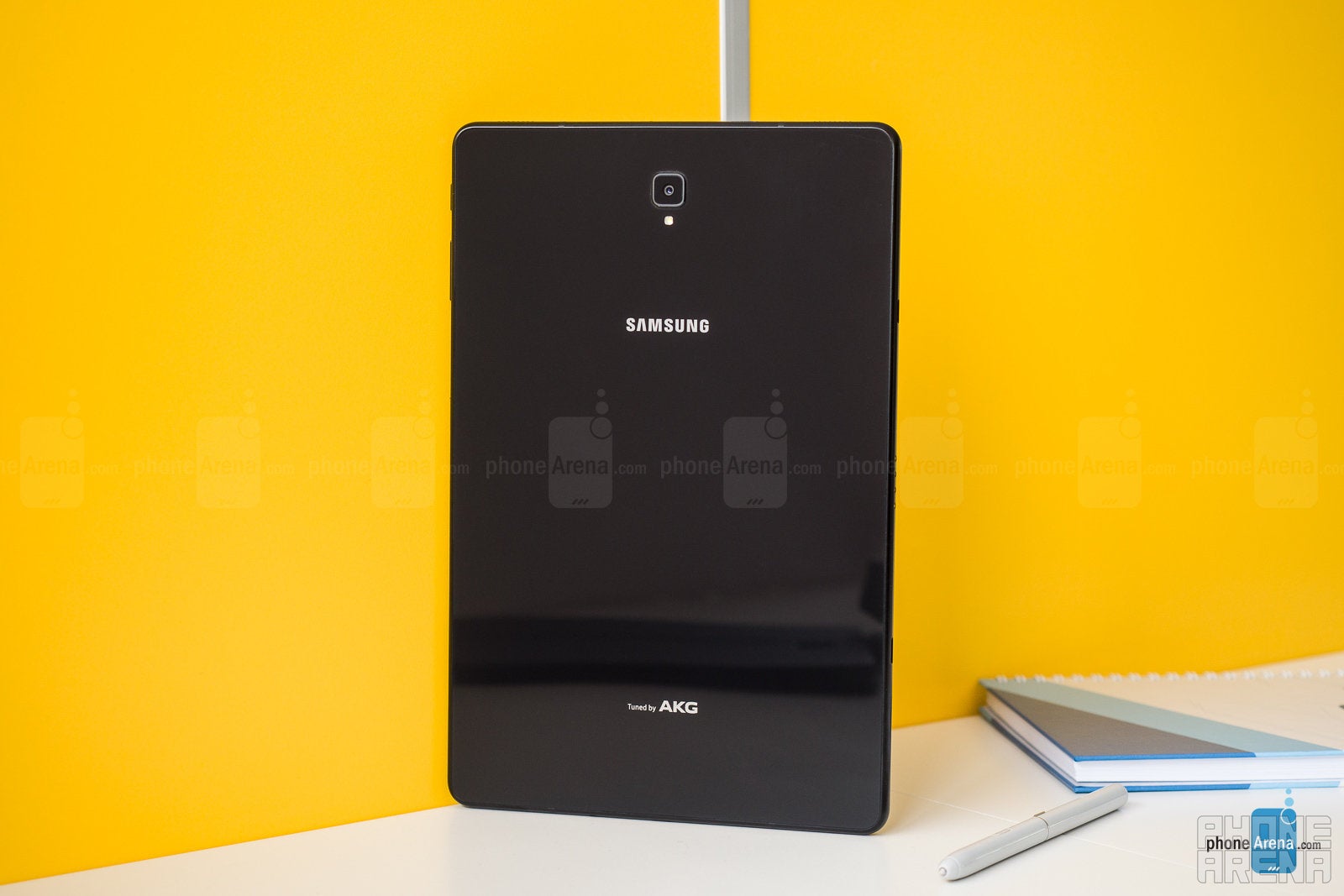
As previously mentioned, the Tab S4's display has an extra-wide display ratio of 16:10. This translates to a rather elongated, yet compact-looking design. The tablet sports a glass back and an aluminum frame, making it look and feel on par with the premium mobile devices of today, but it's rather hefty as a result, weighing in at about 17 oz (483 g).
Couple the Tab S4's weight with its glass back and we have a tablet that is not super-easy to wield around "naked". Once the device warms up and your hand gets a little sweaty, that glass back may play a nasty prank on you. To top it off, there doesn't appear to be much palm rejection, so "holding it wrong" might result in you accidentally touching icons and toggles near the edges of the display a bit too often.
Other than that gripe, the device certainly feels solid in the hand. Its power key and volume rocker are tight and clicky, its internal vibration motor gives off a very pleasant, reassuring feedback when you tap on the navbar buttons (you can turn that off if it's not your cup of tea) and the very tiny camera bump on the back does not result in a tablet that's rocking around if you just lay it on a table.
Display
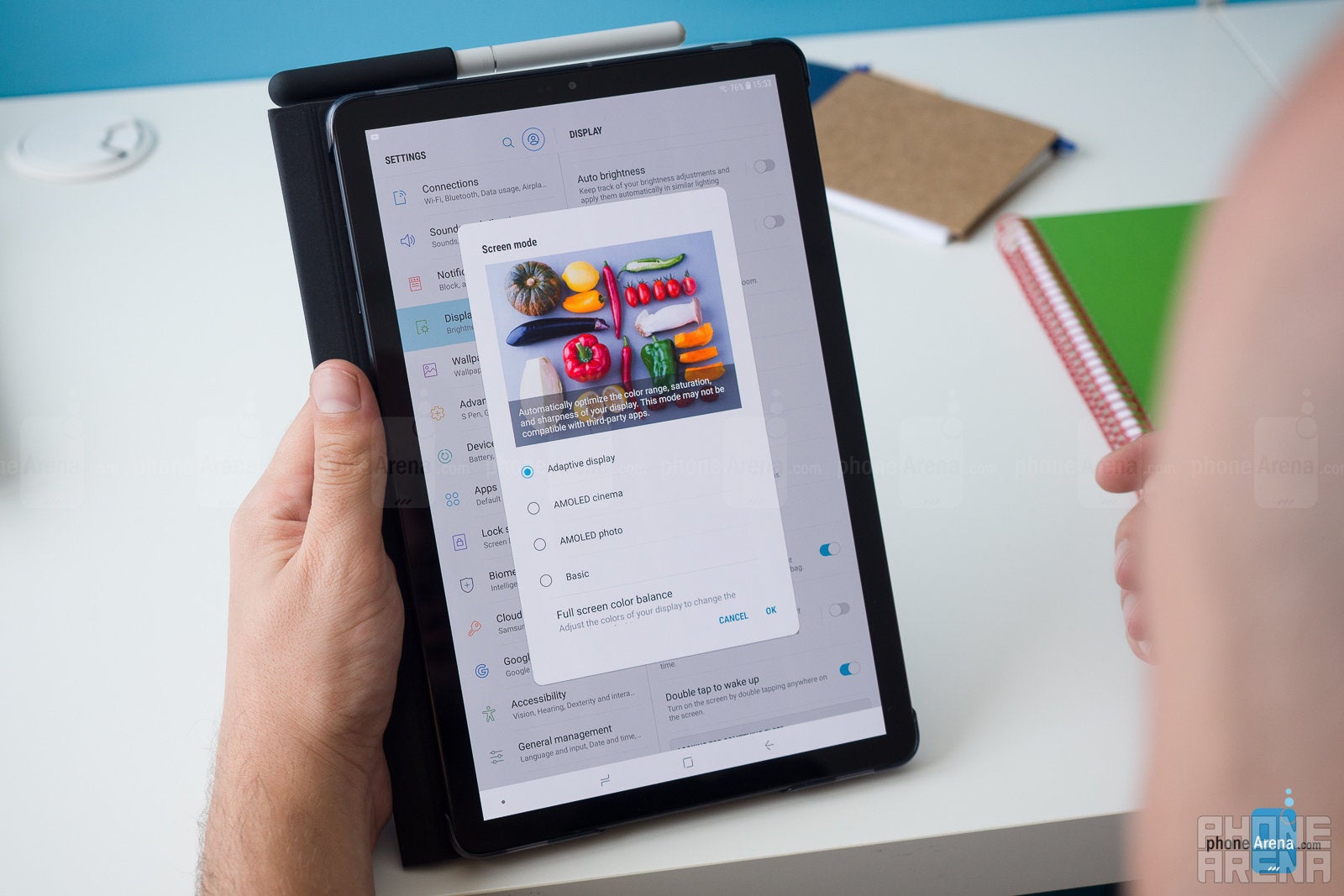
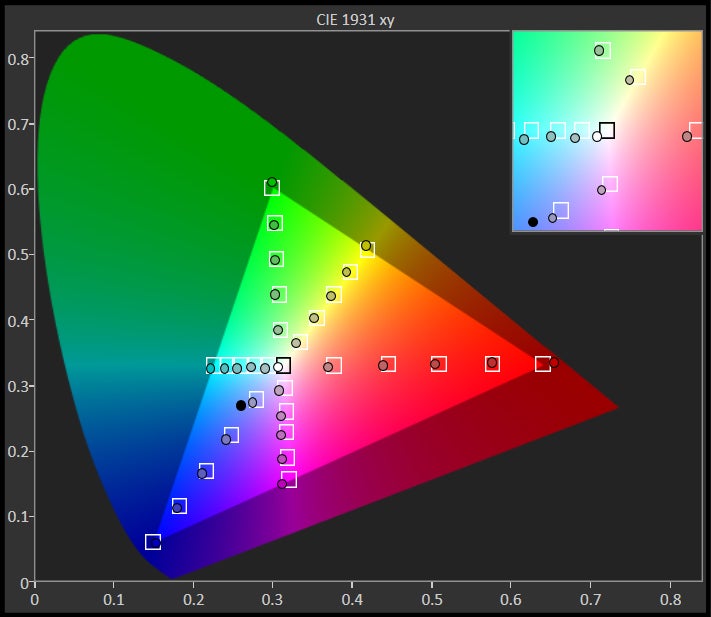
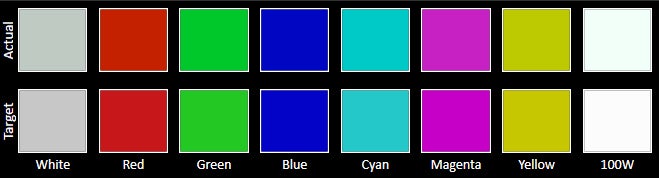
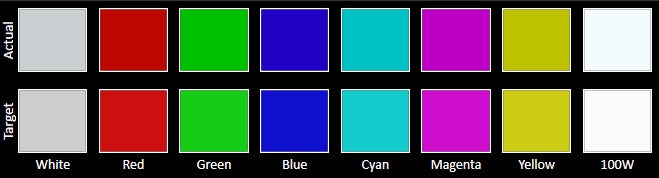
It's no surprise that the 10.5-inch screen on the front is a Super AMOLED panel — Samsung has been excelling in the OLED game for years now, and the Galaxy Tab S4's display looks as gorgeous as you'd expect. With a pixel density of 288 ppi, it's pretty hard to make out individual pixels, and with 4 different display modes to pick from, you can go from full-blown, punchy AMOLED colors to a subdued, closer-to-reality Basic mode.
Now, AMOLED panels are known to distort colors a bit when looked at from an angle. This is rarely a visible problem with Samsung's phones due to the smaller screen size, but on this tablet, you can always see the color shift just a bit towards the edges of the device. Not by much, and not in a way that ruins your experience, but it's worth noting.
Now, AMOLED panels are known to distort colors a bit when looked at from an angle. This is rarely a visible problem with Samsung's phones due to the smaller screen size, but on this tablet, you can always see the color shift just a bit towards the edges of the device. Not by much, and not in a way that ruins your experience, but it's worth noting.



Processor and memory
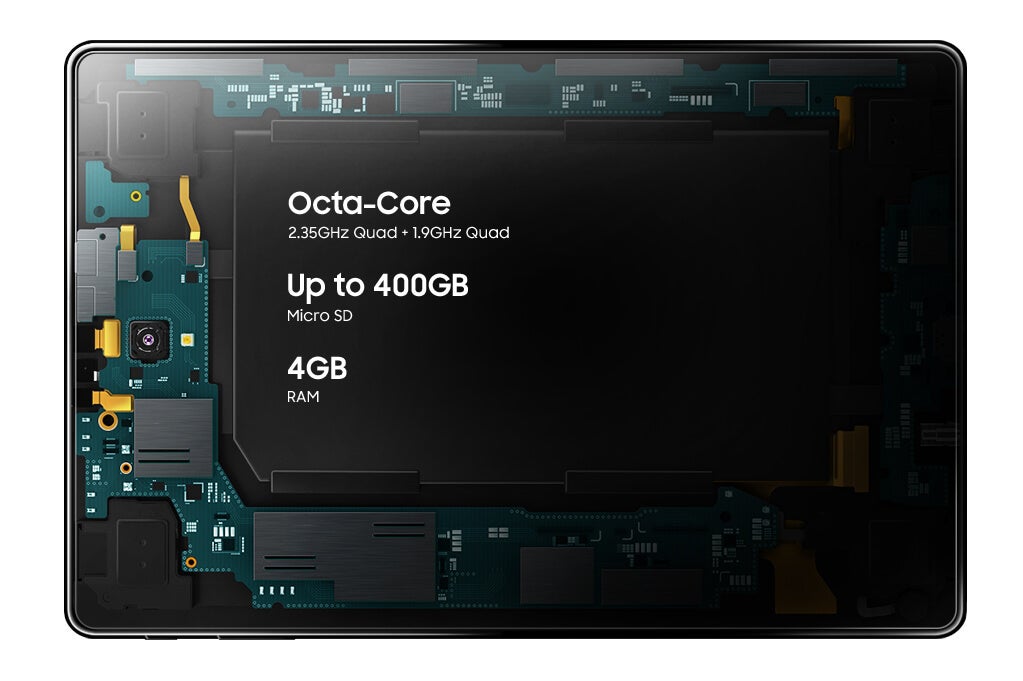
Alright, let's talk about the elephant in the room. The Samsung Galaxy Tab S4 is powered by a Qualcomm Snapdragon 835, a.k.a. the flagship processor of... 2017. Powerusers are usually not extremely happy when they see a manufacturer cut corners when it comes to the silicon on board, but we are happy to report that the Galaxy Tab S4 is running pretty smooth!
Heavy games like Rules of Survival run as well as they do on any contemporary flagship phone we have in the office and productivity apps run without hiccups. Even when multitasking, the Tab S4 gave us no hard time.
You've got 4 GB of RAM, which — admittedly — even some smartphones are surpassing now, but is still pretty adequate for a 2018 mobile device. As far as storage goes, you've got a choice between 64 GB and 256 GB, both of which can be expanded via a microSD card slot.
Interface and functionality
As one can expect, the Android 8.1 on the Galaxy Tab S4 is fully doused in the Samsung Experience interface. This can be seen as either good or bad, depending on whether you like heavy Android reskins, but we can't deny the usefulness of features like Samsung's Secure Folder (hide files and pictures behind a second wall of passwords and biometrics), the Device Maintenance suite (which reports on security, battery life deterrents, and trash files taking too much storage) or the Game Launcher (tunes hardware performance, mutes notifications while gaming, and allows you to record gameplay) among others.
Now, as we mentioned earlier, the Tab S4 has no home button. All navigation is done through a virtual navbar, with the familiar Back, Home, and Recents buttons. But what about biometric locking?
While the Galaxy Tab S4 doesn't have a fingerprint scanner, it does have Samsung's Iris scanner and also supports the new Intelligent Scan, which mixes iris scanning with face recognition. Is it awkward to use on a tablet? Well... sometimes.
If the Tab S4 is held in portrait mode, unlocking usually happens without a hitch, you barely even notice it. But, if it's placed in landscape orientation, you may sometimes have issues. While half the time the tablet was fine scanning our features without us needing to move an inch, during some attempts, we needed to move our head to the left and awkwardly try to hit the sweet spot where the camera will "see" our eyes and scan our face. Still, the actual unlocking is quite fast and, while it's not as convenient as a fingerprint scanner on the front, it didn't give us too many headaches.
S Pen
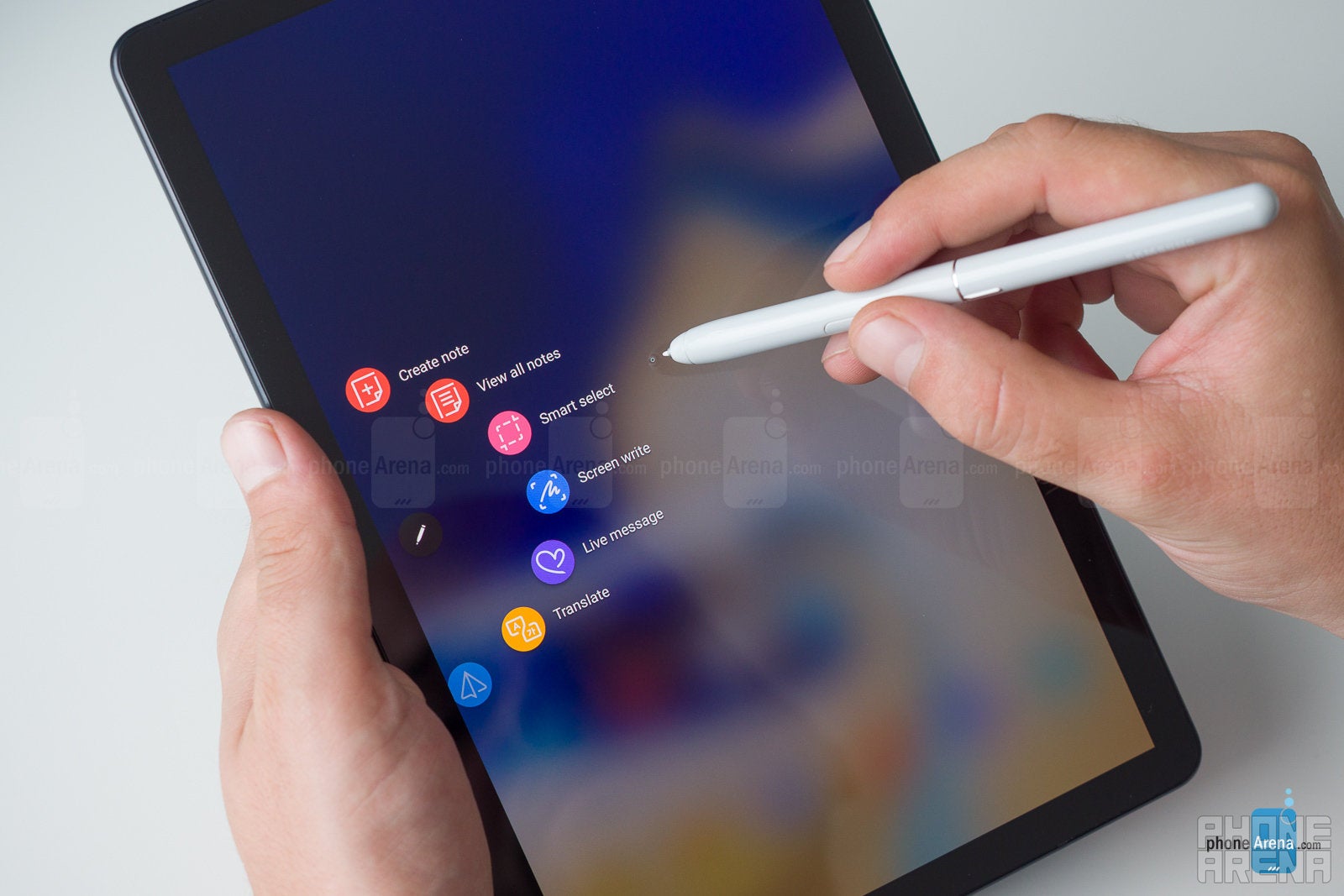
It's quite nice to have the proprietary S Pen stylus included with the package. It's a shame that there is no way to attach the stylus to the tablet in any way, so — unless you get an accessory like a case that holds them together for you — you will need to be careful not to misplace or lose the S Pen.
Samsung DeX without the extra heft!
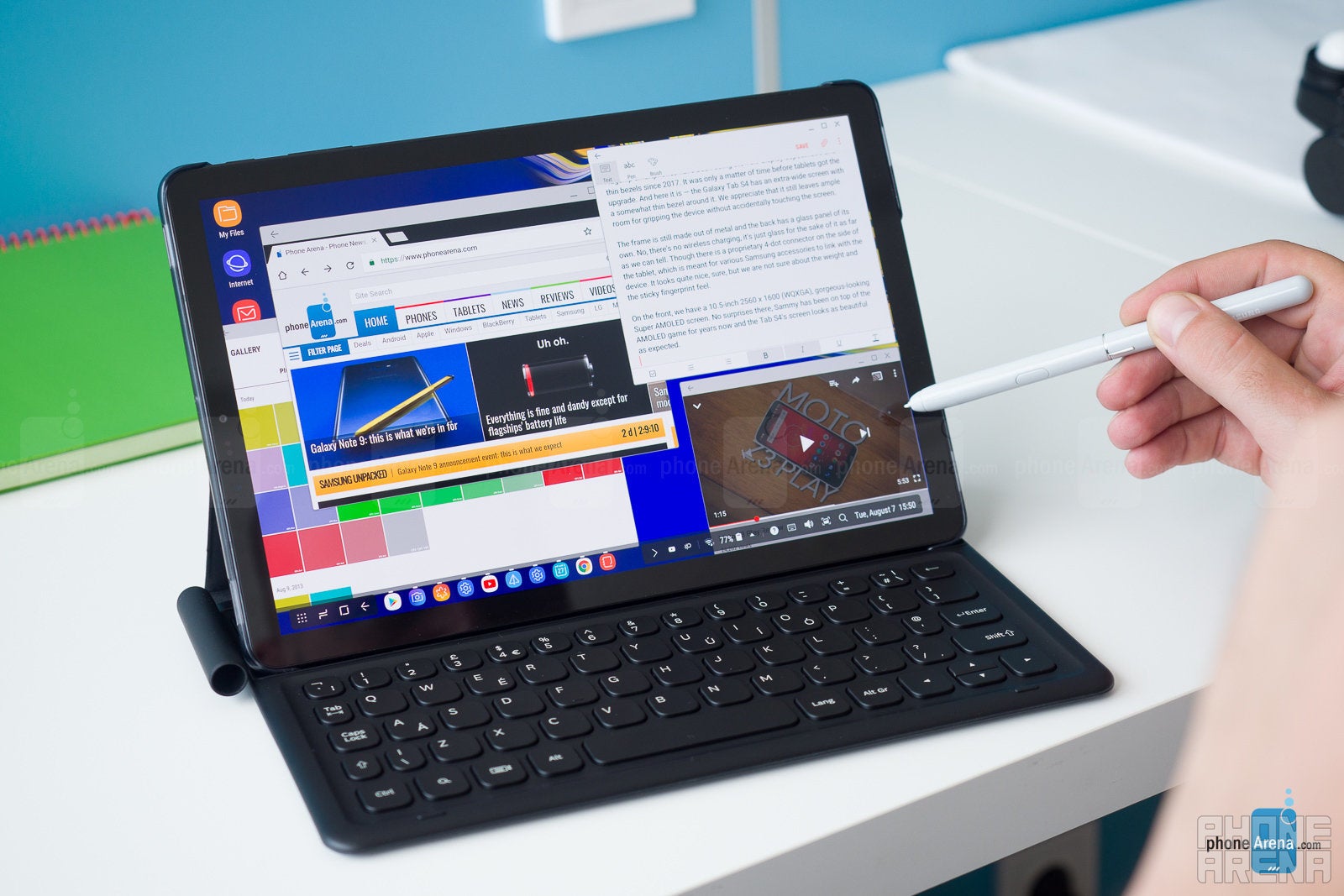
Samsung's DeX has been around since the Galaxy S8 era and it's a pretty cool concept — you can bring your phone with you anywhere and still enjoy a full desktop experience. But there used to be one small caveat: you had to bring a DeX docking station along with an external keyboard and monitor.
Well, no more! The Galaxy Tab S4 can work in DeX mode "naked" — with absolutely no external accessories required. You just pull down the notification shade and tap the DeX Mode toggle and you get a desktop-like UI and multitasking straight on your tablet. You can pair the tablet up with a Bluetooth keyboard and mouse or just use the optional Samsung Book Cover Keyboard (outlined below) and get the full "mini PC" experience.
As we noted on our DeX review, it's a viable option for the digital nomad — it's not super-comfortable, nor does it mark the end of the PC, but it can certainly do a good job when you are in a tight spot!
Accessories
Samsung is also selling a special Book Cover Keyboard for the Galaxy Tab S4, which is a very good accessory to increase your productivity on the go. It doesn't connect via Bluetooth, but attaches to a proprietary 4-pin connector, located on the left frame of the device.
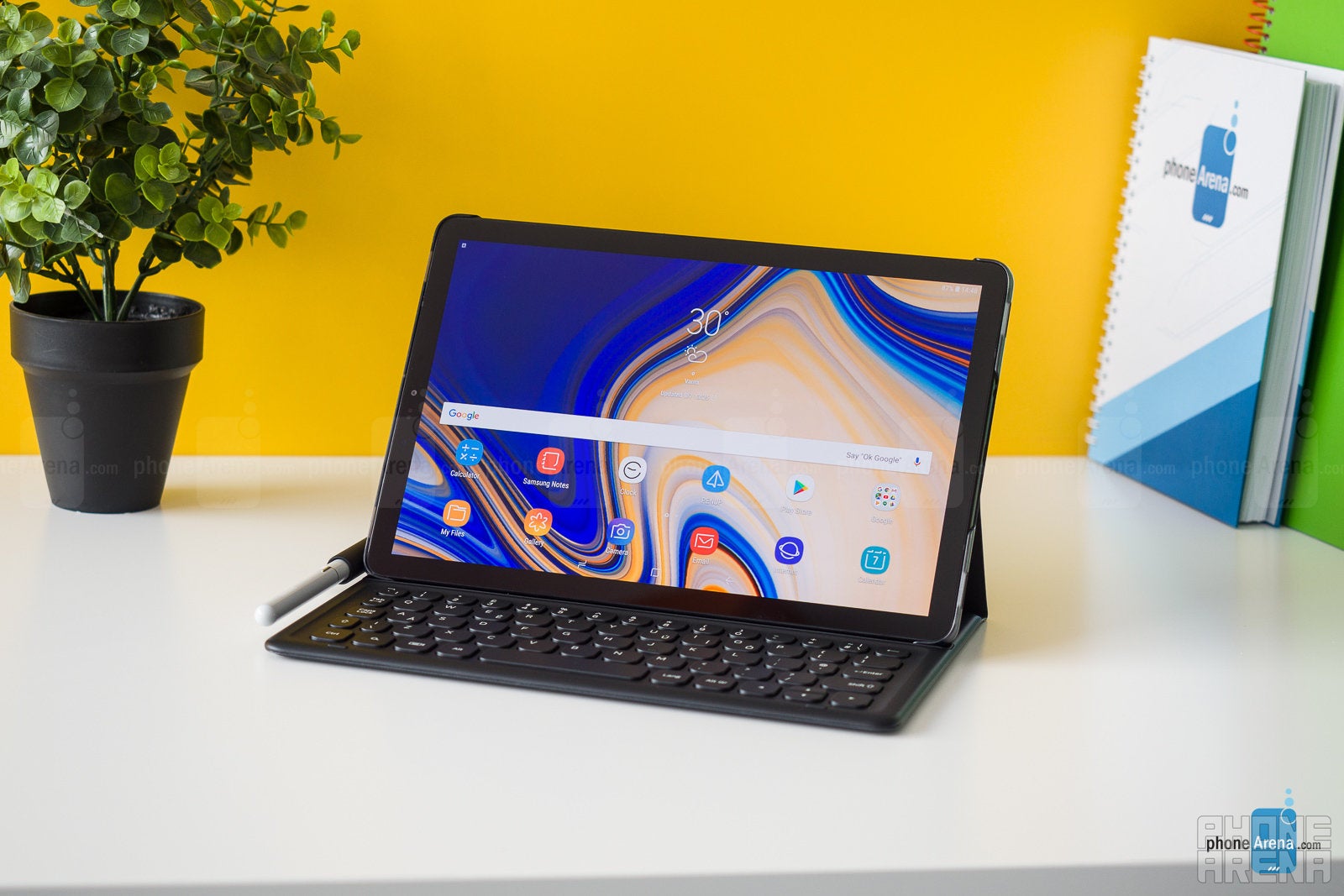
Its keys have a bit of travel and a bit of click to them, despite the thin profile, so it doesn't feel super awkward to type on it. Since the keyboard mirrors the Tab S4's wide-but-narrow footstep, writing on the keyboard takes some getting used to and can get fatiguing over long sessions. Still, it's a good thing to have if you happen to be writing while on the go a lot.
The Charging Dock Pogo
The Charging Dock Pogo is another accessory that you can buy separately. It's designed to hold the tablet in landscape position and charge it through the proprietary 4-pin connector. While docked, the Tab S4 can show you a slideshow of your favorite pictures, or just a number of stock wallpaper photos.
We don't find the charging dock to be a must-have. For one, it's supposed to be an easy-in, easy-out tablet holder, yet we often found ourselves fiddling around, trying to connect it right. If you want to watch movies while the tablet is docked in landscape — it's not a terrible thing to have.
Camera
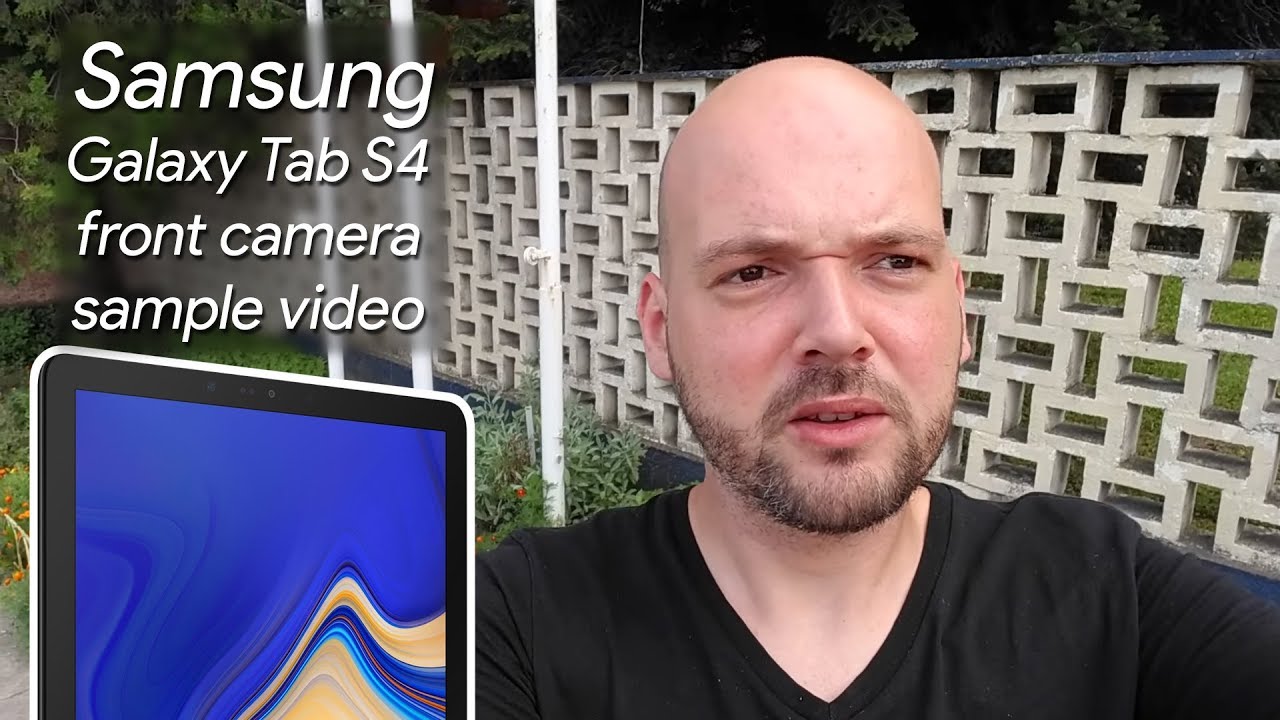
The Galaxy Tab S4 has nothing fancy in the camera department — a main 13 MP shooter on the back and an 8 MP cam on the front.
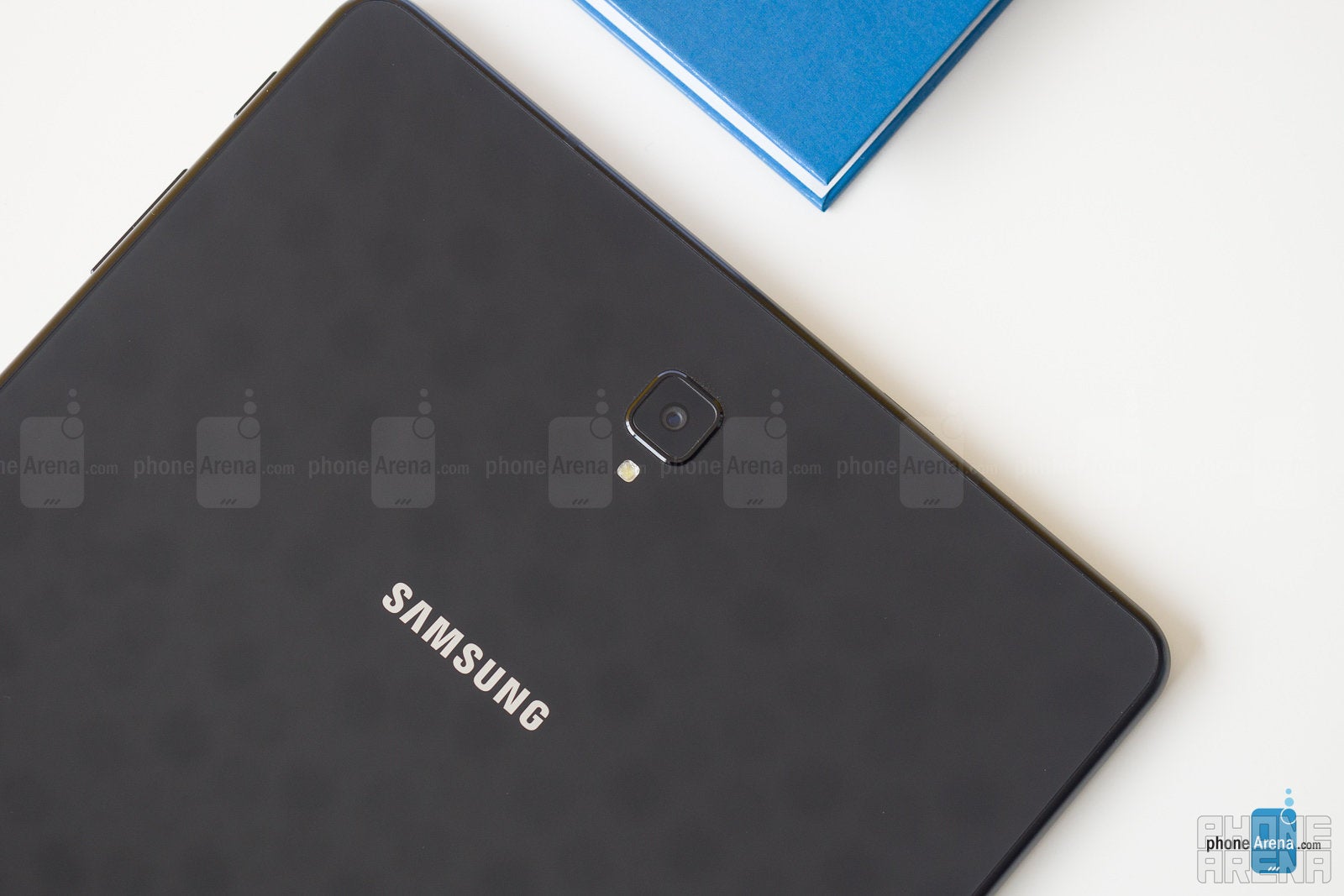
With no optical image stabilization, the back-facing shooter does an OK job. It captures details well enough, but can get grainy or fuzzy easily. Its color representation is pretty close to reality, though its dynamic range is quite bad. Even if you go into HDR mode, which is a separate menu and will not activate automatically when you need it, the tablet just can't seem to stop overblowing highlights or blacking out shadows. It's a serviceable camera when you want to quickly take a snap of something and share it with whoever you are chatting with right now, which is probably its primary purpose. Trying to wield that tablet as a camera is both uncomfortable and a bit embarrassing.
Samsung Galaxy Tab S4 sample images

Multimedia
All work and no play makes the Galaxy Tab S4 a dull product. But dull it is not. Aside from the extra-wide, 10.5-inch display, it rocks a quad speaker setup, for better immersion when consuming any type of media.
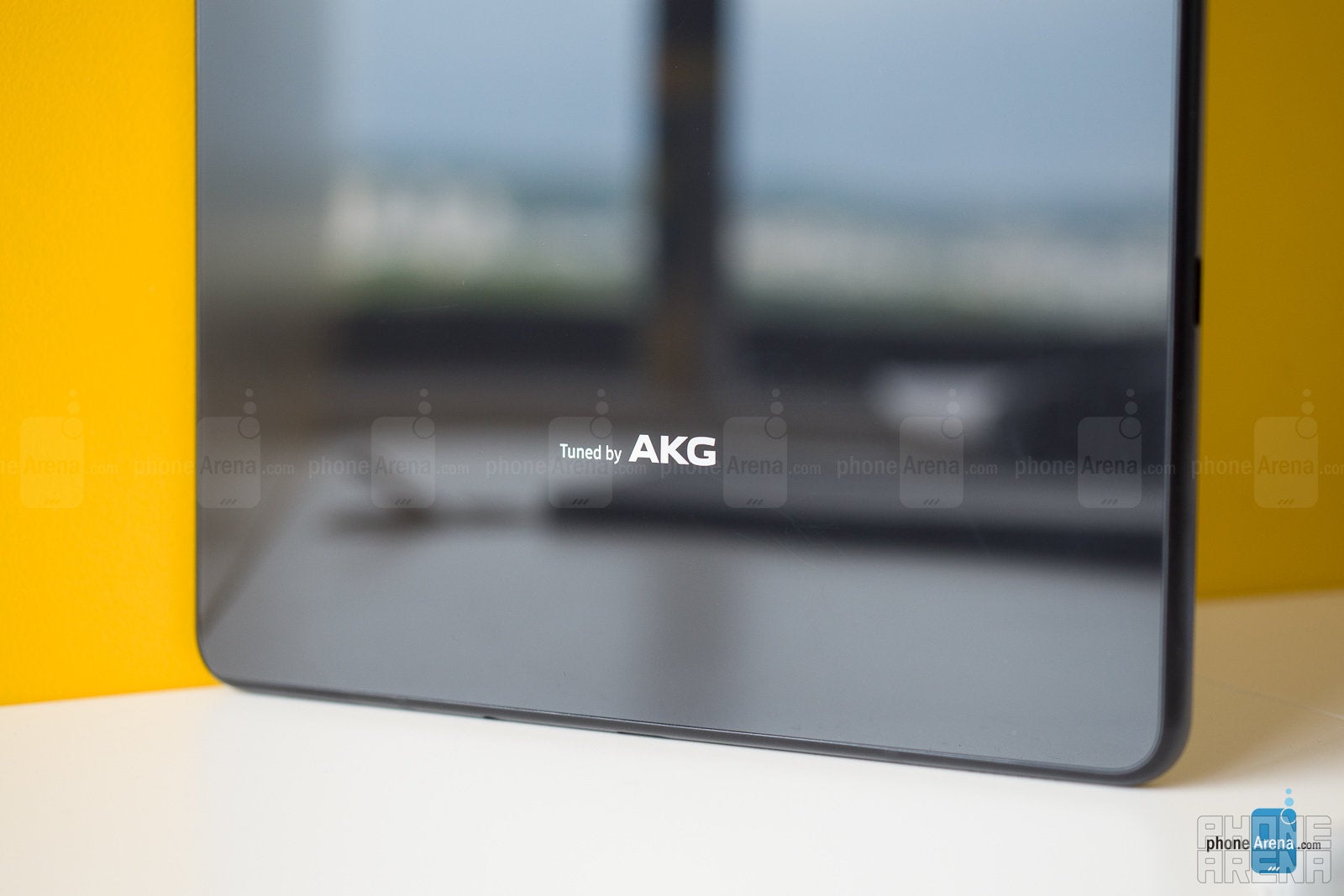
Not to sound too negative, the quad speakers on the Tab S4 sound a lot better than your average tablet out there. But its main competitor — the iPad Pro — is still a step above, with a more noticeable bass, chimier highs, and more clarity in the mids.
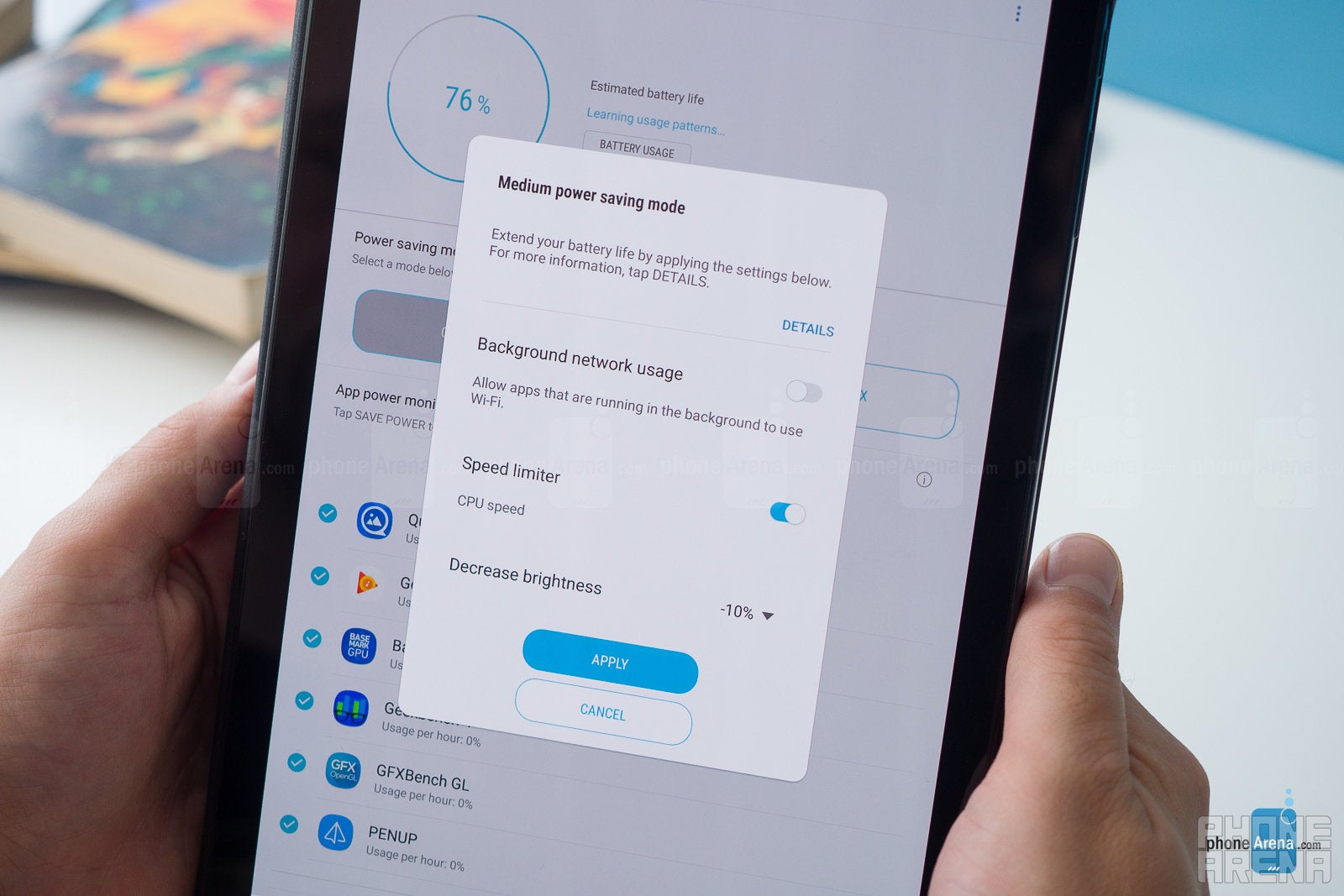
With a 7,300 mAh battery, the Galaxy Tab S4 can certainly hold out for a lo-o-ong time. We used it exclusively for a day here at the office, multitasking in DeX Mode while tapping away articles, editing thumbnails, browsing, chatting, and listening to music. After about 6 and a half hours, it fell below 10%, which meant we had enough time to save our work and go have a coffee. It's safe to say it has you covered when you need to work on the go. If you use it mostly as a multimedia device, it'll easily last you a day or two, depending on usage.
The Samsung Galaxy Tab S4 is a prime example of this new breed of "productive tablets" — instead of trying to fit in an awkward tablet-PC hybrid sector, they proudly flaunt their touch-first interface with all of its pros and cons. Its included S Pen is excellent for those who want to draw or people who simply like to take notes by hand and its plethora of features makes it a good device for both work and entertainment.
Then, we have the Samsung DeX mode and optional Keyboard Book Cover. These two accessories make it a "kind of, sort of" PC, by giving you a very familiar desktop environment to work in, yet all the app windows you spread across the desktop are pure Android.
So, is it worth $650? The price may be a li-i-ittle steep, considering the hardware inside is not the newest-and-best in the market. But if you want a tablet that can swap between being a workstation and an Android-powered entertainment machine with the snap of a finger, there are few tablets out there that can do it the way the Tab S4 does it.
Then, there is Apple's iPad Pro, which starts at $650, and asks for an extra $100 for the Apple Pencil and $160 for the Smart Keyboard.
Clearly, Sammy thought out its pricing strategy well enough to fit the Tab S4 in the in-between niche. So, compared to the competition, we'd say the Tab S4 is certainly worth a buy!


Popular stories





Latest News






Things that are NOT allowed:
To help keep our community safe and free from spam, we apply temporary limits to newly created accounts: