
Take amazing portraits with your iPhone 7 Plus: in-depth guide of Portrait Mode

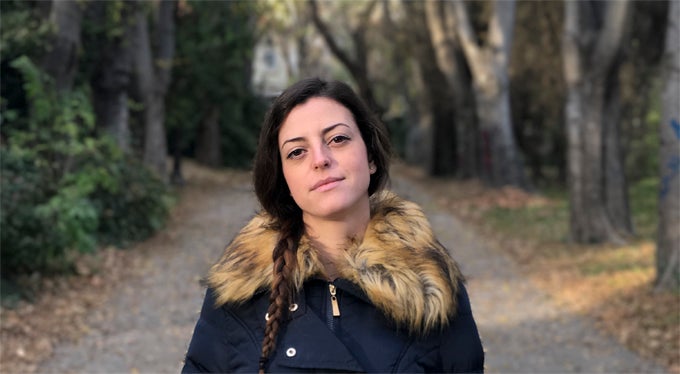
Apart from producing far better and more detailed zooms than regular cameras, the telephoto lens has another ace up its sleeve – the new bokeh-licious Portrait mode that allows anyone to shoot professional-looking portraits with simulated depth of field. We recently pitted the iPhone 7 Plus against a $1600 professional camera in the ultimate portrait shoot-out, and Apple's latest managed to hold its own quite well. This time around, however, we won't be performing a crazy test. Instead, we thought we'd take an in-depth look at how Portrait Mode performs in different environments and lighting scenarios, where it excels and what makes it stumble, and extract some useful and insightful tips for you to improve your photos with. Let's jump right in!
Setting
Scenery
At its best, Portrait mode pleasantly blurs out visual distractions in the distance, leaving the subject of your photos squarely in focus against a pleasant backdrop of creamy colors and smooth shapes. Ironically, intricate patterns are both what Portrait mode is currently having the most trouble with, and what you'd usually try to tone down in most situations. Although results vary from shot to shot, a general rule of thumb we gleaned from our experience with this mode is: the more intricate the background, and the closer it is to your subject, the bigger the chance for errors.
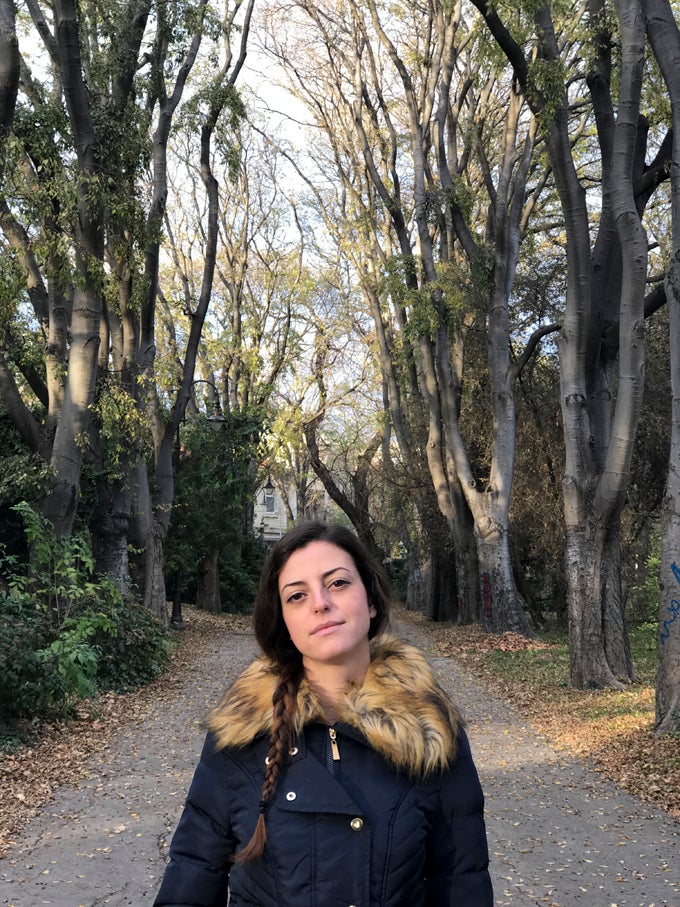
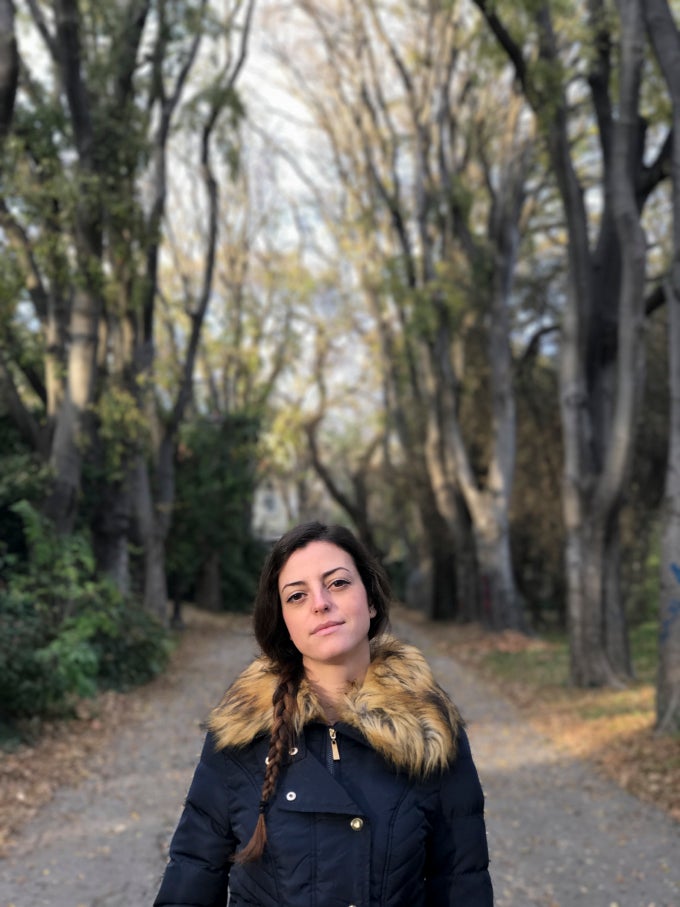
While the tree branches look really cool with the bokeh effect applied on the light passing through them, the background blur is not accurate enough for the subject to blend perfectly in


100% zoom
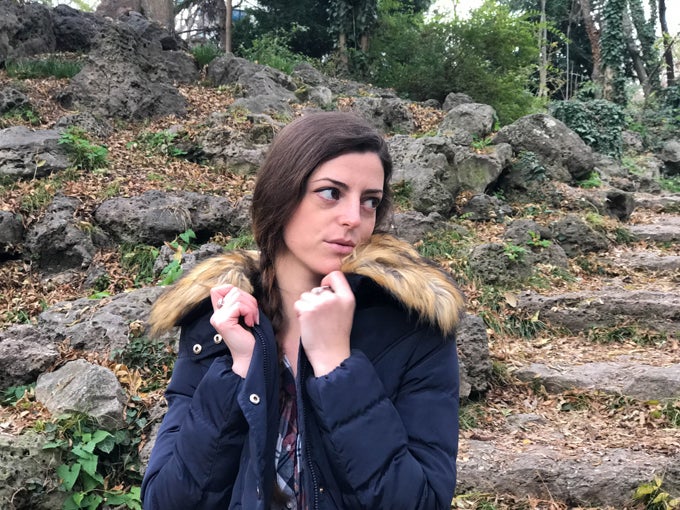
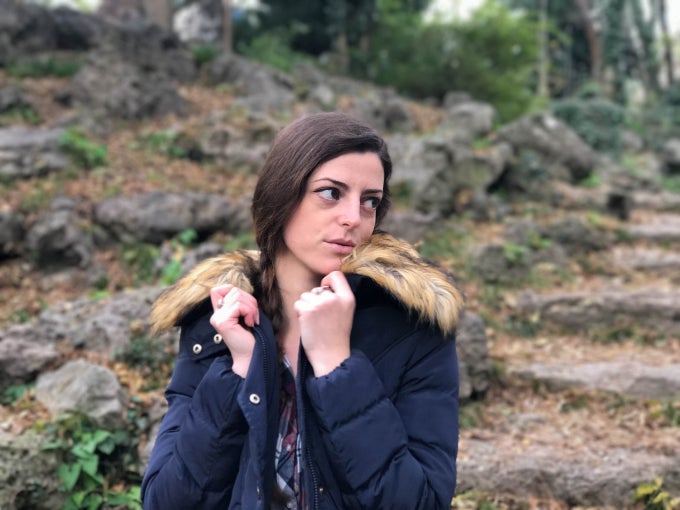
When Portrait Mode works, it works really, really well
Conclusions:
- Complex scenes look great when blurred out in the distance, but Portrait mode currently has some difficulties performing well in such situations
- Simpler backgrounds are easy for the software blur and blend with foreground objects
- When Portrait mode works well, the results can be quite impressive
Light is your friend
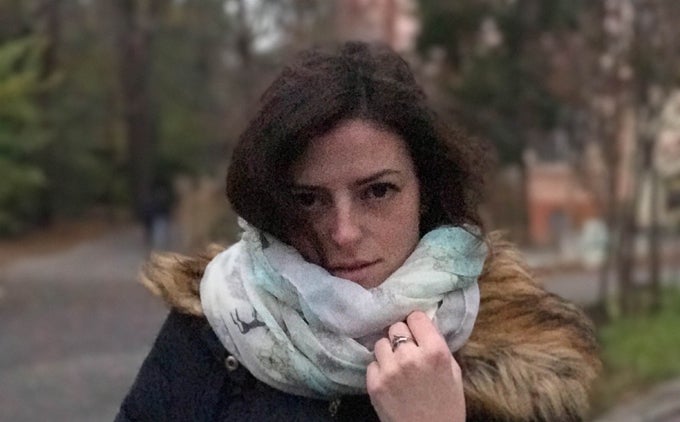
Despite the gloomy skies, thanks to my charming model, I still managed to snap some acceptable samples for us to take a look at. Still, you should keep in mind – the more light there is, the better your photos will turn out. When shooting in Portrait Mode, the iPhone 7 Plus uses its telephoto lens exclusively in order to create a better shallow depth of field effect. However, since the zoom lens has a smaller aperture than the wide-angle camera next to it (f/2.8 against f/1.8), meaning less light can enter through and reach the sensor, the iPhone compensates by increasing ISO sensitivity to properly expose the final image. Unfortunately, higher ISO settings entail noise, loss of detail, and overall deterioration of image quality. In other words, the less light there is, the more noisy and unappealing your photos will be. If the environment is too dark, your 7 Plus will outright refuse to apply any background blur to your photos, so just give up on even trying.
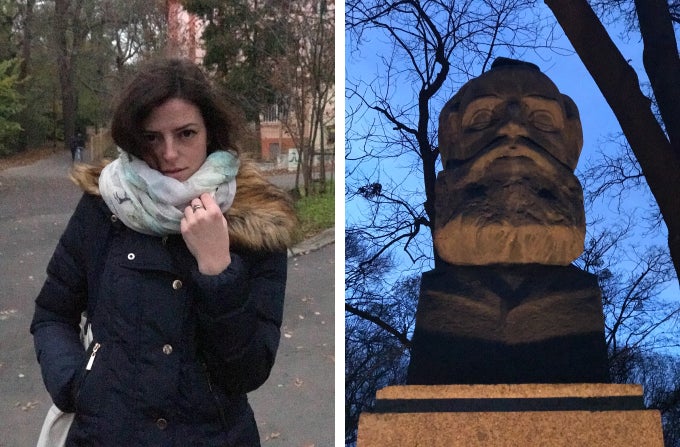
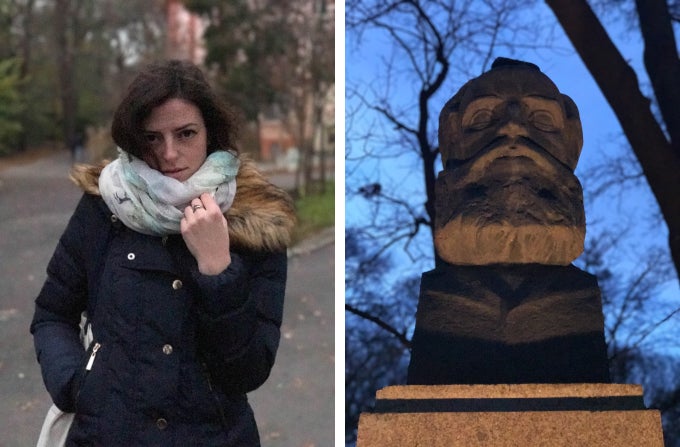
Left -- Portrait Mode becomes generally unusable at dusk, shortly after which it stops working altogether. Right -- Interestingly enough, Portrait Mode performs well during the blue hour, provided your subject is lit by an artificial light source and you manage to work the sky into your shot somehow
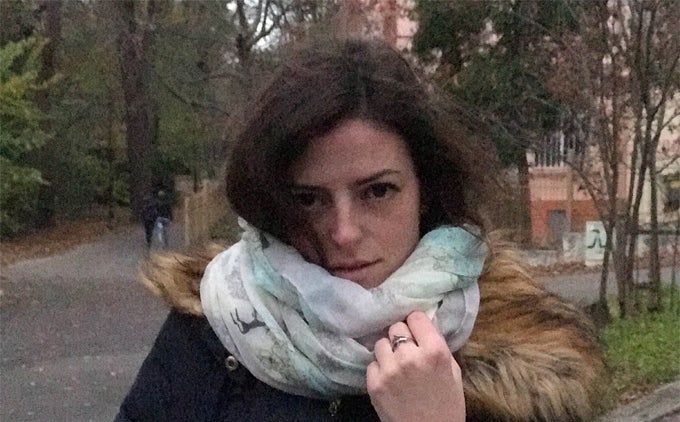
Zoom of photo on the left
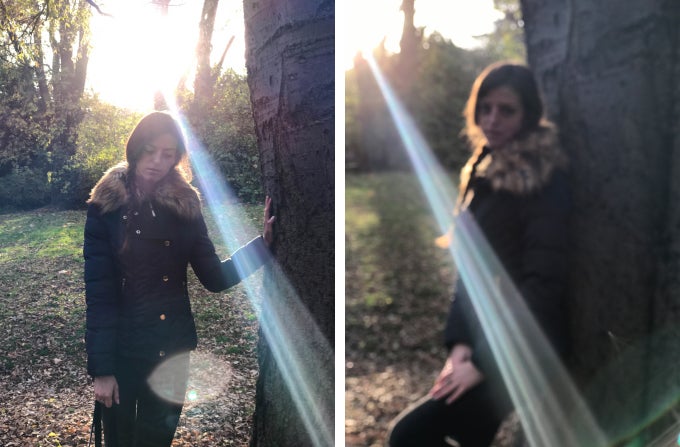
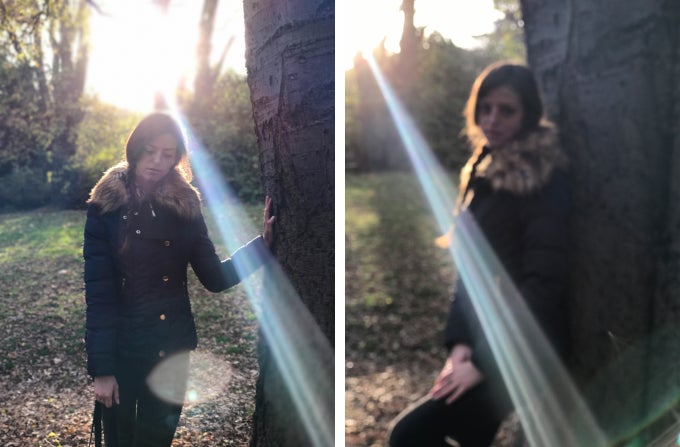
Light is good, but don't go overboard like I did here. Since we enjoyed only around four minutes of sunlight that day in total, I was eager to just snap some quick contre-jour shots before it was too late. That's when I found out that the 7 Plus has some trouble focusing in Portrait Mode when shooting directly against the sun. Out of around 10 photos I took, only 2 turned out in focus. The image on the right is one of many that ended up completely out of focus
Conclusions:
- Light = good, darkness = bad.
- Shooting against direct sunlight = mostly bad
Examples, do's & don'ts
Use your imagination!
No, seriously. As cliché as this sounds, your imagination is the only limit when it comes to photography. Despite the technical limitations of the iPhone 7 Plus and current shortcomings of Portrait Mode, you can take some seriously impressive photos with Apple's latest 5.5-incher. What's on offer here is capable enough to fool the laymen that they are looking at photos taken with a dedicated camera. If you spend some time with this mode, we bet you will be able to produce some results to impress even serious enthusiasts with (dare we also say semi-pros?). With that said, let's now go through some miscellaneous examples and useful tips.
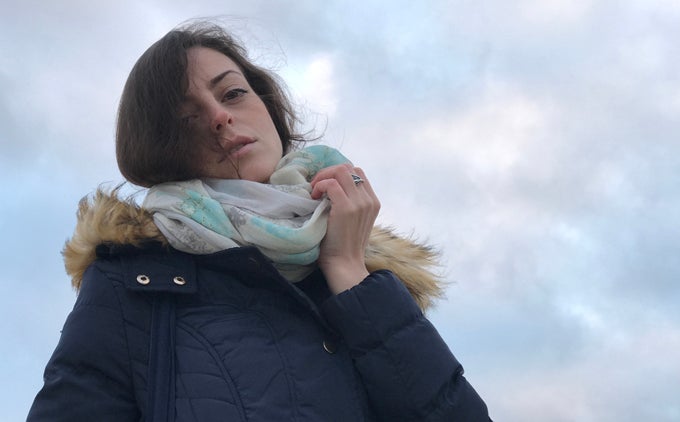
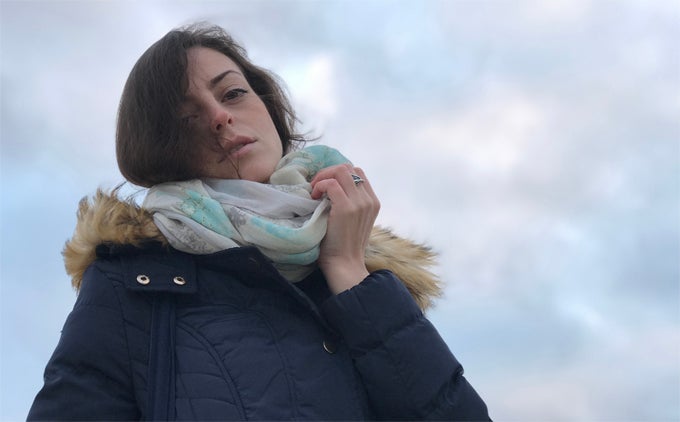
Don't overdo it -- Portrait Mode is easily addictive but like all addictive things can do more bad than good when used excessively. Some backgrounds are unobtrusive enough as they are and don't really benefit from the added blur. In this particular case, Portrait Mode has decided to pretty much erase a few strands of hair blowing in the air. This may be a good or a bad thing, depending on how you look at it
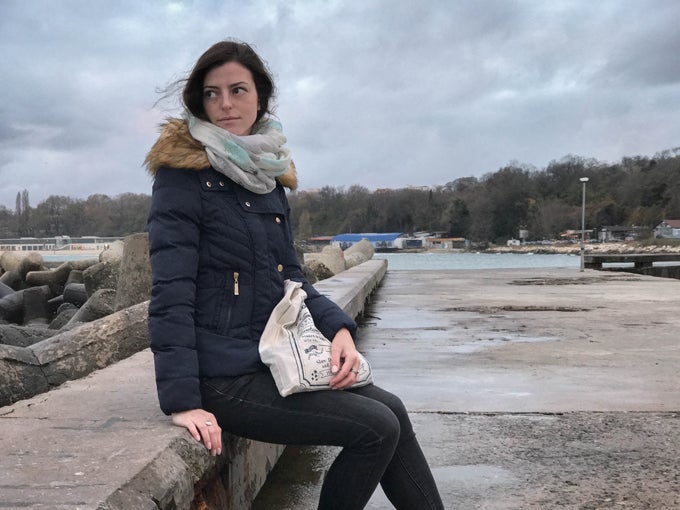
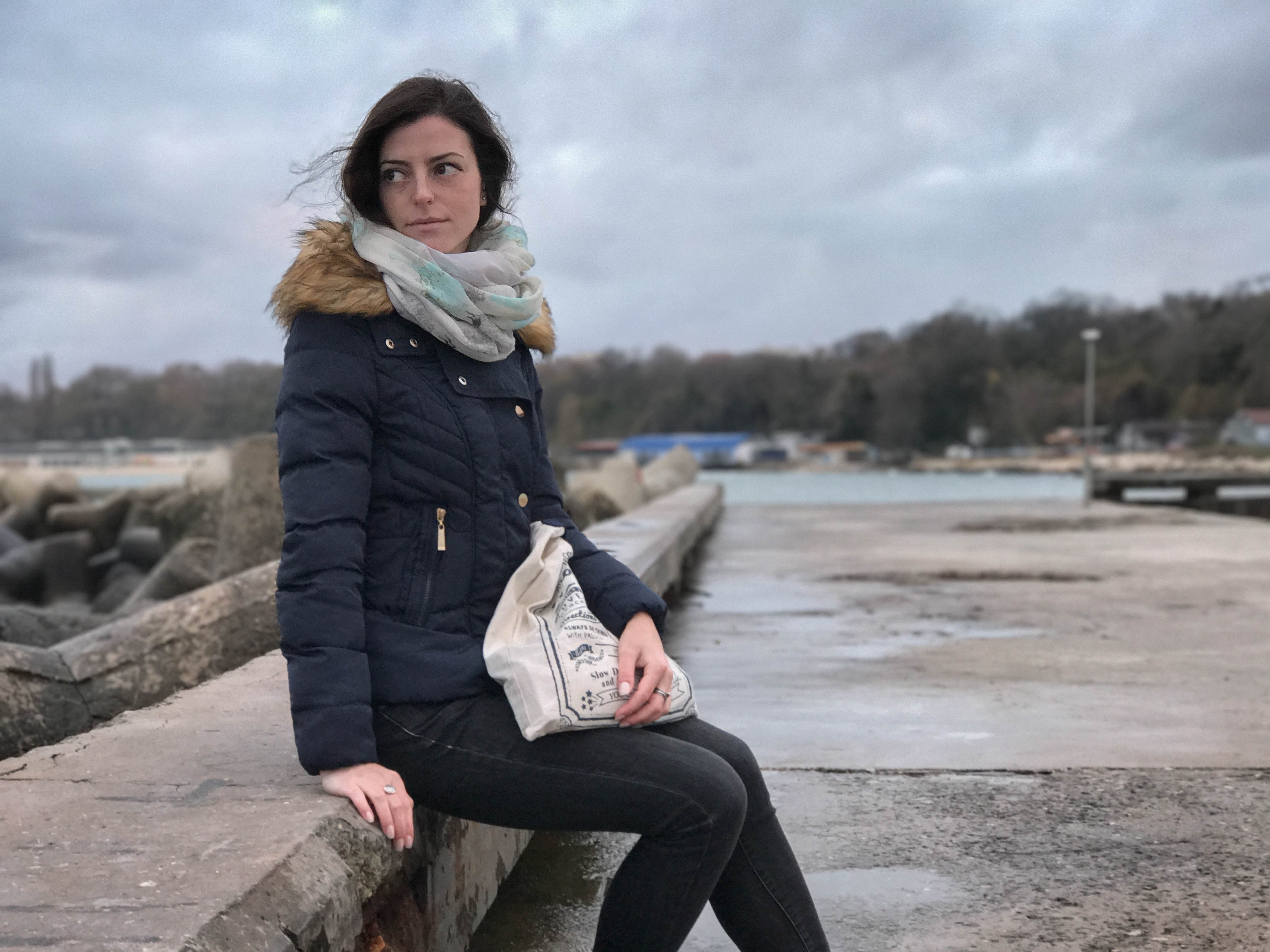
Photography 101 -- guiding lines (in this case the curb running along the length of the pier) are key in establishing depth and creating engaging compositions. Use them to your advantage!
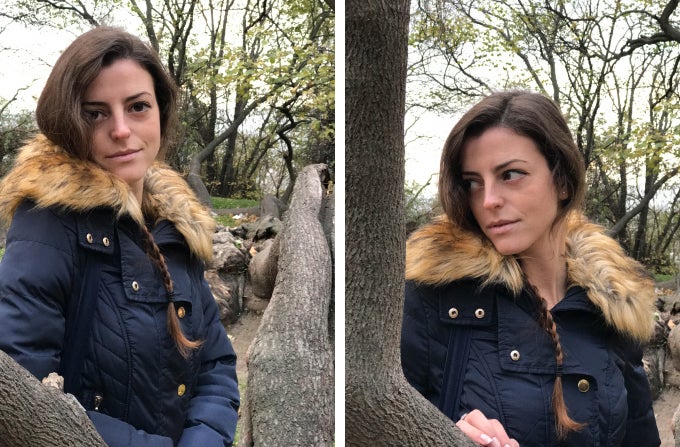
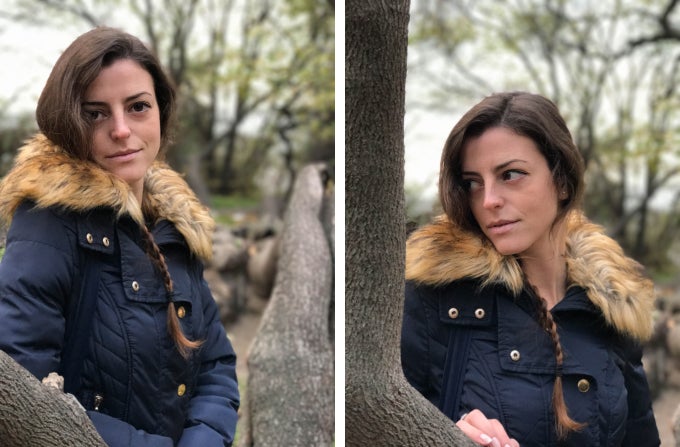
Left -- guiding lines again (tree branch in right portion of the shot) to highlight depth. Right -- just Portrait Mode faring well
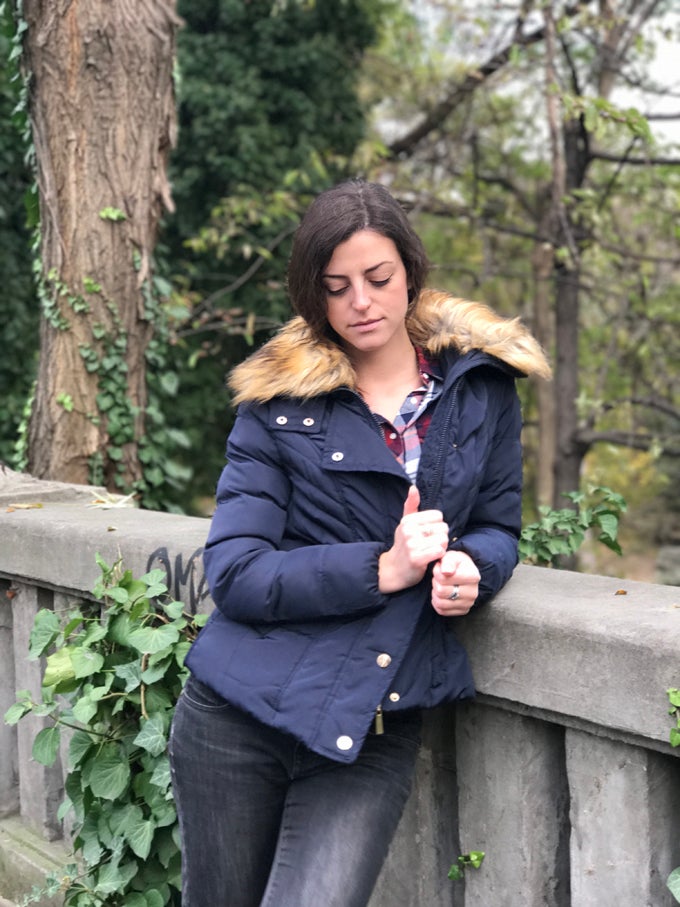
Just a good example of Portrait Mode faring well in dealing with a complex backdrop. Unfortunately, the regular, non-blurred version disappeared somehow. Good thing it wasn't this one, or I would have been pissed!
More tips:
- Basic photography rules apply here as much as they do when you are shooting with a dedicated camera
- Composition is key, use the grid in the camera app to your advantage. The rule of thirds is one of the basic guidelines you can and should follow
- Just like Instagram filters, Portrait mode can be a slippery slope. Don't overuse it
- Portrait mode doesn't like movement. That means no shaky hands!
- Sometimes the initial preview of the effect may seem slightly different from the final result. This is hard to illustrate but comes down to the fact that the bokeh effect itself is not rendered until after you take the picture. This is done to keep the camera app running smoothly, as this effect needs a lot of processing power to render.
Whew, that was a lot of information! Next time you are out taking pictures with your iPhone 7 Plus, try out some of the things we discussed in this article. We are not saying you should retake the same photo 10 times in a row until you get that depth of field effect just right — that's not the main idea here — but keep our advises in mind and your results will improve with each shot.
Use your imagination, rely on the composition grid in your camera app, don't be afraid to experiment! Best of luck!


Popular stories



Latest News


Things that are NOT allowed:
To help keep our community safe and free from spam, we apply temporary limits to newly created accounts: