Google’s Gemini Live is now available to all free users, new voices incoming too
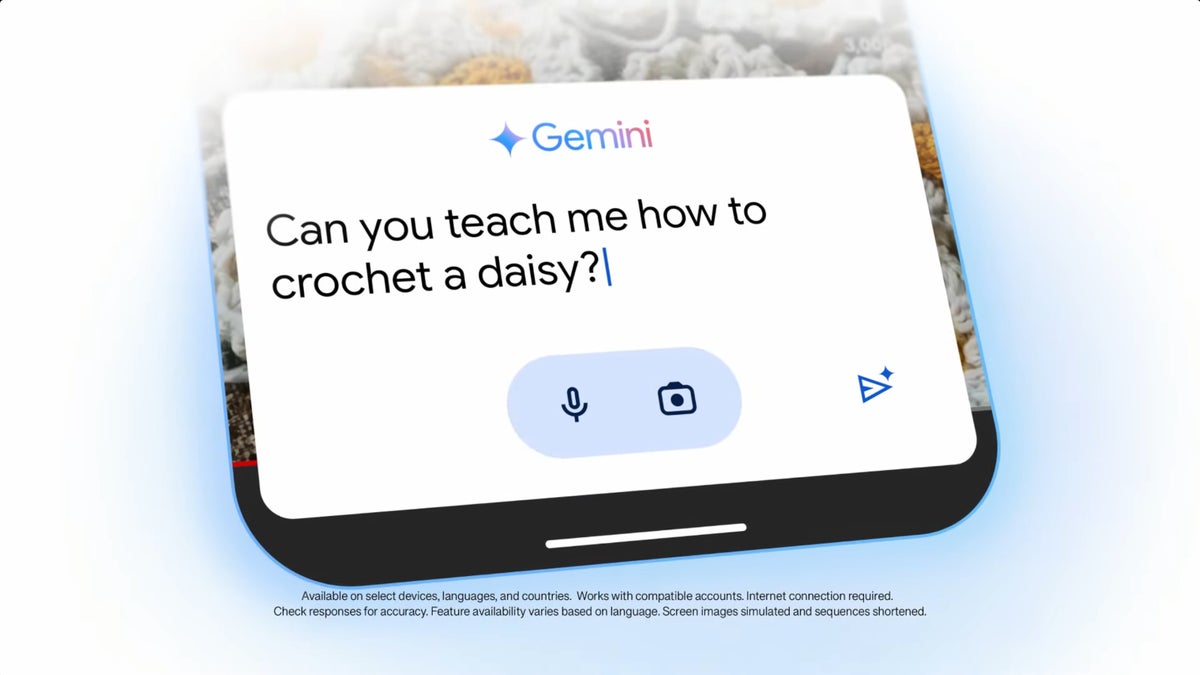
Gemini Live | Image credit: Google
Gemini Live was made available to Advanced subscribers back in August, but Google promised to bring it to free users too. True to its promise, Google kicked off the Gemini Live rollout about two weeks ago.Today, the Mountain View company confirmed that Gemini Live is available to all free users, but only on Android. The search giant also announced that Gemini Live is only available in English, but additional languages will be added in the future.
On the bright side, Google announced that Gemini Live now supports 10 new voices. The voices listed below can be enabled from the Gemini settings:
- Nova: Calm • Mid-range voice
- Ursa: Engaged • Mid-range voice
- Vega: Bright • Higher voice
- Pegasus: Engaged • Deeper voice
- Orbit: Energetic • Deeper voice
- Lyra: Bright • Higher voice
- Orion: Bright • Deeper voice
- Dipper: Engaged • Deeper voice
- Eclipse: Energetic • Mid-range voice
- Capella: British Accent • Higher voice
As per Google’s statement, Gemini Live is expected to arrive on iOS in the coming weeks, along with more languages. Sadly, no ETAs for the release have been confirmed by Google besides that vague timeframe.
Keep in mind that Gemini Live doesn’t feature extensions that would allow you to quickly access popular apps like Gmail and YouTube Music. Along with iOS support and additional languages, Gemini Extensions is something that Google is working on, so here is hoping these will start rolling out sooner rather than later.


Popular stories





Latest News





Things that are NOT allowed:
To help keep our community safe and free from spam, we apply temporary limits to newly created accounts: