Galaxy S7 devices switching to lower resolution after Nougat update, some users report

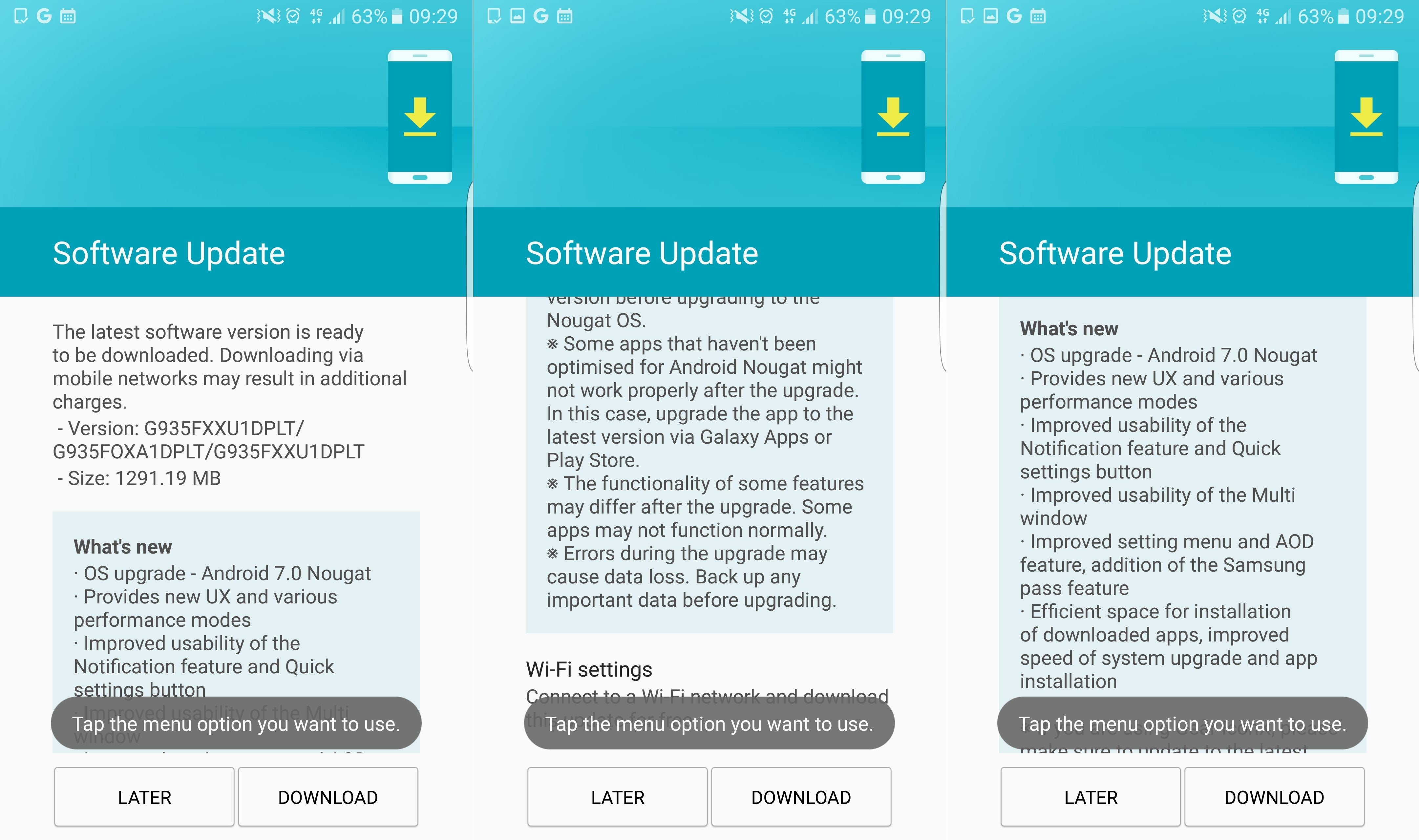
Finally, sweet Nougat on the Galaxy S7 and S7 Edge
This is not really a (serious) bug or anything you should be worrying about. In fact, the option to switch to a lower screen resolution is a feature that’s a part the new power saving scheme. First introduced with the disastrous Note 7 last year, this power saving mode allows you to lower the display resolution in order to conserve energy. You can even go as low as 720p if you feel like it.
If this happens to your device after installing the latest update, you can revert to the native resolution by simply going to Settings → Display → Change screen resolution, and moving the slider all the way to the right (to 2560 x 1440).

Popular stories






Latest News






Things that are NOT allowed:
To help keep our community safe and free from spam, we apply temporary limits to newly created accounts: