How do I unsubscribe from Apple Music?
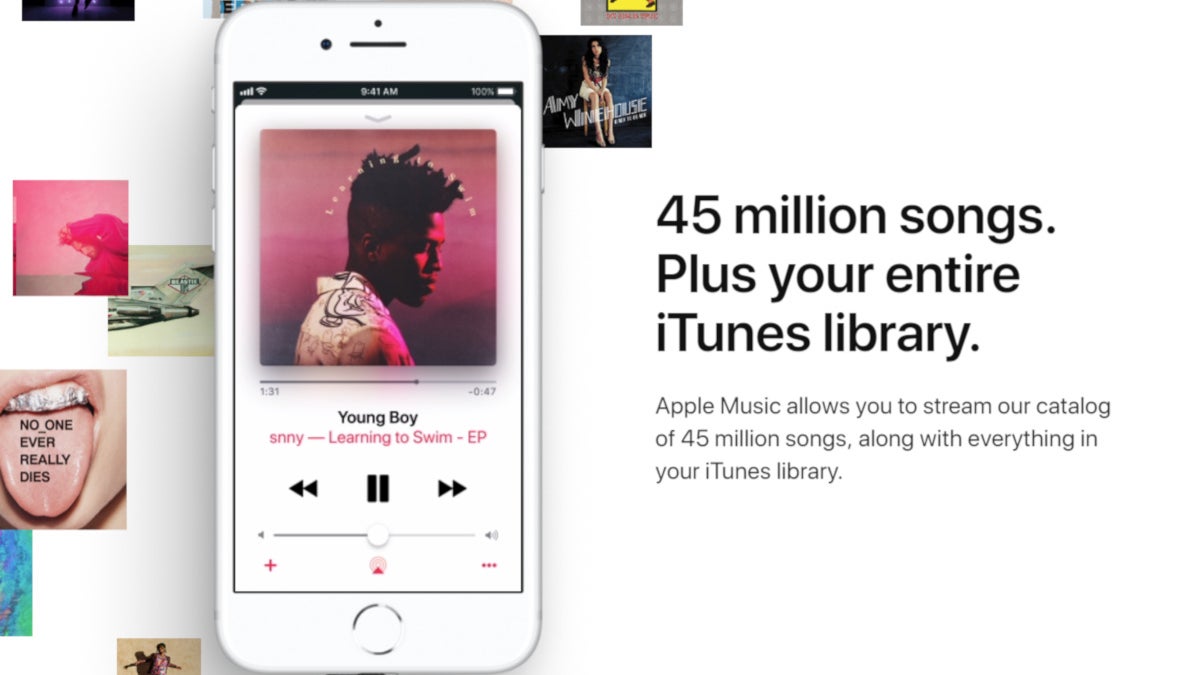
Do you want to cancel your Apple Music subscription?
Maybe you have tried it for the free trial period of three months and did not quite use it that much, or maybe you prefer to use Spotify or some other service.
But how do you unsubscribe and cancel Apple Music?
This is not something difficult, but you have to know where to look, so if you are feeling a bit lost, just follow the steps right below and you will be unsubscribed momentarily.
How to unsubscribe from Apple Music from your iPhone:
- First, Open the iTunes app
- Scroll to the bottom of the screen and tap the Apple ID button
- Tap View Apple ID
- Enter your Apple ID credentials or use Touch ID to authorize
- Tap the Subscriptions button
- Then select Apple Music
- Tap Cancel Subscription
- Confirm!
And voila, you're done.
Once you have confirmed that you want to unsubscribe, you will no longer have to pay monthly fees. Of course, you can always renew the service in the future if you reconsider your decision.
Have any questions about this? Feel free to ask us in the comments right below.


Popular stories




Latest News


Things that are NOT allowed:
To help keep our community safe and free from spam, we apply temporary limits to newly created accounts: