Snapchat Spectacles Review
Introduction
Since the glory days of MySpace and the Facebook, sharing things that are happening throughout the day is something that’s become more and more popular. Twitter’s simplicity is a favorite for people that prefer traditional text-based updates, livestreaming features have become a norm on most major social networks, and Snapchat has evolved from a tool for sending naughty snapshots to a thriving platform of media consumption and interaction among followers.
Both Instagram and Facebook have tried copying Snapchat’s award-winning formula of disappearing photo and video posts, and while I’ve tried to give these clones a fair shot, there’s something that keeps bringing me back to that white ghost icon with the yellow background on my iPhone.
That reason is Spectacles.
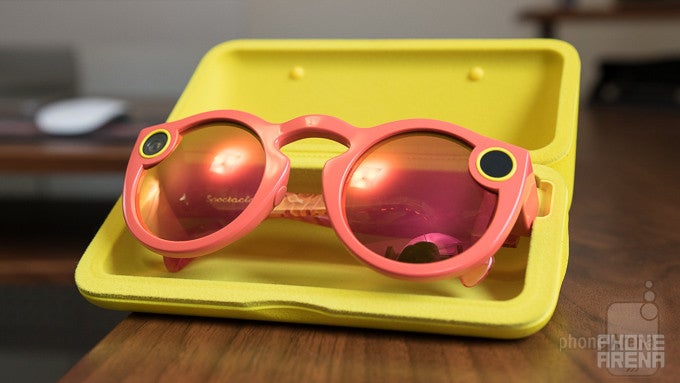
There’s a good chance you’ve heard of Spectacles at least once by now. The funky sunglasses with a built-in camera and direct connection to Snapchat have gained a surprising amount of attention since their announcement last September, and even though I definitely didn’t need them, I purchased a pair as soon as they were made available for purchase on the official Spectacles website last month.
In the box (well, tube in this case)
- Spectacles
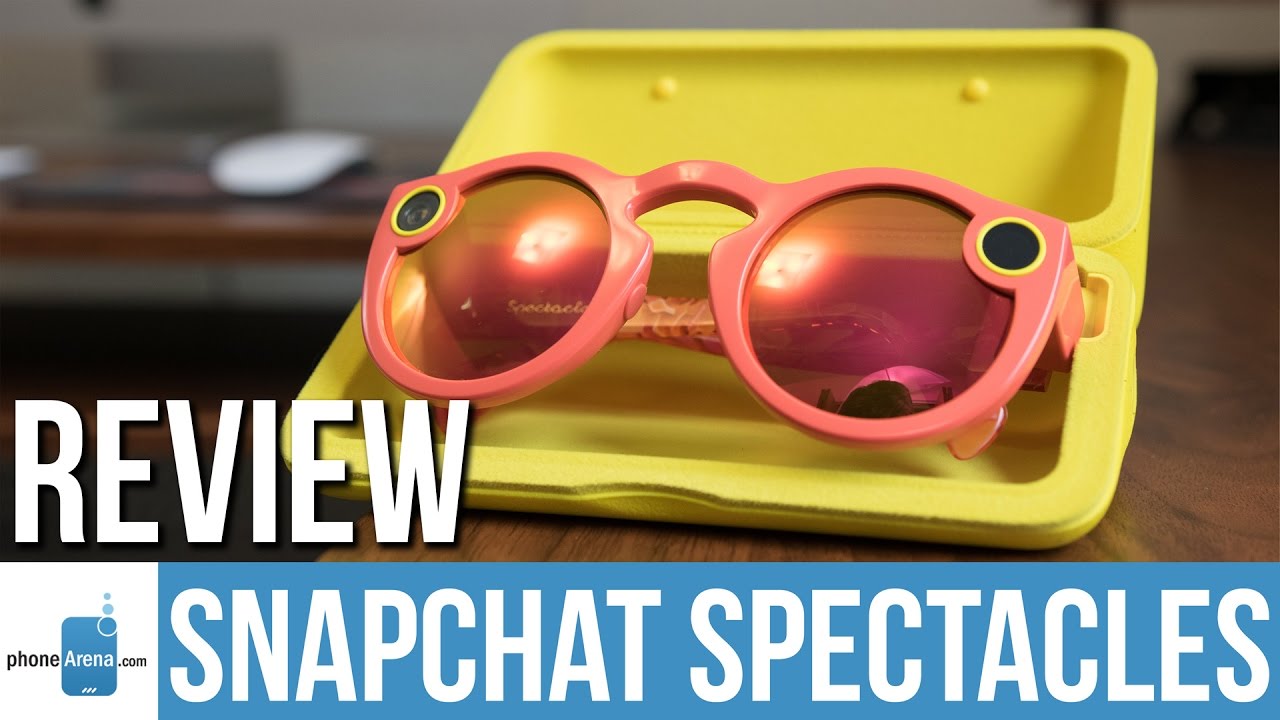
- Charging case
- Magnetic charge gable
- Ghost-shaped cleaning cloth
- Quick start guide
- Legal information paperwork
Design and Build Quality
An acquired taste that you’ll want to coddle as much as possible
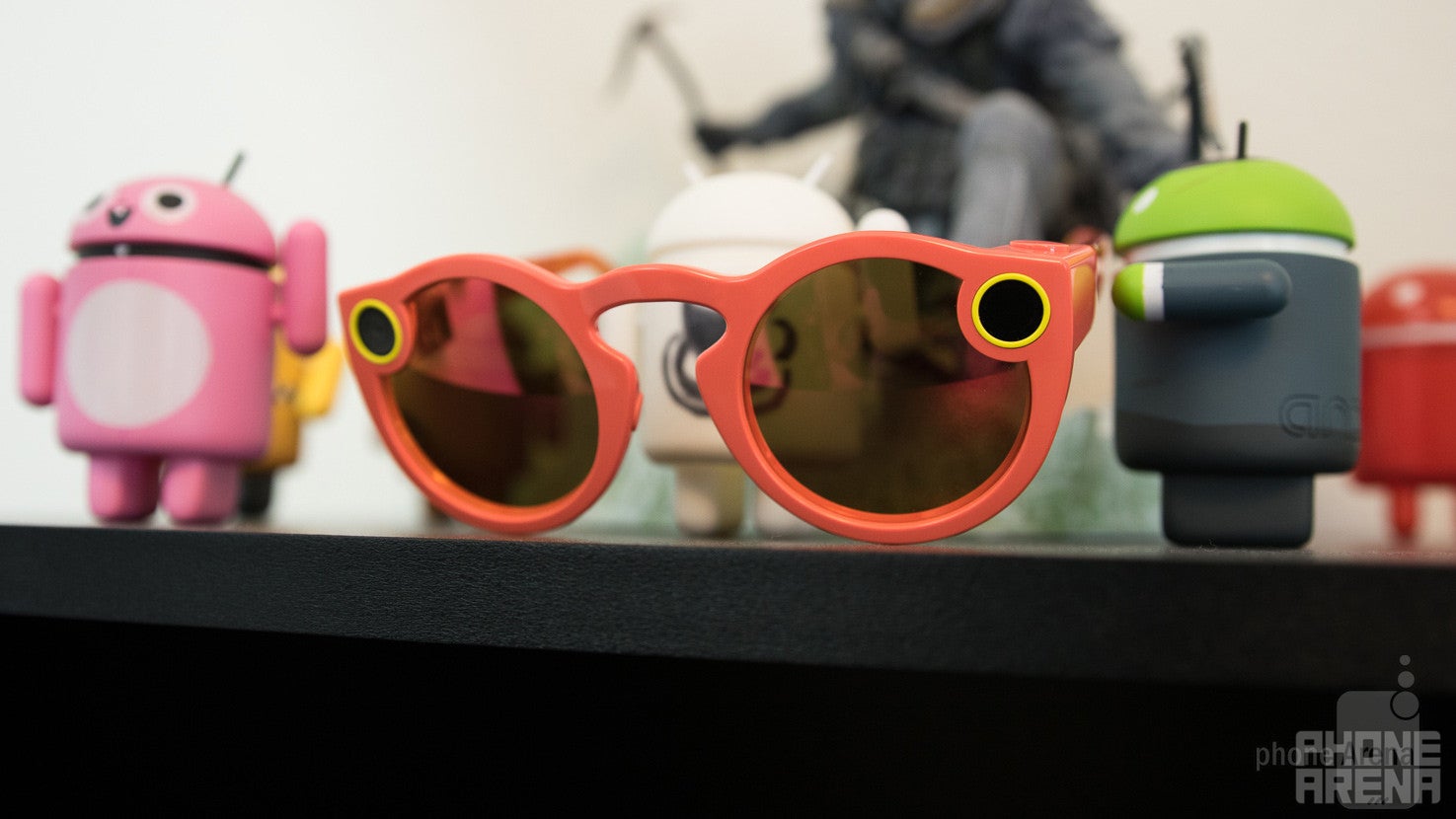
Spectacles are available in three main colors — Coral, Black, and Teal — and I decided to go with the reddish-orange Coral option. I personally love the bright, attention-grabbing color, but if you want to look a bit more subdued, the Black variant does a fairly good job at remaining somewhat inconspicuous.
With that being the case, at least you’ll be comfortable while answering people’s endless questions about why your sunglasses look so odd. I found Spectacles to be surprisingly nice to wear, and while the fit was a little tight at first, everything loosened up a bit after the first couple of days.
As partial as I am to the look and feel of Spectacles, I’ll be the first to acknowledge the fact that these do not feel like something that should cost $130.
Spectacles have a nice amount of weight to make them feel substantial without being too bulky, but you’ll need to coddle and baby these things if you want them to last a while without looking like they’ve been through Hell and back. The plastic bends quite easily if you apply even the smallest amount of pressure to it, and the frames can be easily scratched if you toss your Spectacles in a bag with your car keys or any other sharp objects.
Camera
Having to take your smartphone out of your pocket to record videos is so 2016
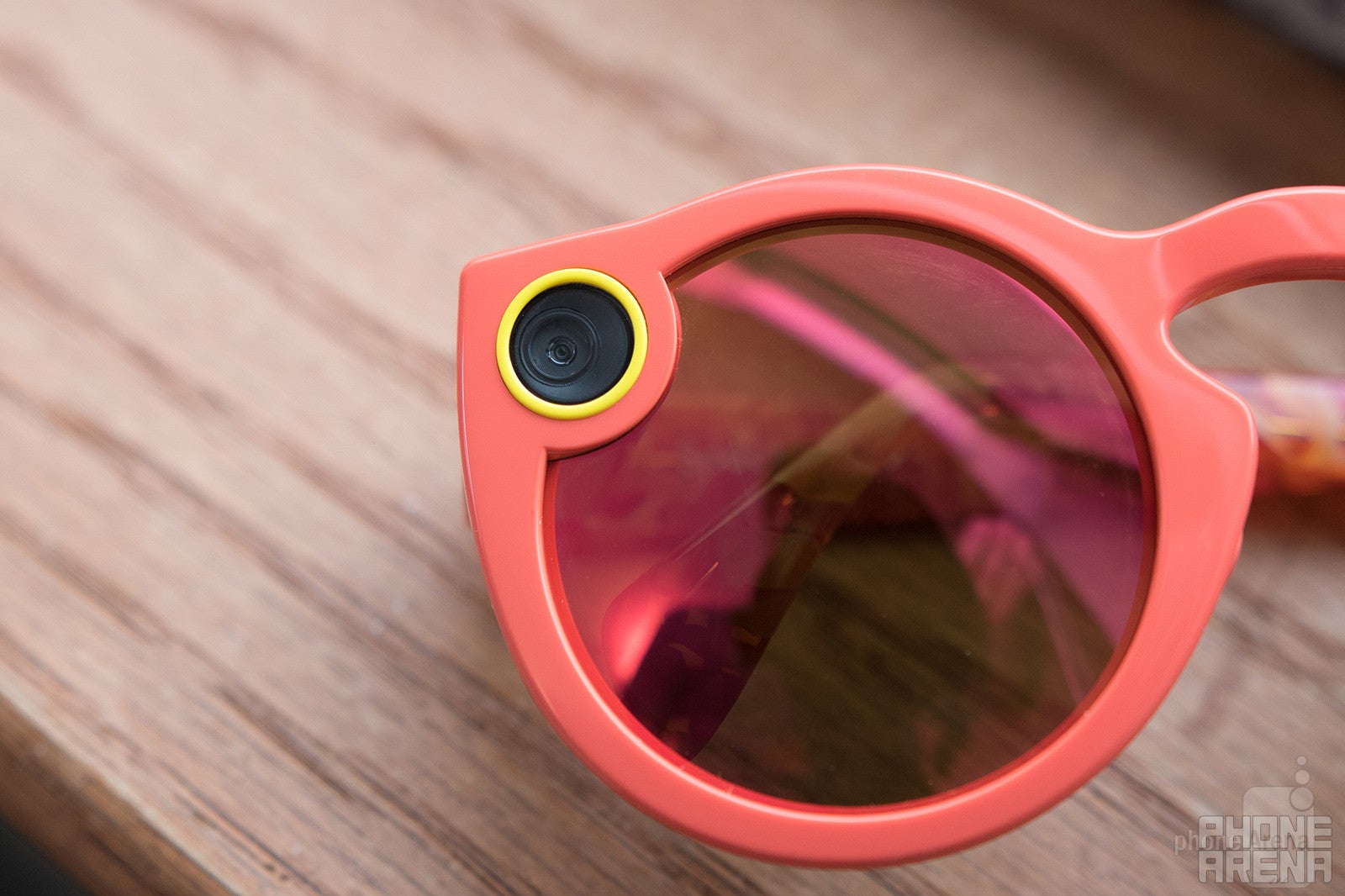
The LED ring dances around in a circle whenever you’re recording a video
Even if the appearance of the Spectacles isn’t your favorite thing in the whole world, that’s really not what this product is all about. Even though I personally enjoy the bright and in-your-face look of the glasses, the real star of the show has to do with the built-in camera.
As you’re recording a video, a light on the inside of the glasses will start blinking when you have two seconds to go before your recording stops. Once you see this blinking and decide that you’d like to keep rolling, you can press the button once more to keep recording for another ten seconds. You can do this twice if you initially start a 10-second clip, and once if you start out with a 20-second shot.
Spectacles record video at a maximum resolution of 1088 x 1088 at 60 frames-per-second, or you can choose to upload a lower resolution to your Story at 704 x 704 at 30 FPS. Video is always captured at the higher resolution, and while the actual quality of the clips you record are simply okay, the big draw here is the point of view from which you capture it.
It would have been nice to be able to take still photos or record non-circular videos, but for a first-generation product, Spectacles does a wonderful job at allowing users to capture their day-to-day lives in a way that was previously impossible.
Snapchat Spectacles Sample Videos
Software
The Achilles’ Heel of Spectacles
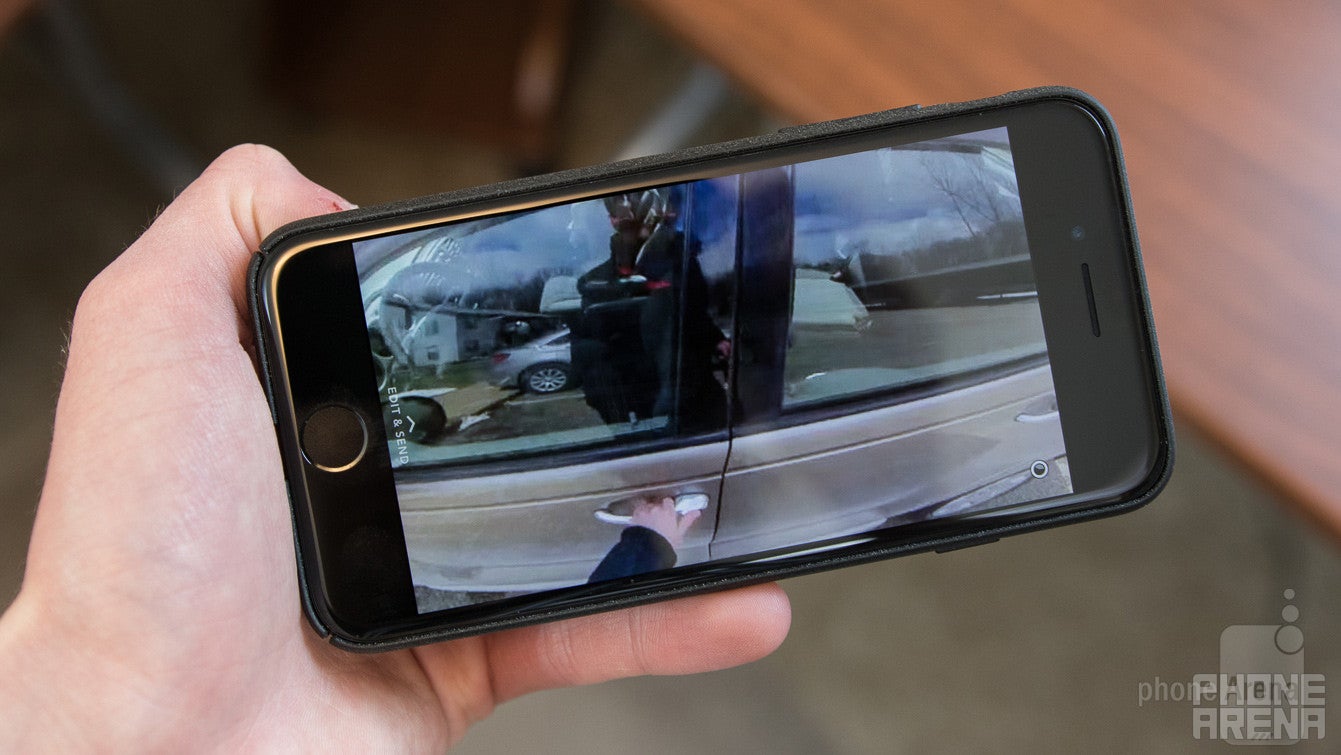
As simple and awe-inspiring as it is to record videos with Spectacles, the magic quickly dissipates once you actually try to import everything that you’ve recorded.
Once you’ve captured a bunch of different shots and want to upload them to your Story or send certain clips to friends, you’ll need to open up the Snapchat app and swipe up to the Memories section. From here, you’ll see a tab that’s titled as “Specs.” This is where all of the video from your Spectacles are automatically uploaded, and they're organized into separate Stories by date.
This is where things start to get confusing.
Tapping on a Story will start to automatically play the videos from that day in the order that they were recorded. From here, you can swipe up then swipe left and right through all of the Snaps from that day, delete a certain video, export it to the platform of your choice, edit it with Snapchat’s heap of filters and tools, add it as a highlight for that Spectacles Story, and upload it to your main Snapchat Story or send it to a friend.
On iOS, videos transfer from Spectacles to the Snapchat app by default in Standard Definition over Bluetooth. The process is fairly seamless if a bit slow, but snagging the HD versions of your recordings is more of a headache than it needs to be.
In order to achieve this, you need to tap on the “Get HD” button and then select which Story you want to grab in that higher resolution. This will then turn on the Wi-Fi chip inside of your Spectacles and then prompt you to connect to it through the settings of your iPhone. It’s a horribly bulky process, and the transfer times for these clips take even longer than their SD counterparts.
The appearance of videos here is cool, but watching them within Snapchat is especially awesome. Videos fill up the entire screen of your phone, and this is because your phone’s display is essentially a rectangle within the circular video. Turning your phone around will provide you with a slightly different view of the video you’re watching, and while this does mean that you’ll never have a complete view of the video when playing it back in Snapchat, the sleekness of how it works is truly something to behold.
Battery
Capable of capturing 100 memories before you need to charge up
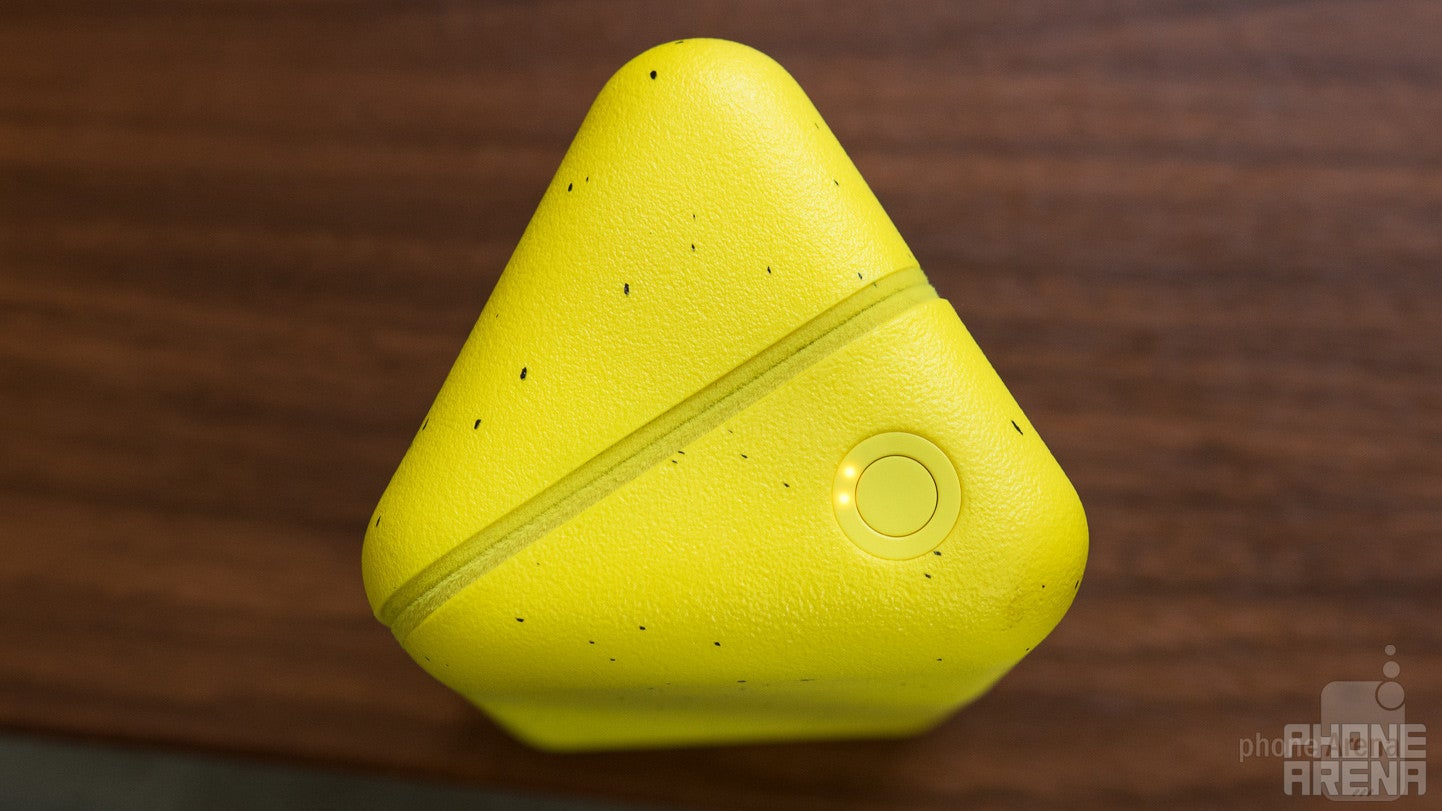
Snap Inc. hasn’t officially said what the exact size of the battery inside Spectacles is, but I personally never found any issue with the stamina that they kick out. Spectacles are able to record around 100 ten-second video clips before needing to get charged up, and placing them inside of the included the case will top them up via the magnetic pin connector.
The charging case is capable of holding four complete recharges, so with a full battery on both the Spectacles and the case, you’re looking at around 500 videos you can record before you’ll need to search for a wall outlet.
Both the Spectacles and their case can be topped up through the included charging cable, but since Spectacles are also charged while inside their case when it’s plugged in, I never bothered trying to connect the Spectacles to the cable directly.
Conclusion
Should you shell out $130 for Snap’s first piece of hardware?
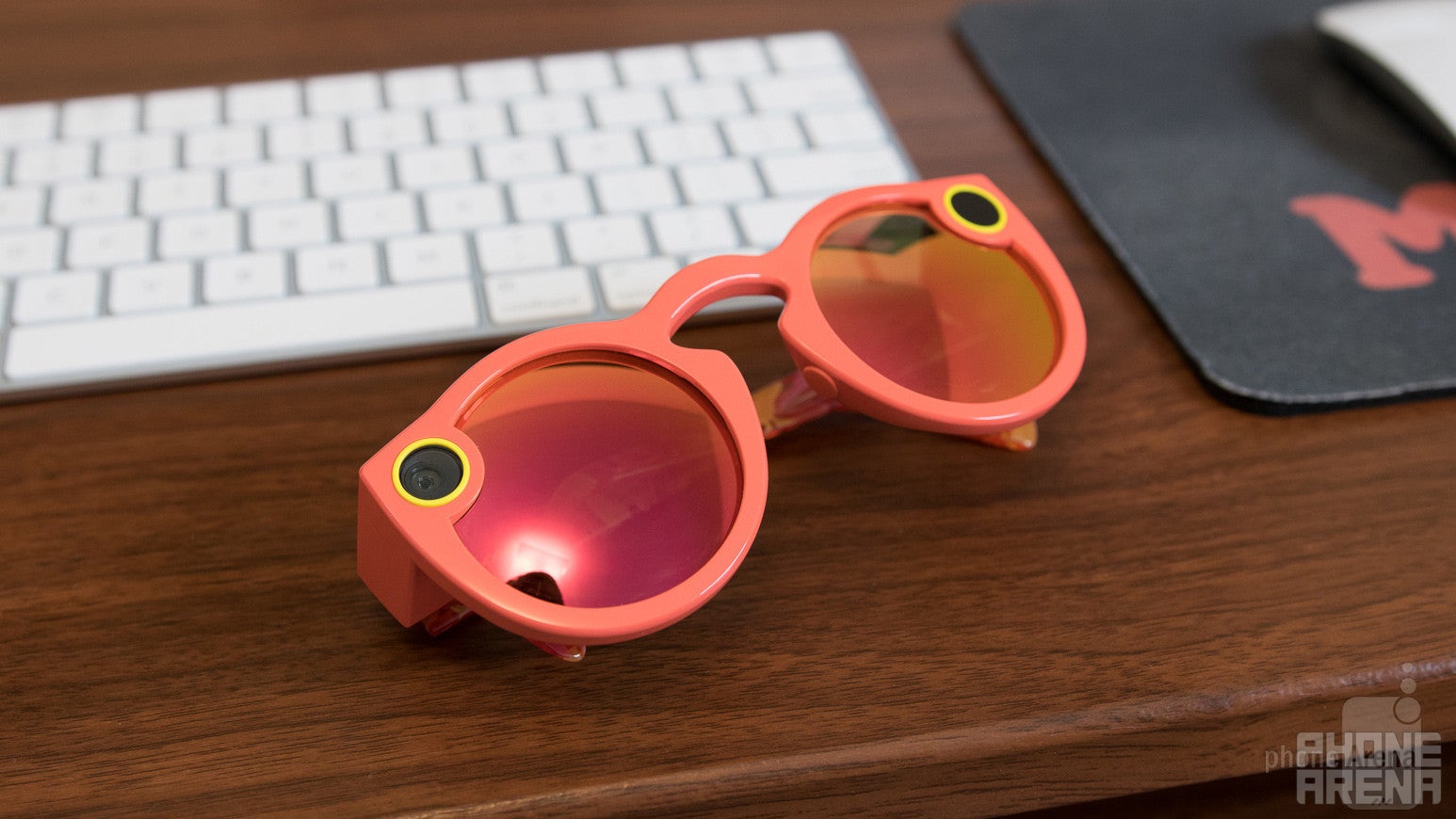
This is a question that comes with a lot of variables. If you’re someone who doesn’t get on Snapchat that often and you don’t like the idea of shelling out over a hundred dollars for a pair of glasses that feel as if they should cost about $20, this is not that gadget for you.
However, if you’re someone who is quite familiar with the iconic white ghost and are dying for a tool that will allow you to preserve life’s moments in a way that previously couldn’t be done, Spectacles are well worth the price of admission.
Spectacles are riddled with flaws here and there, but those flaws have yet to be reason enough for me to not enjoy using these things. Spectacles allow me to capture and share the daily happenings in my life as I see them through the simple touch of a button.



Popular stories





Latest News




![Another batch of Galaxy S26 series users in the US are getting a nice surprise today [UPDATED]](https://m-cdn.phonearena.com/images/article/183643-wide-two_350/Another-batch-of-Galaxy-S26-series-users-in-the-US-are-getting-a-nice-surprise-today-UPDATED.webp)
Things that are NOT allowed:
To help keep our community safe and free from spam, we apply temporary limits to newly created accounts: