Introduction
Call it a strange arrangement, but this year’s
Amazon Kindle Fire HDX takes refuge in the upper-end of Amazon’s tablet portfolio – while the 2nd generation
Kindle Fire HD is now notched below as being the lower-end option. Although it’s largely overshadowed by its sibling in the specs and features department, this new Kindle Fire HD aims to entice those who desire an extremely affordable tablet that’s all about the consumption, but without having to spend a fortune on it. Backed by its hard-to-resist price point of $139, it’s hard to deny the obvious notion that it’s going catch some eyes, so let’s hope it can deliver the goods.
The package contains:- microUSB cable
- Wall Charger
- Documentation card
Design
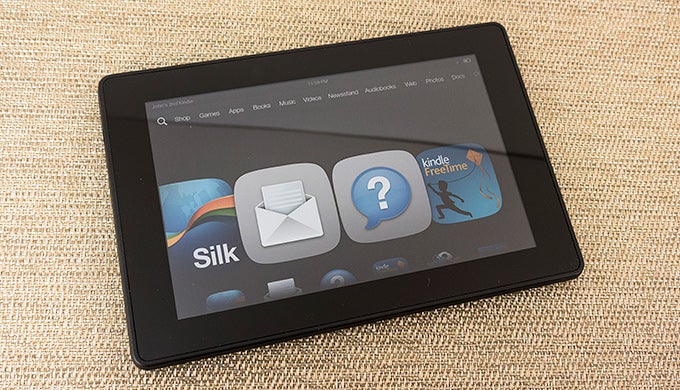
Interestingly, the 2013 Edition of the Amazon Kindle Fire HD boasts the same design as its beefier sibling in the Kindle Fire HDX. At first glance, it looks nearly like an exact replica, but there are elements that tone out its look just a bit – though, as a whole, it’s still pretty bland by today’s standards. Then again, we can’t complain too much figuring that its price point is significantly lower than other 7-inchers.
Just like its sibling, the 2nd generation Kindle Fire HD has a distinctive look thanks to its beveled contoured edges that angle together to give it a rectangular shape from the rear. Donning a uniform soft touch matte finish, it still does a decent job in repelling smudges and fingerprints, but for some odd reason, it feels cheaper than the finish on the Kindle Fire HDX.
In landscape, the beveled edges help to give it a natural feel when it’s held with both hands. However, we need to stretch our hand more when trying to hold it in portrait – so it doesn’t feel as great when compared to the Nexus 7. Finally, the build quality feels surprisingly solid for a sub $150 tablet. In the end, the design is pleasant to accept, but it fails to be something that would catch our eyes over other options.
All along the contoured beveled edge of the tablet, we have all of its ports and buttons, which consist of its power button, volume control, two speaker grills, 3.5mm headset jack, and microUSB port. The placement of the power button and volume control is alien at first, but they’re in locations that are accessible in landscape – whereas in portrait, they’re painstakingly out of place.
Sorry folks, unlike last year’s Kindle Fire HD and this year’s Kindle Fire HDX, there are no cameras whatsoever with this model, which limits its functionality.
Display
Not surprisingly, the display on this year’s model is identical to its predecessor – a 7-inch 1280 x 800 IPS LCD display that puts out a pixel density count of 216 ppi. Yeah, it’s not as intimidating on paper when compared to the Kindle Fire HDX’s higher resolution, but nonetheless, we have no complaints since it’s still pretty detailed from a normal distance.
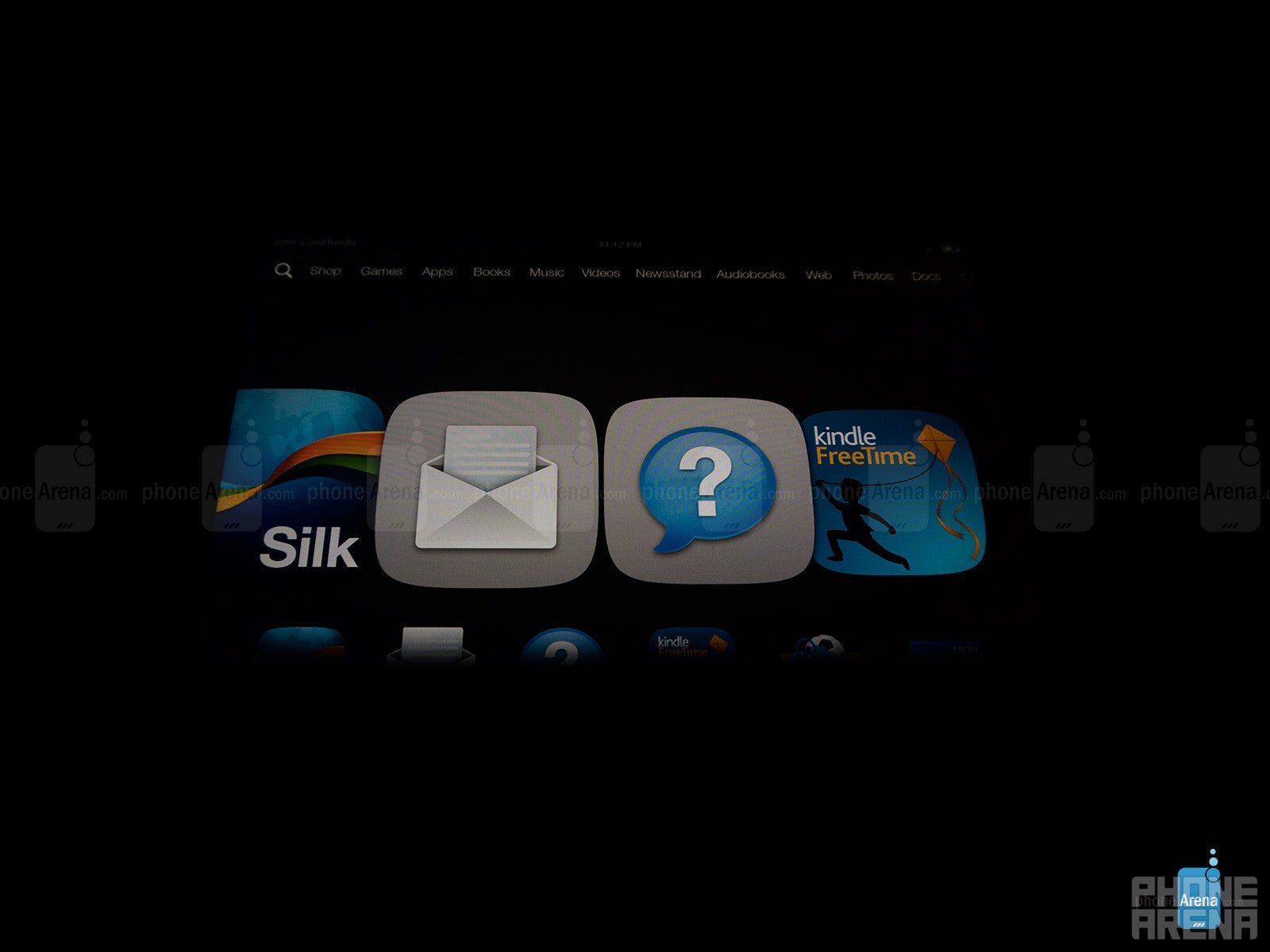
In terms of color reproduction, it has a warmer tone than the Kindle Fire HDX’s display, which means that there’s a yellowish hue with the color white. With the combination of its advanced polarizing filter and anti-glare technology, it’s mean to offer good visibility outdoors, which it does, but it exhibits some distortion at extreme angles. We’re not blazingly impressed by the display, obviously, but it’s sharp enough in many aspects to make it ideal for its price point.
Interface and Functionality
Who’s up for a Mojito? You know, that sugary-mint cocktail that you slowly sip as a refresher over a long day of work. Actually though, Mojito is the code name for Amazon’s new Fire OS 3.0 experience, which is based on Android Jelly Bean. For the most part, if you’ve used Kindles past, this updated experience is going to be a familiar one, since it doesn’t drastically depart from before. Just like on last year’s model, the homescreen is comprised out of a 3D carousel that gives us access to the most recently used/accessed content – while categories are broken up towards the top corner of the UI.
Generally speaking, although the interface appears scaled back in comparison to stock Android Jelly Bean, most of Android’s foundational operations are intact here. For example, swiping down from the top bezel gets us access to the notifications panel – while swiping down from the bottom bezel enables us to access the recent apps listing, for better switching between apps.
Yet again, Amazon takes the approach of having an experience that’s no doubt simplistic, one that also emphasizes strong ties to Amazon’s ecosystem – like shopping for music, games, and Amazon Instant Video. We’re not totally enamored by it to say the least, seeing that it lacks the visual allure and extensive functionality of the usual Android experience, but rather, it’s one that’s uncomplicated and focuses exclusively on content that caters to Amazon’s services. Still, we can’t help but mention that this is more of an Amazon experience tablet than an actual Android one, since it lacks things like the Google Play Store to broaden its apps selection, but instead, we’re left to the mercy of what’s available in Amazon App Store.
Looking through the various core organizer apps on the Kindle Fire HD, they pretty much adhere to our most basic needs – so we have no complaints, though, we gladly still prefer the usual set found with regular Android. Thankfully, the email app introduces threaded conversation for easier organization. Then again, we would totally prefer having the usual Google branded services instead.
Being a 7-incher and all, typing is best experienced with the portrait keyboard, since our thumbs are able to easily encompass the entire layout with minimal stretching. In contrast, the landscape option is cramped and requires a slower pace. Overall, we’re able to compose messages with few issues – and it helps that various numbers and punctuations are accessible from the main layout.
Processor and Memory
It’s not intimidating by today’s standards, but the dual-core 1.5GHz processor with 1GB of RAM in this year’s Kindle Fire HD is effective enough with its performance to tolerate. Certainly not as instantaneous with its performance like the Kindle Fire HDX, since there’s a noticeable delay with trivial things like orientation switching, but it’s never to the point that makes it frustrating to wait for the tablet to finish the task on hand. Needless to say, you might see this tablet taking more time to accomplish certain things, but it’s not never a dreadful wait.
Without inflating its price point any more than it should, the 2013 Amazon Kindle Fire HD is available in two capacities – 8GB or 16GB. Undoubtedly, they’re not ideal capacities, but knowing that cloud storage is heavily advertised, it marginally alleviates some of the pain.
Internet and ConnectivityYet again, some of its performance stutters are evident with the Silk web browser. For starters, it takes some time to load complex pages via Wi-Fi. However, once everything is fully loaded, it manages to exhibit smooth navigational controls – albeit, there’s some delay with page rendering on the fly. Like we said, the performance isn’t the spiffiest, but nevertheless it’s still bearable enough to accept.
Unfortunately, it’s all Wi-Fi with this particular model – so there are no data connected variants of it. In tow are Bluetooth and dual-band 802.11 a/b/g/n Wi-Fi, however, GPS location is handled via Wi-Fi positioning. Additionally, it lacks modern conveniences such as NFC and video-out – albeit, they’re conveniences we’d hardly expect to find on a budget tablet.
MultimediaYou would think that the music player would get some visual changes with the updated software and all, but sadly that’s not the case here. In fact, it’s the same music player from before, with the exception of a new feature called X-Ray, which simply displays the accompanying lyrics similar to the format with karaoke. It’s great so we’re not left to look up lyrics ourselves, but it seems to only work with content purchased through Amazon. It doesn’t work with our own content that we copy to the tablet itself.
Audio quality is mediocre at best, as its volume output has a more mute tone than anything else. Simply, it doesn’t have a commanding presence that would get the full attention of our ears.
If you’re an Amazon Prime subscriber, you’ll undoubtedly love how it’s perfectly integrated with Amazon’s Instant Video service. However, it’s still a pain in the rear finding out that the tablet can’t recognize other content that’s copied from our own catalog and stored locally. In order to watch local content, we continue to rely on the Meridian Player to watch our videos. Despite that headache, we’re glad to find that it handles high-definition videos quite well. In addition, its Dolby Digital Plus audio helps to give it a subtle surround sound experience.
Battery
With our mixed usage, which primarily consists of surfing the web, watching a few 30 minute TV episodes via Amazon Instant Video, and sending emails, we’re able to achieve a whole day of usage from its battery – a tally that we find to be nothing more than normal.
Conclusion
Choice is something that we greatly appreciate from Amazon, since they have two new tablets on the market right now. Of course, depending on your budget, one of the two will prove to be more suitable to your needs more than the other. Knowing that, the 2nd generation
Amazon Kindle Fire HD undoubtedly catches our attention with its oh-so dreamy price point of $139 – a mark that’s not hard to miss.
Sure, its specs sheet is so last year, so it isn’t the fastest thing on the block. Plus, there isn’t any kind of camera on board with this, which kind of limits its functionality. However, once you’re able to overlook those two blatant concerns, what we have here is a tablet that allows us to access and complete all the basic tasks we’d expect to find on any tablet. From sending out emails, surfing the web, and even streaming video via Amazon Instant Video, it can do nearly all the same things that the spiffier
Amazon Kindle Fire HDX can do.
Best of all, we can’t stress enough about its hard to miss price of $139, something that one-ups nearly all the new tablets on the playing field right now. Quite frankly, it still offers a meaningful amount of value. Still, in the back of our minds, it’s the kind of thing some people would give as a stocking stuffer. So depending on the person receiving it, the tablet might be used with care – that or just become a throwaway come next year.
Software version of reviewed unit: 11.3.0.3_user_303075220













Things that are NOT allowed:
To help keep our community safe and free from spam, we apply temporary limits to newly created accounts: