Google working on adding an "Ask Photos" extension to Gemini for Google Photos
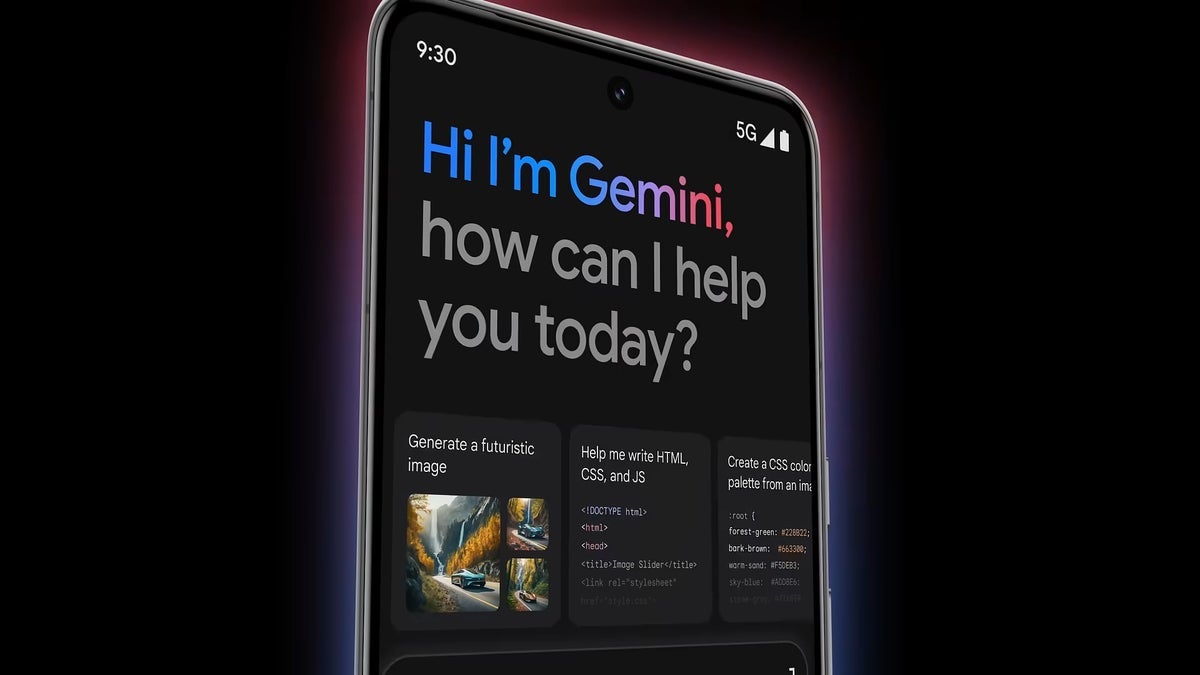
During Google I/O, Google announced a feature called "Ask Photos". Now, the folks at Android Authority have discovered a Google Photos extension for Gemini in the works, and this extension seems to be related to this feature.
References about the feature were buried deep into the code of the Google app beta version 15.33.36.29.arm64. More specifically, the code mentions an "ask photos" extension for Google's generative AI assistant, Gemini.
In the code, Gemini is referred to by its codename, "robin", and the code mentions "assistant_robin_action_ask_photos". This could mean we're talking about the Ask Photos feature for the Google Photos app.
As a refresher, the Ask Photos feature would allow you to interact with your photo library through natural language searches. Gemini would be able to search through your photos if you ask something along the lines of "What's my license plate number?". The feature could also organize and share photos on your behalf.
Right now, it seems the extension is in early development, so don't expect it to appear just yet. We may get more clues about it in the future. I personally think such an extension could be helpful, and the feature in general seems very useful.
Especially if you have a lot of photos, just like me, searching through them for something specific can be a pain. An AI assistant searching in the piles of selfies for a specific thing is actually something I'd love to use.
References about the feature were buried deep into the code of the Google app beta version 15.33.36.29.arm64. More specifically, the code mentions an "ask photos" extension for Google's generative AI assistant, Gemini.
In the code, Gemini is referred to by its codename, "robin", and the code mentions "assistant_robin_action_ask_photos". This could mean we're talking about the Ask Photos feature for the Google Photos app.
Right now, it seems the extension is in early development, so don't expect it to appear just yet. We may get more clues about it in the future. I personally think such an extension could be helpful, and the feature in general seems very useful.


Popular stories






Latest News




Things that are NOT allowed:
To help keep our community safe and free from spam, we apply temporary limits to newly created accounts: