Divider/Separator Line lets you draw the line on your Android home screen
| Developer: Wentam | Download: Android |
| Category: Personalisation | Price: Free |
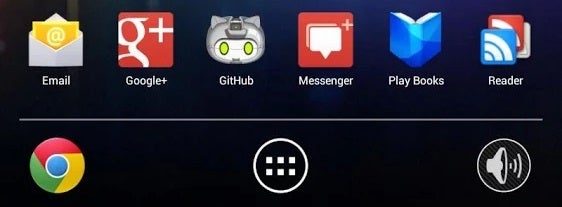
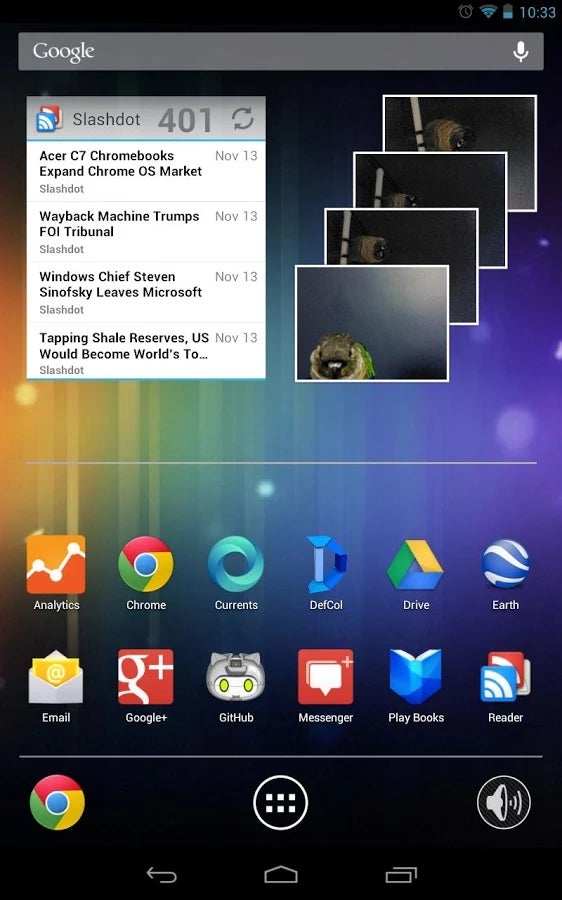
Sometimes, it's the simplest apps in life that count. Take Divider/Separator Line, for example. It lets you put a horizontal or vertical dividing line anywhere on your Android home screen, and it does just this one thing. The app is literally a widget, so it operates just as one. Select it from your widgets menu, and plop it somewhere on your home screen. You are then free to customize the line's orientation, offset (not sure what this is, but hey, it's another option to tinker with!), thickness, and color.
When you finish customizing, simply start resizing and moving the widget to set its final position. This way, you can cleverly separate a bunch of apps and folders away from each other. The homescreen will look nice and tidy, but the tradeoff is that this widget will interfere with other widgets you have going on. Fret not, though, it's flexible enough to let you work out a compromise.
Divider/Separator Line is free as they come and runs on devices with Android 4.0 and up. You will see some ads in the app's settings, and you'll have to install a free color picker app to be able to set the color. Both conditions are met very easily.
Divider/Separator Line is free as they come and runs on devices with Android 4.0 and up. You will see some ads in the app's settings, and you'll have to install a free color picker app to be able to set the color. Both conditions are met very easily.


Popular stories






Latest News






Things that are NOT allowed:
To help keep our community safe and free from spam, we apply temporary limits to newly created accounts: