
Roku Streaming Stick Review

Introduction
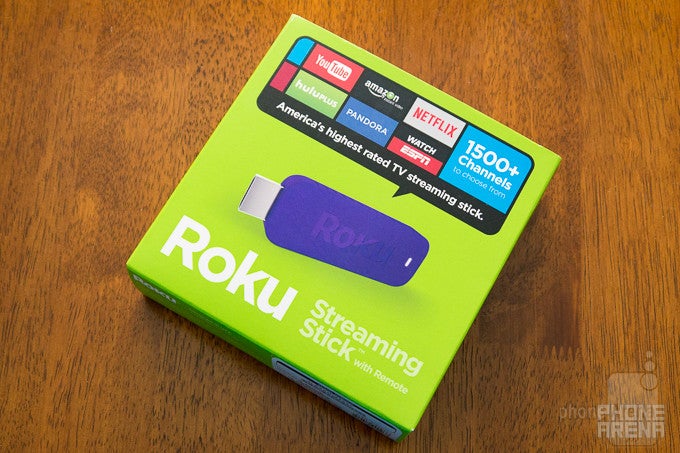
Streaming boxes serve their purpose in being complementary to cable boxes as home, and in some cases, the sole option for watching movies and video at home – they’re great if you intend on going the no-cable route, obviously. Very recently, however, streaming media sticks have shown us that they can be as equally versatile. One of them in particular, the Roku Streaming Stick, seems to be an attractive option for those who don’t have the budget to pick up the Roku 3, but want something that offers nearly the same core experiences.
- Roku Streaming Stick
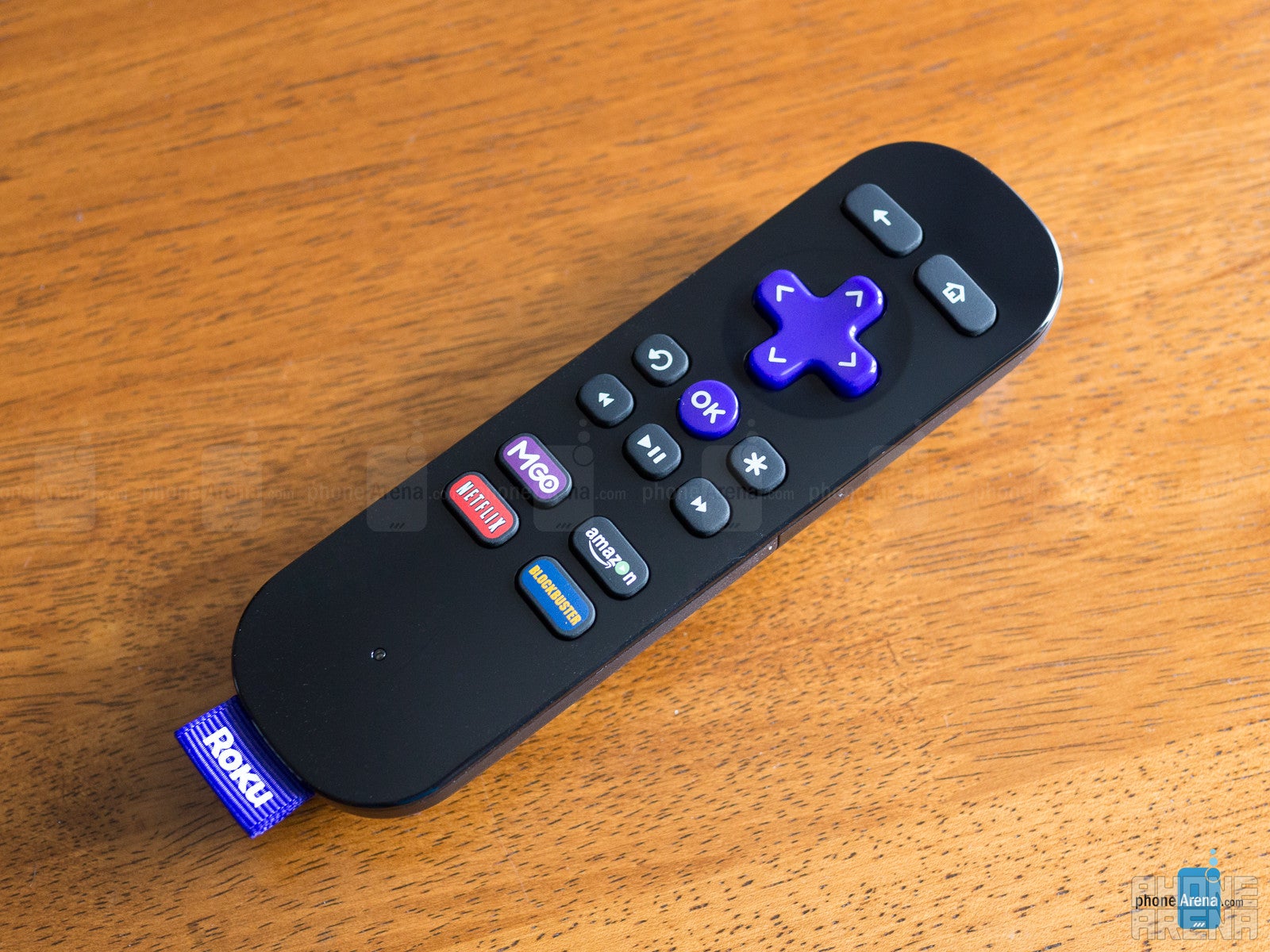
- Enhanced remote
- Two AA batteries
- microUSB cable
- Wall adapter
- Get started guide
Design
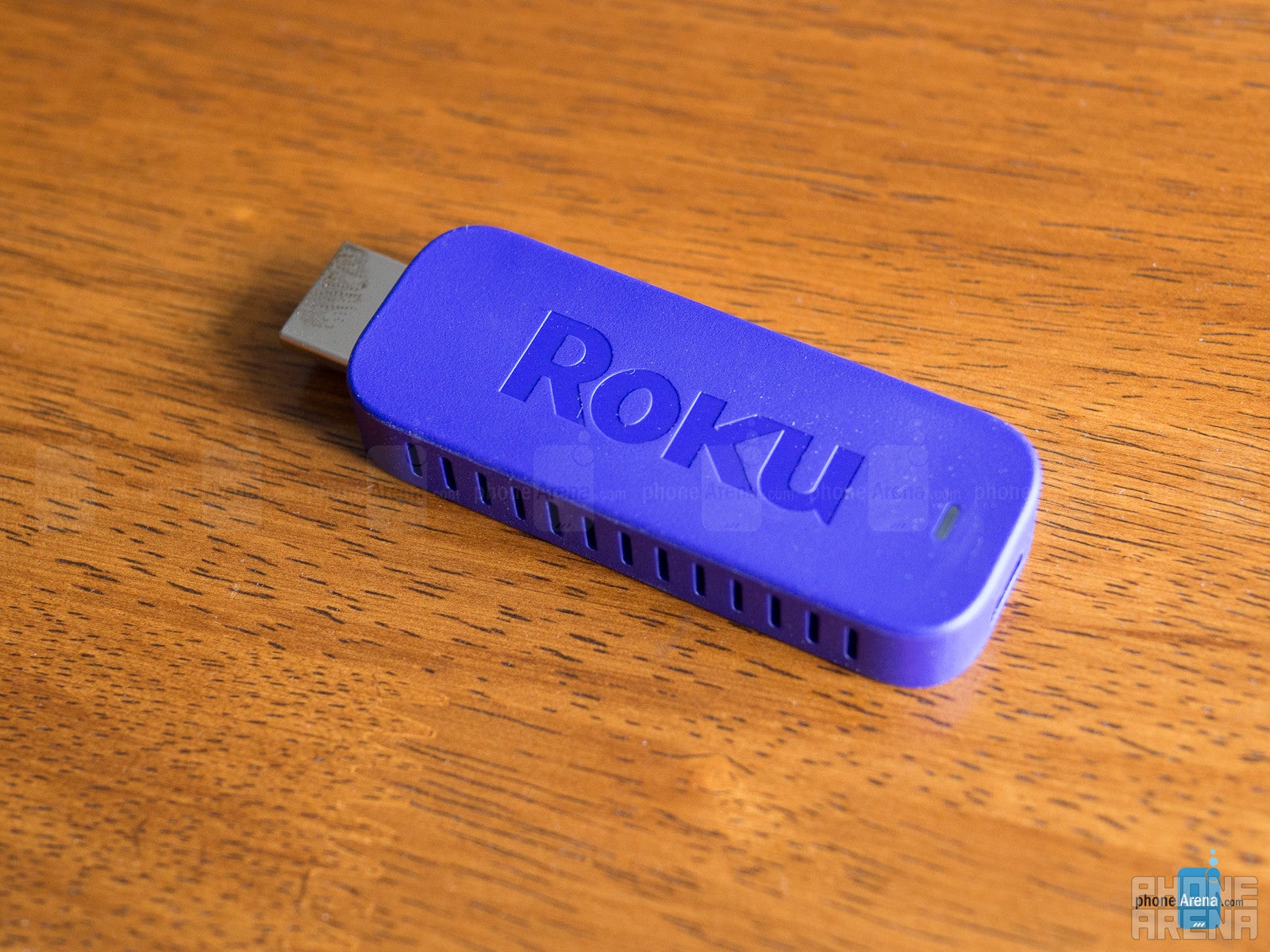
We’ll just go ahead and say it, the design is as boring and dull as streaming sticks can be. Considering that it’s going to be tuck away from prying eyes most of the time, we’re forgiving about the cutthroat design – one that looks like a chunky sized flash drive. Still, there could’ve been just a little bit more emphasis placed on its design, especially when the Google Chromecast manages to boast a sleek and clean aesthetic.
Remote
Interface
It’s all about the streaming with the Roku Streaming Stick, which impressively wins us over with its diversified selection of ‘channels’ and no hassle navigation. While the visuals aren’t slick per se, navigating around the menu/list driven system is a breeze. However, what’s painful to endure is just how much slower its performance is in comparison to the Roku 3 – there’s just a huge disparity between them. While navigating around isn’t too troublesome, launching apps and loading content can sometimes be excruciatingly long. Therefore, you’ll need to remind yourself to be patient.
In addition to the popular streaming services, the Roku 3 has its own movie/TV store where we can purchase content. From new releases to the classics, it’s yet another portal to think about if you’re really craving to see something in particular. Ultimately, there’s nothing that really differentiates the core experience here from the Roku 3 – they’re identical, in fact. It’s just a matter of tolerating its slower performance.
Roku app
There’s also a mobile app that works with the Roku Streaming Stick, which is available for Android, iOS, and Windows Phone. Essentially, it’s a utility app that transforms your smartphone to the ultimate control center. For example, there’s a virtual remote that has all of the same functions as the standard, physical remote – though, we extremely adore how inputting searches is made easier using our phone’s on-screen keyboard, as opposed to using the navigational pad to select each letter individually with the remote.
Connectivity
This one solely relies on Wi-Fi connectivity, so its reliability will mainly hinge on the strength of the signal coming from your hotspot. Placing it roughly 20 feet away from a router, the Roku Streaming Stick manages to retain a fair amount of connection.
Performance
Like we said already, the core experience is identical to the Roku 3. That’s fantastic news because we’re engulfed in an ecosystem that’s incredibly diversified, while the simple approach of the interface helps to get in-and-out of things without too much fluff. Streaming lovers will no doubt appreciate what this streaming stick brings to the table, giving them access to not only the usual, popular set of streaming services, but also ones that come from being a cable subscriber as well.
Throw in the local streaming access from a smartphone, it helps to round out the Roku Stick’s versatility in the space. In that regard, it’s on the same level as many of its rivals – including the Google Chromecast and Amazon Fire Stick. And finally, the mobile smartphone app tie-in adds to enough depth to ensure it’s still close to achieving the same level of experience with its more premium sibling in the Roku 3.
Conclusion


Popular stories



Latest News


Things that are NOT allowed:
To help keep our community safe and free from spam, we apply temporary limits to newly created accounts: