
Google Messages now makes it easier to see if you have been left on read
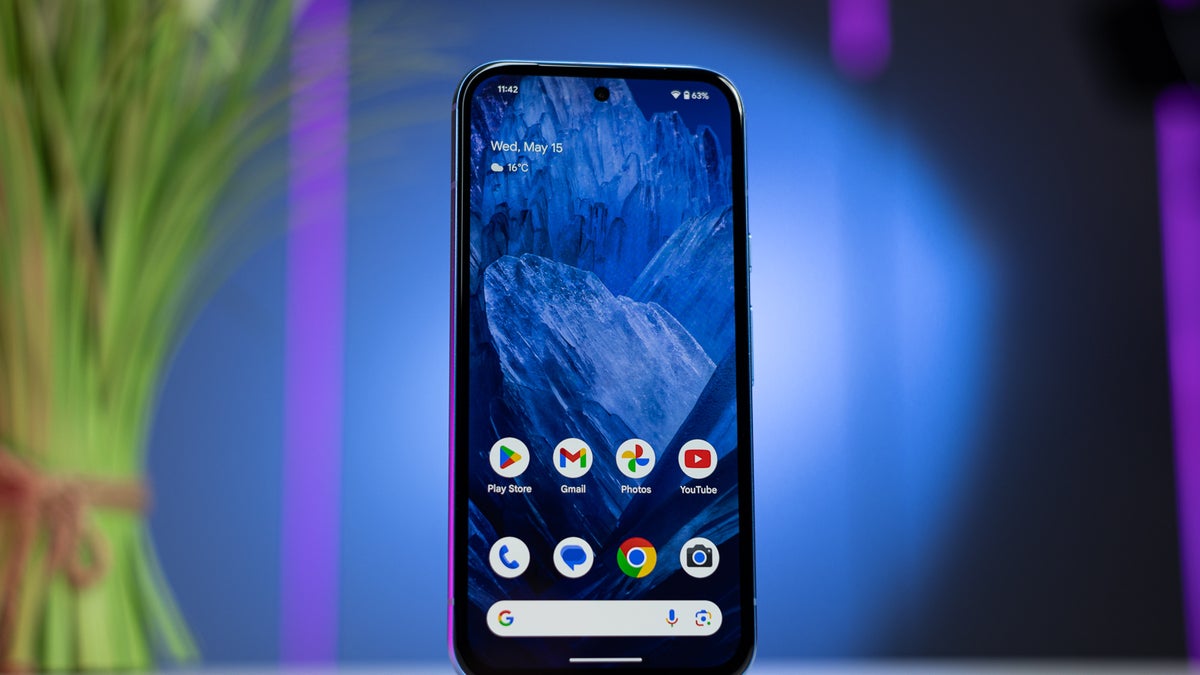
Google Messages continues to tweak read receipts to ensure better visibility and add a bit of flair.
As previously hinted, the message delivery status indicator has been slightly redesigned. Per 9to5Google, Google is testing a minor RCS read receipts design that makes them more visible.
Google has essentially swapped the colors for a minor but impactful change. Previously, the checkmarks were white and they resided in a blue circle. After the change, the circle is white and the ticks are blue.
As previously hinted, the message delivery status indicator has been slightly redesigned. Per 9to5Google, Google is testing a minor RCS read receipts design that makes them more visible.
Google has essentially swapped the colors for a minor but impactful change. Previously, the checkmarks were white and they resided in a blue circle. After the change, the circle is white and the ticks are blue.
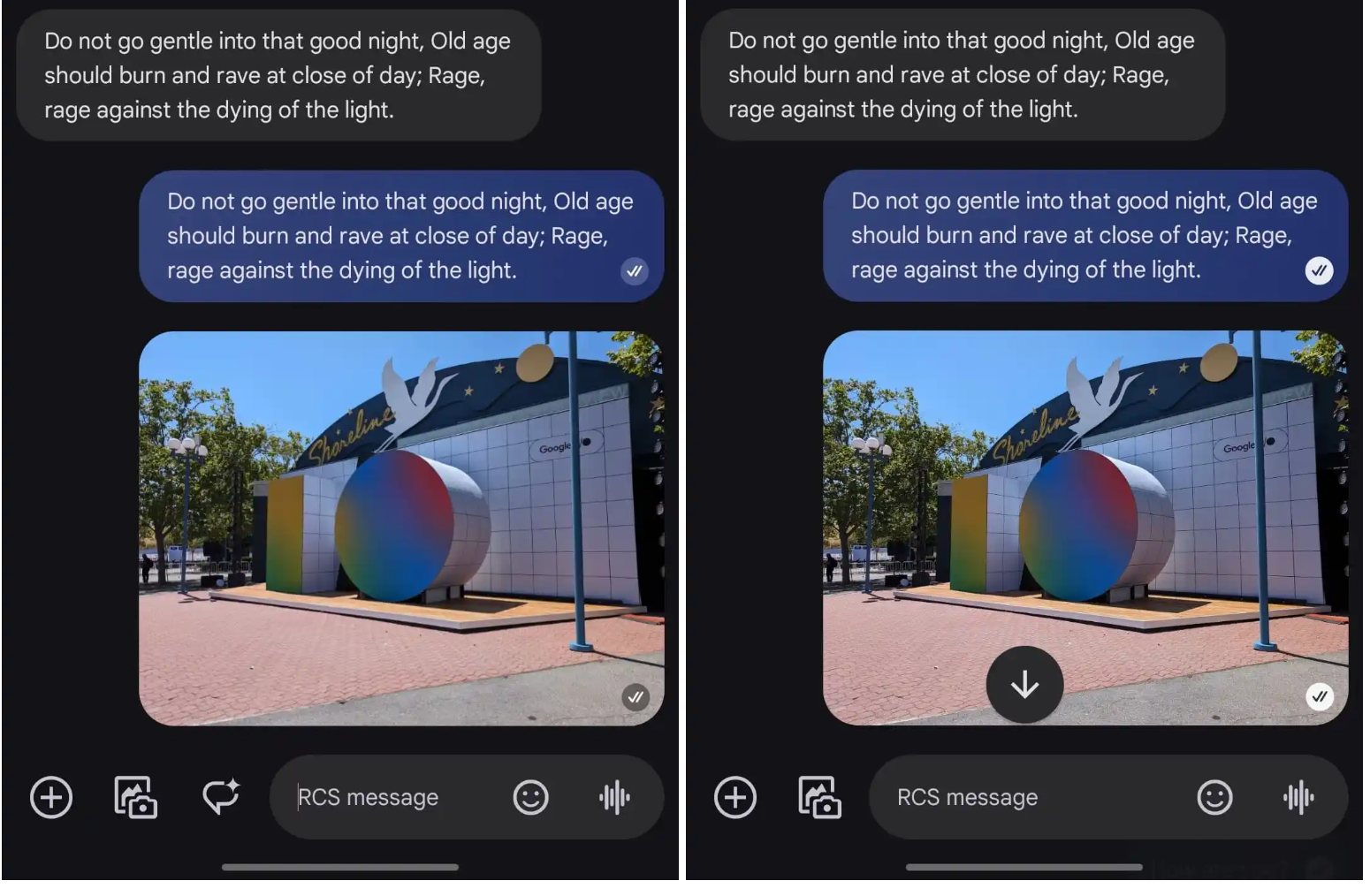
Old vs new Google Messages read receipts. | Image Credit - 9to5Google
The updated receipts started rolling out last week but it hasn't made it to all users. More specifically, it appears that it's only been deployed to users who experienced a redesign that involved relocating the read receipts from below the message bubble to inside it.
For some users, the new indicators are only live in the main message list, with the actual chats still maintaining the old design.
As is often the case with Google Messages updates, none of these changes appear significant on their own, but it's small tweaks like these that improve the user experience in the long run.
Also, with Samsung Messages and a couple of carrier texting apps getting retired or deprecated to boost Google Messages and RCS adoption, it's more important than ever for the company to make continuous improvements to its messaging app.


Popular stories




Latest News






Things that are NOT allowed:
To help keep our community safe and free from spam, we apply temporary limits to newly created accounts: