Asus Fonepad Review


Note: The Asus Fonepad model being reviewed is equipped with 16GB of storage and only a front-facing camera. In some markets, Asus is offering a Fonepad model with a 3.2MP main camera in addition to the front-facing cam, but with only 8GB of on-board storage.
Introduction:
Is it a phone or is it a tablet? Well, it is a little bit of both, actually. Here we have the Asus Fonepad – a 7-inch Android slate with 3G connectivity and an earpiece allowing it to make phone calls. It is a peculiar device, to say the least, yet that doesn't mean it costs an arm and a leg. In fact, the Asus Fonepad is priced at only about $250, which is a reasonable figure considering what you get in exchange. Read on to learn more about it!
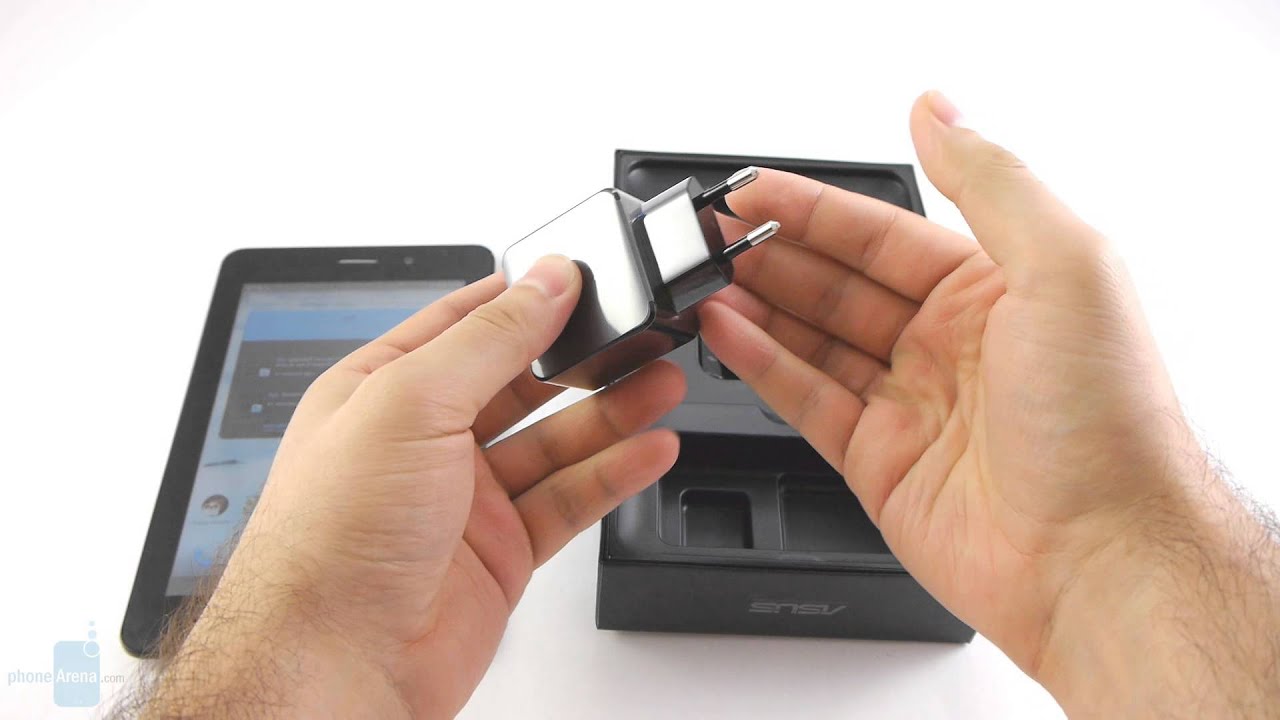
Box and contents
- Wall charger
- microUSB cable
- User guide and warranty information
Design:
“Tablets” and “metal” are two words that we rarely get to use in the same sentence. After all, premium materials are rarely used in the construction of such devices, especially when they are marketed at a price point that low. The Asus Fonepad, however, is an exception as it sports a beautiful back plate with metallic finish, which gives it a solid, premium feel. The only placticky bit on the back is the slide-off cover, behind which reside the slots for microSD and micro SIM cards and the cellular antenna.
The Asus Fonepad sports a beautiful back plate with metallic finish, which gives it a solid, premium feel
While it isn't the lightest tablet of this size, at 340 grams, the Asus Fonepad isn't that heavy either. In fact, the device is comfortable to hold thanks to its ergonomic shape, balanced weight, and grippy surface. Grasping it as if we were to hold a smartphone, on the other hand, gets our wrist tired quickly, so we'd recommend holding the Fonepad from the bottom, with four fingers supporting the weight of the tablet and thumb resting on the bezel. Speaking of the bezel surrounding the screen, it is reasonably slim, although if one isn't careful, the presence of the user's thumb might accidentally register as a tap on the touchscreen.
The sides of the Asus Fonepad
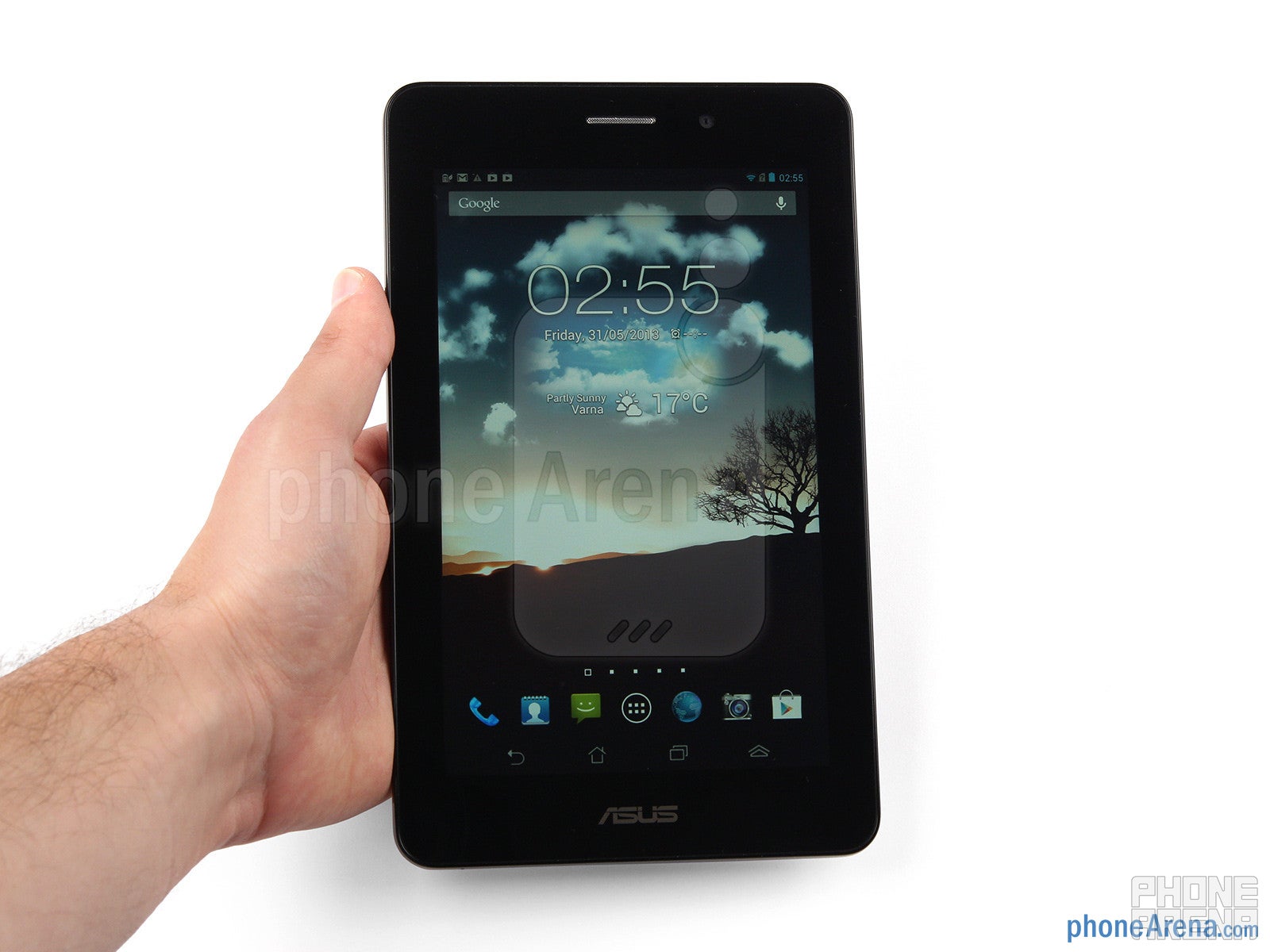
Asus has chosen to go with virtual buttons for navigation through the Android interface, so no capacitive keys are seen on the tablet's front side. There are just the earpiece, the front-facing cam, and the light sensor situated at the unit's upper side. The power and volume keys are located on the left side of the Asus Fonepad and provide excellent tactile feedback.
Display:
Asus has equipped the Fonepad with a good-looking IPS LCD touchscreen. Its specs aren't anything out of this world, but 7-inch tablets have yet to go further in terms of display quality. The panel offers wide viewing angles and resolution of 800 by 1280 pixels, which makes it perfectly suitable for common every-day scenarios, ranging from looking at photos and videos to surfing the web.
The color representation of the display is on the neutral side and we like it that way. However, users who are more into punchy colors can use the pre-loaded ASUS Splendid app, which allows fine-tuning of the screen's color saturation and balance.
Using the Asus Fonepad outdoors is definitely possible. When looked at from the right angle, the tablet's display is readable so you can still navigate through your contacts, shoot emails, or browse web pages. To make the display even easier to see outdoors we recommend turning on the “Outdoor Mode”, which boosts the brightness even further than the manual settings would allow.
Interface:
With Android 4.1.2 pre-loaded, the Asus Fonepad is not too far behind on the software side, although it would have been nicer to see it ship with 4.2 instead. Jelly Bean's newer flavor gets not only lock screen widgets, but several tablet-specific improvements as well, including multi-user support and a redesigned UI. When (or if) the Asus Fonepad will get updated to Android 4.2 isn't known as of this writing.
In the Fonepad's case, Asus has added a whole lot of UI modifications of its own, and while they are anything but unique, we find the tweaks worthy of being called useful. The first thing we notice is the camera app and Google Now can be launched straight from the lock screen. Then there's the notification bar where we see toggle switches for the Wi-Fi, GPS, Bluetooth radio and so on, along with a slider adjusting the screen's brightness. Apps like Calendar, Gallery, Contacts, the dialer and the messaging app have been loaded in their stock form.
The Asus Fonepad comes with Android 4.1.2 pre-loaded
Asus is expanding the Fonepad's productivity feature set further with a set of small applications called Floating Apps. They can be launched in their own small window hovering above the UI. These include a web browser, calculator, stopwatch, calendar, dictionary, email client, and more. New floating apps can be added from the selection of widgets. In fact, a widget loaded onto the tablet can be made to run as a Floating app. Speaking of widgets, Asus has loaded a few nice ones onto the Fonepad, including a weather and clock combo, a task manager, a battery widget and one that keeps count of unread email.
The on-screen keyboard is large, spacious and comfortable for typing even lengthy emails. However, it lagged on several occasions during our testing, so responsiveness might be an issue with certain apps.
On-screen keyboard
Processor and memory:
And so we've come to the part where we discuss what appears to be the tablet's weakest link. The Asus Fonepad is powered by a single-core Intel Atom Z2420 processor with a maximum clock speed of 1.2GHz, backed up by 1GB of RAM. At a glance, this may not seem like a whole lot of processing power, but in reality, the UI on the Asus Fonepad runs smoothly enough most of the time. Simpler tasks are executed swiftly and performance issues aren't really that common.
Still, anyone who has ever used a high-end tablet, or even a Google Nexus 7, would notice that the Asus Fonepad isn't all that fast. We'd recommend avoiding live wallpapers and loading too many widgets on its home screens as these may take a heavy toll on the tablet's performance. If you're into gaming, keep in mind that only casual games run smoothly. Not that demanding titles with 3D graphics are playable, but the presence of fancy special effects causes a noticeable drop in frame rate.
| Quadrant Standard | AnTuTu | GLBenchmark 2.5 (Egypt HD) | Vellamo (HTML5 / Metal) | |
| Asus Fonepad | 2830 | 9174 | 1323 / 12fps | Fail / 456 |
| Google Nexus 7 | 3599 | |||
| Samsung Galaxy Note 8.0 | 6747 |
Note: In some markets, the Asus Fonepad is available with a faster, 1.6GHz Intel Atom Z2460 processor.
The Asus Fonepad model that we're reviewing comes with 16GB of on-board storage with the option to expand that space further with a microSD card. When all the space occupied by system files is taken out of the equation, the user is left with about 11.7GB of space to work with. That's okay for storing apps, books, and photos, but those who intend on carrying movies or lots of music on their Fonepad will need to get a microSD card.
Web browser and connectivity:
The stock Android web browser renders both light and heavy web pages quickly. Navigation and zooming work smoothly, so overall, we have no complaints about its performance. In addition, the sufficient resolution of the screen and the support for multiple tabs enhance the browsing experience further. We tried how Chrome would work on the tablet, just because, but we didn't find it as responsive, so sticking to the stock browser would be a better choice.
The web browser of Asus Fonepad
With the Asus Fonepad, connecting to the internet is done either over Wi-Fi b/g/n, or via its built-in, 21mbps 3G radio. Bluetooth and GPS are in stock as well, so one can pair their wireless headphones to the device, or use it for in-car navigation. NFC and FM radio, on the other hand, are missing.
Camera:
While there is an Asus Fonepad model offered with a 3.2MP rear camera, the version that we have on our hands lacks the feature and offers only a 1.2MP front-facing shooter. As you can probably guess, the quality of the photos it takes is mediocre, but the camera should be good enough for video chats.
Multimedia:
Instead of putting a music player of its own, Asus has gone with the Play Music app by Google, which isn't that bad of a choice. It is a very decent music player, actually, especially if one lives in a country where Google Play All Access and the music locker features are available.
The Play Music app
The sound output of the Asus Fonepad can be tweaked using the AudioWizard app, which is basically an equalizer with presets for music, games, movies, and such usage scenarios. The tablet's mono speaker has a weak to average sound, but its volume can be boosted using the said feature.
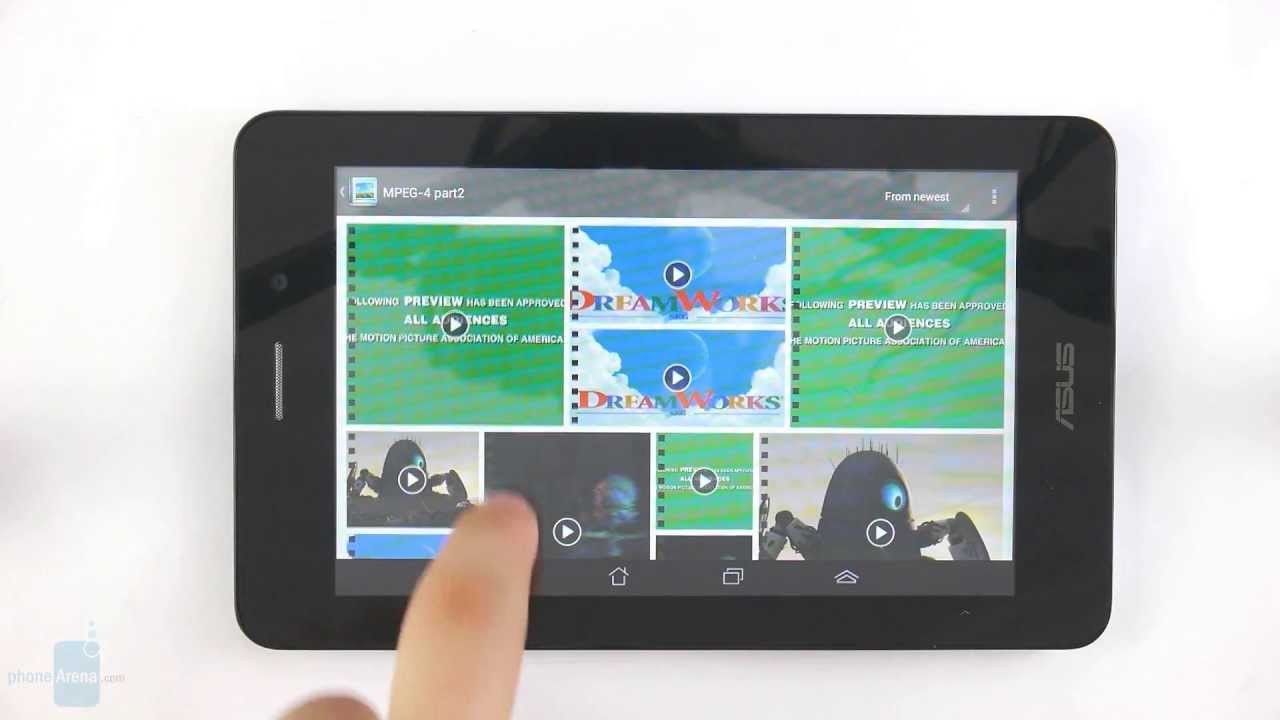
There is no truly dedicated video player on the Asus Fonepad. Instead, there's Asus Studio, which is more of an image gallery with support for video playback. It can handle well MPEG4 and H.264 videos at resolutions up to 1080p, but the video playback interface offers no advanced features whatsoever.
Call quality:
Battery life:
Ironically, the Asus Fonepad is rated of providing a whopping 32.5 hours of continuous talk time on a 3G network. That doesn't come as much of a surprise, actually, since it packs a decent 4270mAh battery. The tablet is rated for 9 hours of active use or 31 days in stand-by, which are acceptable figures. One might be able to extend the longevity of the Fonepad by enabling the Smart Saving feature, which turns off some or all of the device's radios whenever they aren't needed. It can also set the brightness level of the screen depending on what the tablet is being used for.
Conclusion:
Although it can make calls and send text messages, the Asus Fonepad is clearly not an ideal smartphone replacement, although you can totally use it as one. Just bear in mind that the tablet isn't made to be carried in a pocket, obviously, and its call quality leaves a lot to be desired. The Fonepad, however, stands out with being a good-looking, 3G-capable slate with a quality screen and enough battery power to get you through the day. But most importantly, it can be owned for as low as $250, which is a very reasonable price considering what you get in exchange.
Nevertheless, we would definitely recommend you to consider trying the Nexus 7 tablet as well before taking out your wallet. Sure, it can't make phone calls, but it packs much more processing power than the humble Fonepad even though it comes at a similar price. Or if money isn't an issue, the 3G-enabled Samsung Galaxy Note 8.0 would be a great alternative to the Asus Fonepad as it is much faster.
Software version of the reviewed unit:
Android 4.1.2
Build number: JZO54K.VW_epad-V3.2.2-20130521
The Asus Fonepad review unit was kindly provided to us by Tablet.bg.

Popular stories


Latest News

Things that are NOT allowed:
To help keep our community safe and free from spam, we apply temporary limits to newly created accounts: