How to transform your smartphone into a versatile home console
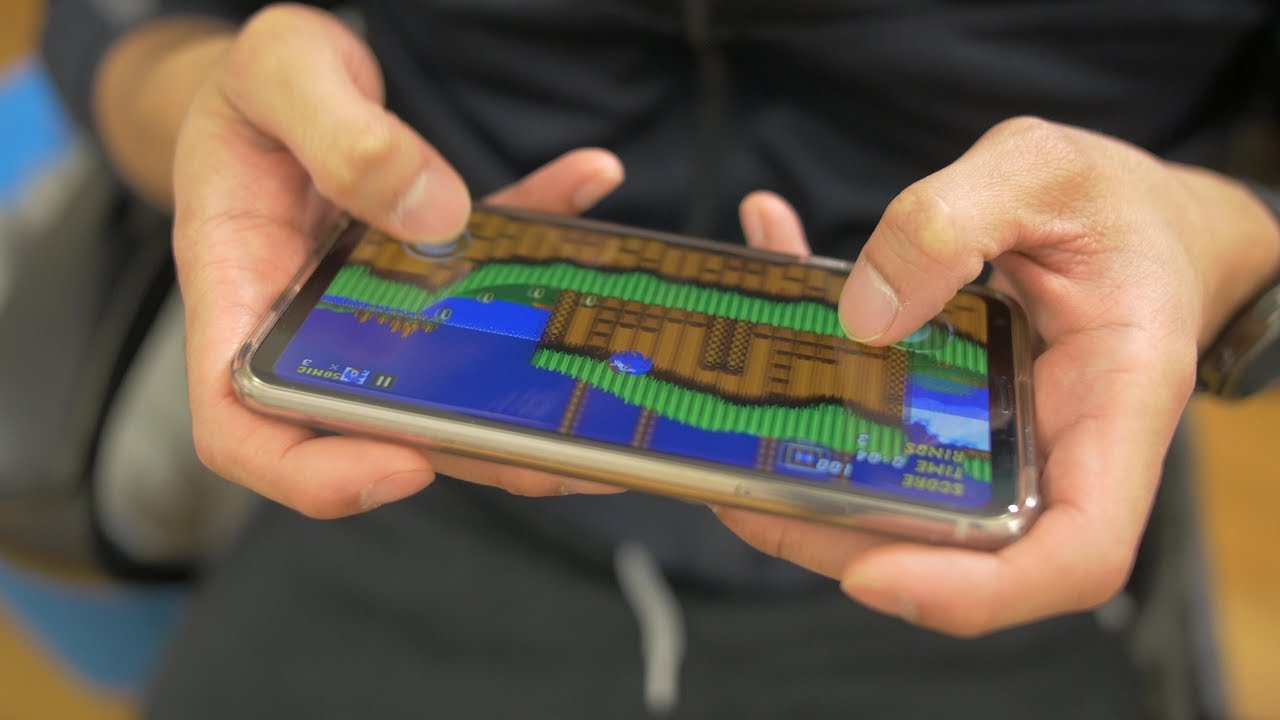
Over Christmas, I received one awesome gift from one of my siblings that completely caught me off guard later on. When I first opened it up, I realized it was a miniature sized looking Super Nintendo console, but I honestly didn't think much more about it because my first thought was that it was some cheap, knockoff console that you typically find at dollar stores and convenience shops. However, it wasn't until a couple of weeks later when I revisited the gift while organizing and clearing away Christmas decorations that I realized that it something much more – and boy am I happy that I decided to give it another look!
You'll need a relatively newer, high-end smartphone
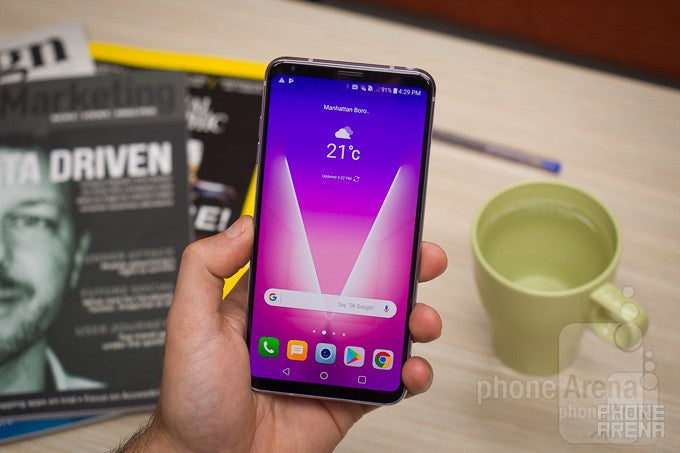
Naturally, we have to start off with what's the most essential here, which is none other than your smartphone. All phones can play and run games, but it's only the high-end and flagship caliber devices that'll be able to deliver the most optimal gaming experiences. Hardware definitely plays a key role in how the CPU and GPU perform, like how we know based on benchmark scores that the Qualcomm Snapdragon 835 SoC will deliver consistent frame rates of 60 FPS – whereas something like Snapdragon 205 will run Candy Crush fine, but will be brutally slow with many first-person shooters.
All told, the ideal solution here is just to stick with a newer, high-end smartphone. And if you're a hardcore gamer, then you probably have one in possession already. Smoother frame rates really do help in delivering that satisfying experience!
Connecting your smartphone to a television using an HDMI adapter
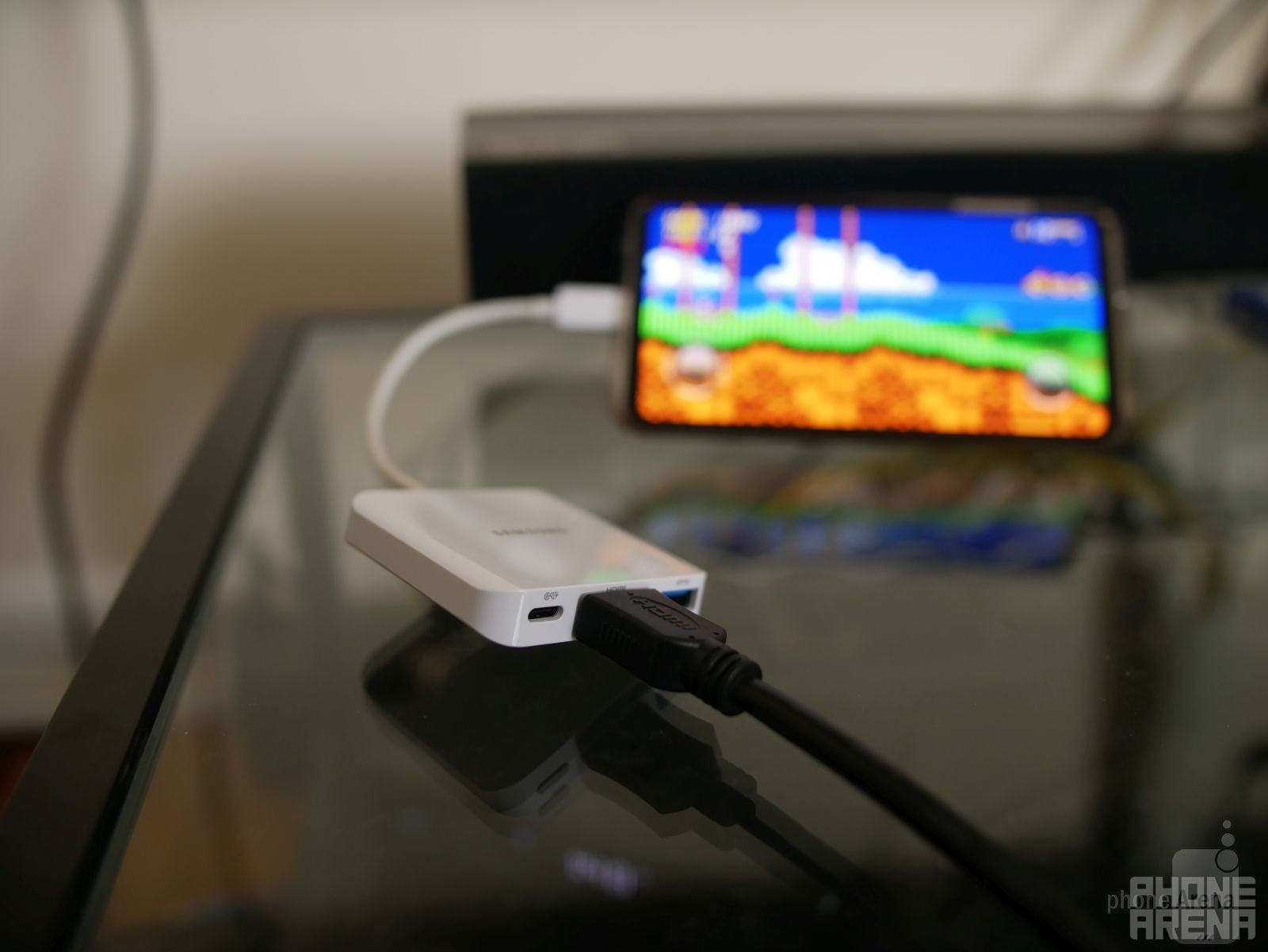
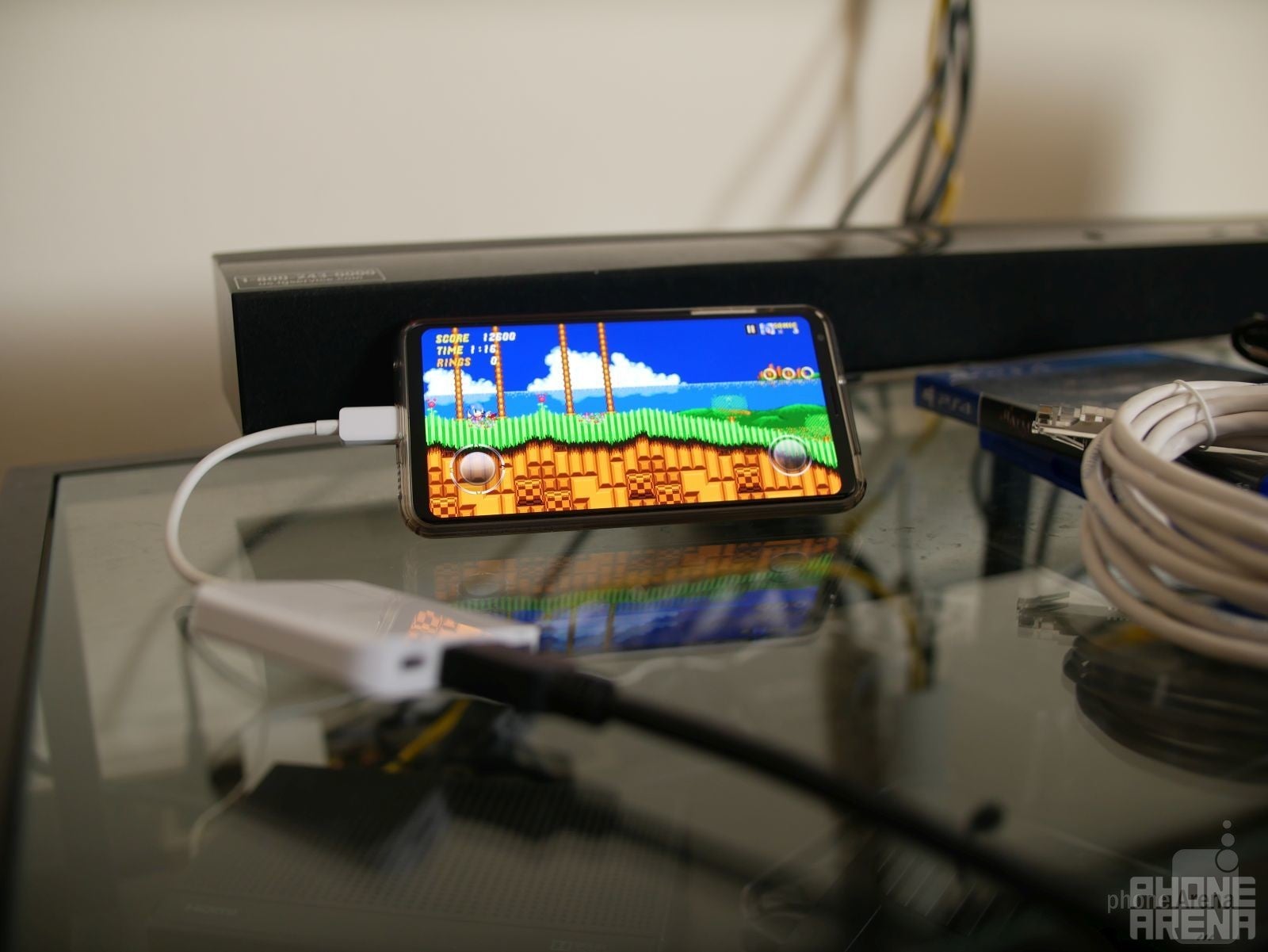
Depending on your smartphone's connection, which nowadays is the USB Type-C standard with most Android devices, you'll need to pick up an HDMI adapter to connect it to your television set. They're relatively inexpensive if you don't already have one, as most of these USB Type-C to HDMI adapters run at around $10 a piece. Better yet, if you have a tablet or laptop that comes with a dock that expands into several different ports, much like the one pictured below, you can also leverage that to connect your smartphone to your television.
For iPhone owners, however, you'll need to pick up a Lightning to HDMI adapter. Whether that's the official adapter that Apple sells for $50, or some other cheaper knockoff on Amazon, you'll use it to connect the iPhone to a television set. And if you still happen to own a fairly powerful smartphone with a microUSB connection, there are MHL adapters you can pick up as well.
Connecting a Bluetooth gamepad
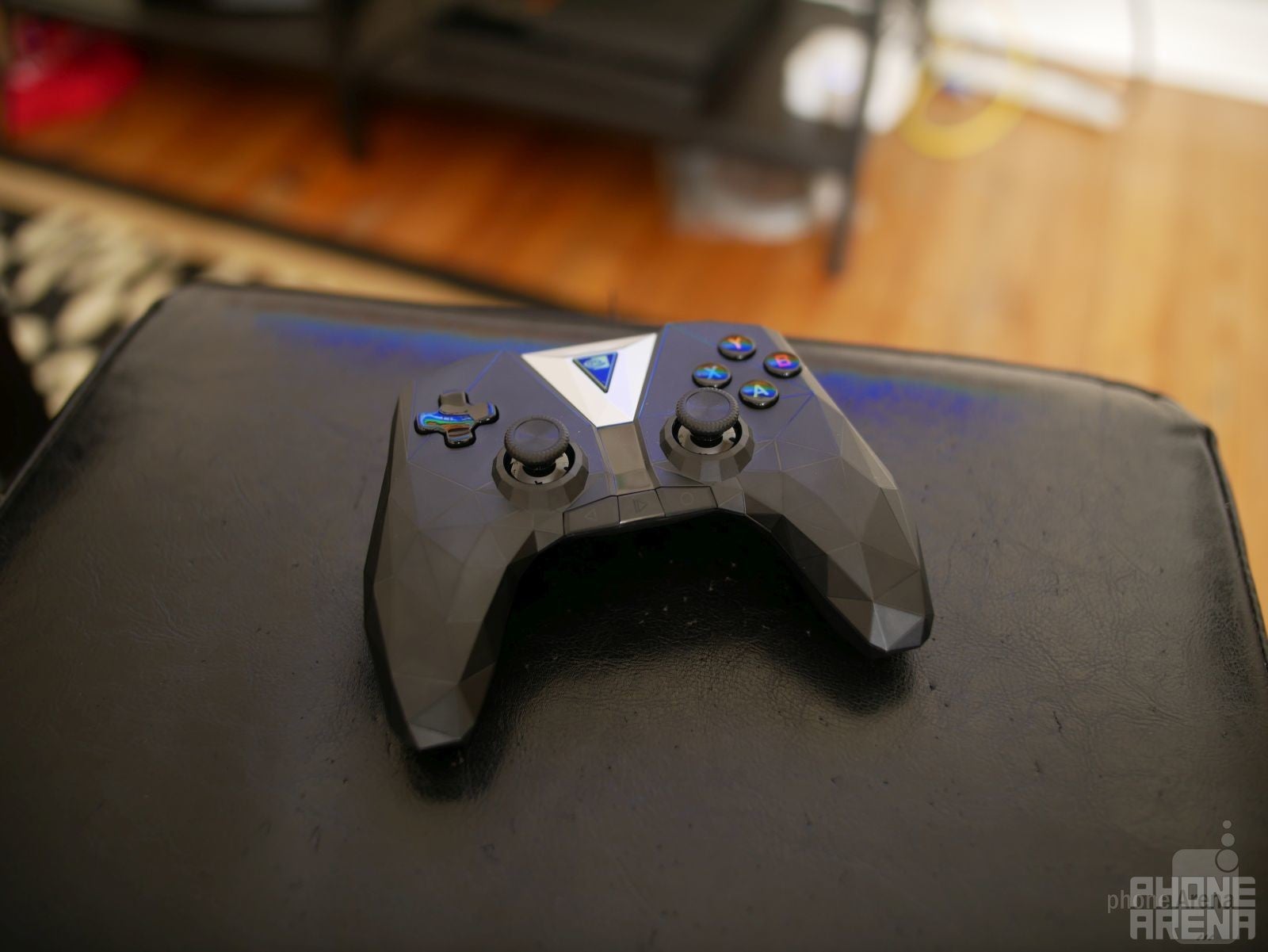
Since you'll be gaming from the comforts of a nearby chair, couch, or sofa, you're going to play some of these games with the aid of a Bluetooth enabled gamepad. Android users have plenty to choose from, seeing that there are several companies that make Bluetooth gaming controllers for Android. There are even ones that feature built-in cradles that'll hold your smartphone in place, which is great if you intend on gaming on the go as well, but for our situation here, we opted to go with just a standard Bluetooth controller – the NVIDIA Shield controller to be exact!
And that's partly why Bluetooth gaming pads are so invaluable, as they not only help to mimic that home console experience, but it just means that you don't have to fight anymore with your phone's screen real-estate. There have been numerous times when touch controls obstruct some of the view, resulting in being killed by enemies that were covered by our fingers accidentally. Once you start using a game pad, there's no more concern about obstructed views ever again – plus, it feels just more natural to use!
Now you're ready, but be mindful
Once all of the components are in place, you're pretty much ready to enjoy your favorite mobile games on the big screen! Since your television set will be mirroring everything that's being shown on your smartphone, it means that the phone's display never times out. If it does, it obviously severs the connection, but at the same time too, this causes your phone to consume more power and battery in the process. In addition, there's also the matter of heat buildup caused by the mirroring and the playing of intensive games through the smartphone.
This is one of the unintended results from achieving that home console experience using your smartphone. Therefore, it's best to play for short bursts, rather than continuous play that'll add more stress to the phone. We actually recommend playing for around thirty minutes at a time, not only to give your phone a break, but also your eyes as well. They'll love you in the long run, trust us! Unfortunately, there's no quick fix to manually turning off the display on our phones while mirroring to a television set. It's just something you'll have to get acquainted seeing whenever you choose to play on the big screen, but at least it's not a huge distraction to the overall experience.
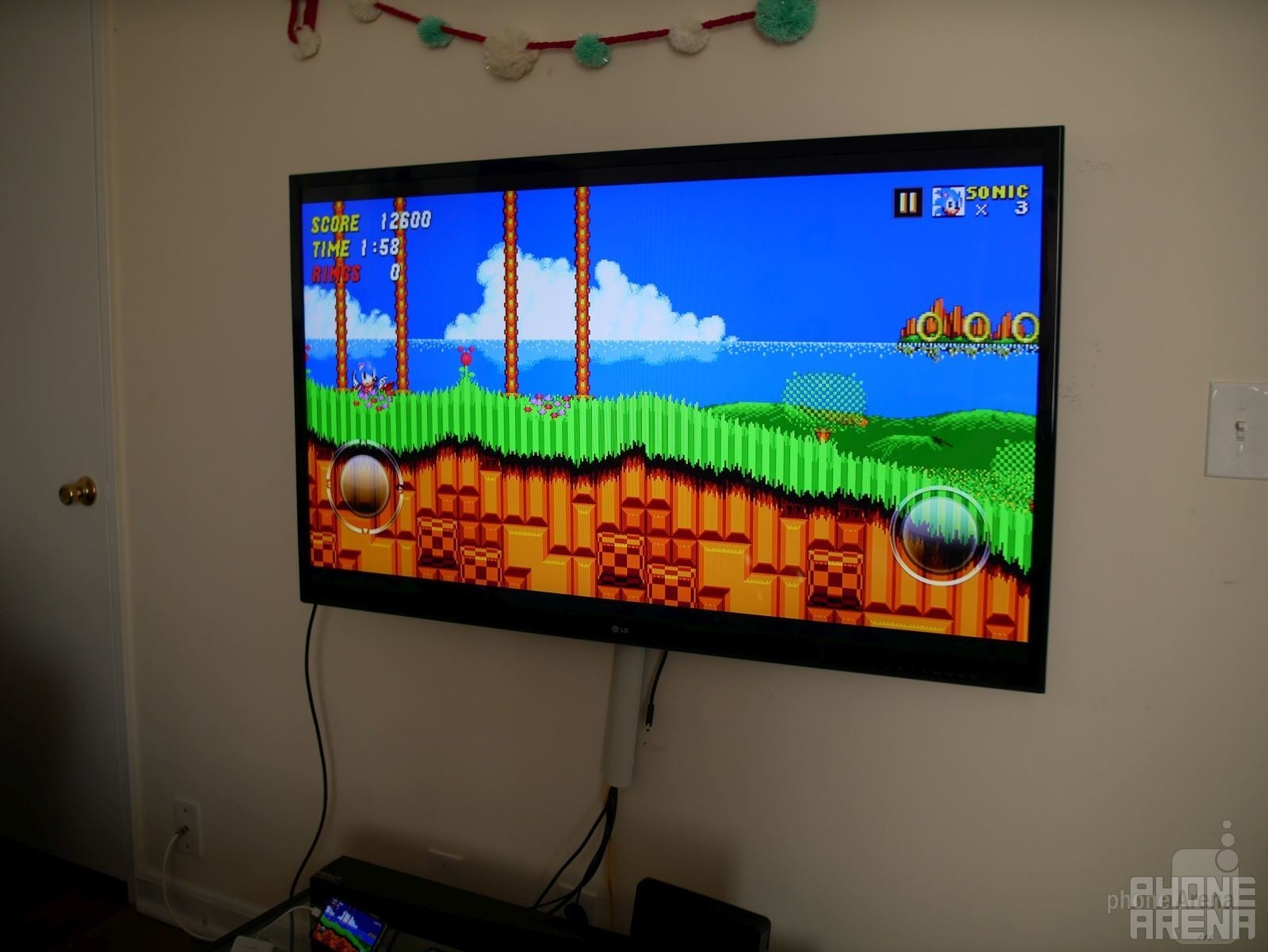
Game on!
And that's about it! Honestly, it doesn't take a whole lot to transform your smartphone to a versatile home gaming console. Several titles support game pads, which is nice, but the vast majority still don't – so it's worth doing some research beforehand. From today's latest 3D games, to some retro classics that you fell in love with as a kid, our smartphones are more than capable of delivering console-grade performances and experiences to keep you gaming on for long periods of time!
Best of all, you can share this type of setup anywhere you go. Since all of your saves are stored on your phone, you can easily pick up from wherever you left off. Gaming on the road is a great way to kill some time, but when you're at home, it's just so much more satisfying kicking it back, having a controller in your hand, and really immersing yourself in games being shown on your television set. For some, this is all they'll need to get their gaming fix, so it's really astounding how incredibly powerful our smartphones have become!

Follow us on Google News




Things that are NOT allowed:
To help keep our community safe and free from spam, we apply temporary limits to newly created accounts: