x PhoneArena is looking for new authors! To view all available positions, click here.
  • Home
  • News
  • Run Jelly Bean on your original Amazon Kindle Fire

Run Jelly Bean on your original Amazon Kindle Fire

Posted: , by Alan F.

Categories:

Share:

Discuss 6
Run Jelly Bean on your original Amazon Kindle Fire
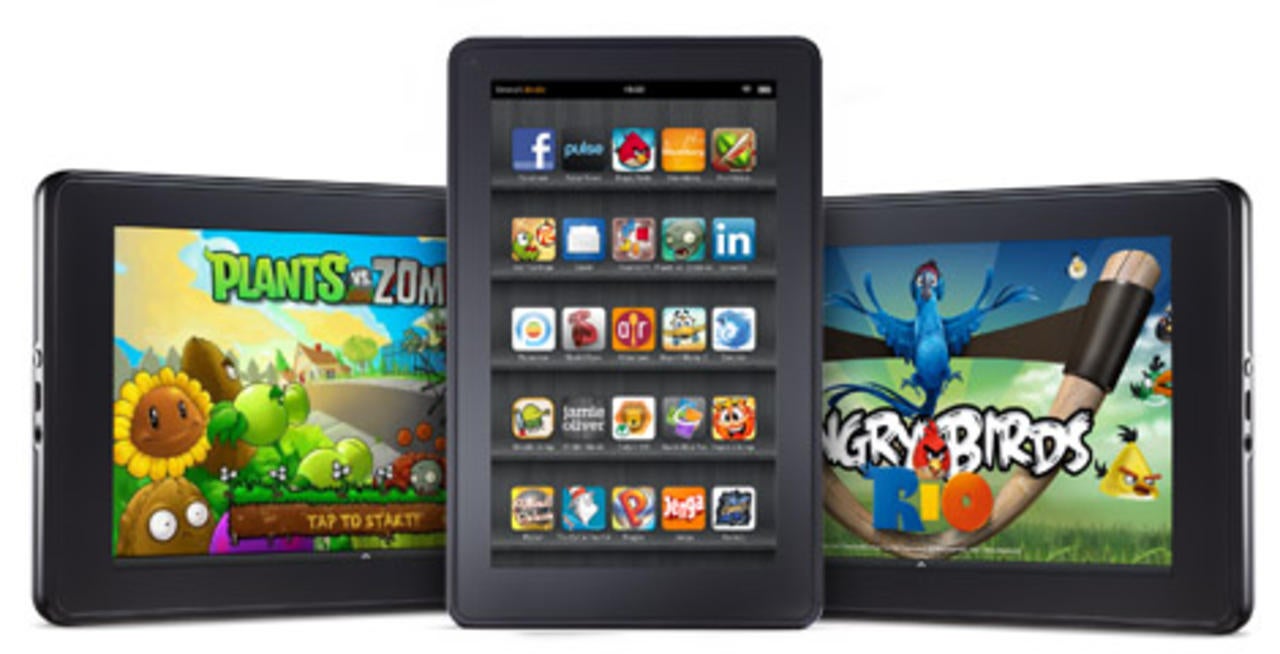
Original Amazon Kindle Fire

Original Amazon Kindle Fire

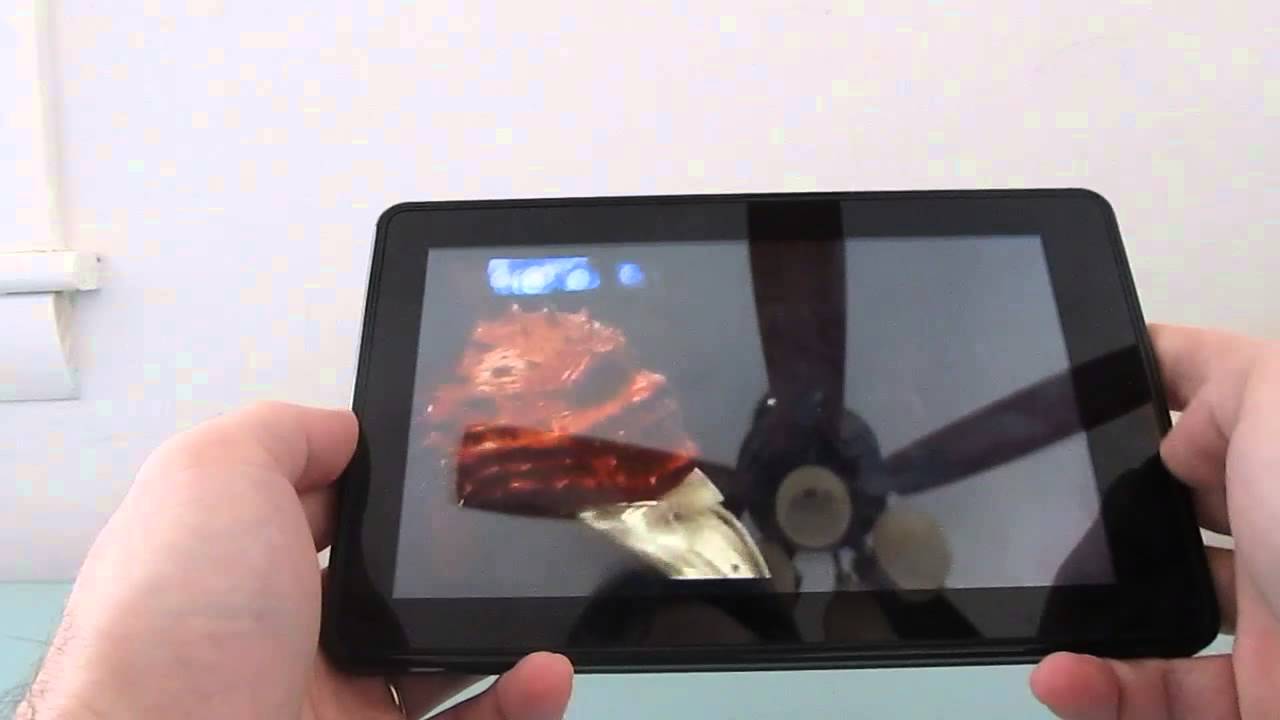
Got an original Amazon Kindle Fire? You know, the model that was all the rage last holiday season. How would you like to see this tablet running Android 4.2.1? Well, if you follow the instructions put down by XDA member "Hashcode", you can soon pretend that you own a Google Nexus 7.  That might take some great imagination considering the lower screen resolution, for one thing. Besides, not everything is perfect. For example, the microphone doesn't work, nor does the Swype keyboard, multi-user profile or USB camera support.

The ROM brings some great new features like Google Now to your Amazon Kindle Fire, and you will still be able to view hardware-accelerated HD video like YouTube and Netflix. One major downside is the poor battery life that ensues following the installation of the ROM.

If you want to give Android 4.2.1 a roll on your OG Amazon Kindle Fire, just click on the sourcelink below. Let us know how Jelly Bean runs on a device running just 512MB of RAM by leaving us a comment in the box below.

source: XDA, liliputing via BGR
Share:

Discuss6

6 Comments

  • Options
    Close


Want to comment? Please login or register.

1. wendygarett posted on 18 Dec 2012, 02:20

Is it me or the kindle fire never update their device? If so how can this compete with nexus 7? Lol

5. shirtlessrabbit4 posted on 18 Dec 2012, 15:12

Original kindle fire came waaaaaaaay before the nexus 7, that's not what the kindle fire was competing against. In fact, the kindle fire was the first (popular) 7 inch tablet for android, so essentially this started the class of inexpensive 7 inchers. Amazon released the kindle fire HD to compete with the nexus 7, not this

2. ahmed_ali_yossef2010 posted on 18 Dec 2012, 02:36

if we don't have the microphone and the Swype keyboard and multi-user profile so what do we have a screen with google now not working as the microphone isn't working

3. johnnh posted on 18 Dec 2012, 08:28

Phonearena, the developer's name is HASHCODE not hashtag. And he is a very well-known developer on xda so you'd better correct the article.

4. Alan01 posted on 18 Dec 2012, 11:59

Had it right on the smaller description...mea culpa...no offense meant.

Alan

6. johnnh posted on 19 Dec 2012, 08:25

:) don't worry

Want to comment? Please login or register.

Hot Phones

  • Samsung Galaxy S4Samsung Galaxy S4
  • Apple iPhone 5Apple iPhone 5
  • Samsung GALAXY Note IISamsung GALAXY Note II
  • HTC OneHTC One
  • Sony Xperia ZSony Xperia Z
  • Google Nexus 4Google Nexus 4
  • LG Optimus GLG Optimus G
  • Nokia Lumia 920Nokia Lumia 920